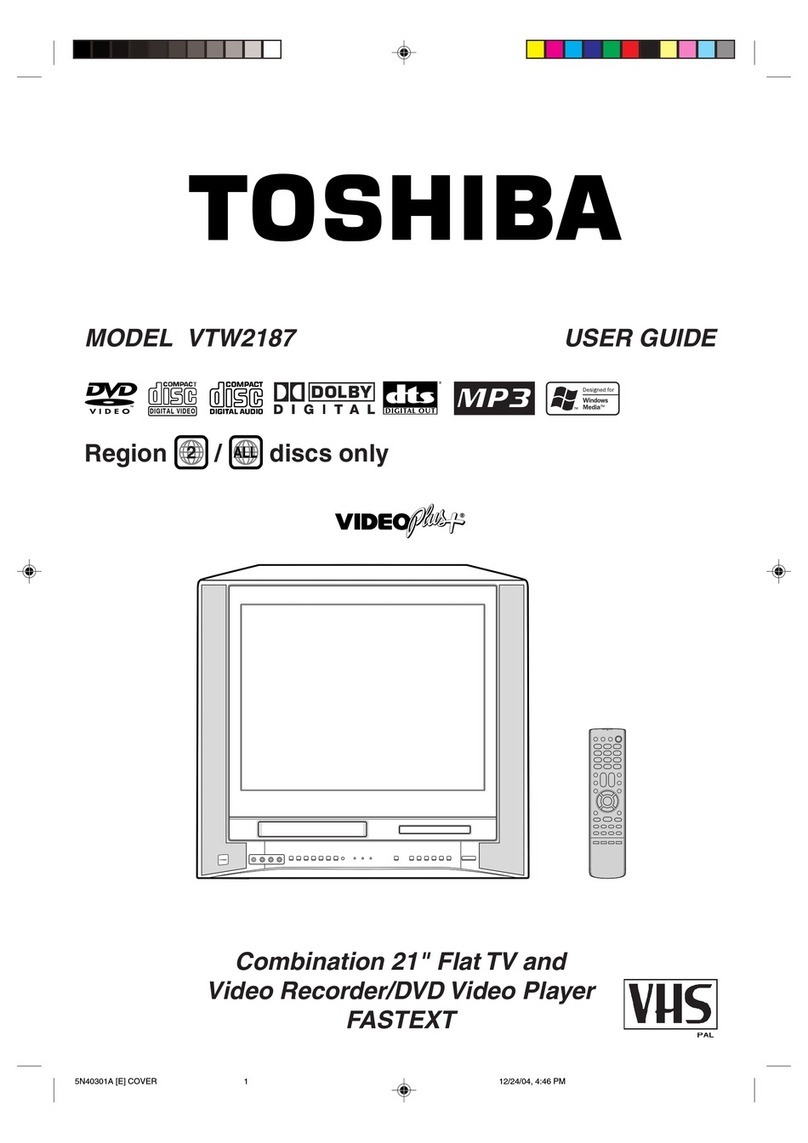
SPECIFICATIONS
TV
AUDIO
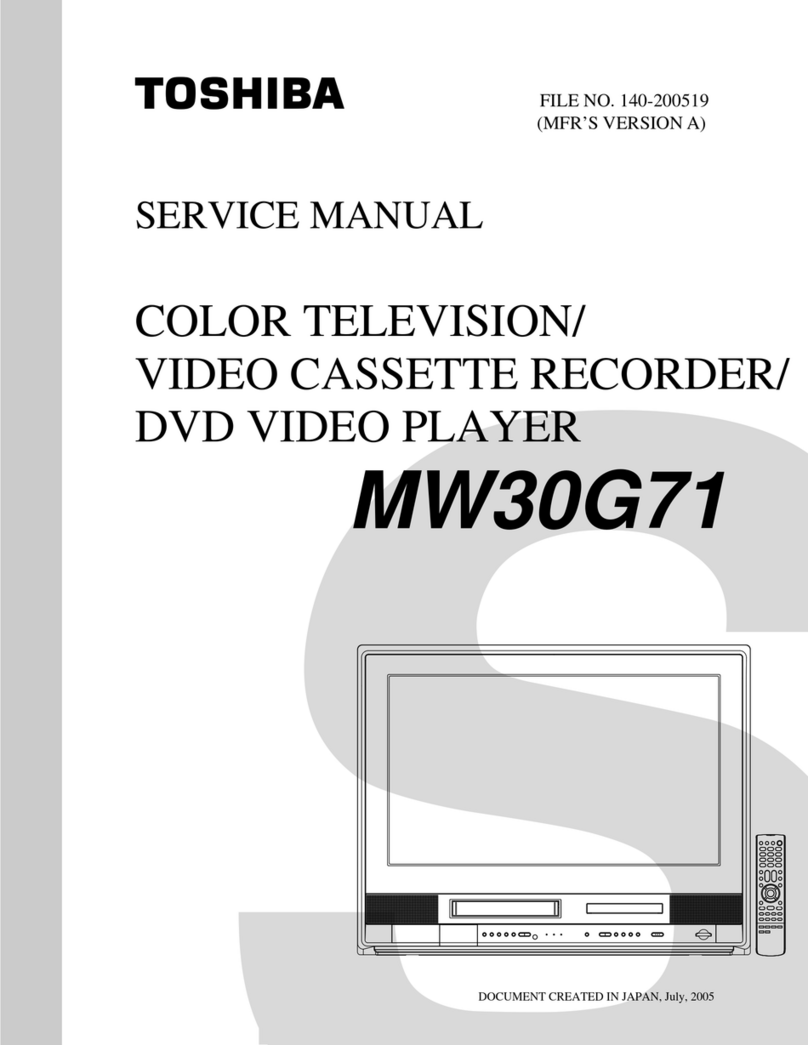
MW30G71
http://www.tacp.toshiba.com Customer Service: 800.631.3811
Marketing Communications © Toshiba America Consumer Products, L.L.C.
82 Totowa Road, Wayne, NJ 07470 (2005). All Rights Reserved (09/05.03) Memory
Stick,is a trademark of Sony, its partents and/or its affiliates. Secure Digital is a trade-
mark of SD Card Association. XD Picture Card is a trademark of Fuji Photo Film Co.,
Ltd. MultiMediaCard is a trademark of Infineon Technologies AG and licensed to MMCA
(MultiMediaCard Association). HDMI is a trademark of HDMI Licensing LLC.Dolby is a regis-
tered trademark of Dolby Laboratories. DTS is a registered trademark of Digital Theater
Systems. CrystalScan HDSC is a trademark of Toshiba America Consumer Products,
L.L.C. ColorStream, FST PURE and StableSound are registered trademarks of Toshiba
America Consumer Products, L.L.C.. Product design and specification subject to change
or modification without notice.
CONVENIENCE
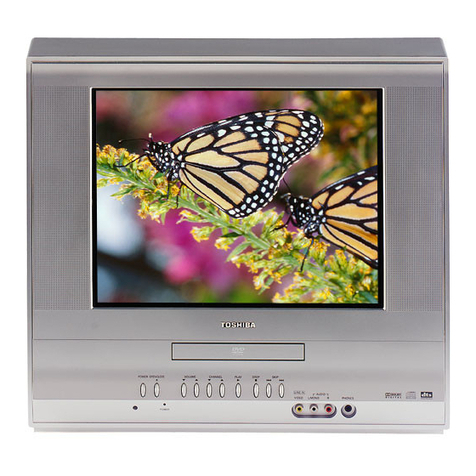
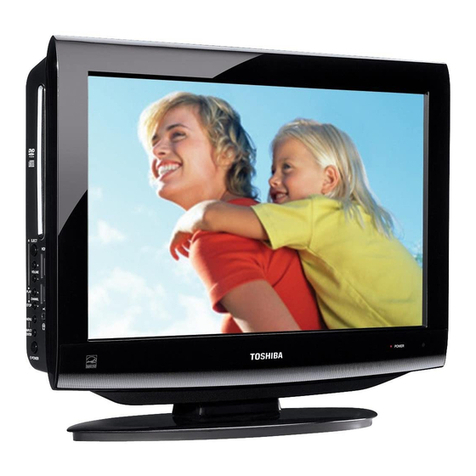
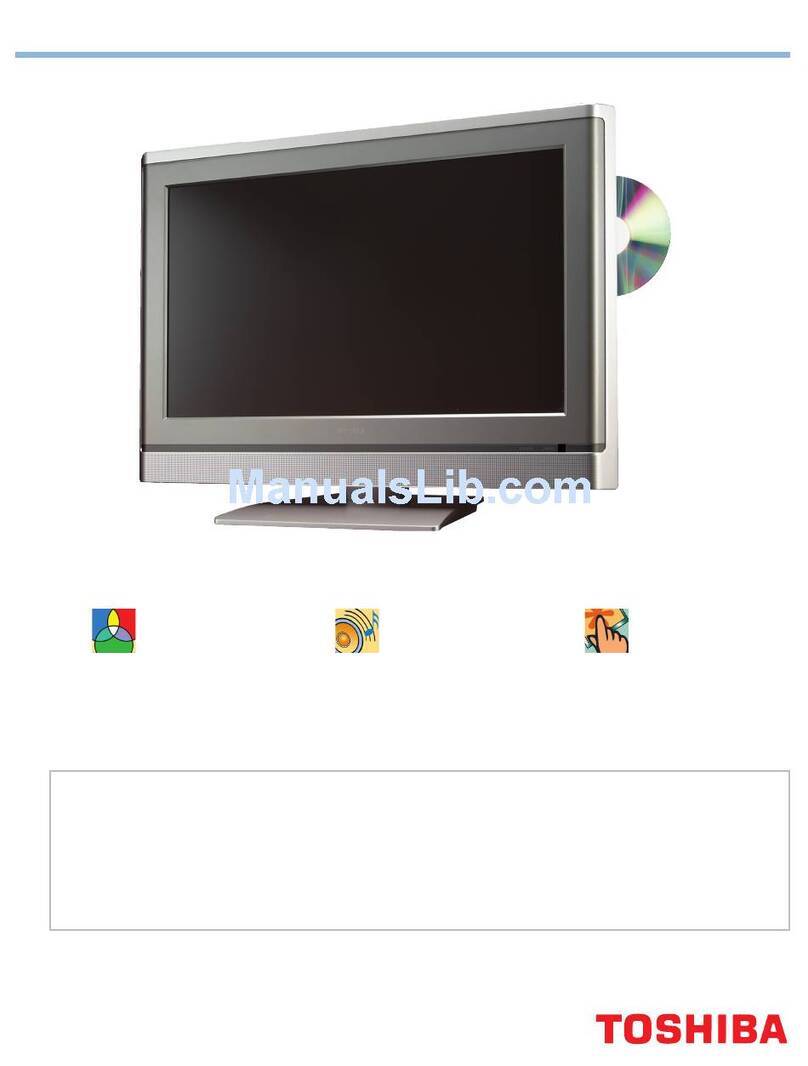
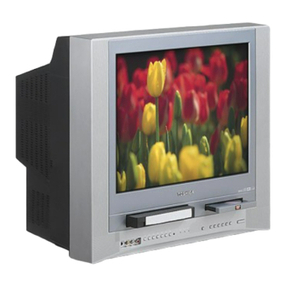
30” diagonal 16:9 FST PURE®Fine Pitch CRT x
Media Cards Accepted SD, MS, XD Picture Card, MMC
Card Slot Playback JPEG, MP3, WMA (unencrypted)
CrystalScan HDSC™ (all time 1080i) x
3DYC Digital Comb Filter with Vertical Contour Correction x
Picture Preference Modes x
MTS Stereo SAP x
Video DNR x
StableSound®x
Tri-Lingual Color Icon On-Screen Display x
Sleep Timer x
Closed Captioning x (analog)
V-Chip x (analog)
Channel Lock x
Video Lock x
Direct Video Input Selection x
Video Labeling x
Remote Glow System
DVD
Disc Play DVD/CD/CD-R/CD-RW/VCD/DVD-R*
WMA & MP3 Playback x
JPEG Viewer x
Digital Picture Zoom x
Coaxial Dolby®Digital and DTS®x
VCR
Video Heads 4
Record Speeds SP/SLP
Hi-Fi VHS Stereo x
Commercial Skip/Auto Clock x
8 Event/1 Month Programming x
One Touch Record x
Auto Play x
High Speed RW/FF x
Inputs
RF Input 1
Rear A/V Input 1
Rear S-Video Input 1
ColorStream®HD Component Video Inputs
with Analog Audio (Y, Pb, Pr) 1
Front Panel A/V/S Inputs 1
HDMI™ Digital Input 1
Coaxial Digital Output 1
Optical Out x
Product (WxHxD) 31-3/8” x 23-3/4” x 22-3/8”
Unit Weight 134.2 lbs
UPC 022265271391
Cabinetry Space Saving, Two Tone, Silver & Gray
VIDEO
>>
FST PURE®Flat Tube Design - Due to its flat design, viewing
angle and picture linearity are greatly improved over traditional tube
designs, delivering the most accurate, life-like images possible.
>>
3DY/C (4MB, 10-bit) Comb Filter with Vertical Contour
Correction - eliminates most video noise normally seen in RF and
composite video signals.This advanced filter analyzes sequential
fields of information to eliminate dot crawl and color bleed.
Additionally, the 3D Y/C (4MB, 10-bit) Comb Filter significantly
reduces detail noise, seen as shimmering or flicker, in complex or
intricately detailed scenes.
>>
CrystalScan HDSCTM - This feature uses the full high definition display
capability of the television to create the sharpest, most realistic picture
possible from every source. CrystalScan HDSCTM upconverts all video
signals (including 480i/p) to 1080i, resulting in a picture with less
jagged lines and artifacts.
>>
High Definition Multimedia InterfaceTM is the next generation of DVI
and includes the digital video signal, as well as the digital audio signal,
for convenient, uncompressed, single wire connection of home theater
components to the television.
AUDIO
>>
StableSound®- StableSound eliminates the annoyance of normal
program volume being followed immediately by extremely loud
commercial messages or drastic volume fluctuations while changing
channels.This feature maintains television volume within a preset range
regardless of the source signal.
>>
VHS Hi-Fi Stereo - Delivers the highest quality stereo sound from
tapes recorded with a high fidelity soundtrack. Can be used in
conjunction with a surround sound receiver to create signature
Dolby®Surround, Dolby®ProLogic, or Dolby®ProLogic II®
Surround sound in a home theater environment.
>>
WMA & MP3 Playback - Play recordable Compact Discs (CD-R &
CD-RW) with music stored in either the Windows Media™ Audio or
MP3 file formats can be enjoyed.
CONVENIENCE
>>
4-In-Card Slot accepts SD, MS, XD Picture Card, and MMC.
Convenient for JPEG viewing and listening to unencrypted MP3
and WMA file playback.
>>
Picture Preference Modes - Includes preset picture settings
tailored for various programs and allows quick adjustments at the
touch of a button. Instead of accessing Brightness, Contrast, Color,
or Tint each time you switch from a movie to a sporting event, use
the preset Picture Preference Modes (Standard, Sports, Movie,
Memory) to change the quality of the picture without all the fuss.
The Memory Mode allows you to customize your own settings and
save them into the television's memory.
TECHNOLOGY & BENEFITS
VIDEO
DVD
VCR
TERMINALS
*CD-R/CD-RW discs recorded by CD-DA method can be played back. Some CD-R/CD-RW
discs may be incompatible due to laser pick-up and disc design. DVD-R discs recorded by
DVD Video method can be played. Some DVD-R discs may be incompatible due to laser
pick-up and disc design. JPEG discs may be incompatible due to different recording
format or condition of disc.