logo
Brands
  1. Home
  2. •
  3. Brands
  4. •
  5. Trane
  6. •
  7. Air Conditioner
  8. •
  9. Trane BAYTWGR0004 Assembly instructions

Trane BAYTWGR0004 Assembly instructions

This manual suits for next models

3

Other Trane Air Conditioner manuals

Trane Voyager YH Series Installation and operating instructions

Trane

Trane Voyager YH Series Installation and operating instructions
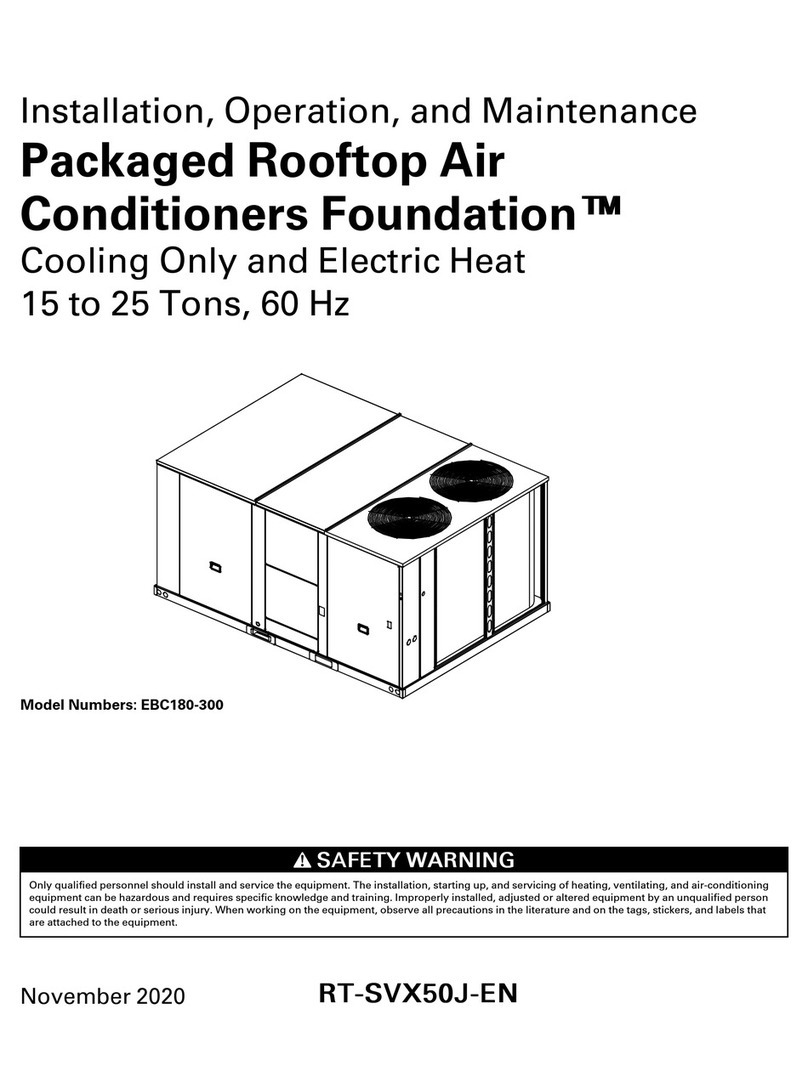
Trane 23 Series Assembly instructions

Trane

Trane 23 Series Assembly instructions

Trane Voyager TC* User manual

Trane

Trane Voyager TC* User manual

Trane WCVS 270 Owner's manual

Trane

Trane WCVS 270 Owner's manual

Trane MCC 536 ZB User manual

Trane

Trane MCC 536 ZB User manual

Trane BAYECON204AA Assembly instructions

Trane

Trane BAYECON204AA Assembly instructions

Trane 4TWS6036A3000A Assembly instructions

Trane

Trane 4TWS6036A3000A Assembly instructions

Trane 4TTZ0 series Assembly instructions

Trane

Trane 4TTZ0 series Assembly instructions

Trane IntelliPak 2 Series Installation and operating instructions
Trane

Trane IntelliPak 2 Series Installation and operating instructions

Trane MITSUBISHI ELECTRIC NTXSKS18A112A Series User manual

Trane

Trane MITSUBISHI ELECTRIC NTXSKS18A112A Series User manual

Trane R410a User guide

Trane

Trane R410a User guide

Trane YSC037E User manual

Trane

Trane YSC037E User manual

Trane TMM5B0A24M21SAA Assembly instructions

Trane

Trane TMM5B0A24M21SAA Assembly instructions

Trane CyberRow DX Installation and operating instructions
Trane

Trane CyberRow DX Installation and operating instructions
Trane 4TTX8024A Assembly instructions

Trane

Trane 4TTX8024A Assembly instructions

Trane IntelliPak RA 20 Installation and operating instructions

Trane

Trane IntelliPak RA 20 Installation and operating instructions

Trane R410a User manual

Trane

Trane R410a User manual

Trane TTZ048A100A1 User manual

Trane

Trane TTZ048A100A1 User manual

Trane BAYHALT245 Assembly instructions

Trane

Trane BAYHALT245 Assembly instructions

Trane Oxbox AC Series User manual

Trane

Trane Oxbox AC Series User manual

Trane TWE Series Owner's manual

Trane

Trane TWE Series Owner's manual

Trane Foundation GCC 090-150 Installation and operating instructions

Trane

Trane Foundation GCC 090-150 Installation and operating instructions

Trane XL16i Operation manual

Trane

Trane XL16i Operation manual

Trane YSC037E Installation and operating instructions

Trane

Trane YSC037E Installation and operating instructions

Popular Air Conditioner manuals by other brands

Panasonic CS-E12HKEW operating instructions

Panasonic

Panasonic CS-E12HKEW operating instructions

Mitsubishi Electric MSZ-GE60VA null

Mitsubishi Electric

Mitsubishi Electric MSZ-GE60VA null

Samsung AVMFC052EA0(4) null

Samsung

Samsung AVMFC052EA0(4) null

Haier HSU-09H03/R null

Haier

Haier HSU-09H03/R null

Haier HSU-24C03 null

Haier

Haier HSU-24C03 null

Mitsubishi Electric MSZ-GE22VA null

Mitsubishi Electric

Mitsubishi Electric MSZ-GE22VA null

Samsung AVMCH052CA1 null

Samsung

Samsung AVMCH052CA1 null

nedis ACMB1WT7 quick start guide

nedis

nedis ACMB1WT7 quick start guide

Daikin FCFV50A Operation manual

Daikin

Daikin FCFV50A Operation manual

Fujitsu Inverter ASBA30JFC operating manual

Fujitsu

Fujitsu Inverter ASBA30JFC operating manual

Toshiba RAS-M10SMUV-E installation manual

Toshiba

Toshiba RAS-M10SMUV-E installation manual

Daikin FXLQ20MAVE Operation manual

Daikin

Daikin FXLQ20MAVE Operation manual

CIAT Magister 2 Series Installation, Operation, Commissioning, Maintenance

CIAT

CIAT Magister 2 Series Installation, Operation, Commissioning, Maintenance

Bestron AAC6000 instruction manual

Bestron

Bestron AAC6000 instruction manual

Frigidaire FFRE0533S1E0 Use & care guide

Frigidaire

Frigidaire FFRE0533S1E0 Use & care guide

Samsung AS09HM3N user manual

Samsung

Samsung AS09HM3N user manual

Frigidaire CRA073PU11 use & care

Frigidaire

Frigidaire CRA073PU11 use & care

Soleus Air GB-PAC-08E4 operating instructions

Soleus Air

Soleus Air GB-PAC-08E4 operating instructions

https://manuals.online logo
https://manuals.online logoBrands
  • About & Mission
  • Contact us
  • Privacy Policy
  • Terms and Conditions

Copyright 2025 Manuals.Online. All Rights Reserved.

SSAAFFEETTYY WWAARRNNIINNGG
Only qualified personnel should install and service the equipment The installation, starting up, and servicing of heating, ventilating, and air-conditioning
equipment can be hazardous and requires specific knowledge and training Improperly installed, adjusted or altered equipment by an unqualified person
could result in death or serious injury When working on the equipment, observe all precautions in the literature and on the tags, stickers, and labels that
are attached to the equipment
July 2020 1188--HHHH3322DD11--11CC--EENN
Plastic Top Aftermarket Kit
BAYTWGR0004
BAYTWGR0003
BAYAWGR0004
BAYAWGR0003
NNOOTTEE:: “Graphics in this document are for representation
only. Actual model may differ in appearance.”
Installer’s Guide
218-HH32D1-1C-EN
General Data
This accessory kit is intended for use on Trane or
American Standard units that are purchased without a
plastic top The accessory assembles on top of the unit
No parts, e g sheet metal top or fan grille, should be
removed from unit before installation of kit
KKiitt CCoonntteennttss::
Items Quantity
Plastic Top 1
Adapter Ring 1
Support Clip, Small 3
Support Clip, Large 1
#12 Screw 4
Foam Gasket 1
IInnssppeeccttiioonn::
Check carefully for any shipping damage This must be
reported to and claims made against the transportation
company immediately Any missing parts should be
reported to your supplier at once and replaced with
authorized parts only
DDiimmeennssiioonnss::
The table below displays added height to unit after kit
installed
Weatherguard Top Height (Inches)
BAYTWGR004 7.75
BAYTWGR003 7.06
BAYAWGR004 7.75
BAYAWGR003 7.06
18-HH32D1-1C-EN 3
IInnssttaallllaattiioonn IInnssttrruuccttiioonnss::
1. Install the foam gasket onto the corner surface area of the control
box. See Figure 1.
a. Clean the control box corner surface area with soap and
water. Make sure to remove all debris (dirt, grease, and oils).
b. Dry the area fully with a lint free cloth.
c. Clean the control box corner surface area with Isopropyl
Alcohol. Wipe dry before the Isopropyl Alcohol evaporates.
d. Remove adhesive backing material from the foam gasket.
e. Put the foam gasket onto the corner surface area of the
control box.
Figure 1. Foam Gasket Location
Foam Gasket Location
2. Install the adapter ring to the top of the unit. See Figure 2.
a. Align the control box corner of the adapter ring with the
control box corner of the unit.
b. Rest the adapter ring on top of the unit. Make sure that the
inner surface of the adapter ring at the control box corner is
flush against the foam gasket.
Note: This ensures the foam gasket is not damaged.
c. Use a rubber mallet to tap the other three corners of the
adapter ring down until the tabs inside the ring engage below
the screws on the unit.
d. Carefully pull up on the adapter ring to make sure it does not
easily come up in any location. If it does, tap on the adapter
ring with the mallet until it is secure on the unit top.
Figure 2. Adapter Ring Ta s
Adapter Ring
Tab
Control Box
Corner
GGeenneerraall DDaattaa
418-HH32D1-1C-EN
3. Install three small support clips to the adapter ring. Make sure to
align the grooves in the support clips with the indentation in the
adapter ring. See Figure 3 for the support clip locations and Figure
4 for the alignment feature.
Note: The orientation of the small support clips is such that they
can only be installed in one direction.
Figure 3. Small Support Clips Installation
Small Support Clips (x3)
Control Box Corner
Figure 4. Small Support Clips Alignment
Groove
Indentation
Small Support Clip
GGeenneerraall DDaattaa
18-HH32D1-1C-EN 5
4. Install the large support clip to the adapter ring in the location
shown. The large clip has two grooves, so rotate the clip so that
the alignment tab indicated in Figure 5 faces the outside of the
ring.
Figure 5. Large Support Clip Position
Alignment
Tab
Large Support
Clip
5. Install plastic top to the adapter ring. See Figure 6.
a. Orient the plastic top so that the corner with the "bump out"
is on the control box corner of the unit as seen in Figure 6.
b. Align the screw hole locations in the plastic top with the
support clips, and make sure the plastic top is fully seated on
the adapter ring.
c. Attach the plastic top to the four support clips on the adapter
ring with four #12 screws. Hand tighten the screws.
Note: Do NOT over-tighten the screws.
Figure 6. Plastic Top Installation
Screws (4x)
Plastic Top
GGeenneerraall DDaattaa
618-HH32D1-1C-EN
RReemmoovvaall IInnssttrruuccttiioonnss::
1. Remove four screws that attach the plastic top to the four support
clips on the adapter ring, and then remove the plastic top.
2. Remove the four support clips.
3. Remove the adapter ring from the top of the unit.
a. Locate the two arrow marks on the adapter ring at the front
left corner of the unit (to left of control box) which indicates
the location for removal.
b. Pry that corner of the adapter ring from the top using a flat
head screwdriver.
c. Once the adapter ring is free on that corner, pry the other
three corners of the adapter ring until the adapter ring is free
from the unit top.
Figure 7. Removal Instructions
Arrow Marks (2x)
GGeenneerraall DDaattaa
18-HH32D1-1C-EN 7
RReeccoommmmeennddeedd CClleeaarraanncceess::
The manufacturer’s clearance to walls, fences, adjacent units and
overheads is acceptable if the installation follows recommended
clearances as seen in the equipment installer guide or equipment
application guide and is within 1” to 2” of said recommendation.
Figure 8. Recommended Clearances for the Unit
Min. 12” to
Shrubbery
Near Bedrooms
Min 5’ Unrestricted
Access Panel
Min 3’
Unrestricted
3’
3’
GGeenneerraall DDaattaa
About Trane and American Standard Heating and Air Conditioning
Trane and American Standard create comfortable, energy efficient indoor environments for residential applications For
more information, please visit www trane com or www americanstandardair com
The manufacturer has a policy of continuous data improvement and it reserves the right to change design and specifications without notice We are committed to
using environmentally conscious print practices
18-HH32D1-1C-EN 08 Jul 2020
Supersedes 18-HH32D1-1B-EN (March 2019) ©2020