manuals.online logo
Brands
  1. Home
  2. •
  3. Brands
  4. •
  5. TRENDnet
  6. •
  7. Enclosure
  8. •
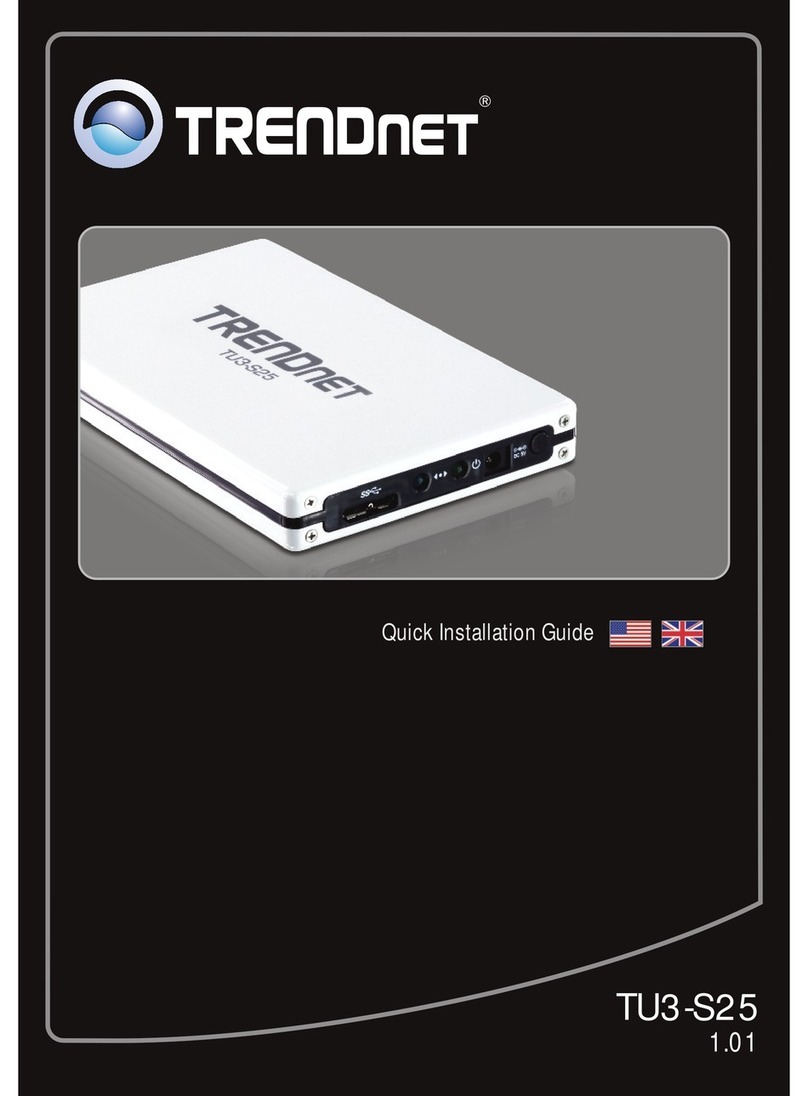
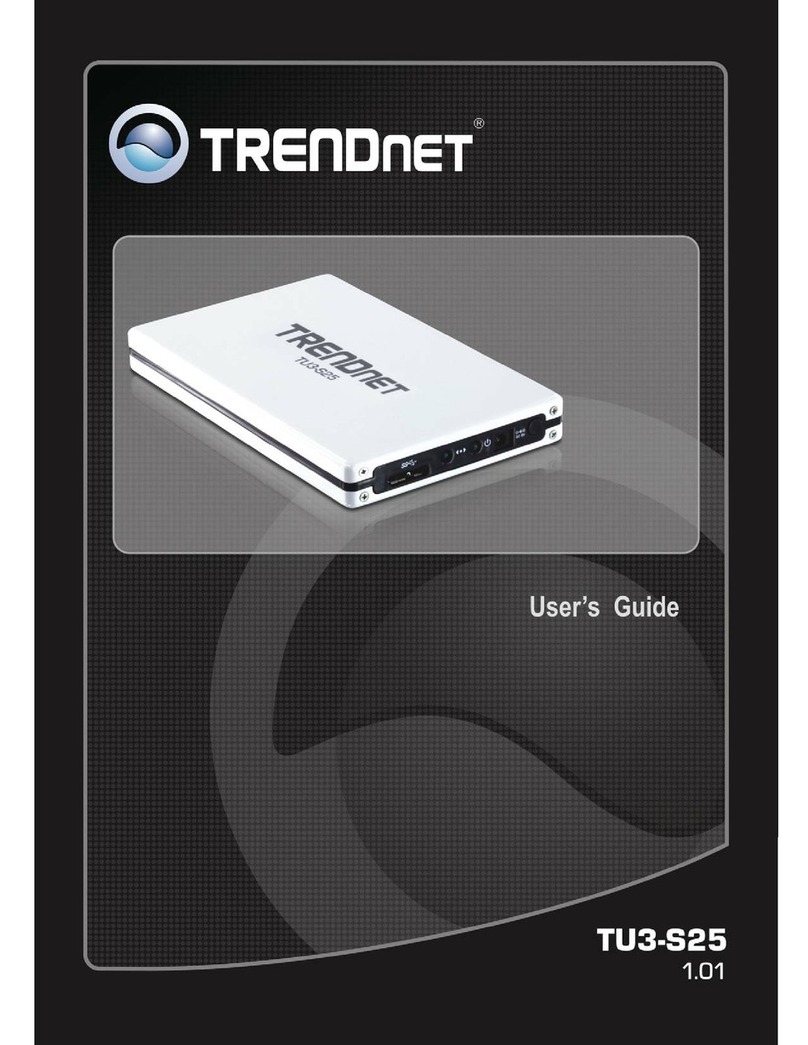
  9. TRENDnet TU3-S25 User manual

TRENDnet TU3-S25 User manual

Other manuals for TU3-S25

2

Other TRENDnet Enclosure manuals

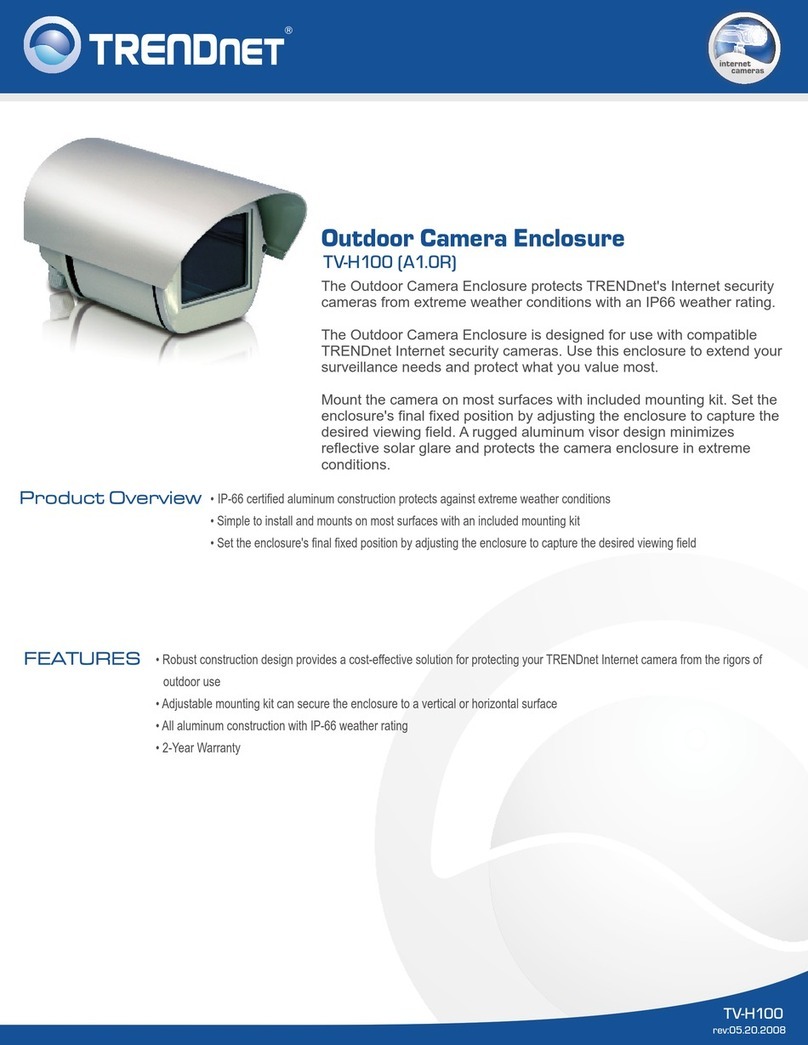
TRENDnet TV-H100 Manual

TRENDnet

TRENDnet TV-H100 Manual

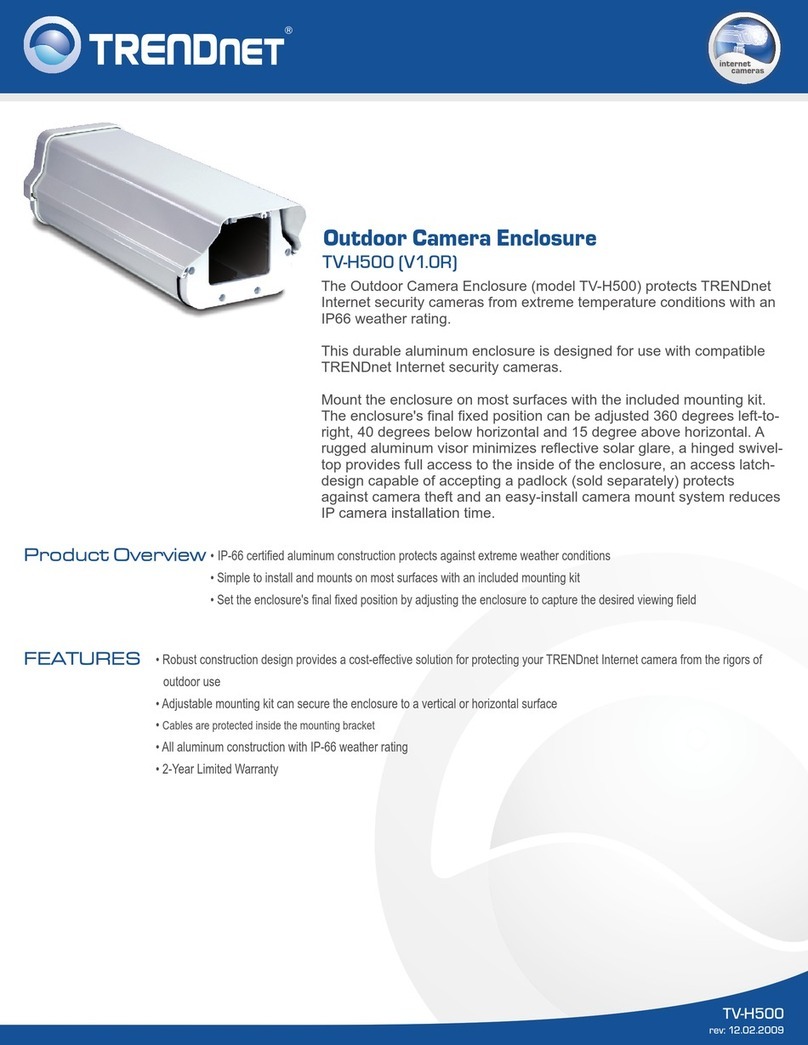
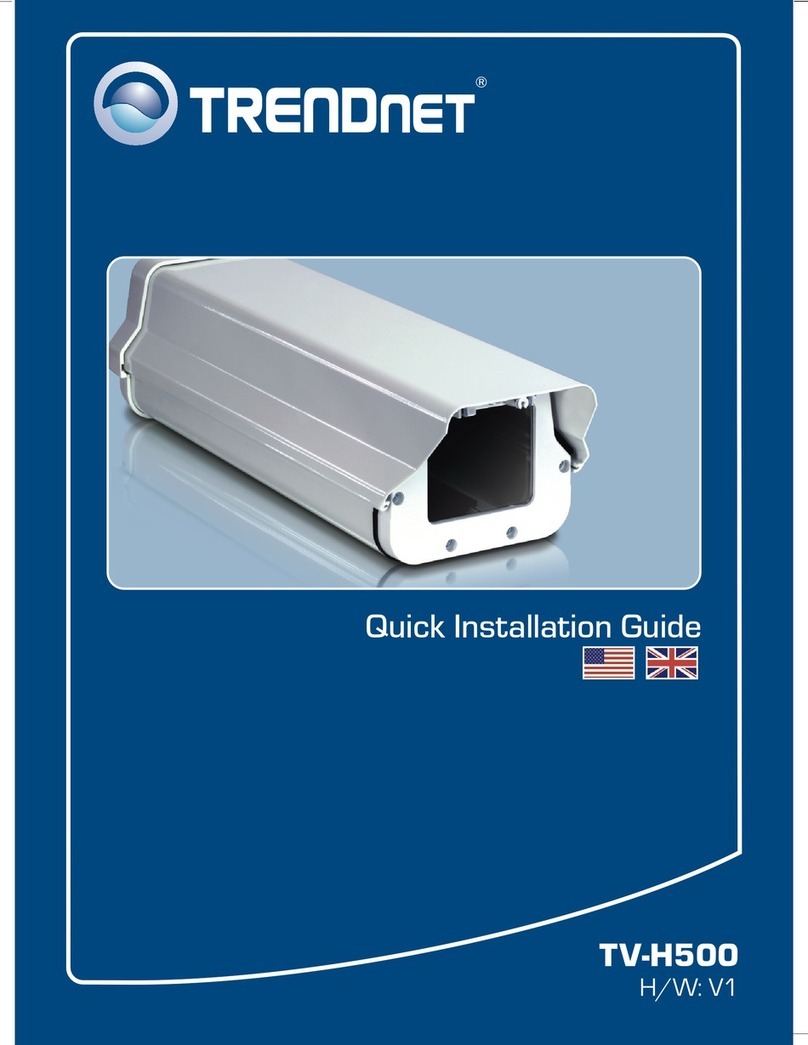
TRENDnet TV-H500 - User manual

TRENDnet

TRENDnet TV-H500 - User manual

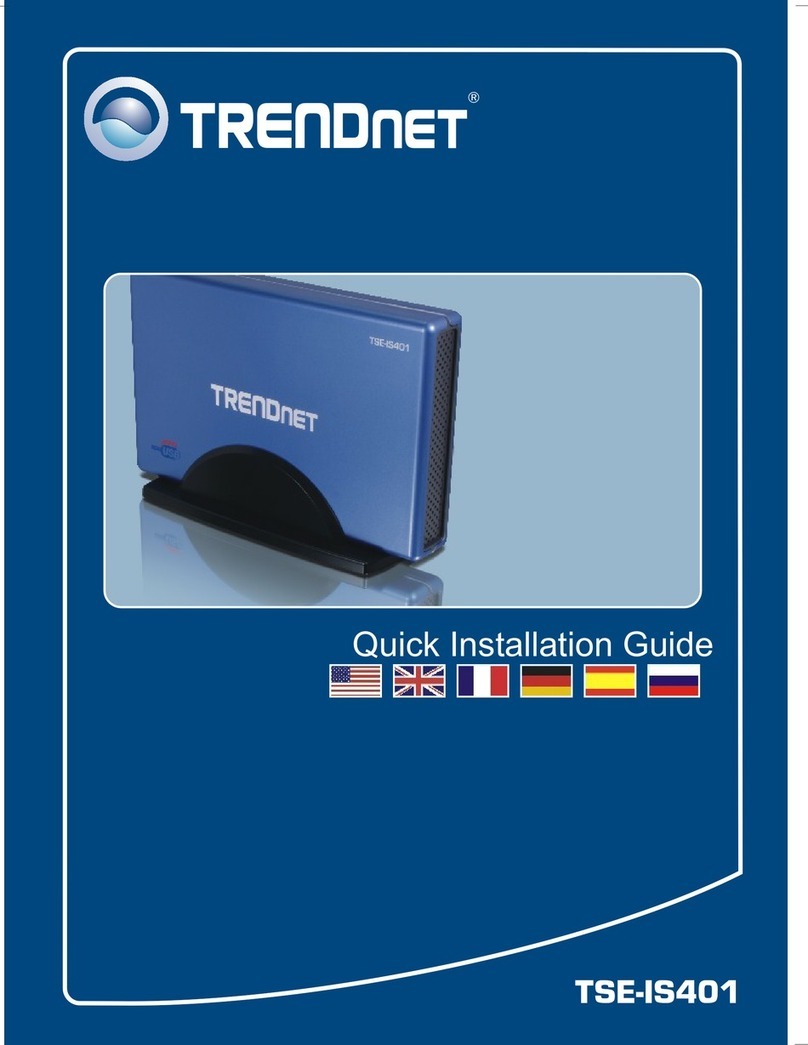
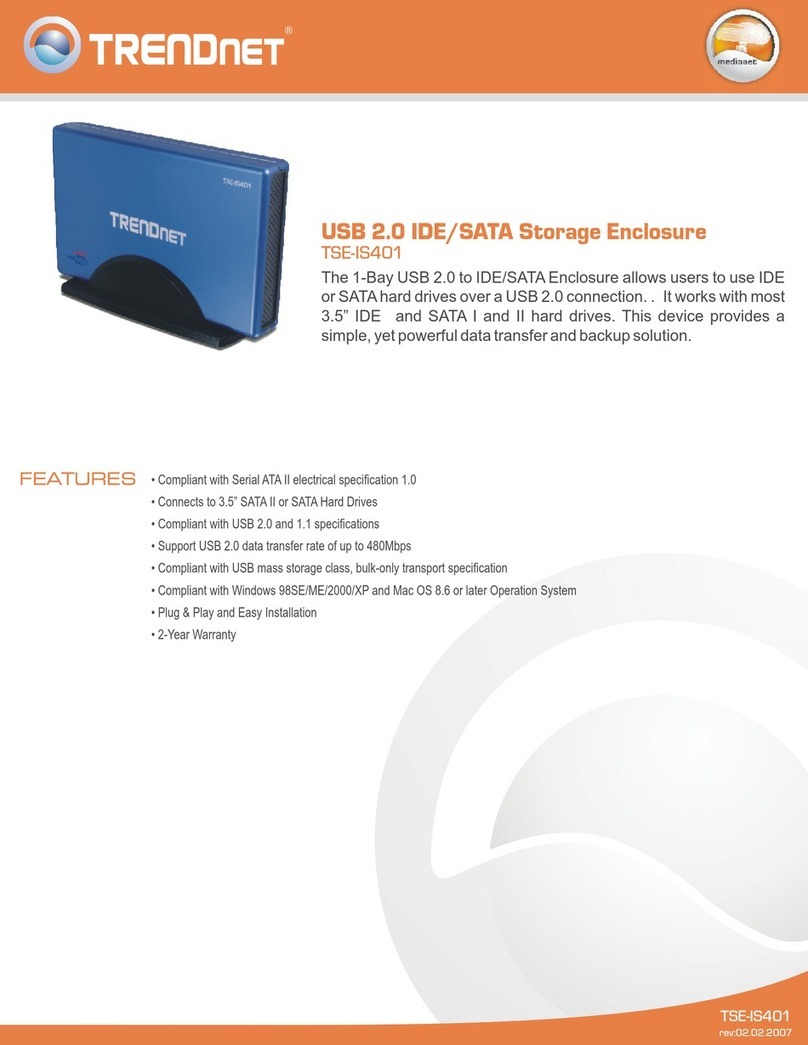
TRENDnet TSE-IS401 User manual

TRENDnet

TRENDnet TSE-IS401 User manual

TRENDnet TSE-IS401 User manual

TRENDnet

TRENDnet TSE-IS401 User manual

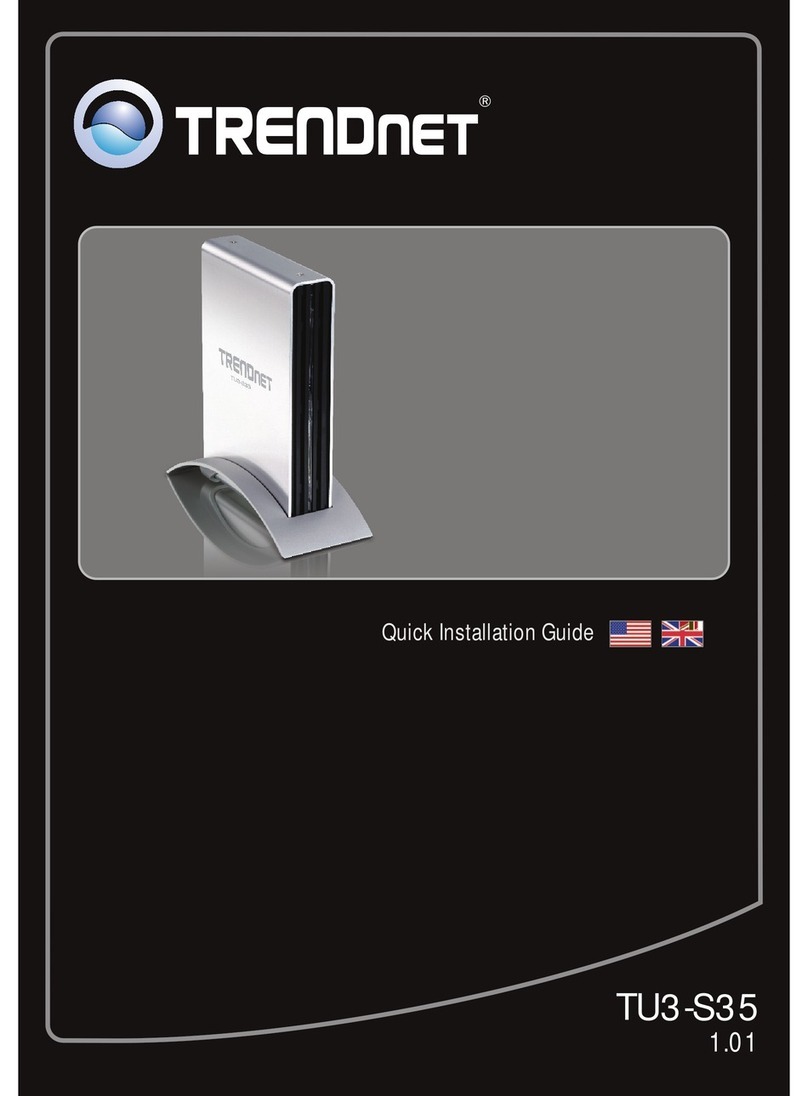
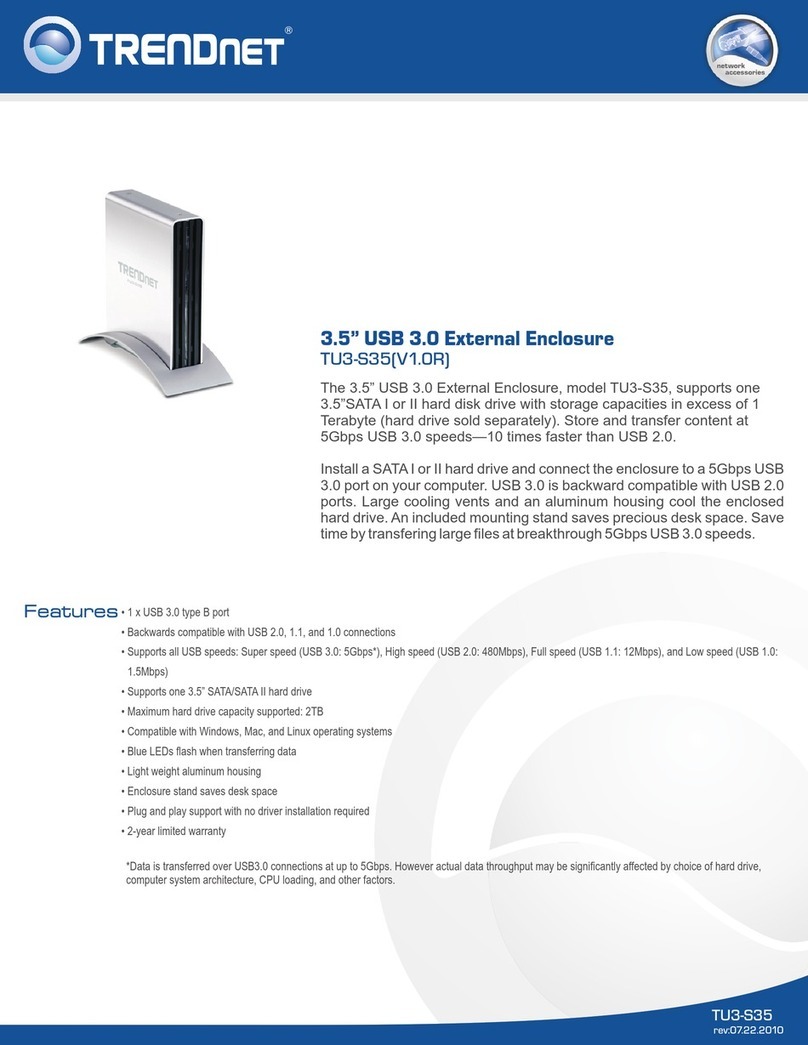
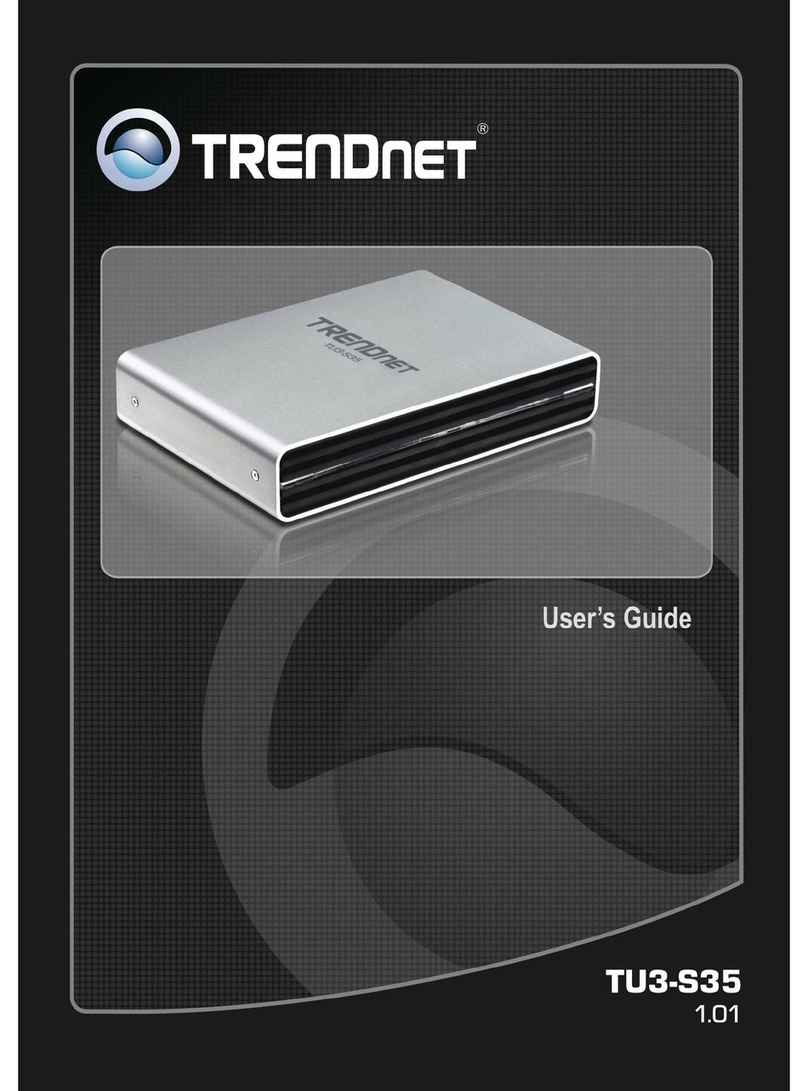
TRENDnet TU3-S35 User manual

TRENDnet

TRENDnet TU3-S35 User manual

TRENDnet TU3-S25 User manual

TRENDnet

TRENDnet TU3-S25 User manual

TRENDnet TV-H500 - User manual

TRENDnet

TRENDnet TV-H500 - User manual

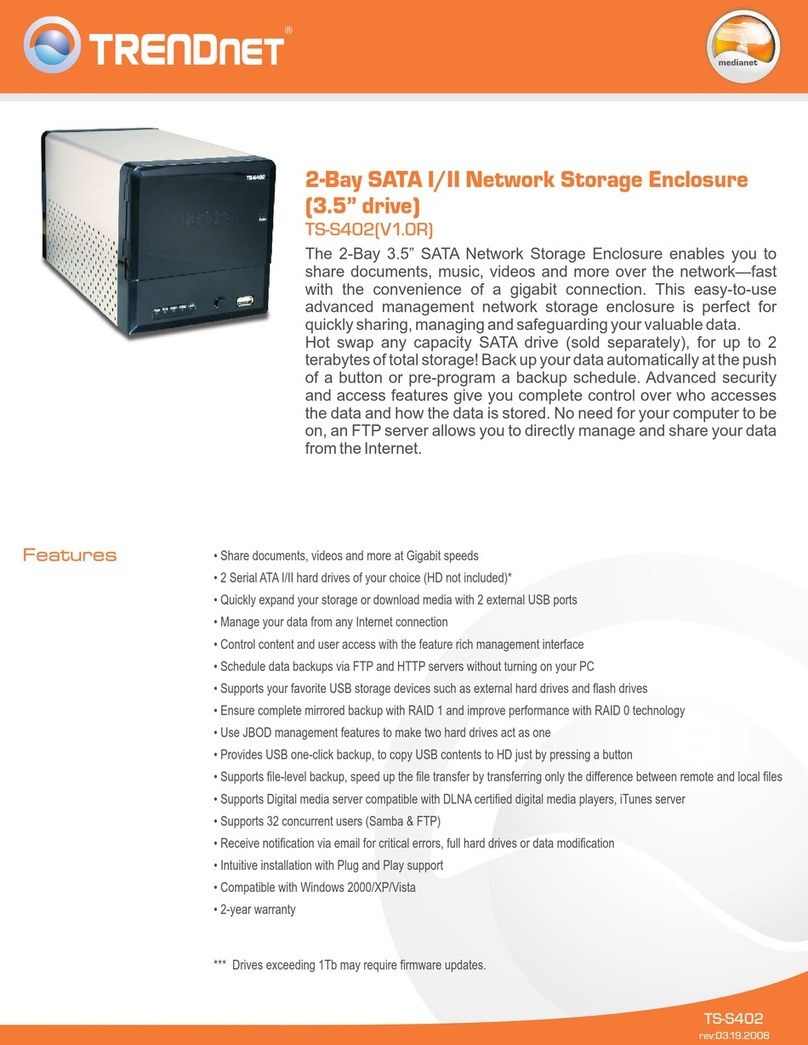
TRENDnet TS-S402 - Diskless SATA I/II Network Attached Storage... User manual

TRENDnet

TRENDnet TS-S402 - Diskless SATA I/II Network Attached Storage... User manual

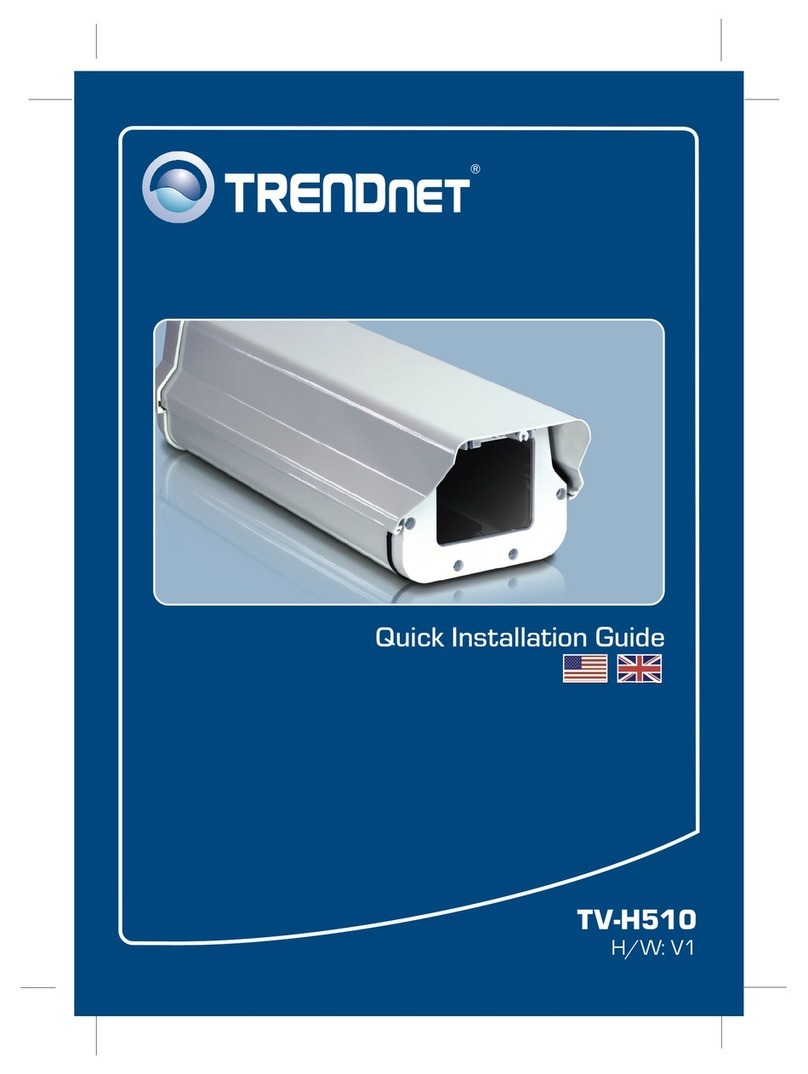
TRENDnet TV-H510 - User manual

TRENDnet

TRENDnet TV-H510 - User manual

TRENDnet TU3-S35 User manual

TRENDnet

TRENDnet TU3-S35 User manual

TRENDnet TV-H510 - User manual

TRENDnet

TRENDnet TV-H510 - User manual

TRENDnet TN-200 User manual

TRENDnet

TRENDnet TN-200 User manual

TRENDnet TU3-S25 User manual

TRENDnet

TRENDnet TU3-S25 User manual

TRENDnet TU3-S35 User manual

TRENDnet

TRENDnet TU3-S35 User manual

TRENDnet TV-H110 User manual

TRENDnet

TRENDnet TV-H110 User manual

Popular Enclosure manuals by other brands

Antec Veris Fusion Remote Max Specification sheet

Antec

Antec Veris Fusion Remote Max Specification sheet

ENERMAX iVektor.Q ECA 3371 Series user manual

ENERMAX

ENERMAX iVektor.Q ECA 3371 Series user manual

Lindy 43095 user manual

Lindy

Lindy 43095 user manual

SICK C4000 Select operating instructions

SICK

SICK C4000 Select operating instructions

Geeek A60 PLUS installation guide

Geeek

Geeek A60 PLUS installation guide

OVE SYDNEY 48 installation manual

OVE

OVE SYDNEY 48 installation manual

SilentiumPC Armis AR5 Hardware installation

SilentiumPC

SilentiumPC Armis AR5 Hardware installation

Pulsar 17/TRP80/DSPR Assembly instructions

Pulsar

Pulsar 17/TRP80/DSPR Assembly instructions

MSI MPG SEKIRA 500X quick start guide

MSI

MSI MPG SEKIRA 500X quick start guide

Antec Dark fleet DF-10 user manual

Antec

Antec Dark fleet DF-10 user manual

Peavey DS 1502 Specifications

Peavey

Peavey DS 1502 Specifications

D-Link ShareCenter Pro DNS-1550-04 user manual

D-Link

D-Link ShareCenter Pro DNS-1550-04 user manual

Rosewill RX82-U(JBOD) user manual

Rosewill

Rosewill RX82-U(JBOD) user manual

QNAP SAS JBOD CLI 1.0 user guide

QNAP

QNAP SAS JBOD CLI 1.0 user guide

GAMDIAS Talos P1 Quick installation guide

GAMDIAS

GAMDIAS Talos P1 Quick installation guide

Auvs KR615 user manual

Auvs

Auvs KR615 user manual

Antec AR300 user manual

Antec

Antec AR300 user manual

CommScope FDH 3000 user manual

CommScope

CommScope FDH 3000 user manual

manuals.online logo
manuals.online logoBrands
  • About & Mission
  • Contact us
  • Privacy Policy
  • Terms and Conditions

Copyright 2025 Manuals.Online. All Rights Reserved.

The 2.5” USB 3.0 External Enclosure, model TU3-S25, supports one 2.5”
SATA I or II hard disk drive with storage capacities in excess of 1
Terabyte (hard drive sold separately). Store and transfer content at
blazing fast 5Gbps USB 3.0 speeds—10 times faster than USB 2.0.
Install a SATA I or II hard drive and connect the enclosure to a 5Gbps
USB 3.0 port on your computer. USB 3.0 is backward compatible with
USB 2.0 ports. An aluminum housing cools the enclosed hard drive and
there is a convenient power button on the front of the enclosure. Save
time by transfering large files at breakthrough 5Gbps USB 3.0 speeds.
TU3-S25 (V1.0R)
2.5” USB 3.0 External Enclosure
SETUP INFO
• 1 x USB 3.0 Type Mini-B port
• Backwards compatible with USB 2.0, 1.1, and 1.0 connections
• Supports all USB speeds: Super speed (USB 3.0: 5Gbps*), High speed (USB 2.0: 480Mbps), Full speed (USB 1.1: 12Mbps),
and Low speed (USB 1.0: 1.5Mbps)
• Supports one 2.5” SATA/SATA II hard drive or Solid State Drive (SSD)
• Maximum hard drive capacity supported: 2TB
• Compatible with Windows, Mac, and Linux operating systems**
• Data transfer LEDs
• Light weight aluminum housing
• Sleek and small external enclosure
• Plug and play support with no driver installation required
• 2-year limited warranty
TU3-S25
rev: 07.22.2010
network
accessories
*Data is transferred over USB 3.0 connections at up to 5Gbps. However actual data throughput may be significantly affected by
choice of hard drive, computer system architecture, CPU loading, and other factors.
**USB 3.0 super speeds are based on compatible operating systems.

SPECIFICATIONS
External Ports
USB Standards
HD Interface
Compatible drives
HD Capacity
Supported OS
• USB 3.0 • Backwards compatible with USB 2.0, 1.1, and 1.0
• 1 x USB 3.0 Type Mini-B port
• 1 x SATA/SATA II
• 2.5 in. HDD or SSD
• 2TB (max.)
• Super speed: 5Gbps* (USB 3.0)
Hardware
Weight
Humidity
• 62.4 g (2.2 oz)
• Max. 90% non-condensing
Enclosure Material
• SATA II: up to 3Gbps • SATA I: up to 1.5Gbps
Data Rates
HD Transfer Rates
• On/off
Power Switch
• Aluminum and PVC
• CE, FCC
Dimensions (L x W x D)
Temperature
• Windows 7 (32/64-bit), Vista (32/64-bit), XP (32/64-bit)
• High speed: 480Mbps (USB 2.0) • Full speed: 12Mbps (USB 1.1) • Low speed: 1.5Mbps (USB 1.0)
• Mac OS X v10.4 to 10.6** • Linux
• 122 x 75 x 15 mm (4.8 x 3 x 0.6 in.)
• Operating: 10°C ~ 40°C (50°F ~ 104°F)
• Multi-Language Quick Installation Guide
CONTACT INFORMATION
RELATED PRODUCTS
PACKAGE CONTENTSPACKAGE CONTENTS
• TU3-S25
• CD-ROM (User's Guide)
• USB 3.0 Type A to Type Micro-B cable(0.9 m / 3 ft.)
• Hard drive mounting screws
TU3-S35
TU3-H2PIE
3.5” USB 3.0 External Enclosure
2-Port USB 3.0 PCI Express Adapter
20675 Manhattan Place,Torrance, CA 90501 USA
Tel: 1-310-961-5500
Fax: 1-310-961-5511
Web:
Email: [email protected]
1-888-326-6061
www.trendnet.com
TU3-H2EC 2-Port USB 3.0 ExpressCard Adapter
TRENDnet is a registered trademark. Other Brands and product names are trademarks of their respective holders. Information provided in this document pertain to TRENDnet
products and is subject to change at any time, without notice. For the most recent product information please visit
http://www.trendnet.com.
©
Copyright TRENDnet. All Rights Reserved.
TU3-S25 (V1.0R)
2.5” USB 3.0 External Enclosure
• ° ° ° °Storage: -10 C ~ 80 C (14 F ~ 176 F)
Certifications
2-Port USB 3.0 ExpressCard
Adapter (TU3-H2EC)
2.5” USB 3.0 External Enclosure
(TU3-S25)
2-Port USB 3.0 PCI Express
Adapter (TU3-H2PIE)
USB 3.0 Cable
or