logo
Brands
  1. Home
  2. •
  3. Brands
  4. •
  5. Triax
  6. •
  7. Modulator
  8. •
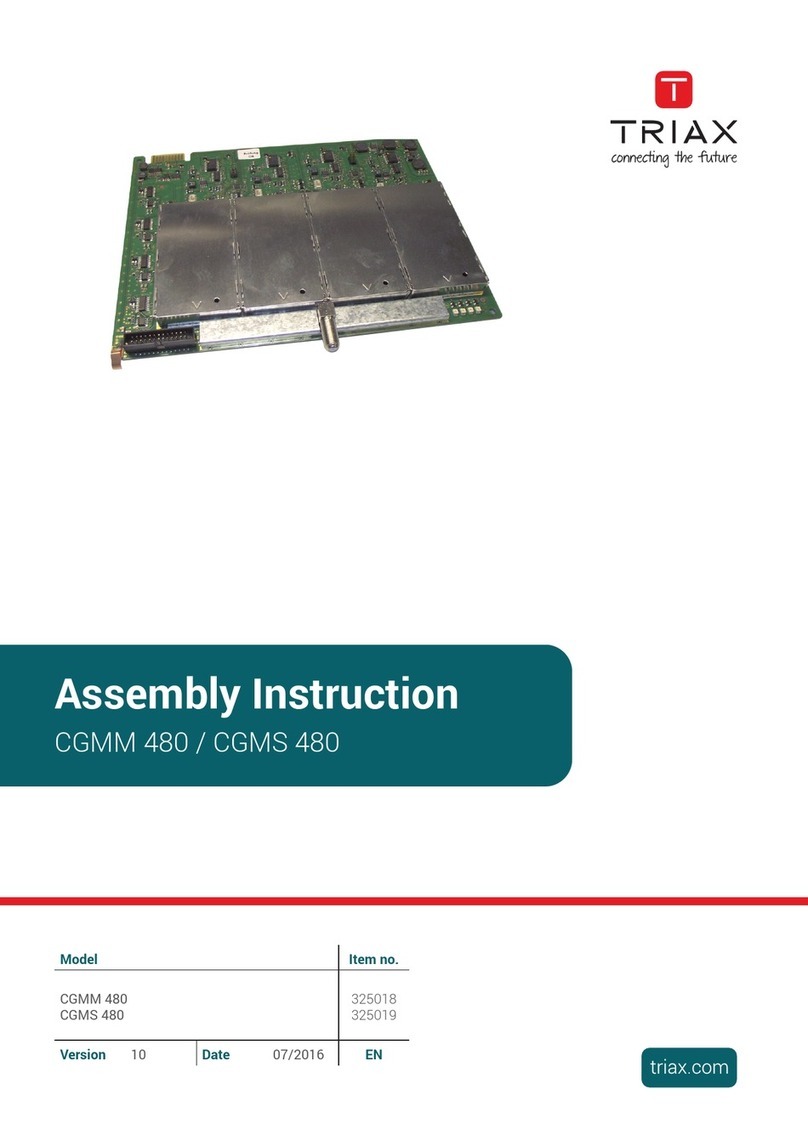
  9. Triax CG2CT 860 C User manual

Triax CG2CT 860 C User manual

Other Triax Modulator manuals

Triax CCS 483 User manual

Triax

Triax CCS 483 User manual

Triax CGMM 480 User manual

Triax

Triax CGMM 480 User manual

Triax MOD 102T User manual

Triax

Triax MOD 102T User manual

Triax CGS-2 764 C User manual

Triax

Triax CGS-2 764 C User manual

Triax TDcH 16S-I-Q User manual

Triax

Triax TDcH 16S-I-Q User manual

Triax CCS-2 1002 User manual

Triax

Triax CCS-2 1002 User manual

Triax Tri-Link Kit User manual

Triax

Triax Tri-Link Kit User manual

Triax CGT 660 User manual

Triax

Triax CGT 660 User manual

Triax CCS 1231 User manual

Triax

Triax CCS 1231 User manual

Triax CCS-2 2001 User manual

Triax

Triax CCS-2 2001 User manual

Triax CCT 391 User manual

Triax

Triax CCT 391 User manual

Triax MOD 101C User manual

Triax

Triax MOD 101C User manual

Triax MOD103T User manual

Triax

Triax MOD103T User manual

Popular Modulator manuals by other brands

axing AVM 5-00 Operation instructions

axing

axing AVM 5-00 Operation instructions

IKUSI MAC-HOME HD user manual

IKUSI

IKUSI MAC-HOME HD user manual

Wisi MINI OM 10 operating instructions

Wisi

Wisi MINI OM 10 operating instructions

RCA CRF910 user manual

RCA

RCA CRF910 user manual

Pico Macom PM45 Specifications

Pico Macom

Pico Macom PM45 Specifications

FTE Maximal MODIG AIR user manual

FTE Maximal

FTE Maximal MODIG AIR user manual

Thor Broadcast H-IP-32RF manual

Thor Broadcast

Thor Broadcast H-IP-32RF manual

Delphi SA10003 installation guide

Delphi

Delphi SA10003 installation guide

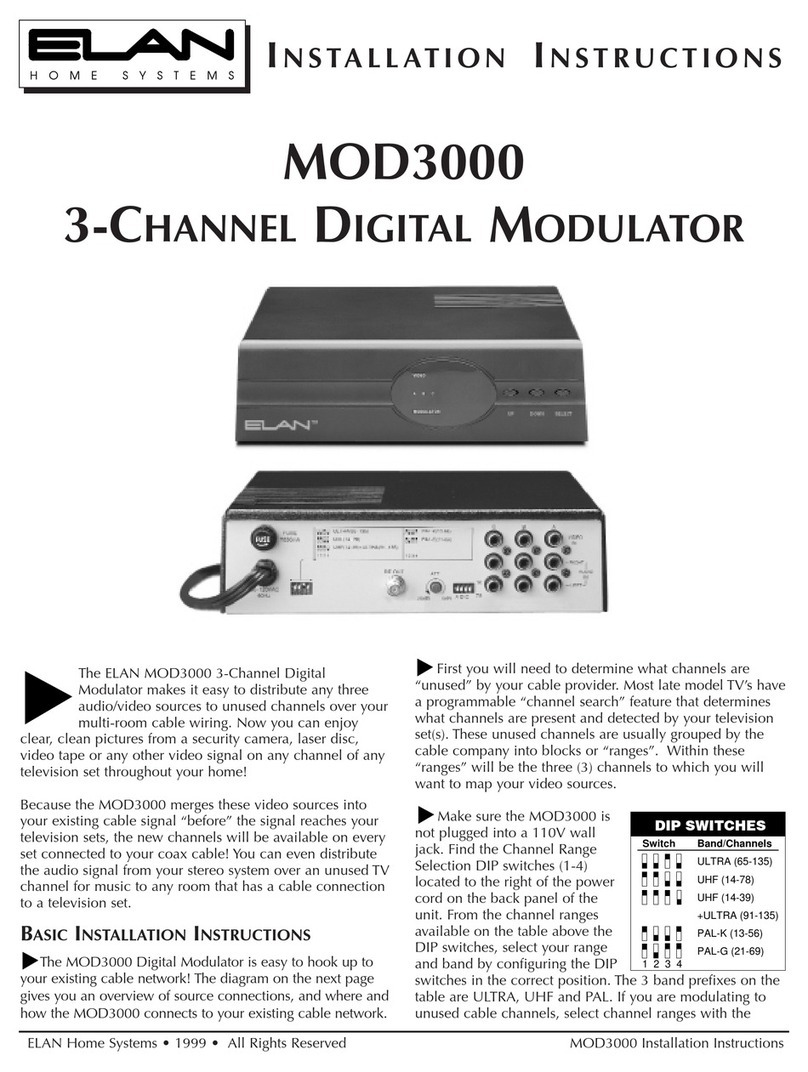
Elan MOD3000 installation instructions

Elan

Elan MOD3000 installation instructions

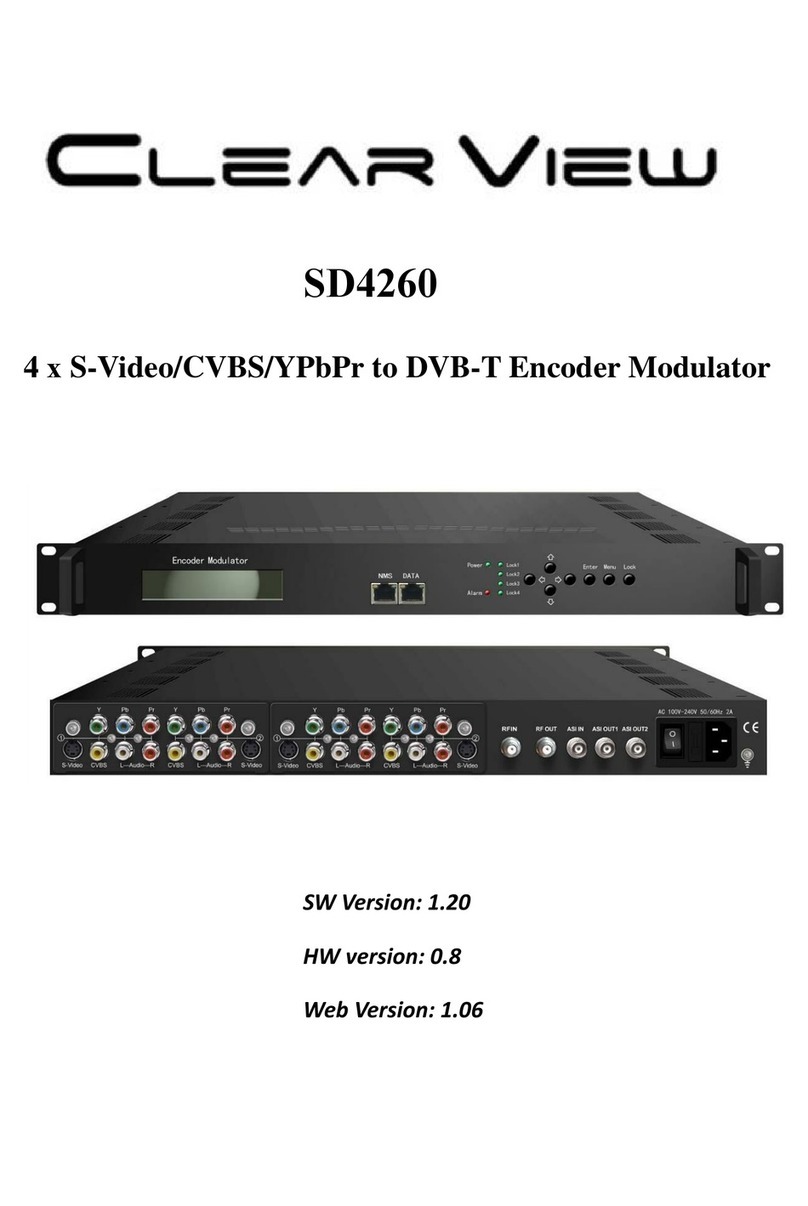
ClearView SD4260 manual

ClearView

ClearView SD4260 manual

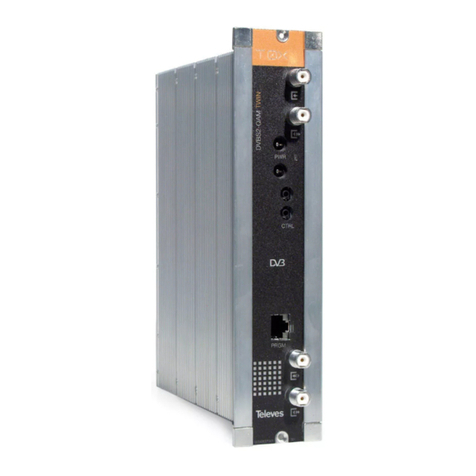
Televes T.0X COFDM-QAM CI User instructions

Televes

Televes T.0X COFDM-QAM CI User instructions

Crucial Audio Die Gotterdämmerung operating instructions

Crucial Audio

Crucial Audio Die Gotterdämmerung operating instructions

Pioneer CD-V61FM Service manual

Pioneer

Pioneer CD-V61FM Service manual

Televes 554912 user manual

Televes

Televes 554912 user manual

Newtec M6100 user manual

Newtec

Newtec M6100 user manual

ProTelevision PT 5780 instruction manual

ProTelevision

ProTelevision PT 5780 instruction manual

Argent Cables HD DVB-T MODULATOR user guide

Argent Cables

Argent Cables HD DVB-T MODULATOR user guide

SSS Siedle BVM 650-0 Product information

SSS Siedle

SSS Siedle BVM 650-0 Product information

https://manuals.online logo
https://manuals.online logoBrands
  • About & Mission
  • Contact us
  • Privacy Policy
  • Terms and Conditions

Copyright 2026 Manuals.Online. All Rights Reserved.

TRIAX - your ultimate connection
Assembly Instructions
CG2CT 860 C
Head-End Digital Modulator
2 x DVB-C2/T2 QAM
As well as this supplementary Assembly Instructions,
the Assembly Instructions for the CSE2800 apply.
Art. No. 325041 GB
- 2 - CG2CT 860 C
Contents
1 Safety regulations ..............................................................................................3
2 General information ..........................................................................................4
2.1 Scope of delivery ............................................................................... 4
2.2 Meaning of the symbols used ............................................................... 4
2.3 Technical data.................................................................................... 4
2.4 Description ........................................................................................ 5
2.5 How the TPS module works .................................................................. 6
Station filter ....................................................................................... 6
Changing the Transport stream and ORGNET-ID .................................... 6
Changing the NIT ............................................................................... 6
3 Installation ........................................................................................................6
3.1 Retrofitting a CA module ..................................................................... 7
3.2 Installing the QAM module .................................................................. 8
3.3 Connecting the QAM module .............................................................. 9
4 The control panel at a glance ...........................................................................10
4.1 Functions of the control panel buttons .................................................. 10
4.2 Menu items ...................................................................................... 10
5 Programming ..................................................................................................11
5.1 Preparation...................................................................................... 11
5.2 Notes on level setting ........................................................................ 11
5.3 Programming procedure .................................................................... 12
5.4 Programming the QAM module .......................................................... 14
Selecting the module / channel strip ................................................... 15
Output parameter ............................................................................. 15
Modulator on/off, Level ............................................................... 16
Channel / Frequency .................................................................. 16
Output symbol rate, QAM modulation
.............................................17
Substitute signal in the case of an incorrect input signal ................... 19
Input parameter ................................................................................ 20
Kind of modulation ...................................................................... 20
Physical Layer Pipes / Slices ......................................................... 21
Input channel / frequency ............................................................ 21
Operation with a CA module ....................................................... 22
Station filter ................................................................................ 22
PID monitoring ............................................................................ 24
CA module ................................................................................. 25
Economize descrambling capacity ................................................ 26
Option settings ................................................................................. 27
Transport stream ID and ORGNET-ID ............................................. 27
BAT/SDT-OTHER tables ................................................................ 28
Deleting a PID ............................................................................ 29

- 3 - CG2CT 860 C
Renaming a PID .......................................................................... 29
Output data rate .............................................................................. 30
Network Information Table (NIT) ......................................................... 31
Factory reset .................................................................................... 32
Saving data ..................................................................................... 33
6 Final procedures ..............................................................................................34
7 Channel and frequency tables ..........................................................................35
1 safety regulations
• The standards EN/DIN EN 50083 resp. IEC/EN/DIN EN 60728 must be
observed.
• Do not perform installation and service work during thunderstorms.
• Assembly, installation and servicing should be carried out by authorised
electricians.
• Switch off the operating voltage of the system before beginning with assem-
bly or service work.
• Avoid short circuits!
• Observe the relevant standards, regulations and guidelines on the installa-
tion and operation of antenna systems.
• To ensure electromagnetic compatibility, make sure all connections are tight
and the covers are screwed on securely.
• No liability is accepted for damage caused by faulty connections or inap-
propriate handling of the device.
Check the head-end station CSE 2800 according to the safety instructions
listed in their assembly instruction.
Take precautions to prevent static discharge when working on the device!
Electronic devices should never be disposed of in the household rubbish. In
accordance with directive 2002/96/EC of the European Parliament and the
European Council from January 27, 2003 which addresses old electronic and
electrical devices, such devices must be disposed of at a designated collection
facility. At the end of its service life, please take your device to one of these
public collection facilities for proper disposal.
- 4 - CG2CT 860 C
2 general information
2.1 sCope of delivery
1 Digital Transmodulator QAM "CG2CT 860 C"
1 RF connection cable
1 CD (assembly instructions)
1 Brief Assembly Instructions
2.2 meaning of the symbols used
Important note
—> General note
–
/
–
/
Optional use of the buttons
• Performing works
2.3 teChniCal data
The requirements of the following EU directives are met:
2006/95/EC, 2004/108/EC
The product fulfils the guidelines and standards for CE labelling.
Unless otherwise noted all values are specified as "typical".
RF input
Frequency range: ........................................................... 42 … 862 MHz
Channel range: ........................C 05 …C 12, S 21 … S 41, C 21 … C 69
Input level: .............................................................. 60 dBμV … 80 dBμV
Input impedance: ............................................................................75 Ω
RF output
Frequency range: ................................................... 42 MHz … 860 MHz
Channels: ............................................................................ S21 … C69
Output level: ......................................................................75…85 dBμV
Output impedance: ......................................................................... 75 Ω
Connections:
RF inputs: .............................................................................. 2 F sockets
RF output: .............................................................................. 1 F socket
Connection strip (20-pin): .......................f
or supply voltages and control circuits
Common Interfaces: .....................2 (several channels can be descrambled).
- 5 - CG2CT 860 C
2.4 desCription
The twin transmodulator module converts signals modulated according to DVB-
C/C2/T/T2 standard into two QAM modulated signals for feeding into a cable
network. The module has two digital RF inputs and one RF output.
Tuner "A"IN "A"
IN "B"
RF OUT
Tuner "B"
TPS
TPS
CA-Modul
CA module
CA-Modul
CA module
Modulator
"A"
Modulator
"B"
Combiner
The module is equipped with two channel strips. Using adequate CA modules
scrambled channels can be descrambled via tuner "A" and "B".
LEDs provide an indication of the input signal quality based on their colour and
indicate if the respective channel strip is switched on (LED illuminates) or off.
LED
indicator
Indication
Green Signal quality is good
Orange Signal quality is poor
Red No signal
Red<–
>Green
Data rate overflow (output)
Off Channel strip (modulator) off
The QAM modulated RF output signals are sent through the RF output of the
module to the output collector.
When the head-end station is switched on, the two-line LC display shows the
"SETUP" menu and the software version of the control unit. The head-end sta-
tion output level can be adjusted in this menu.
The control of the module takes place via the control unit of the
head-end sta-
tion. To operate the
QAM module
the software version of the control unit (head-
end station) must be "V 10" or higher. The operating software of the
QAM
module and the
head-end station can be updated using a PC and the software
"BE-Flash" via the 9-pin D-SUB socket on the head-end station. You can find
the current operating software for the head-end station
and the QAM module,
the software "BE-Flash"
and the current assembly instructions
on the website
"www.triax.com".
The
QAM module
is designed exclusively for use in the CSE 2800 head-end
station.
- 6 - CG2CT 860 C
2.5 how the tps module works
After decoding the satellite signals, the demodulated data streams can be
accessed via the integrated TPS module. These data streams, also called trans-
port streams, contain several stations with all their components (video, audio,
data and service information), which can be changed using the TPS module.
station filter
Individual stations can be deleted. This reduces the data rate and, conse-
quently, the output data rate.
Changing the transport stream and orgnet-id
The transport stream ID can be changed. If the stations of a transponder are
split into the transport streams of different channel strips, a new identification
must be allocated to the "new" transport streams to realise the channel search
of the settop boxes connected without mistakes.
If the ORGNET-ID is changed a new NIT must be generated.
Changing the nit
The transport stream contains data in the form of tables which the receivers
evaluate and require for convenient use. The TPS module can adjust the "Net-
work Information Table" (NIT) to accommodate the new stations output data
(incl. LCN). The "NIT" contains data which is required by the set-top boxes
connected to the cable network for the automatic search feature.
3 installation
– Ensure the head-end station is mounted so it will not be able to vibrate.
Avoid, for example, mounting the head-end station onto a lift shaft or any
other wall or floor construction that vibrates in a similar way.
– Before installing or changing a module, switch off the head-end station or
unplug the power cable from the mains power socket.
– Take measures to protect against ESD!
•
Open the housing of the head-end station in accordance with the assembly
instructions for the CSE 2800.
- 7 - CG2CT 860 C
3.1 retrofitting a Ca module
The module is equipped with two common interfaces. This allows you to con-
nect two CA modules for various scrambling systems and service providers.
Scrambled channels can only be descrambled with a CA module suitable for
the scrambling system and the corresponding smart card. The smart card con-
tains all the information for authorisation, descrambling and subscription.
– Check with the distributor or manufacturer of the CA modules to be used
to ensure that they are suitable for descrambling several channels.
– The hardware and software of this module have been thoroughly prepared
and tested.
– Any changes made by programme provider to the structures in the pro-
gramme data might impair or even prevent this function.
– When working with the CA modules, please read the corresponding oper-
ating manuals from the respective providers.
• Insert the smart card
1 into the CA module
2 so that the chip
3
on the
smart card faces the thicker side (top) of the CA module (fig. 1).
• Push the CA module 2 without canting into the guide rails 4 of the com-
mon interface 5 according to the following picture and contact it to the
common interface.
5
3
4
1
2
CI Tuner A
CI Tuner B
Leiterplatte / PCB
Fig. 1
—> If the QAM module is inserted in the head-end station, the left com-
mon interface is assigned to tuner A, the right one to tuner B.
- 8 - CG2CT 860 C
3.2 installing the Qam module
–
Check that the plug contacts of the CA module are tightly seated in the
terminal strips on the
common
interface of the
QAM
module and make
sure there is reliable contact.
– When installing a module, make sure that it is inserted in one of the long,
numbered grooves in front of the contact strip on the board at the rear wall
of the housing.
– The shorter, non-numbered grooves without a contact strip on the board at
the rear wall of the housing are for add-on modules only.
•
Open the housing of the head-end station in accordance with the assembly
instructions for the CSE 2800.
• Open the locking device 1 in the direction of the arrow (fig. 2).
1
Fig. 2
• Insert the QAM module in grooves A of an open slot (with contact strip on
the board at the rear wall of the housing) and gently slide it into the head-
end station until it makes contact with the board on the rear wall (fig.3).
• After installing the QAM module close the locking device C in the direction
of the arrow (fig. 3). Ensure to get a well contact to spring B.
B
A
A
C
Fig. 3
- 9 - CG2CT 860 C
3.3 ConneCting the Qam module
H
I
E
D
F
G
Fig. 4
•
Connect the RF inputs E (input "A") and F (input "B") on the
QAM
mod-
ule (fig. 4)
to corresponding signal sources
via the preinstalled Fterminals
in the rear wall of the head-end station through the cable inlets H using RF
cables made on-site.
• After programming, connect the modulator output G to one of the input
sockets I of a retrofitted output collector.
•
Connect the head-end station to the mains power supply.
- 10 - CG2CT 860 C
4 the Control panel at a glanCe
4.1 funCtions of the Control panel buttons
S
M
To move the cursor
To adjust values and
functions
To save the programmed
data
To switch to the next
menu
4.2 menu items
Program the
QAM
module using the buttons on the head-end station control
panel. The menus appear on the two-line display of the control panel.
The parameters and functions to be set are underlined.
With the button select the channel strip / other modules.
You can use the button to select the following menu items:
– Output signal settings:
Modulator on/off, level
Output channel / Output frequency
QAM modulation
Substitute signal
– Input signal settings:
Kind of modulation
Physical Layer Pipes / Slices
Input channel / frequency
Station filter
CA module
Economize descrambling capacity
– Options:
Transport stream and ORGNET-ID
BAT, STD-other
Deleting a PID
Renaming a PID
– Data rate
– Network Information Table (NIT)
– Factory reset