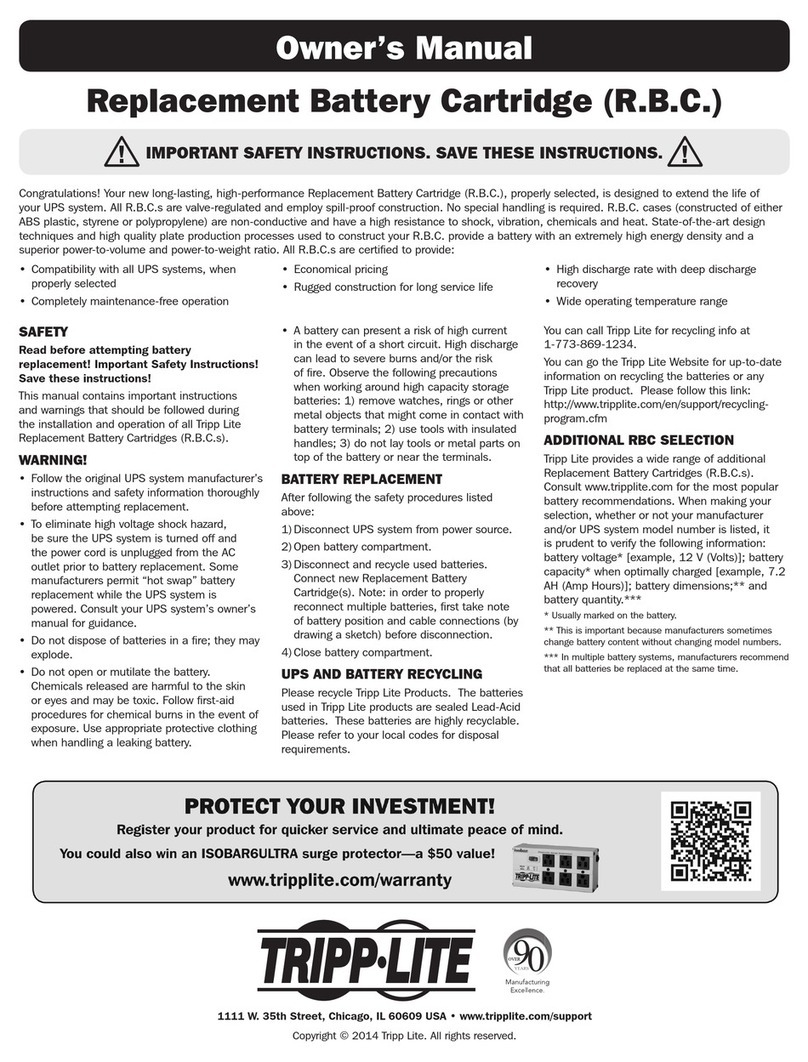
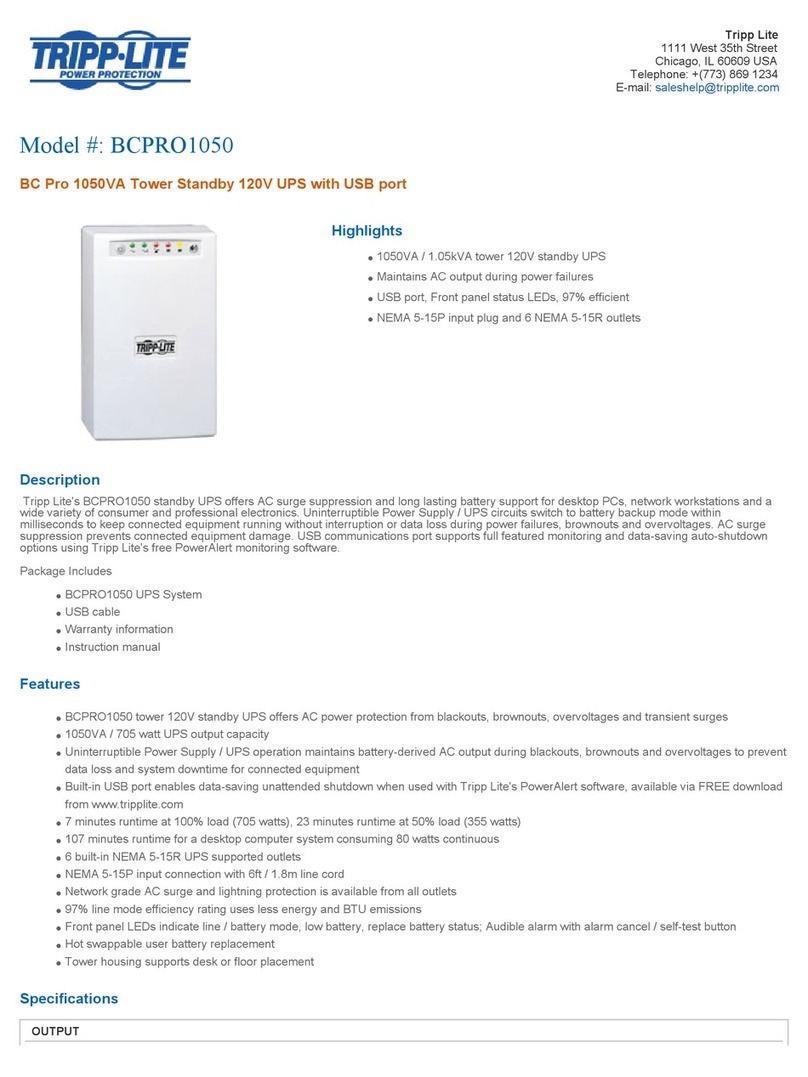
9
Front Panel Indicator Lights continued
“BYPASS”LED:ThisyellowlightwillflashtoindicatethattheUPS’s
DC/AC inverter is deactivated and the UPS is in the “Bypass” mode.
During normal operation this LED will light briefly when the unit is
pluggedin,butifaninternalfaultoroverloadoccursthislightwillflash
constantly and the fault LED will illuminate to show that connected
equipment will receive filteredAC mains power, but will not receive
battery power during a blackout. In this case, contact Tripp Lite for
service.IftheUPShasbeenplacedintoEconomyMode(availableon
select UPS systems), it configures an online UPS to function as a
switchingUPS.WhentheUPSsystemisinEconomyMode,itoperates
at increased efficiency whileAC utility power is available (within +/-
10% nominal) and switches to battery power if AC utility power is
interrupted.Theyellow“BYPASS”LEDwillremainonwhentheUPS
systemisinEconomyMode.(Formoreinformationonhowtoaccessthe
EconomyMode,pleaserefertothePowerAlertsoftwareUser’sManual.)
“FAULT”LED(selectmodelsonly):Thisredlightwillflashwhen
yourUPSdetectsaninternalfault(overheating,overvoltages,etc.).If
the light persists after restarting the UPS, contact Tripp Lite for
service.
“LOADACTIVE METER” LED: This green light will illuminate
whenyourUPSisreceivingACpowertoindicatethatthesetoffour
dual-functionLEDsisdisplayingtheloadlevelofyourUPS.
“BATTACTIVE METER” LED: This green light will illuminate
whenyourUPSisoperatingfrombatterypowertoindicatethattheset
of four dual-function LEDs is displaying the battery charge level of
yourUPS.Note:the“ONBATT”LEDwillalsobeilluminated.
“OVERLOAD”LED:Thisredlightwillilluminateconstantlytoindicate
thatyourUPS’scapacityhasbeenexceededwhileitisinon-lineoperation.
TheUPSalarmwillbeepcontinuously.Immediatelyremoveoverload
until light and alarm go off. If you do not immediately remove the
overload,theUPSwilltransferfromon-linetobypassoperation.
“BATTLOW”LED:ThisyellowlightwillilluminatewhenyourUPS’s
batterychargelevelislow.TheUPSalarmwillbeepuntileitherthe
batterychargeisdepletedorthebatteriesareadequatelyrecharged.
“ON BATT” LED: This green light will illuminate constantly to
indicatethatAClinevoltageisnotpresentandyourUPSisproviding
yourequipmentwithbatterypower.TheUPSwillalsobeepeverytwo
seconds,unlesssilencedbythe“ON/TEST”Button.Whenthislightis
illuminated,youcanmonitorthebatterychargelevelofyourUPSon
the“BATTACTIVEMETER”LEDs.
Basic Operation (continued)
201203257 93-2486.indd 9 4/3/2012 3:12:59 PM