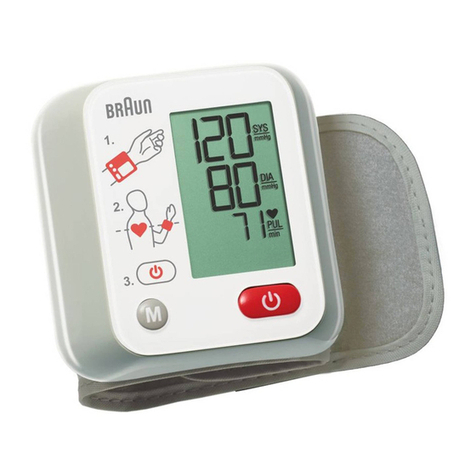
STEP 4
When the position is correct, press “START/STOP” button again to start measurement. Do not
move your wrist, body or the monitor.
STEP 5
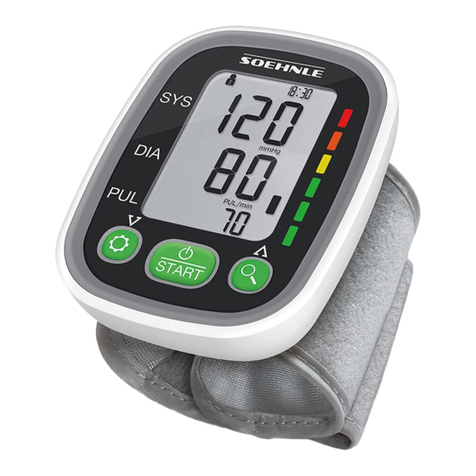
The cuff will be slowly inflated. The blood pressure and pulse will be measured during inflation.
Inflation will stop as soon as the blood pressure and pulse rate have been calculated. Results
will then be shown on the blood pressure monitor display.
STEP 6
Once the measurement is announced/displayed by myMobile, you can remove the cuff. Tap
‘Continue’ on myMobile.
STEP 7
If readings are outside your normal limits, myMobile will ask you to repeat the reading once
more. Start again from STEP 1.
Our policy of continual development means that product specifications and appearance may change without notice. Tunstall does not accept
any responsibility for any errors and omissions contained within this document. © 2020 Tunstall Group Ltd. Tunstall is a registered trademark.
Tunstall Australasia Pty Ltd is a member of the Tunstall Group.
8271-UG-10
Tunstall Australasia Pty Ltd is a member of the Tunstall Group.
Tunstall Australasia t/a Tunstall Healthcare
ABN 44 056 121 863
t: 1800 603 377
e: au.info@tunstall.com
w: tunstallhealthcare.com.au
Tunstall New Zealand
Business No. 3502431
t: 0800 488 678
e: nz.info@tunstall.com
w: tunstall.co.nz
Cleaning Instructions
• Clean the monitor at least monthly or when soiled, with a dry, soft cloth or a moistened and
well wrung soft cloth using water, diluted disinfectant alcohol, or diluted detergent.
• It is recommended that if the cuff is used in a hospital or a clinic, it be disinfected twice a
week. Wipe the inner side (the side that contacts skin) of the cuff with a soft cloth lightly
moistened with Ethyl alcohol (75-90%). Then air dry the cuff.