8
5. Lastly, turn on the source device and remote display. The source signal should
now appear on the remotely located display. If not, consult the Troubleshooting
section of this manual.
5.0 OPERATING THE UNITS
Once the connections have been made and power applied, there is little in the way of
operational adjustments required however, all Receivers have Equalization and Gain
adjustments which may be adjusted to improve the appearance of the video signal.
Normally adjustment is not required on shorter cable runs but receivers located at the
end of cable runs near the limit of specified range may need small adjustments of the
Equalization or Gain controls or both.
5.1 Equalization and Gain Adjustments
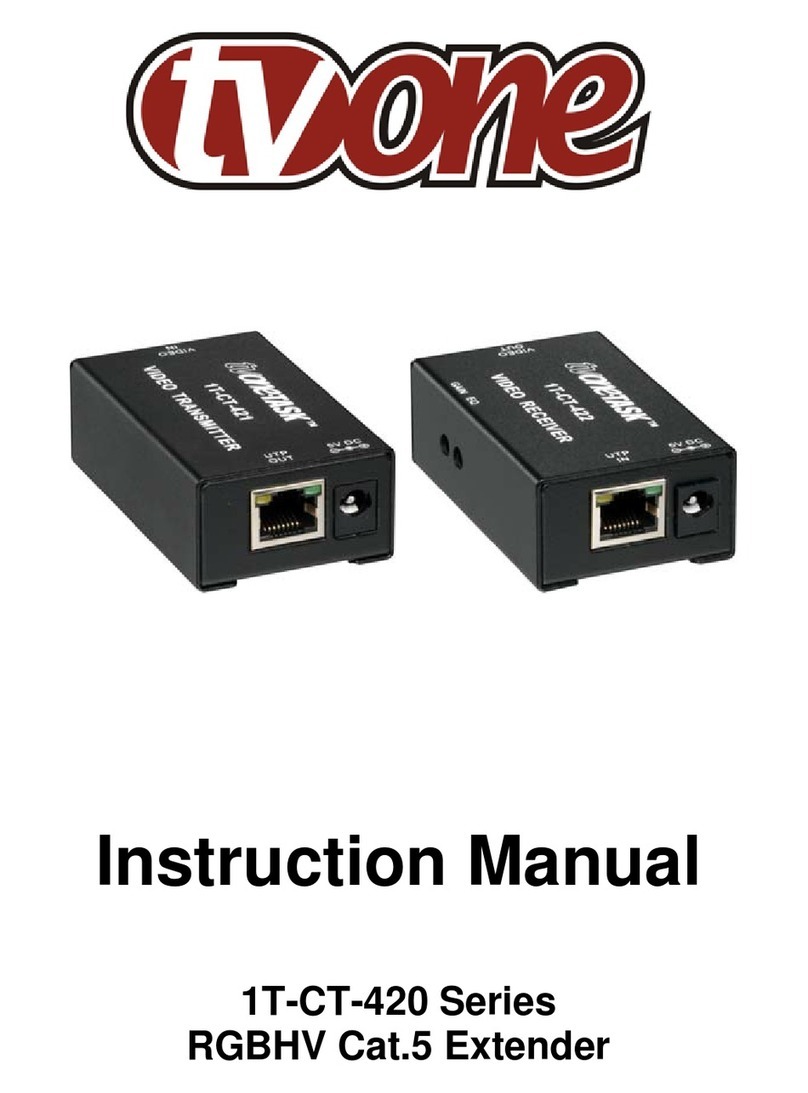
On all Receiver models, locate the EQ (Equalization) and GAIN adjustments on the side
of the Receiver. The EQ control, is on the left
and the Gain Control is next to it, to the right.
On long cable runs, the high frequency detail can be lost resulting in a “soft” looking
picture. This will first show up in text where the characters will lose their sharp edges.
Adjust the EQ can sharpen the image. While viewing an image on a display connected
to the Receiver, insert a small screwdriver into the EQ adjustment on the side panel of
the Receiver. Rotate gently until the best EQ setting, as determined by image clarity, is
achieved. Next, insert the screwdriver into the GAIN adjustment, and rotate gently until
the best Gain setting, as determined by the brightness of the image is achieved. You
may notice an increase in video noise (sometimes called “snow”) in the picture at
higher gain settings so a compromise will have to be found if the cable run is at or near
the maximum length. EQ and GAIN settings are retained by the Receiver. On the 1T-
CT-528 Receiver, the longer range capability of this unit can be equalized using the
controls described above plus the use of the two DIP switches provided. Set the DIP
switches to the approximately cable length being utilized and then adjust the EQ and
Gain controls for best picture. If the EQ and/or Gain controls appear to be at or near
their range limit, select another combination of switches from the DIP switch array.
6.0 TROUBLESHOOTING
Other than faulty Cat.5/Cat.6 cables or attempting to use the product over too great a
distance, there are seldom problems with these Video Extender products. If there is no
image present at the remote location, connect the display device directly to the source
to make certain that the problem is not in the display. If an image is present under those