manuals.online logo
Brands
  1. Home
  2. •
  3. Brands
  4. •
  5. Twist
  6. •
  7. Tablet Accessories
  8. •
  9. Twist IPAD HOLDER Setup guide

Twist IPAD HOLDER Setup guide

Popular Tablet Accessories manuals by other brands

Logitech Logitech Keyboard Case user manual

Logitech

Logitech Logitech Keyboard Case user manual

Enabling Devices 4090 user guide

Enabling Devices

Enabling Devices 4090 user guide

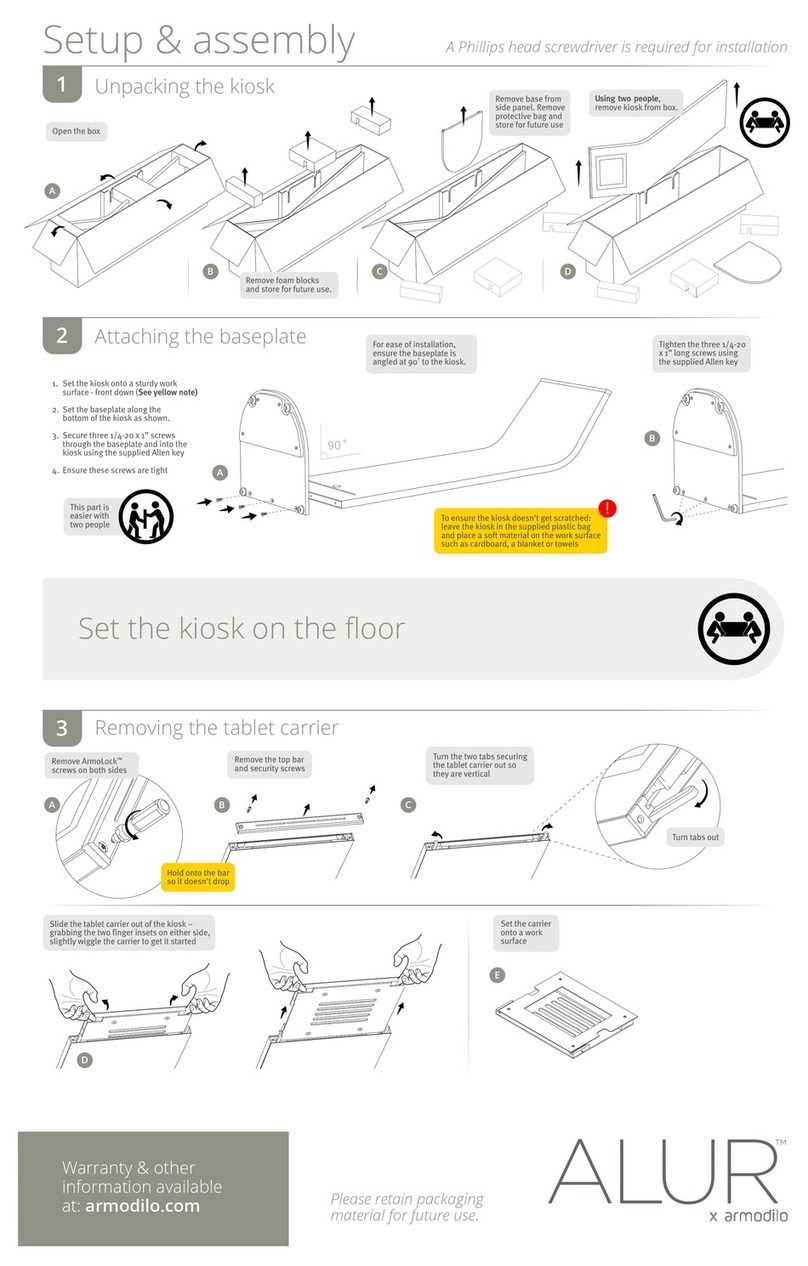
Armodilo ALUR Assembly instructions

Armodilo

Armodilo ALUR Assembly instructions

Thor’s Drone World Lifthor Mjolnir user manual

Thor’s Drone World

Thor’s Drone World Lifthor Mjolnir user manual

EARTO A1876 user manual

EARTO

EARTO A1876 user manual

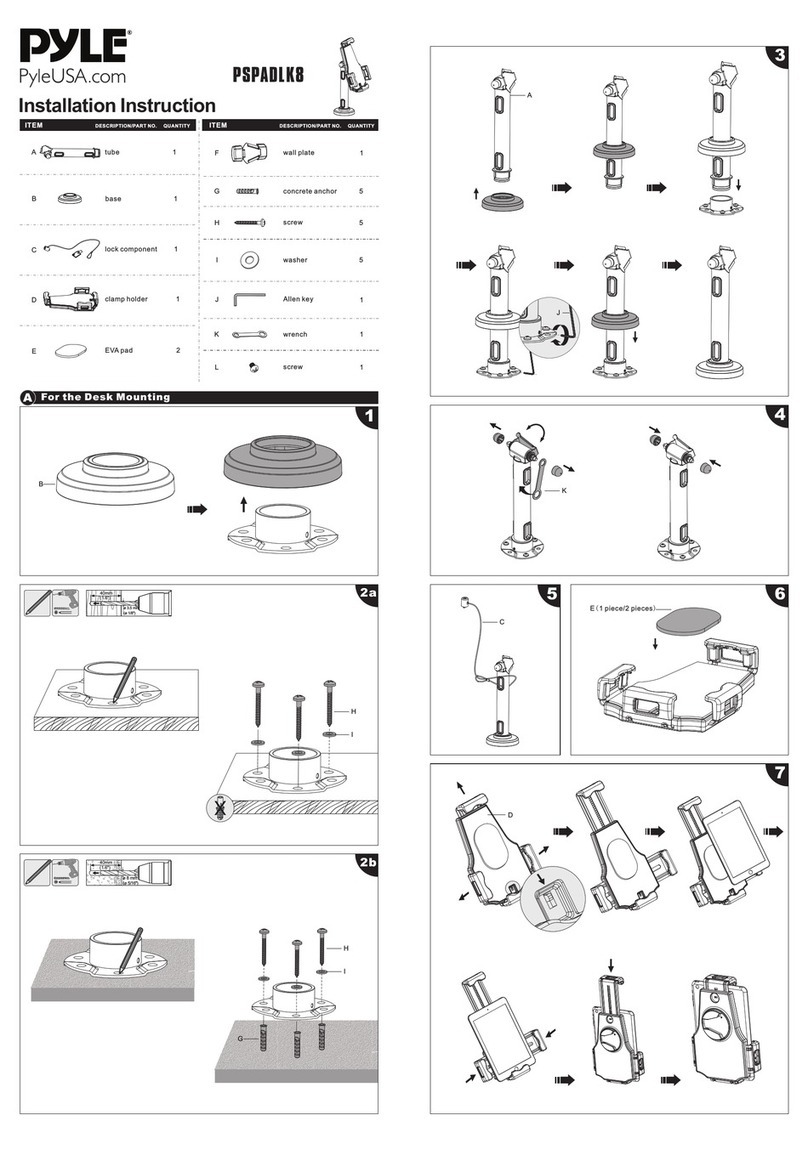
Pyle PSPADLK8 Installation instruction

Pyle

Pyle PSPADLK8 Installation instruction

MOB TUANUI user manual

MOB

MOB TUANUI user manual

Bretford PowerRack 10 manual

Bretford

Bretford PowerRack 10 manual

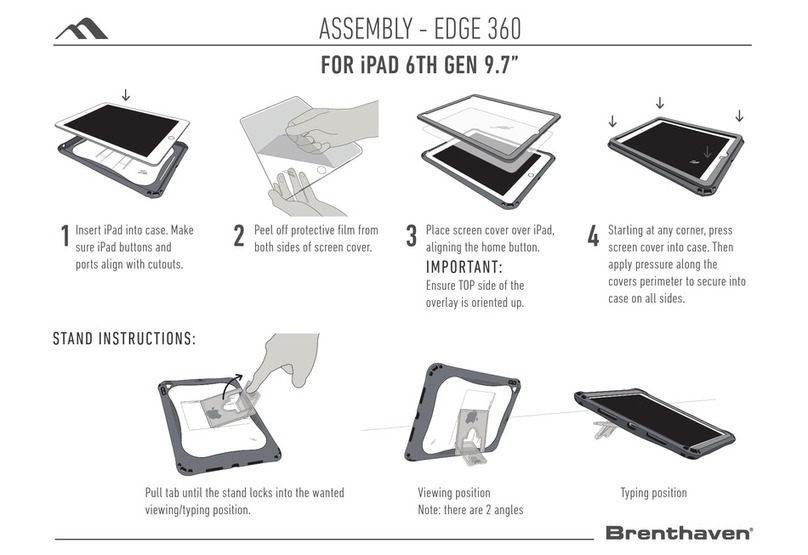
Brenthaven EDGE 360 manual

Brenthaven

Brenthaven EDGE 360 manual

Fujitsu Stylistic 3400 Installation and user guide

Fujitsu

Fujitsu Stylistic 3400 Installation and user guide

Logitech Hinge Setup guide

Logitech

Logitech Hinge Setup guide

Heckler Design WindFall STAND Assembly & installation

Heckler Design

Heckler Design WindFall STAND Assembly & installation

APLIC 303183 user manual

APLIC

APLIC 303183 user manual

Basalte eve Air quick start guide

Basalte

Basalte eve Air quick start guide

lilitab P Pro Assembly instructions

lilitab

lilitab P Pro Assembly instructions

Heckler Design WindFall CHECKOUT STAND Assembly & installation

Heckler Design

Heckler Design WindFall CHECKOUT STAND Assembly & installation

Zagg ZAGGfolio instruction manual

Zagg

Zagg ZAGGfolio instruction manual

Kensington KeyFolio Pro quick start guide

Kensington

Kensington KeyFolio Pro quick start guide

manuals.online logo
manuals.online logoBrands
  • About & Mission
  • Contact us
  • Privacy Policy
  • Terms and Conditions

Copyright 2025 Manuals.Online. All Rights Reserved.

TWIST
IPAD HOLDER
product set up instructions
19968
Twist iPad Holder Setup Instructions
Place the Twist base on the oor.
1. Place the rst Twist extrusion into the base.
2. Take the second Twist extrusion and place into the hole located at the top of the rst one, twisting it 90
degrees to lock it in place.
2
1
Twist iPad Holder Setup Instructions
Hang the graphic.
3
3
2
2
Insert iPad arm into the middle TWIST extrusion.
Loosely tighten one of the screws to stop it falling
down the complete extrusion.
Attach top Twist extrusion.
1. Position the arm so that the bolt aligns with the
join of the two Twist extrusions.
2. Tighten the screws to lock it into place.
Twist iPad Holder Setup Instructions
3
3
2
2
Carefully, push the arm through the graphic.
1. Take the metal rod and connect to the iPad holder.
2. Secure it in place by tightening the screw.
Pull down graphic and attach to the TWIST base.
1. Take the iPad holder and connect it to the arm.
2. Tighten the screw on the arm to secure it into place.
Twist iPad Holder Setup Instructions
Attach the iPad with the keys provided.
9