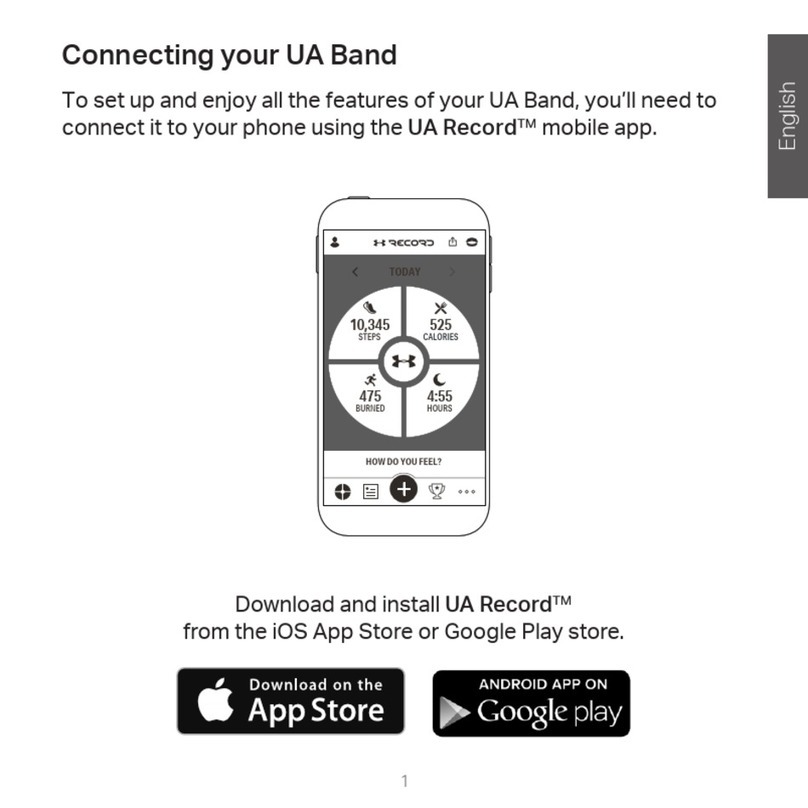
Downloading and installing the UA Record app
Before downloading the UA Record app, please make sure that your phone meets the
minimum system requirements indicated on the UA Record app's download page.
1. On your phone, open the Play Store or App Store®.
2. Search for UA Record.
3. Download and install the UA Record app.
Pairing your UA Band with UA Record
To set up your UA Band, you need to pair it with UA Record.
Make sure that you've:
§Downloaded and installed UA Record on your phone.
§Turned on Bluetooth® on your phone.
§Placed your UA Band near your phone.
1. On your phone, open the UA Record app.
2. Do one of the following:
If you are a new UA Record user... 1. Tap Register to create your UA Record account.
2. Once signed in, choose .
If you already have a UA Record
account...
1. Sign in to your UA Record account.
2. Tap > > Connect.
3. When prompted, enter or confirm the passkey displayed on your UA Band.
If you're using an Android® phone and you don't see your passkey displayed, check your
notification panel.
4. Tap Continue to complete the setup on your phone.
8 Getting started