manuals.online logo
Brands
  1. Home
  2. •
  3. Brands
  4. •
  5. UTEPO
  6. •
  7. Surge Protector
  8. •
  9. UTEPO USP201E User manual

UTEPO USP201E User manual

Other UTEPO Surge Protector manuals

UTEPO USP2108 User manual

UTEPO

UTEPO USP2108 User manual

UTEPO USP201PVD24 User manual

UTEPO

UTEPO USP201PVD24 User manual

UTEPO USP201V User manual

UTEPO

UTEPO USP201V User manual

UTEPO USP201PV24 User manual

UTEPO

UTEPO USP201PV24 User manual

Popular Surge Protector manuals by other brands

Philips Theatre Director SPP4200WA/17 Owner's manual & warranty

Philips

Philips Theatre Director SPP4200WA/17 Owner's manual & warranty

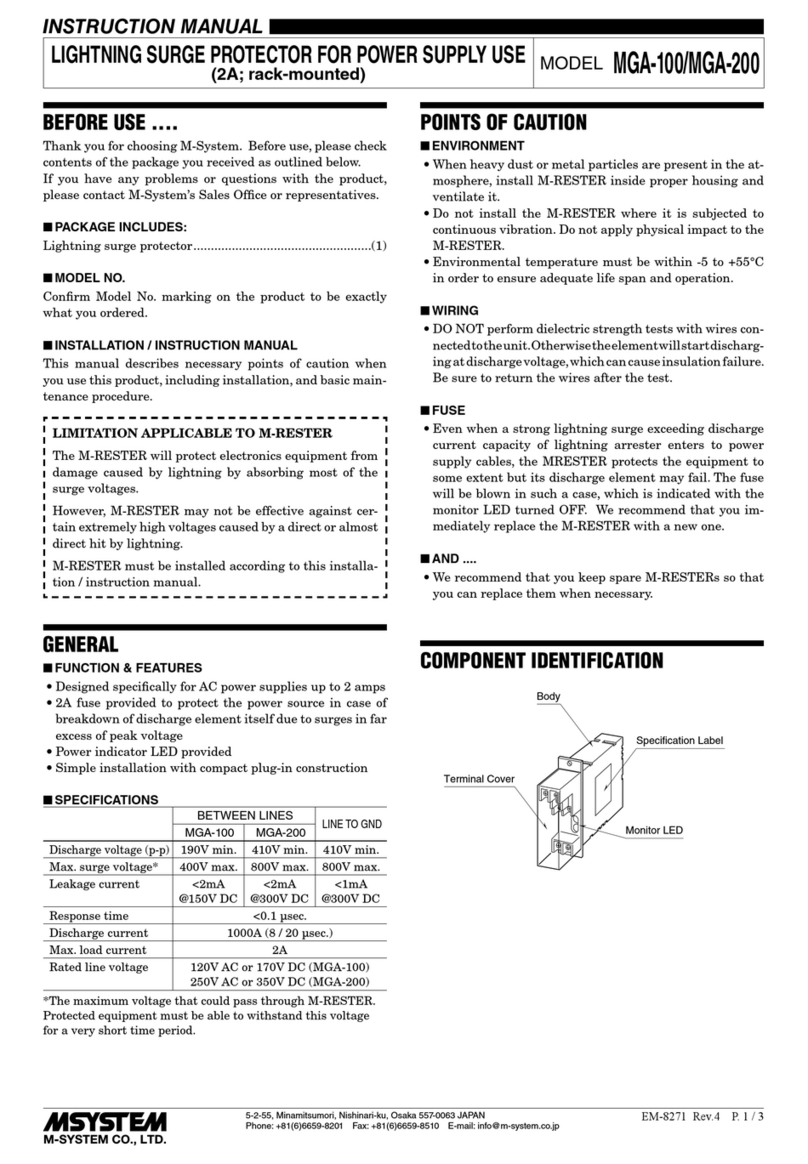
M-system MMA instruction manual

M-system

M-system MMA instruction manual

CyberPower CSP600WSU user manual

CyberPower

CyberPower CSP600WSU user manual

UTP BALUN SP-VD08 user manual

UTP BALUN

UTP BALUN SP-VD08 user manual

ELAC ProteK PR91-W Setup guide

ELAC

ELAC ProteK PR91-W Setup guide

Tsubaki TSM4000M1 instruction manual

Tsubaki

Tsubaki TSM4000M1 instruction manual

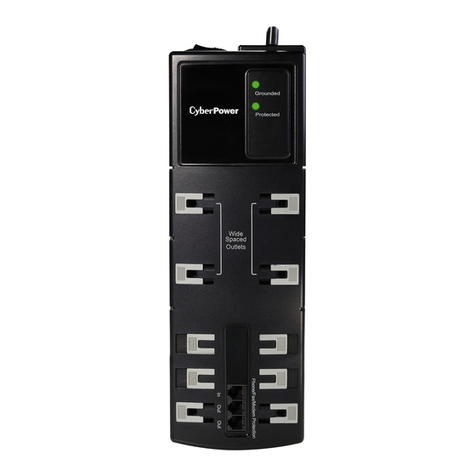
CyberPower B1006T user manual

CyberPower

CyberPower B1006T user manual

QVS PP134C Specification sheet

QVS

QVS PP134C Specification sheet

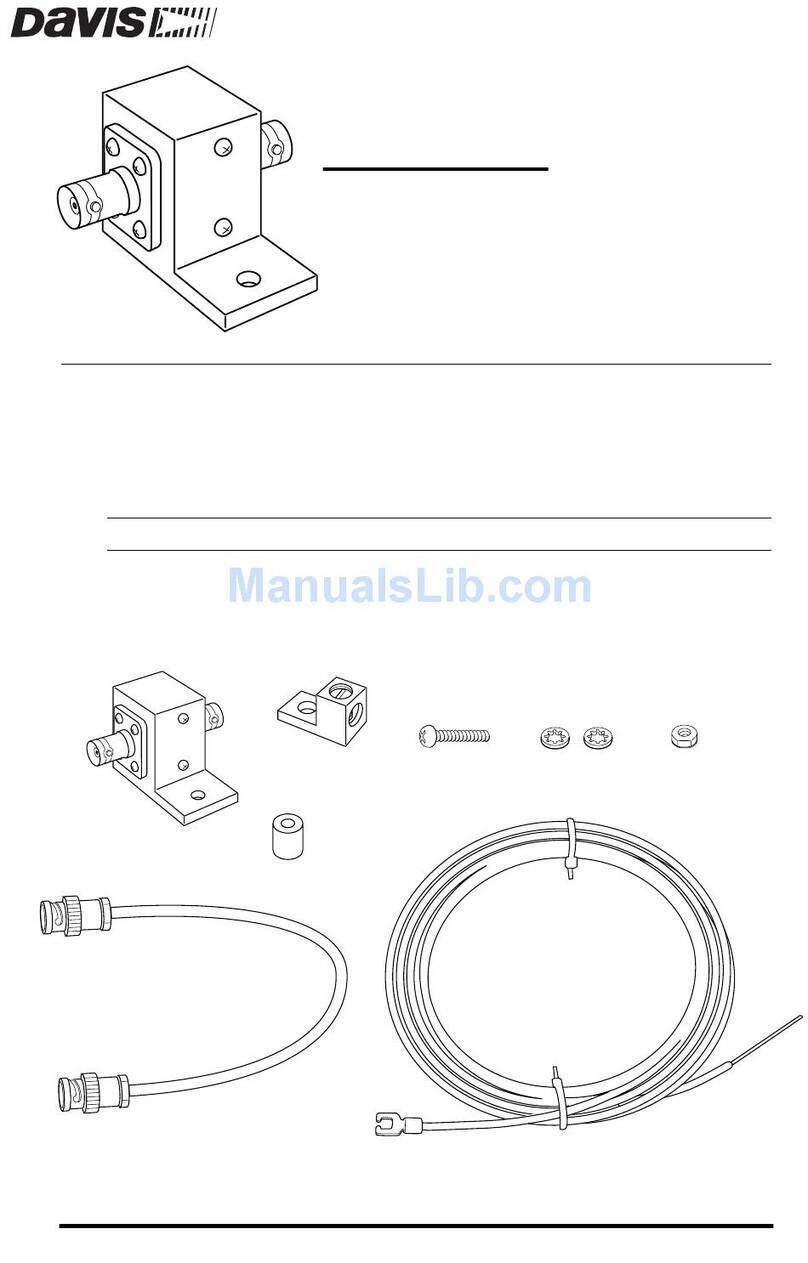
Davis Instruments Radio Surge Protector user guide

Davis Instruments

Davis Instruments Radio Surge Protector user guide

CyberPower B300WRC1 user manual

CyberPower

CyberPower B300WRC1 user manual

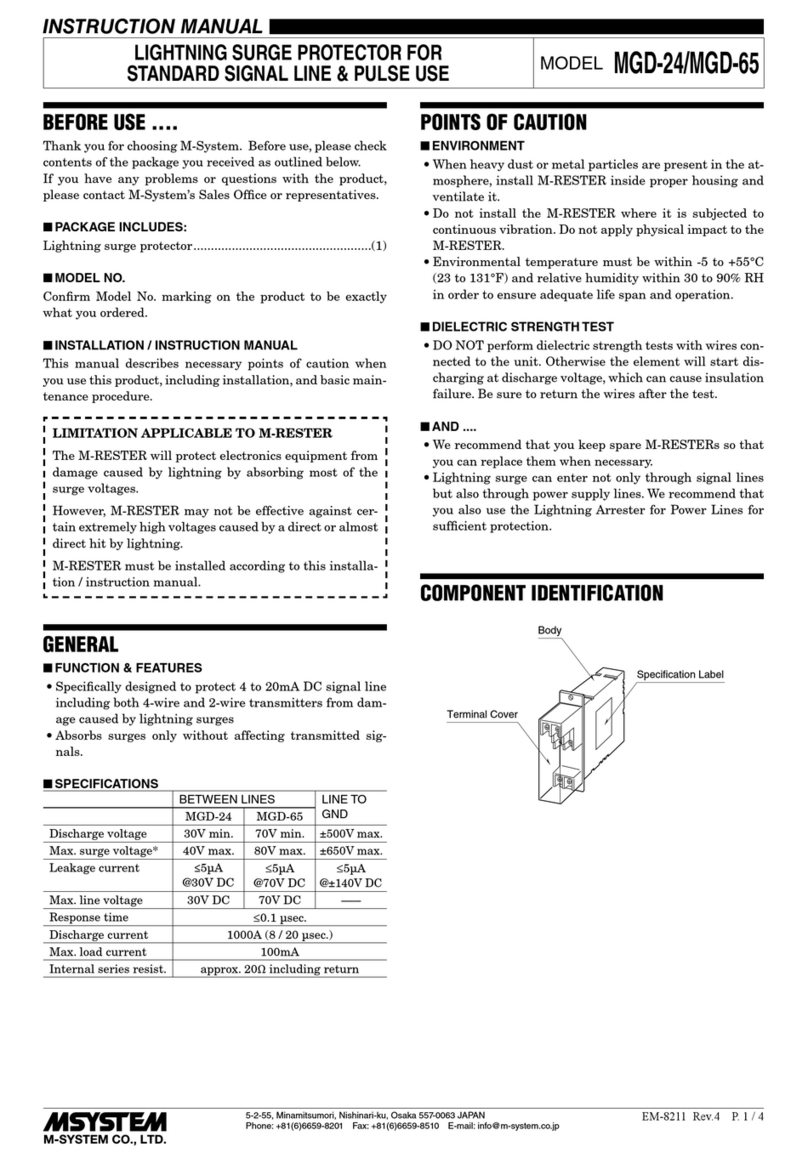
M-system MGD-24 instruction manual

M-system

M-system MGD-24 instruction manual

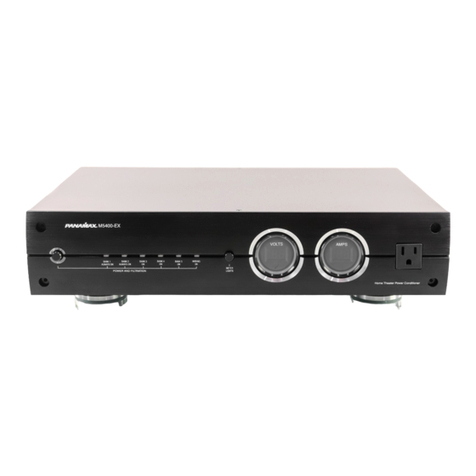
Panamax MAX 5400-EX owner's guide

Panamax

Panamax MAX 5400-EX owner's guide

OBO Bettermann ÜSM-20-230I1PE65 installation instructions

OBO Bettermann

OBO Bettermann ÜSM-20-230I1PE65 installation instructions

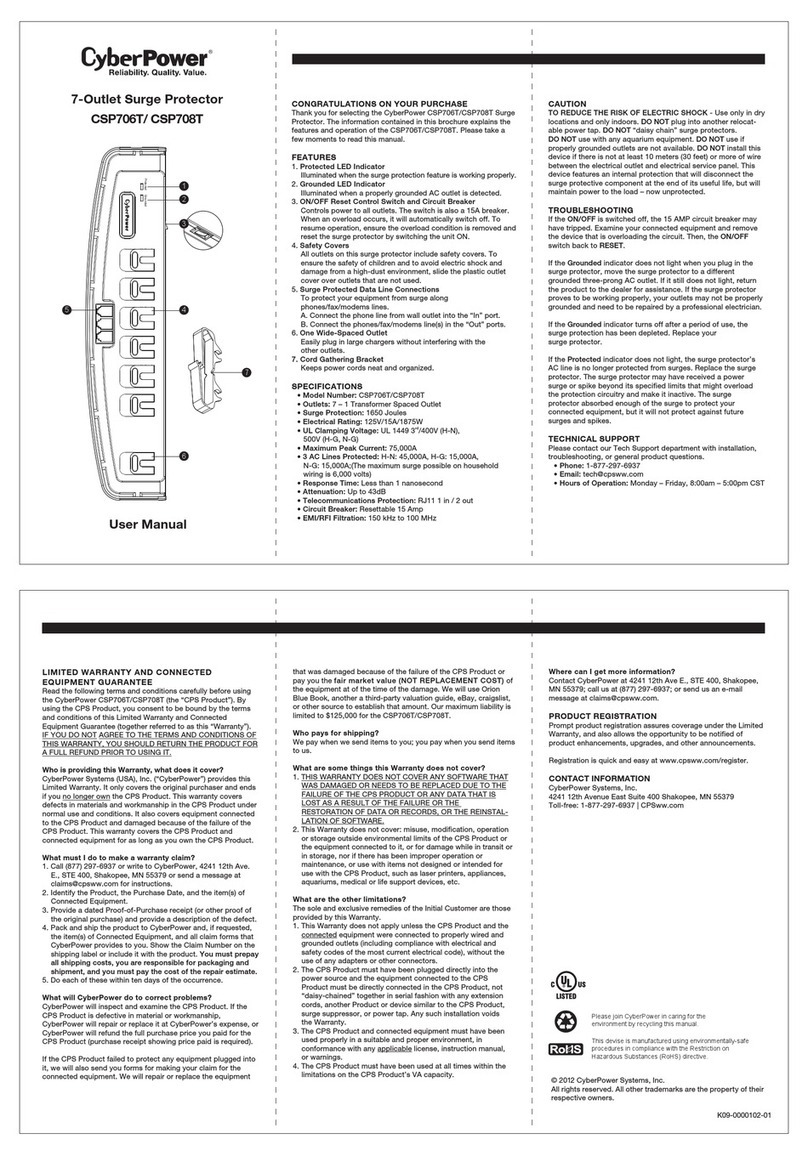
CyberPower CSP604T user manual

CyberPower

CyberPower CSP604T user manual

CyberPower CSP706T user manual

CyberPower

CyberPower CSP706T user manual

Mitsubishi Electric LITOL LTM-125RF manual

Mitsubishi Electric

Mitsubishi Electric LITOL LTM-125RF manual

Intermatic PS3000 installation instructions

Intermatic

Intermatic PS3000 installation instructions

Siemens SICROWBAR 7VV3003 operating instructions

Siemens

Siemens SICROWBAR 7VV3003 operating instructions

manuals.online logo
manuals.online logoBrands
  • About & Mission
  • Contact us
  • Privacy Policy
  • Terms and Conditions

Copyright 2025 Manuals.Online. All Rights Reserved.

Panel
Please install as following steps
Check the following equipment and accessories before installation if lost, please contact
your distributor
The product 1pc
User manual 1pc
1.Check grounding resistance that should meet the specification before connection the
device to system.
2. Connect protector on the front of the protected device ,it must be connected reliably.
3. Connect the device ground wire to protection ground strap keeping in the shortest
possible distance.
Note:
1.Protectors have In, Out symbol, connect output to protected device, do not take
opposite. Otherwise it will
cause the damage of the protector ,equipment also can not be protected .
2.Loss increases by bad connection socket and other factors, should reconnect or
replace protector
3. The user can not disassemble the various parts of the protector, avoid damaging,
affect the normal working.
Installation steps
The product is a single channel network signal surge protector according to IEC61643-21:2000 design
standard. The device rated working voltage is 5V, the max continuous running voltage is 6V, limited voltage
less than 20V, it has multi level protection function, high capacity, low limited voltage, quickly response,
low insertion loss and so on .It is applicable for computer network signal , Hub, network switch, network
and so on as whole monitoring system accurate overvoltage protection, making it is safe from induced
overvoltage ,operating over-voltage and electrostatic discharge caused damage.
Features:
Application
Reference standard: IEC61643-21:2000;
Protection signals: Ethernet signal,10/100Mbps;
Function : Multi function and multi level over voltage protection, high capacity, low limited
voltage, quickly response, low insertion loss;
Grounding: Extension cable directly connect with ground wire;
Appearance design: identification clearness, easy recognition, whole aluminium outer
shell, mini size, easy installation.
12
IP camera
NV R
UTP cat 5/5e UTP cat 5/5e
Grounding Grounding
Input
Grounding
Grounding
Output
Monitor
UTP cat 5/5e
The product The product
10/100Mbps

s e口
specification
Product specification are subject to change without further notice
连接接口
Trouble shooting
4
3
Inspect surge protector
Using multimeter “Ω” measuring input and output wire line resistance is 0Ω;If ,resistance value is
too much ,please replace for a new one.
Using multimeter “ Ω ” measuring wire line resistance to ground wire(yellow green cable), over
400kΩ. If it resistance value is too low, such as 0Ω, please replace for a new one.
Item
Description
Ethernet
Working voltage(Un)
5V
Nominal discharge current(In)
3KA
Maximum discharge current(Imax)
5KA
Protection level(Up)
25V
Rate
10/100Mbps
Response Time
1ns
Insertion loss
0.5dB
Connector
RJ45
Protection circuit
1/2 3/6 4/5 7/8
Environmental
Working temperature
-40℃~85℃
Storage temperature
-40℃~75℃
Humidity (non-condensing)
0~95%
Mechanical
Weight
100g
Dimension (L×W×H)
100mm×37mm×27mm
Outer shell
Aluminum