manuals.online logo
Brands
  1. Home
  2. •
  3. Brands
  4. •
  5. Vanguard
  6. •
  7. Network Router
  8. •
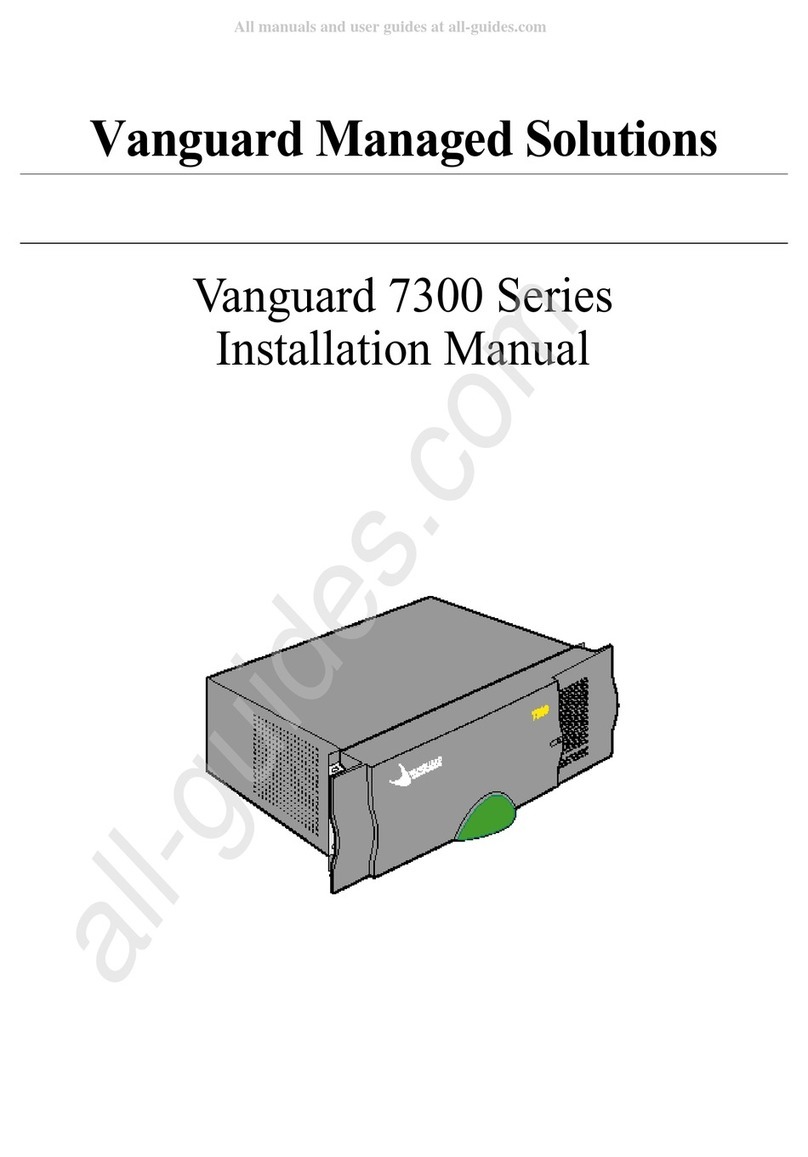
  9. Vanguard 7300 Series User manual

Vanguard 7300 Series User manual

Other manuals for 7300 Series

1

Other Vanguard Network Router manuals

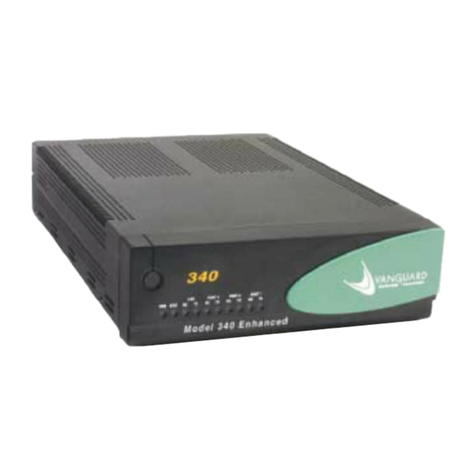
Vanguard 340 User manual

Vanguard

Vanguard 340 User manual

Vanguard 7300 Series User manual

Vanguard

Vanguard 7300 Series User manual

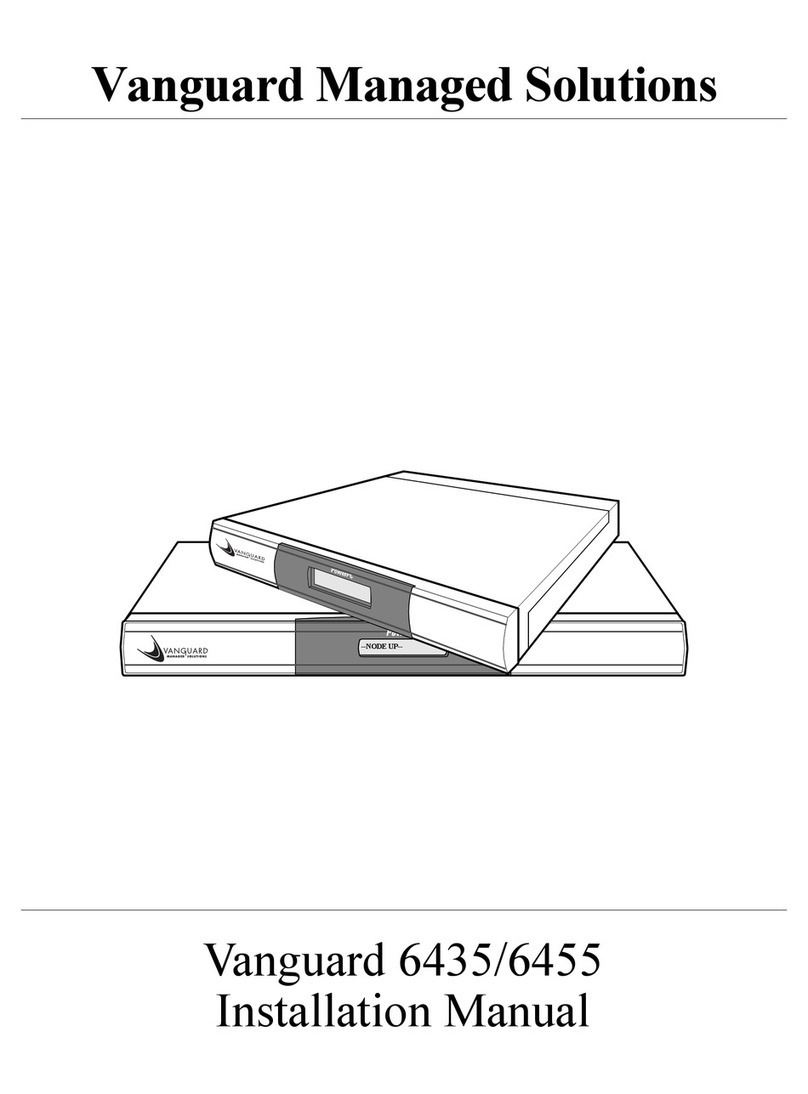
Vanguard 6435 User manual

Vanguard

Vanguard 6435 User manual

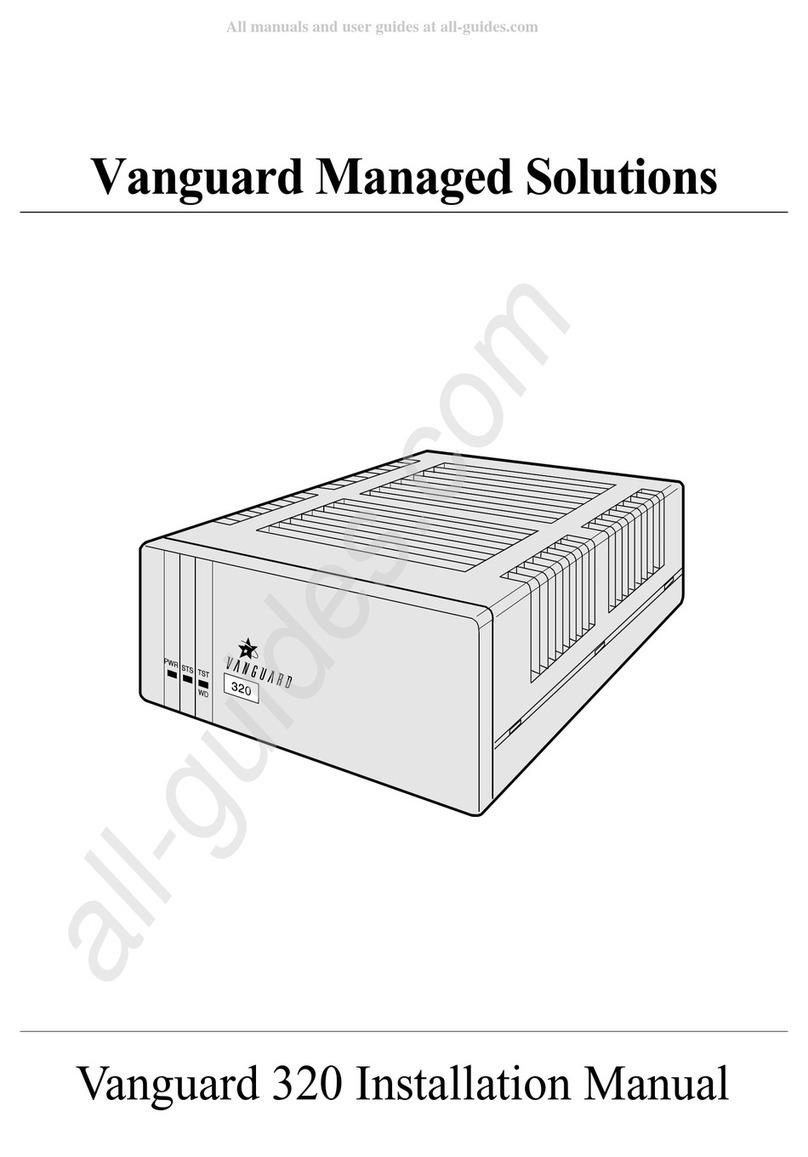
Vanguard 320 User manual

Vanguard

Vanguard 320 User manual

Vanguard 342 User manual

Vanguard

Vanguard 342 User manual

Popular Network Router manuals by other brands

TRENDnet TEW-435BRM - 54MBPS 802.11G Adsl Firewall M Quick installation guide

TRENDnet

TRENDnet TEW-435BRM - 54MBPS 802.11G Adsl Firewall M Quick installation guide

Siemens SIMOTICS CONNECT 400 manual

Siemens

Siemens SIMOTICS CONNECT 400 manual

Alfa Network ADS-R02 Specifications

Alfa Network

Alfa Network ADS-R02 Specifications

Barracuda Networks Link Balancer quick start guide

Barracuda Networks

Barracuda Networks Link Balancer quick start guide

ZyXEL Communications ES-2024PWR Support notes

ZyXEL Communications

ZyXEL Communications ES-2024PWR Support notes

HPE FlexNetwork 5510 HI Series Openflow configuration guide

HPE

HPE FlexNetwork 5510 HI Series Openflow configuration guide

Allied Telesis AT-AR236E quick start guide

Allied Telesis

Allied Telesis AT-AR236E quick start guide

ADTRAN NetVanta 3458-PoE quick start

ADTRAN

ADTRAN NetVanta 3458-PoE quick start

C&H Technologies EM405-8 manual

C&H Technologies

C&H Technologies EM405-8 manual

Huawei WiFi Mesh 3 Product description

Huawei

Huawei WiFi Mesh 3 Product description

Addonics Technologies ISC8P2G-S Quick install guide

Addonics Technologies

Addonics Technologies ISC8P2G-S Quick install guide

Atel W02 Arch+ Faqs

Atel

Atel W02 Arch+ Faqs

Allnet ALL0333AU user guide

Allnet

Allnet ALL0333AU user guide

Sercomm Genesis OC3505D Quick installation guide

Sercomm

Sercomm Genesis OC3505D Quick installation guide

Billion BIPAC 5102 Series user manual

Billion

Billion BIPAC 5102 Series user manual

TP-Link TD-8817 QIG

TP-Link

TP-Link TD-8817 QIG

Motorola MR1900 user guide

Motorola

Motorola MR1900 user guide

Cisco SOHO Series Regulatory compliance and safety information

Cisco

Cisco SOHO Series Regulatory compliance and safety information

manuals.online logo
manuals.online logoBrands
  • About & Mission
  • Contact us
  • Privacy Policy
  • Terms and Conditions

Copyright 2025 Manuals.Online. All Rights Reserved.

Vanguard Managed Solutions
Vanguard 7300 Series
Installation Manual
Notice
©2004 Vanguard Managed Solutions, LLC
575 West Street
Mansfield, Massachusetts 0204
(50 ) 261-4000
All rights reserved
Printed in U.S.A.
Restricted Rights Notification for U.S. Government Users
The software (including firmware) addressed in this manual is provided to the U.S.
Government under agreement which grants the government the minimum “restricted rights”
in the software, as defined in the Federal Acquisition Regulation (FAR) or the Defense
Federal Acquisition Regulation Supplement (DFARS), whichever is applicable.
If the software is procured for use by the Department of Defense, the following legend
applies:
Restricted Rights Legend
Use, duplication, or disclosure by the Government
is subject to restrictions as set forth in
subparagraph (c)(1)(ii) of the
Rights in Technical Data and Computer Software
clause at DFARS 252.227-7013.
If the software is procured for use by any U.S. Government entity other than the Department
of Defense, the following notice applies:
Notice
Notwithstanding any other lease or license agreement that may pertain to,
or accompany the delivery of, this computer software, the rights of the
Government regarding its use, reproduction, and disclosure are as set forth
in FAR 52.227-19(C).
Unpublished - rights reserved under the copyright laws of the United States.
Notice (continued)
Proprietary Material
Information and software in this document are proprietary to Vanguard Managed Solutions,
LLC (or its Suppliers) and without the express prior permission of an officer of Vanguard
Managed Solutions, LLC, may not be copied, reproduced, disclosed to others, published, or
used, in whole or in part, for any purpose other than that for which it is being made available.
Use of software described in this document is subject to the terms and conditions of the
Software License Agreement.
This document is for information purposes only and is subject to change without notice.
Radio requency Interference Regulations
This equipment has been tested and found to comply with the limits for a Class A digital
device, pursuant to Part 15 of the FCC Rules. These limits are designed to provide reasonable
protection against interference when the equipment is operated in a commercial environment.
This equipment generates, uses, and can radiate radio frequency energy and, if not installed
and used in accordance with the instruction manual, may cause harmful interference to radio
communications.
Changes or modifications not expressly approved by Vanguard Managed Solutions could
void the user's authority to operate the equipment.
This Class A digital apparatus meets all requirements of the Canadian Interference-Causing
Equipment Regulations.
This is a Class A product. Operation of this equipment in a residential environment may
cause radio interference, in which case the user may be required to take adequate measures to
correct the interference at his/her own expense.
This product was verified under test conditions that included use of shielded DTE cable(s).
Use of different cables will invalidate verification and increase the risk of causing
interference to radio and TV reception.
You can obtain the proper cables from Vanguard Managed Solutions.
Telecommunications Regulations
Equipment that complies with Part 6 of the FCC rules includes a label or permanent marking
on the printed circuit board that connects to the network that contains, among other informa-
tion, the FCC registration number and ringer equivalence number (REN) for this equipment.
If requested, this information must be provided to the telephone company. A plug and jack
used to connect this equipment to the premises wiring and telephone network must comply
with the applicable FCC Part 6 rules and requirements adopted by the ACTA. A compliant
telephone cord and modular plug is provided with this product. It is designed to be connected
to a compatible modular jack that is also compliant. See installation instructions for details.
The REN is used to determine the number of devices that may be connected to a telephone
line. Excessive RENs on a telephone line may result in the devices not ringing in response to
an incoming call. In most but not all areas, the sum of RENs should not exceed five (5.0). To
be certain of the number of devices that may be connected to a line, as determined by the total
RENs, contact the local telephone company. The REN for this product is part of the product
identifier that has the format US:AAAEQ##TXXXX. The digits represented by ## are the
REN without a decimal point (e.g., 03 is a REN of 0.3).
If this equipment causes harm to the telephone network, the telephone company will notify
you in advance that temporary discontinuance of service may be required. But if advance
notice isn't practical, the telephone company will notify the customer as soon as possible.
Also, you will be advised of your right to file a complaint with the FCC if you believe it is
necessary. The telephone company may make changes in its facilities, equipment, operations
or procedures that could affect the operation of the equipment. If this happens the telephone
company will provide advance notice in order for you to make necessary modifications to
maintain uninterrupted service. If the equipment is causing harm to the telephone network,
the telephone company may request that you disconnect the equipment until the problem is
resolved. Connection to party line service is subject to state tariffs. Contact the state public
utility commission, public service commission or corporation commission for information. If
your home has specially wired alarm equipment connected to the telephone line, ensure the
installation of this equipment does not disable your alarm equipment. If you have questions
about what will disable alarm equipment, consult a trained technician.
Equipment that meets the applicable Industry Canada Terminal Equipment Technical
Specifications is conformed by the registration number. Equipment that complies with
Industry rules includes a label or permanent marking on the printed circuit board that
connects to the network. The abbreviation, IC, before the registration number signifies that
the registration was performed based on a Declaration of Conformity indicating that Industry
Canada technical specifications were met. It does not imply that Industry Canada approved
the equipment.
To comment on this manual, please send e-mail to LGEN031@vanguardms.com
Writer: Ellen Wood
Publications Specialist: Denise Skinner
Graphics: Tim Kinch
Part No. T01 5, Rev K
First Printing: November 2000

Contents
v
Chapter 1. About Vanguard 7300
Vanguard 7300 Functions and Features ........................................................ 1-2
Advanced Encryption Card (AEC) .......................................................... 1-6
Compression ............................................................................................. 1-7
Vanguard 7300 Applications ........................................................................ 1-
Vanguard 7300 Platform Version 1 ............................................................... 1-13
The Vanguard 7300 Chassis Version 1 ..................................................... 1-14
Vanguard 7300 Platform Version 2 ............................................................... 1-16
The Vanguard 7300 Chassis - Version 2 .................................................. 1-17
Vanguard 7300 Cards............................................................................ 1-1
CompactPCI Connectors....................................................................... 1-19
Chapter 2. Vanguard 7300 Enclosures and Components
Enclosures ..................................................................................................... 2-2
Vanguard 7310 Version 1 Enclosure ........................................................ 2-4
Vanguard 7330 Version 1 Enclosure ........................................................ 2-6
Vanguard 7310 and 7330 Version 2 Enclosure ........................................ 2-9
Vanguard 7300 Cards ................................................................................... 2-12
Central Processor Unit (CPU) Cards ........................................................ 2-13
Central Processor Unit (CPU) Card - MPC750.................................... 2-13
Central Processor Unit (CPU) Card - IBM750FX................................ 2-16
Carrier Expansion Card ............................................................................ 2-21
PCI Mezzanine Card (PMC) .................................................................... 2-23
Dual-port 10/100BaseT Ethernet Mezzanine Card (PMC)................... 2-23
T1/E1/PRI Card and Rear Transition Module .......................................... 2-25
T1/E1/PRI Card .................................................................................... 2-25
T1/E1/PRI Rear Transition Module...................................................... 2-25
Voice Server/DSP Mezzanine Card (PMC) .......................................... 2-27
T3/E3 ATM Card ...................................................................................... 2-2
Carrier Expansion Card ........................................................................ 2-2
T3/E3 Rear Transition Module ............................................................. 2-29
T3/E3 ATM Mezzanine Card (PMC).................................................... 2-32
ATM Compression Support .................................................................. 2-32
Serial Card and Rear Transition Module .................................................. 2-34
Serial Card ............................................................................................ 2-34
Serial Rear Transition Module.............................................................. 2-35
Clock Timing ........................................................................................ 2-36
Token Ring Card ...................................................................................... 2-39
Advanced Encryption Card (AEC) .......................................................... 2-41
vi
Contents (continued)
Chapter 3. Vanguard 7300 Installation
Before You Begin ......................................................................................... 3-2
Checking Your Shipment Contents .......................................................... 3-3
How to Choose a Site ................................................................................... 3-6
Thermal Considerations ........................................................................... 3-7
Electrostatic Discharge Precautions...................................................... 3-7
Removing And Replacing Vanguard 7300 Front Covers ............................. 3-
Procedures ................................................................................................ 3-10
Installing the Vanguard 7300 in a Rack ........................................................ 3-15
Attaching a Vanguard 7300 AC Power Cord ............................................... 3-19
Connecting Vanguard 7300 DC Power ......................................................... 3-21
Connecting DC Power to a Vanguard 7310 Version 1 ............................. 3-22
Connecting DC Power to a Vanguard 7330 Version 1 ............................. 3-24
Connecting DC Power to a Vanguard 7310 and 7330 Version 2 ............. 3-26
Cabling Procedures ....................................................................................... 3-2
CPU Cards ................................................................................................ 3-29
MPC750 CPU Card .............................................................................. 3-29
IBM750FX CPU Card .......................................................................... 3-30
Carrier Expansion Card ............................................................................ 3-32
T1/E1/PRI Card ........................................................................................ 3-33
T3/E3 ATM Card ...................................................................................... 3-34
Serial Card ................................................................................................ 3-35
Token Ring Card ...................................................................................... 3-36
Chapter 4. Operating Your Vanguard 7300
Power-Up Procedure ..................................................................................... 4-2
Accessing the Control Terminal Port ............................................................ 4-3
Loading Software ......................................................................................... 4-6
Vanguard 7300 Port Configuration .............................................................. 4-7
Port Speed............................................................................................. 4-11
Voice Port Configuration .......................................................................... 4-14
Dynamic Coder for H.323 .................................................................... 4-14
Dynamic Modem ...................................................................................... 4-16
Alternate Gatekeeper ............................................................................ 4-1
Block Alerting....................................................................................... 4-1
E.164 Address Registration .................................................................. 4-19
Board Management ...................................................................................... 4-22
vii
Contents (continued)
Chapter 5. Modifying Your Vanguard 7300
General Card Replacement Guidelines ........................................................ 5-2
Vanguard 7300 Card Installation Order ................................................... 5-7
Removing and Replacing the CPU Card and
CPU Mezzanine Card (PMC) ................................................................... 5-11
Removing and Replacing the MPC750 CPU Card .................................. 5-12
Installing Mezzanine Cards (PMCs) on the MPC750 CPU Card......... 5-13
Installing Mezzanine Cards (PMCs) on the IBM750FX CPU Card..... 5-15
Reinstalling the CPU Card ....................................................................... 5-17
Removing and Replacing Carrier Expansion Cards
and Mezzanine Cards (PMCs) ................................................................. 5-1
Removing the Carrier Expansion Card .................................................... 5-19
Installing Ethernet PMCs on the Carrier Expansion Card ....................... 5-20
Replacing the Carrier Expansion Card ..................................................... 5-22
Removing and Replacing the T1/E1/PRI Card and Rear Transition Module 5-23
Removing and Replacing the T1/E1/PRI Card ........................................ 5-24
Removing and Replacing the T1/E1/PRI Rear Transition Module .......... 5-25
Installing the Voice Server (DSP) Mezzanine Card (PMC) ..................... 5-26
Removing and Replacing the T3/E3 ATM Card and Rear Transition Module 5-27
Removing and Replacing the T3/E3 ATM Card ...................................... 5-2
Removing and Replacing the T3/E3 Rear Transition Module ................. 5-29
Installing the T3/E3 ATM Mezzanine Card (PMC) ................................. 5-30
Removing and Replacing the Serial Card and Serial Rear Transition Module 5-31
Removing and Replacing the Serial Card............................................. 5-31
Removing and Replacing the Serial Rear Transition Module .................. 5-33
Removing and Replacing the Token Ring Card ........................................... 5-34
Installing and Removing the Advanced Encryption Card (AEC) ................ 5-35
Chapter 6. Replacing Power Supplies and Cooling ans
Replacing Power Supplies and Cooling Fans, 7310 Version 1 .................... 6-2
Removing and Installing the Power Supply/Inlet Fan Module ................ 6-3
Removing and Installing the Power Input Module .................................. 6-4
Removing and Installing the Exhaust Fan Module .................................. 6-5
Replacing Power Supplies and Cooling Fans, 7330 Version 1 .................... 6-6
Removing the Fan Tray ............................................................................ 6-7
Removing and Replacing the Vanguard 7330 Version 1 Power Supplies 6-
Procedures............................................................................................. 6-
Replacing Power Supplies and Cooling Fans, 7310 and 7330 Version 2 ..... 6-10
Removing and Replacing the Vanguard 7310 and 7330 Version 2
Power Supplies .................................................................................... 6-11
Removing and Installing the Exhaust Fan Module .................................. 6-13
Removing and Installing the Intake Fan Module ..................................... 6-14
viii
Contents (continued)
Appendix A. Specifications
Vanguard 7310 Version 1 Product Specifications ........................................ A-2
Vanguard 7330 Version 1 Product Specifications ........................................ A-5
Vanguard 7310 and 7330 Version 2 Product Specifications ......................... A-
Appendix B. Vanguard 7300 Cable Connectors and Pinouts
CPU Card Connector and Cable Details ...................................................... B-2
Ethernet Mezzanine Card Connector and Cable Details .............................. B-4
T1/E1/PRI Cables ......................................................................................... B-5
T3/E3 ATM Cables ....................................................................................... B-6
Serial Card Connector and Cable Details ..................................................... B-7
Token Ring Card Connector and Cable Details ............................................ B-11
AC and DC Power Connections ................................................................... B-12
Appendix C. Vanguard 7300 Software License and Regulatory
Information
FCC Part 6 and Telephone Company Procedures and Requirements ........ C-2
Product Declarations and Regulatory Information ....................................... C-4
Glossary
Return Procedure
Index
Customer Information ix
Customer Information
Customer
Questions
If you have questions about networking products or services, contact your Vanguard
Managed Solutions representative or visit this website for product, sales, support,
documentation, or training information:
http://www.vanguardms.com
Comments About
This Manual
To help us improve our product documentation, please complete the comment card
included with this manual and return it by fax to (50 ) 339-9592. If you prefer,
provide your name, company, and telephone number, and someone in the
documentation group will contact you to discuss your comments.