09 10
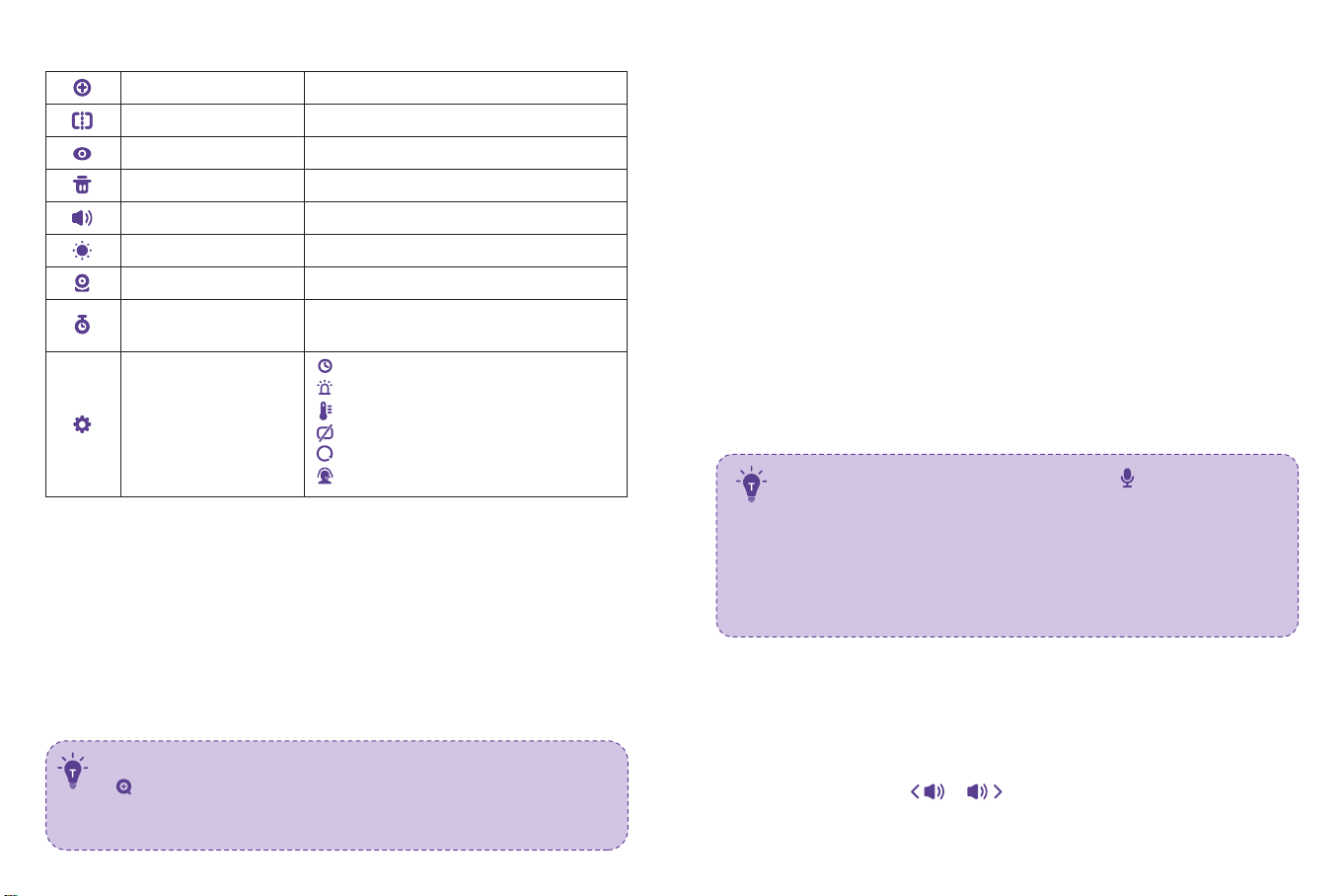
Bottom Menu Brief
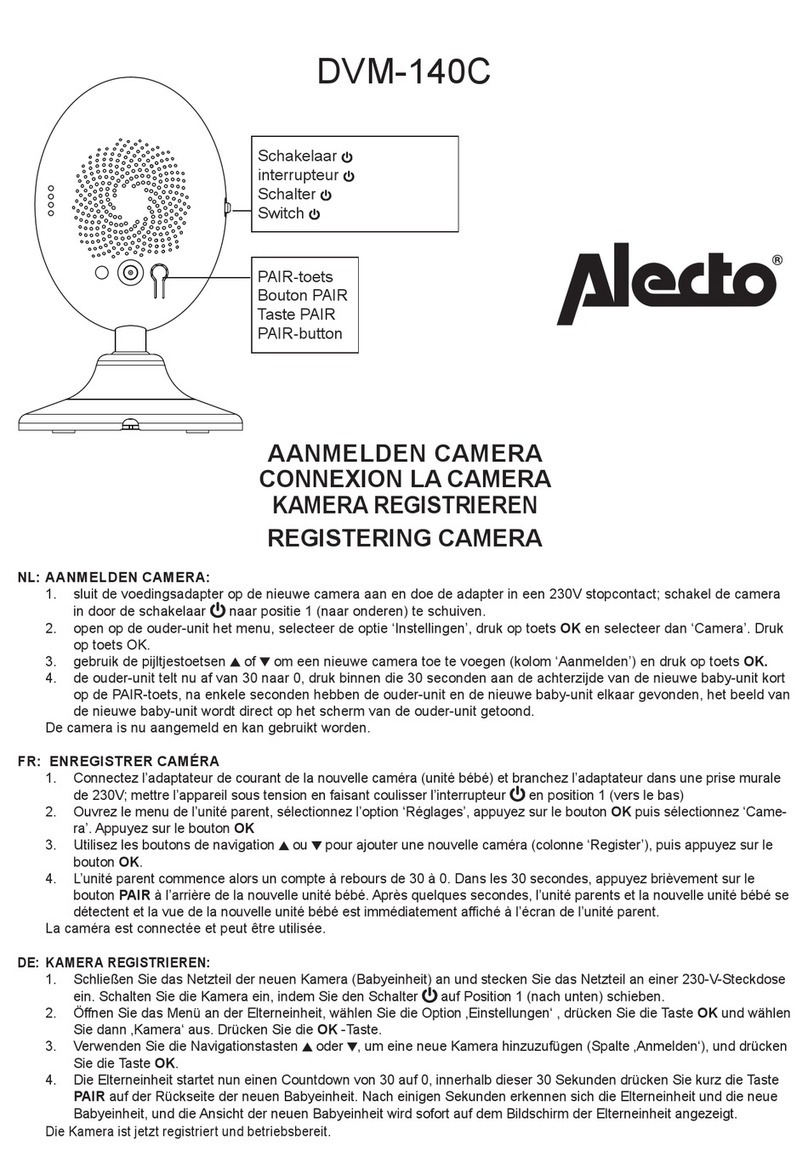
AddCamera
Split Screen
ViewCamera
DeleteCamera
SpeakerVolume
Brightness
Camera
Max. 4 cameras
Select the cameras forsplitscreendisplay
Select to vieweach at a time
Select to delete cameras
0-7levels (mute when it’s0)
1-8 levels
To add / view / delete cameras
OFF / 2Hr / 4Hr /6Hr / SetTime
(hour / minute / AM, PM)
Settings
Time
System sound volume
Temperature scale
Auto-sleep time
Restore to factory setting
Customer service contacts
Alarm
1. Digital Zoom & Circulating
1) Under split screen mode, press Left / Right Button -> OK Button to select
the camera (Camera 1 or 2) you want to view or zoom in.
2) Press Zoom Button to zoom in to 2X / 4X when viewing the camera. A third
pressing of the button will restore to the original image.
3) Press and hold OK Button for 4 seconds to start auto circulating 2
cameras simultaneously, press OK again to stop.Then press Menu Button
to return to split screen display.
•The current zoom level number will be shown with the Zoom icon
on the monitor.
• Under split screen mode, you can select onlyone camera to
zoom in.
2
2. Pan-n-Tilt
When viewing the camera, press Left / Right / Up / Down Button to view at
different angles, 108 degrees verticallyand 270 degrees horizontally.
3. Night Vision
The night vision is automaticallyactivated in a dim environment. The camera
has 12 high-intensity infrared LEDs for picking up clear images in the dark.
Black and white images can be captured within 2m distance.
4. Talkback
1) PressTalk / Shortcut Button once to quicklyadust the Volume or Brightness.
2)Talking Under Split Screen Mode:
• Press Left / Right Button to select the camera (Camera 1 or 2) you want
to talk to. Hold to talk and release to exit.
• When you enter the talking mode, the icon will be shown on
the monitor.
• When it’s mute or the speaker volume is too low, you maynot
be able to hear the baby.
• When you’re pressing theTalk Button, the camera will not
transfer the sound to the monitor. Please release the button to
listen to your baby.
5. Volume Adjustment
1) Use Shortcut Button: PressTalk Button -> Left / Right Button to quickly
adjust the volume with & icons.