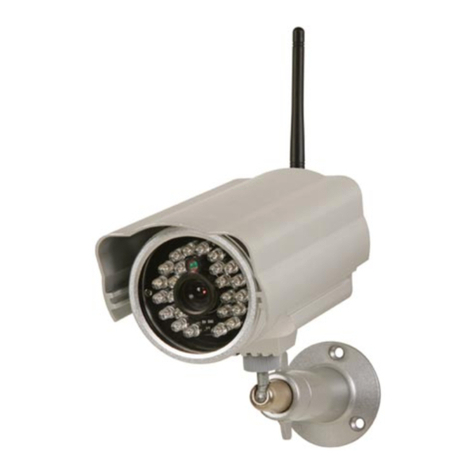
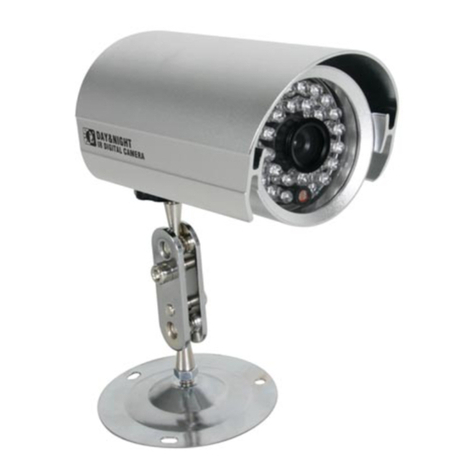
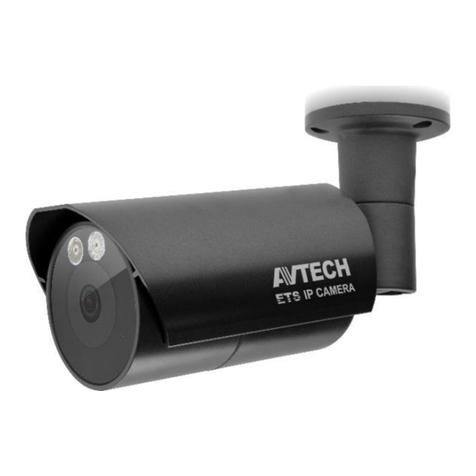
CAMIP7N
. 05 – 05/06/2014 5 © elleman nv
6. Hardware ins alla ion and opera ion
1. Choose a location for the camera, keeping following guidelines in
mind:
oDo not install the camera in locations where extremely high or
low te mperatures or excessive vibrations may occur.
oAvoid mounting the camera near high electro-magnetic fields.
oDo not aim the camera at the sun or other extremely bright
objects.
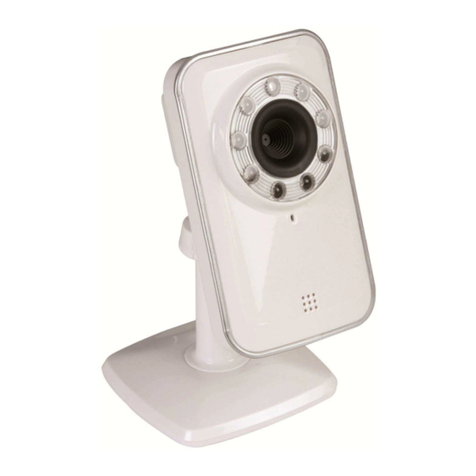
2. The camera can be used free standing or in combination with the
included mounting bracket. When the mounting bracket is used,
attach it to the wall or ceiling using the 2 included screws. Place
the camera on top and secure it with the centre screw.
Determ ine the desired angle and tighten the joint screws.
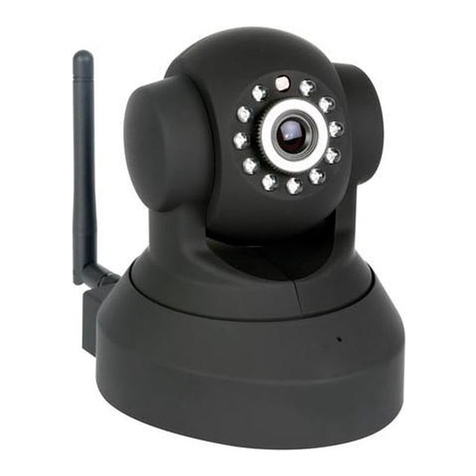
3. Connect the antenna [6] to the antenna connector and/or
connect a network cable (included) to the 8P8C (RJ45) jack [9].
Note : it is possible to connect the camera straight to the 8P8C
(RJ45) port of a computer. In this case a crossed cable (not
incl.) should be used and network settings must be configured
manually.
4. An external microphone (not incl.) can be connected to the
audio input [8].
5. When desired, an external speaker system can be connected to
the audio output [7].
6. Plug the DC connector of the power adaptor into the 5 DC input
jack [12]. O nly use the included adaptor or one with the same
specifications.
7. Plug the adaptor into a suitable mains outlet (100~240
AC/50~60Hz).
No es:
•It takes about 30 seconds for the camera to initialise.
•During initialisation the camera will start moving to test the
pan/tilt functionality.
•If the im age appears out of focus, turn the lens [4] to adjust.
7. Ins alling he sof ware
To use the camera, you need to install the software IP Camera Tool
on your computer.