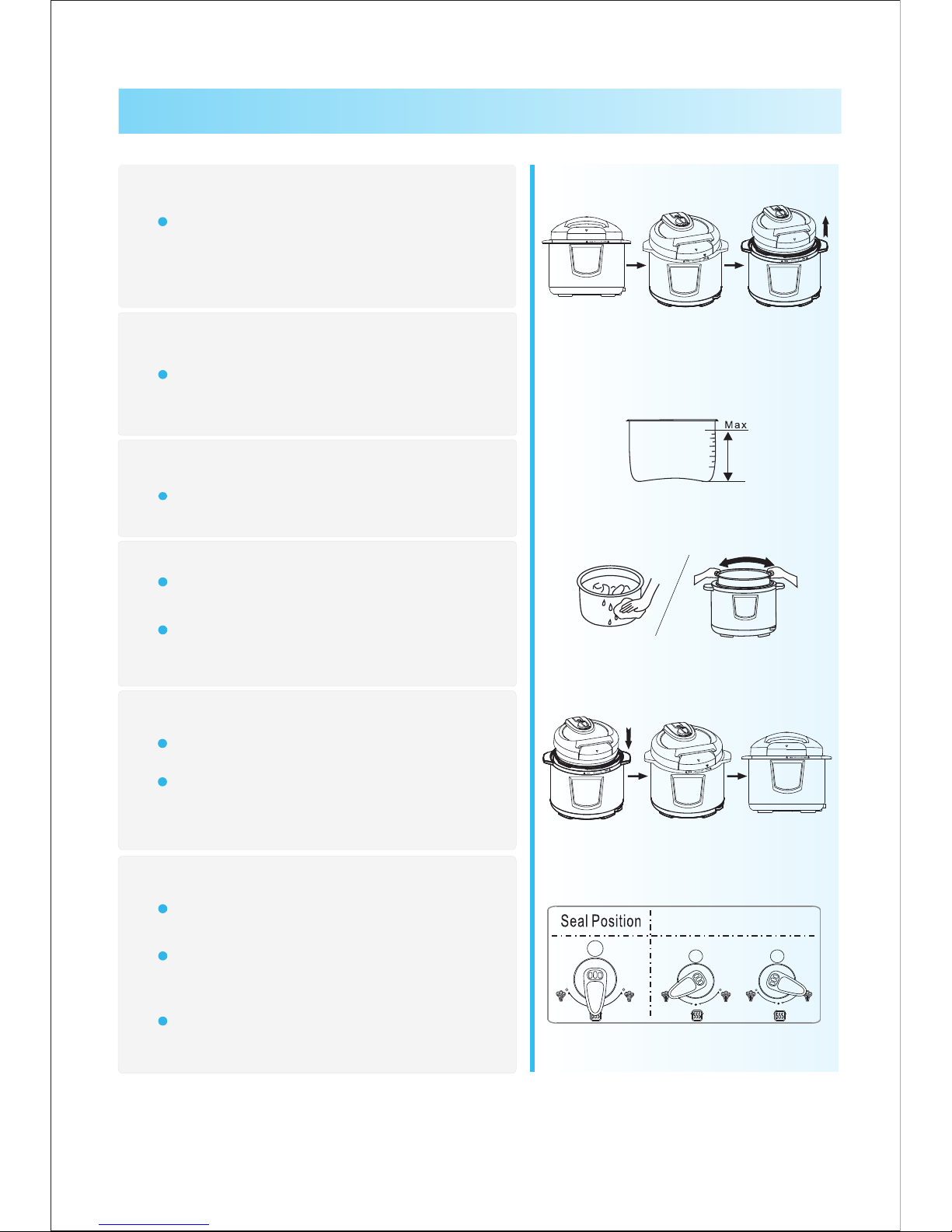
1. Disconnect the power or take out the power plug.
2. Exhaust method
A. Quick opening method
Slide the exhaust valve to the exhaust position until the float valves falls. (for non-fluid food)
Put a wet towel on the cover to quicken cooling until the float valve falls. (for non-fluid food)
B. General opening method
Have the pressure cooker to cool naturally, until the float valve falls.
3. Open the cover
Hold the cover handle firmly, turn the cover clockwise to the spacing edge, and pull up the cover.
Do not open the cover until pressure inside the spot is released adequately.
Never pull out the exhaust valve when it is exhausting.
For fluid foods (oatmeal and sticky liquid), do not slide the exhaust valve for exhaust when
cooking has just finished, otherwise the food will eject from the exhaust valve core. Be sure to
disconnect the power supply, have the unit cool naturally or put a wet towel around the cover to
speed up cooling until the float falls, and finally open the cover.
When a large quantity of food is cooked, do not exhaust immediately after cooking. It is
recommended to open the cover and have the food after some time of keeping warm.
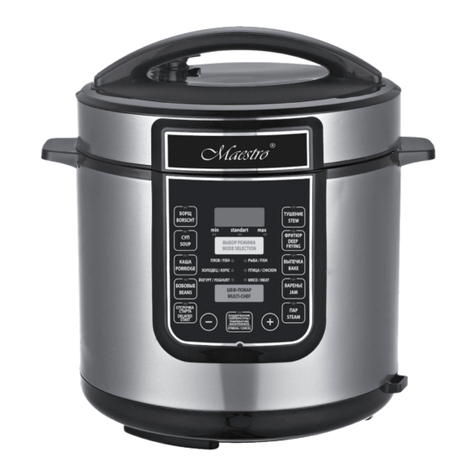
Function Selection
General Functions
1. Finish cooking preparation according to Page 5
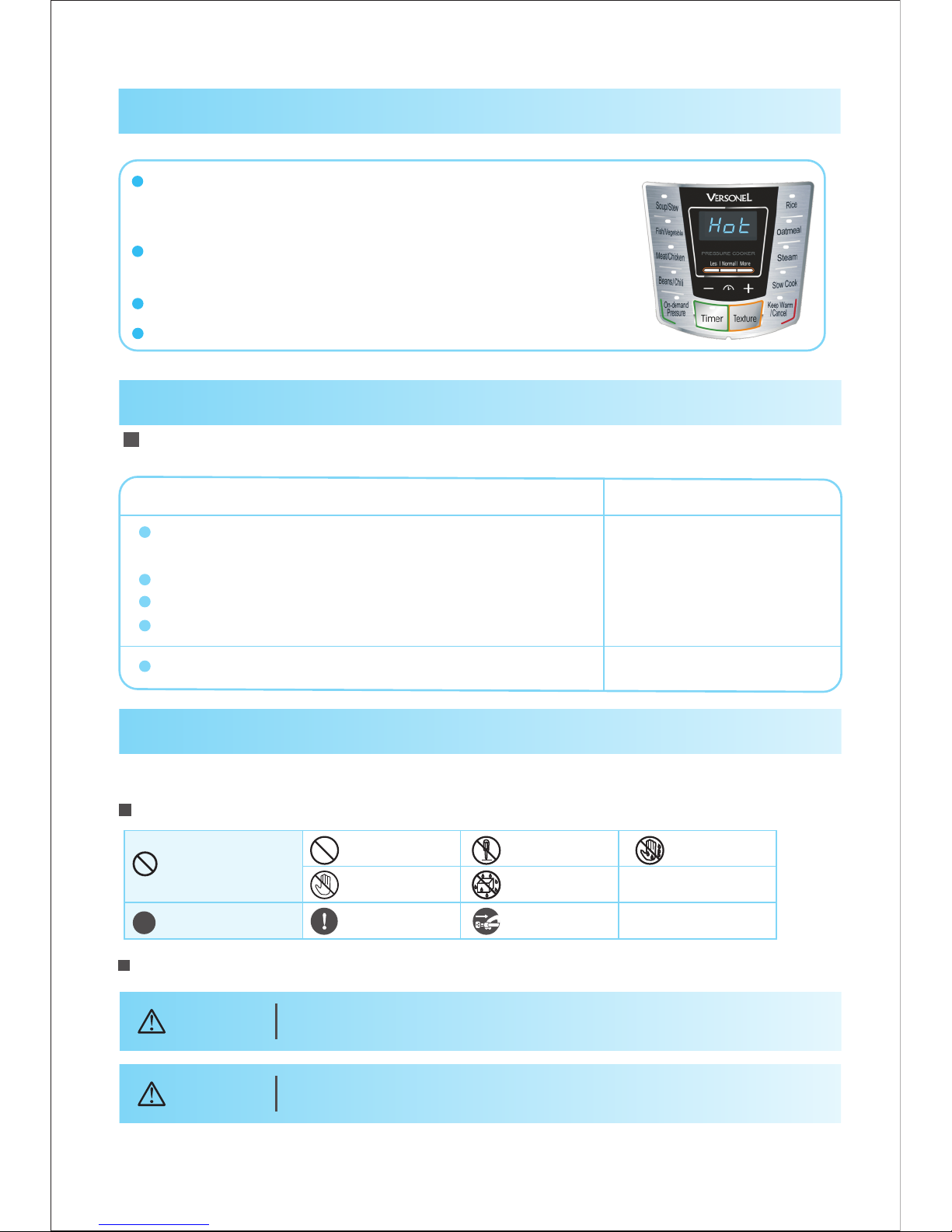
2. Switch on
The nixie tube flashes and displays a red horizontal
line “On”, indicating that the electric pressure cooker
has entered preparation state;
3. Select a required function level
5. After cooking, enter the keep- state automaticallywarm
Function key Soup/Stew Porridge Steam
Meat/Chicken
Fish/Vegetable
Bean/Tendons
Brown Rice
Cooking time (min)
About 55 About 30 About 45 About 60
4. Press a function key, and 10s later, the electric pressure cooker will perform a
corresponding function program selected
Within 10s, you can re-select preset time and function level, and finally confirm that the electric pressure
cooker will start working within 10s after selection.
The red horizontal line “On” on the display screen is bright, indicating that the electric pressure cooker has
entered working state.
During the operation, you can cancel current working state and return to standby state by pressing the
“Keep Warm / Cancel” key.
After cooking, a corresponding function indicator goes out, the warm indicator illuminates, the display
screen shows “Hot”, and gives out the prompt sound (10 beeps), with the electric pressure cooker going
into warm state.
In standby mode, press the “Keep Warm / Cancel” key, the warm indicator illuminates, and gives out the
prompt sound (1 beep), indicating that the electric pressure cooker goes into warm state.
Once a function key is pressed, the indicator of a corresponding
function level will illuminate (red);
The rice congee function and cake function are only applicable
to products with such function level;
Cooking time varies with different function level. The bigger the
food amount, the longer the cooking time. The cooking times listed in the table below are only for reference
(e.g. food amount + water = 8 scales): Cooking time = heating time + holdup time
In any mode, you can cancel current
working state and return to standby state by
pressing the “Keep Warm Cancel” key.
During operation, the machine may
sometimes generate the “Cluck” sound,
which is not malfunction.
For cooking of little amount, the inner pot
may be sucked up when the cover is
opened. In this case, shake the inner pot
manually, and remove the inner pot cover
after the inner pot falls into the cooker body.
Warm Tips:
Safe Cover Opening
About 40 About 45 About 55
06