Equipment Requirements:
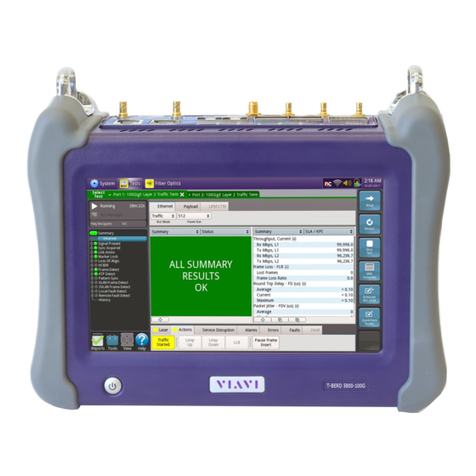
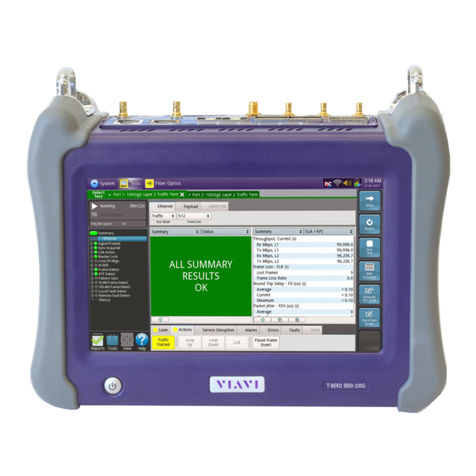
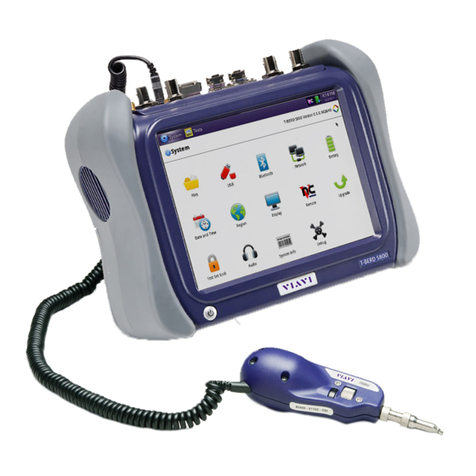
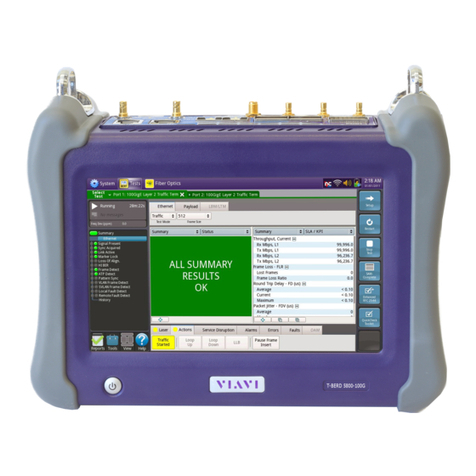
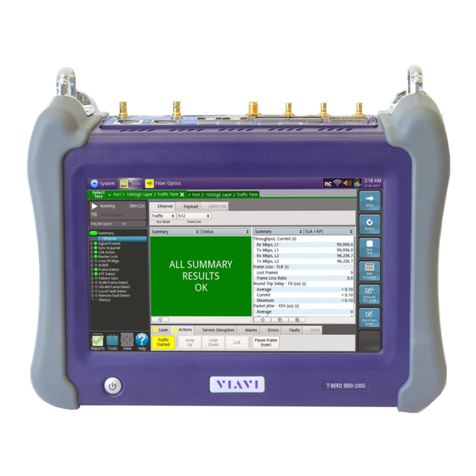
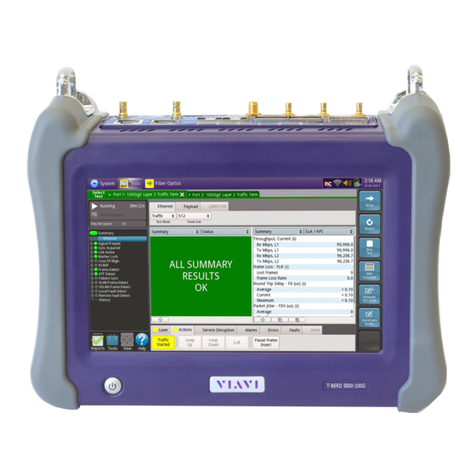
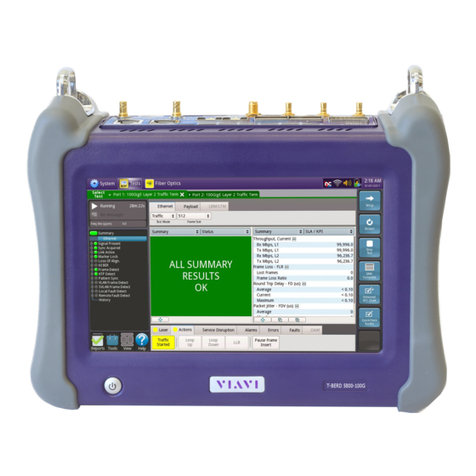
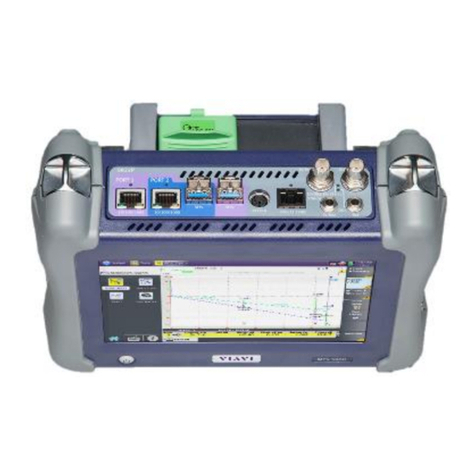
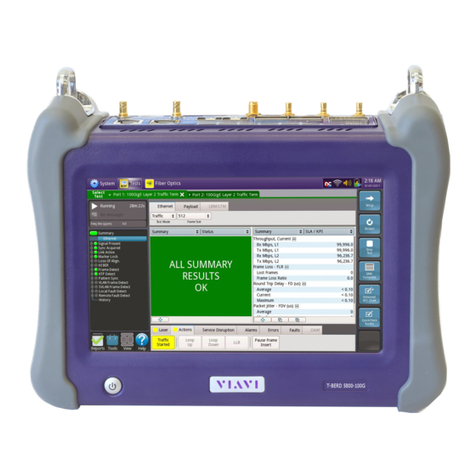
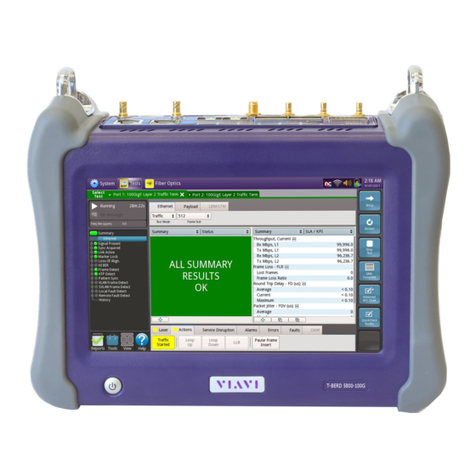
•T-BERD/MTS 5800v2 or T-BERD 5800-100G equipped with the
following:
oBERT software release V26.1 or greater
oTest options:
▪C5VOIP: Voice over IP option
▪C5LSCAPTURE (recommended for packet capture/decode)
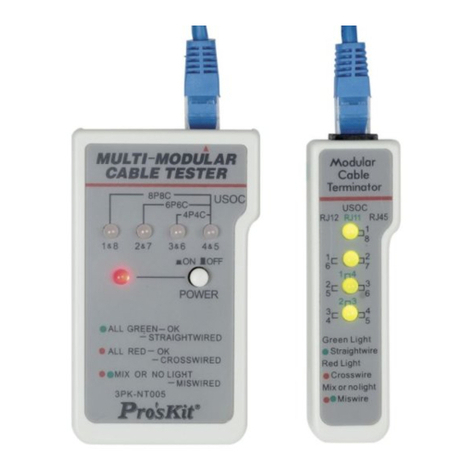
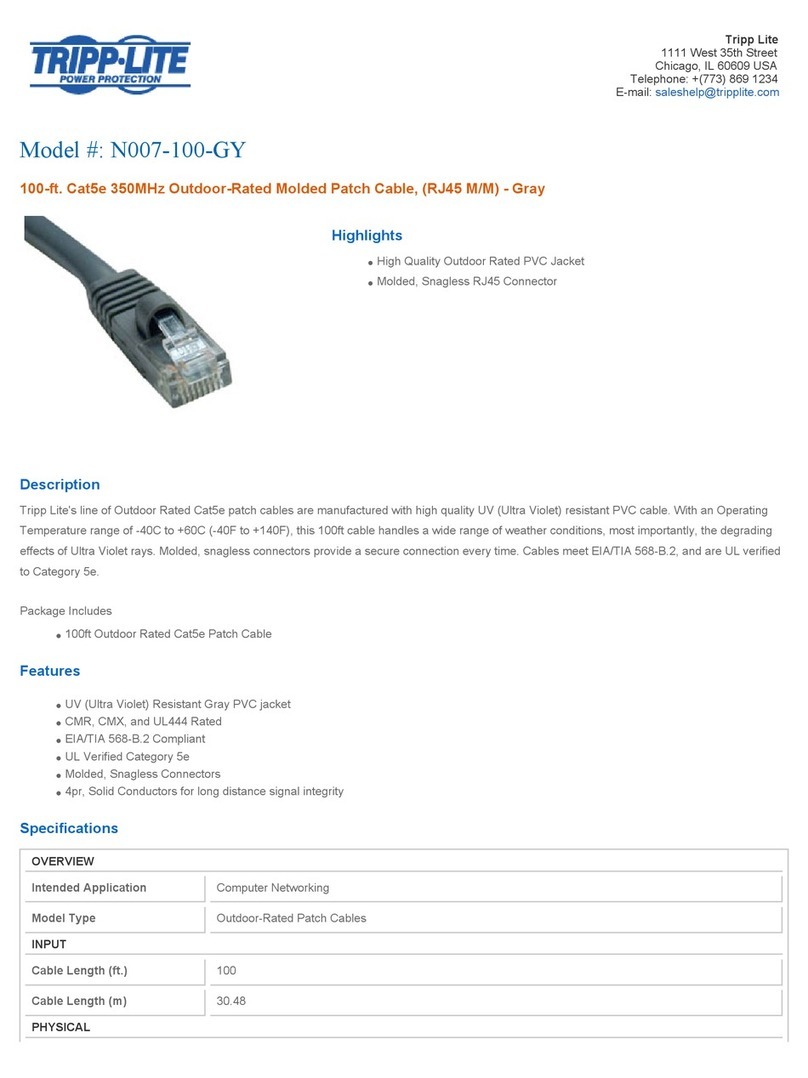
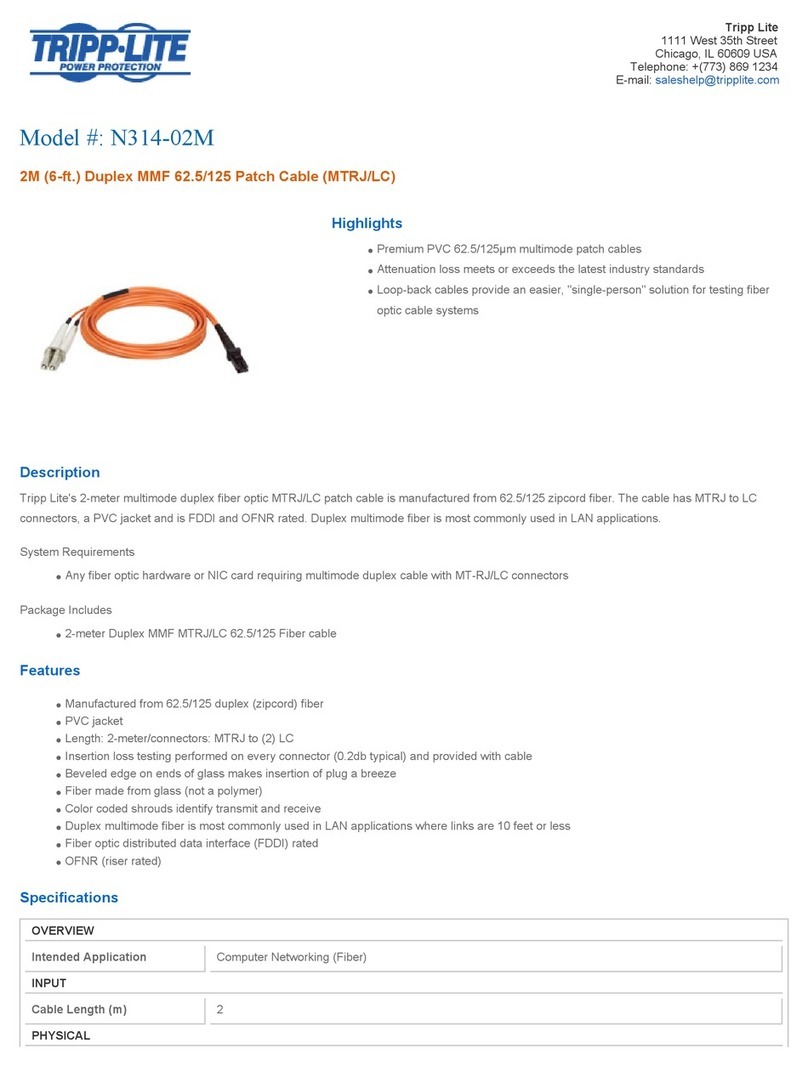
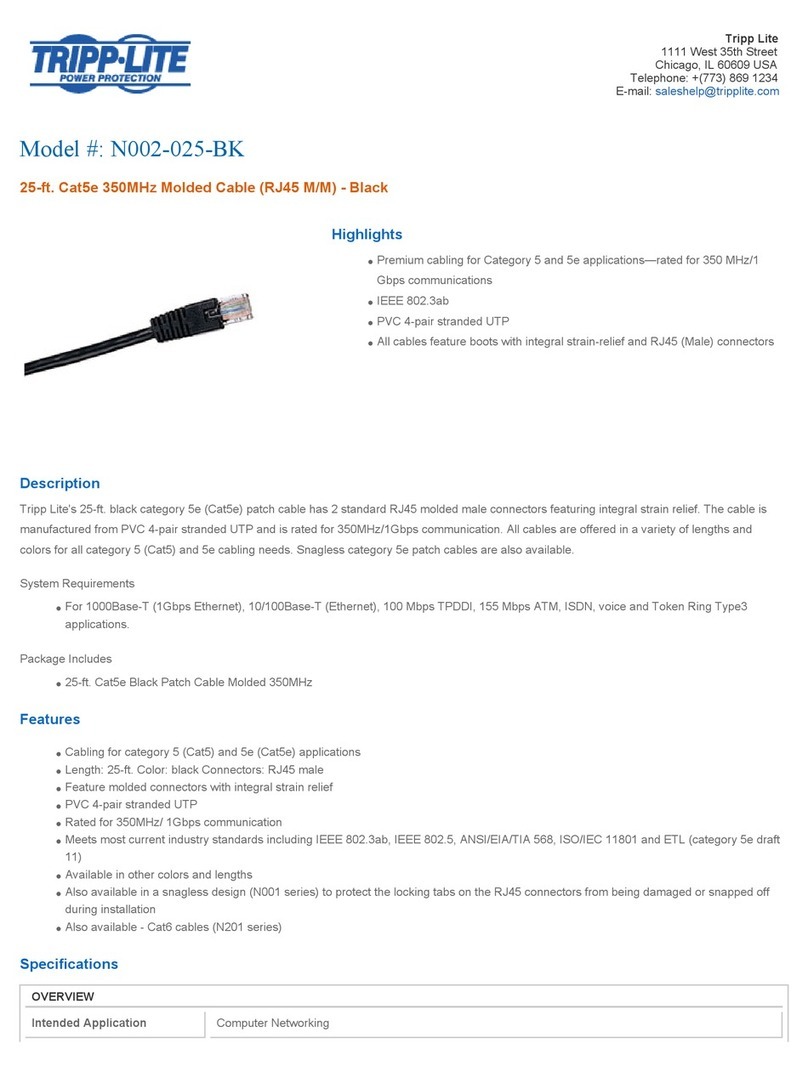
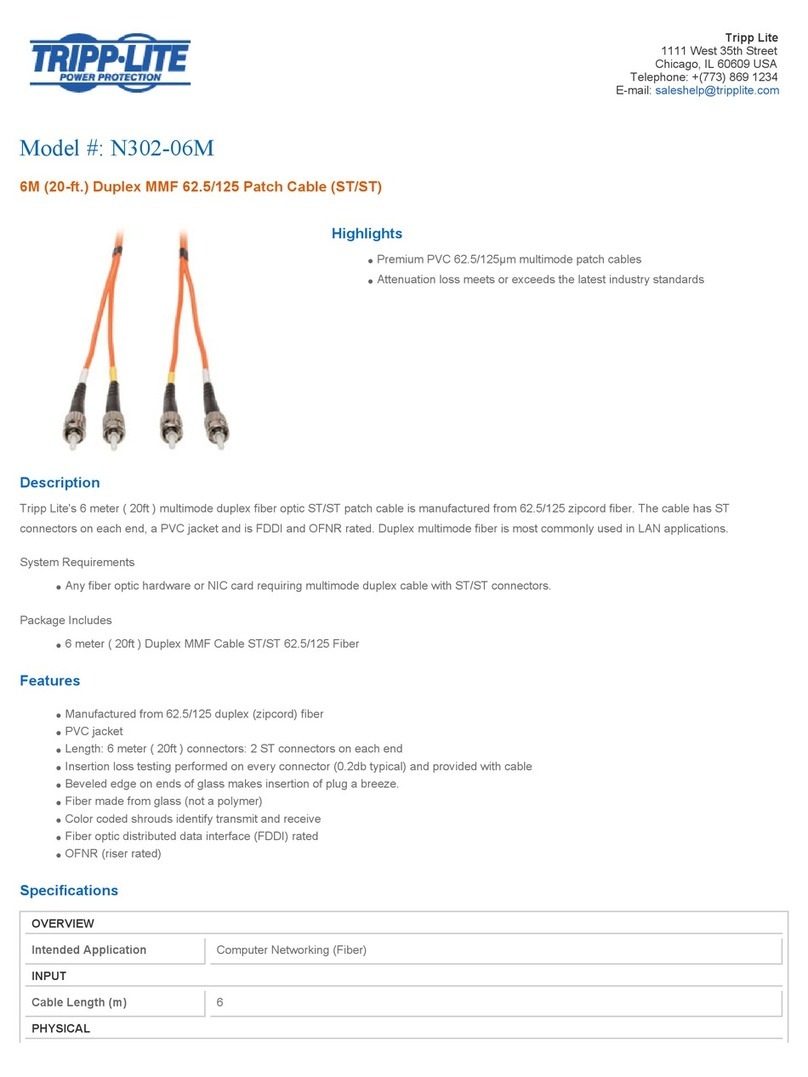
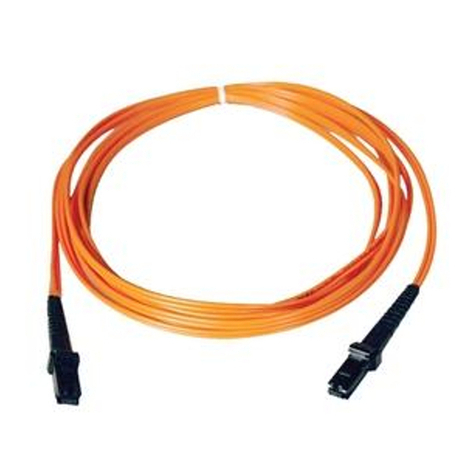
•CAT5E or optical jumper cables to match the line under test
•Headset (Plantronics M114 or M210c recommended)
•For optical interfaces:
oFiber inspection microscope
(VIAVI P5000i or FiberChek Probe)
oFiber optic cleaning supplies
The following information is required to complete the test:
•Physical Interface (RJ-45 Copper, 1000BASE-SX Multimode, 1000BASE-LX Single mode, etc.)
•Speed and Auto Negotiation settings of the SBC LAN port
•VLAN ID (if a VLAN is being used)
•IP Address for the SBC LAN port
•IP Address, Subnet mask, and default gateway for the T-BERD/MTS or PBX
•Is registration required, or is this a non-registering trunk?
•User Name and Password (required for registering trunks only)
•Customer’s Billing Telephone Number for the SIP trunk
•Destination Telephone Number(s) for outbound call testing
Connect to Line Under Test:
•For copper testing with the T-BERD/MTS 5800v2, connect the Port 1 10/100/1000 RJ-45 jack to the
Ethernet port under test using CAT 5E or better cable, and proceed to page 2.
•For copper testing with the T-BERD/MTS 5800-100G, connect the Port 2 10/100/1000 RJ-45 jack to
the Ethernet port under test using CAT 5E or better cable, and proceed to page 2.
•For optical testing, insert an SFP or SFP+ into the Port 1 slot on the top of the T-BERD/MTS.
oEnsure the fiber and connectors are clean using a Fiber Inspection microscope.
oConnect the SFP or SFP+ to the Ethernet port under test.
•Use CAT 5E or better cable for 10/100/1000BASE-T.
•Use Multimode jumper cables for 850 nm 1000BASE-SX or 10GBASE-SR.
•Use Single mode jumper cables for 1310 nm 1000BASE-LX or 10GBASE-LR.