10
Easy install (recommended)
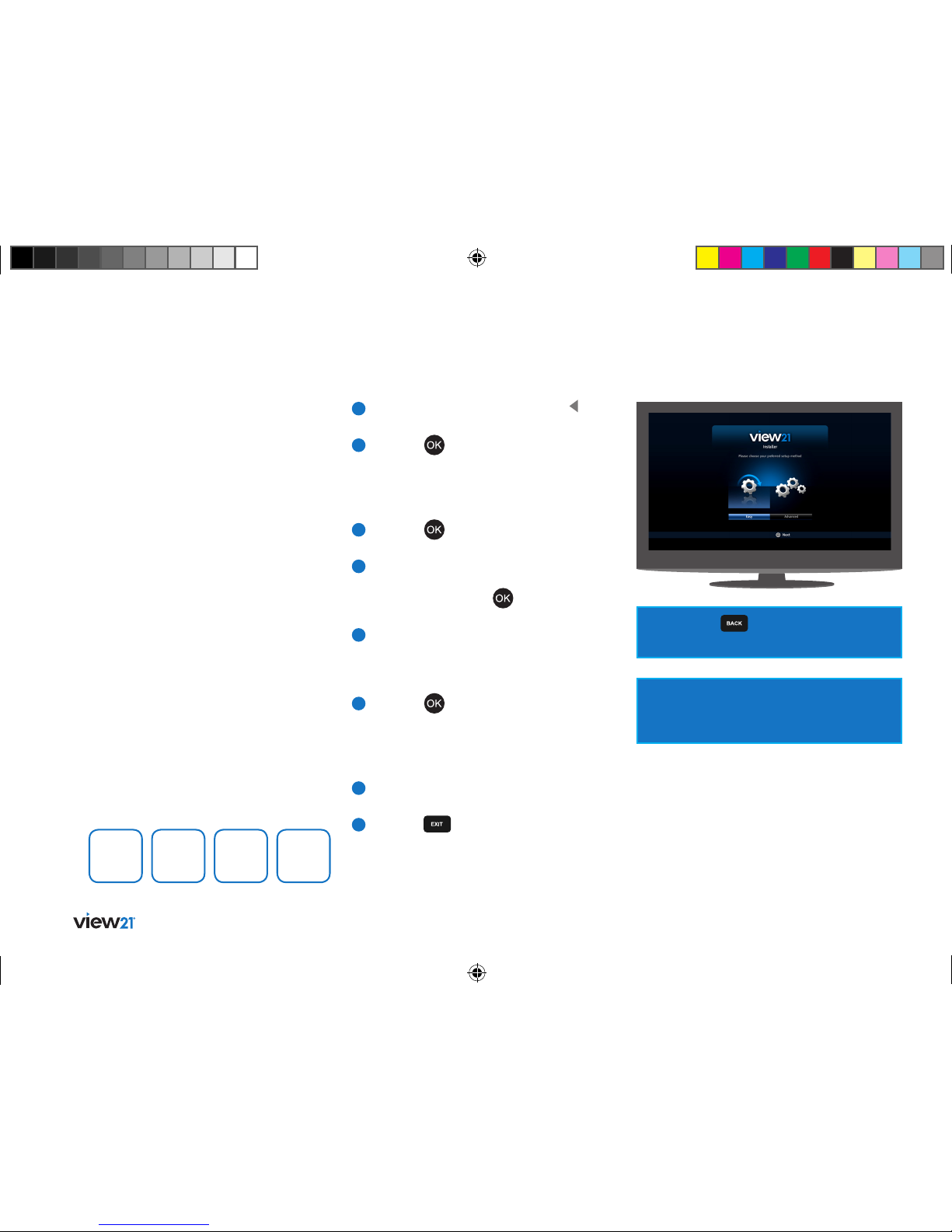
1If ‘Easy’ is not already selected, press button
on your remote control to select it.
2Press the button to begin. The ‘Easy
Setup’ screen will be displayed with the ‘TV
Setup’ function selected. How your View21
box is connected to your TV will also
be shown.
3Press the button. The ‘Set PIN’ function
will be selected.
4You can choose a new PIN using the number
keys, press OK to confirm your selection.
Alternatively press the button to skip
this stage, the PIN can be set later.
5The ‘Tuning’ function will be selected,
showing the number of TV and Radio
channels currently stored in the View21 box.
On your first setup, these will both be 0.
6Press the button. The system scans for TV
and Radio channels and updates the number
of channels found. During this time a progress
bar advances until complete (100%). This step
takes about 8 minutes.
7When scanning has finished, the screen
displays ‘Installation complete’.
8Press the button to begin watching
the first TV channel stored.
When you first connect your View21 box
to a TV and turn it on, the ‘First Time
Installation’ screen will be displayed.
Easy install is the recommended option as
it will attempt to find the optimal settings
for your TV and View21 box.
‘First Time Installation’ will scan for TV
and Radio channels and store the results
on the View21 box. This process will take
approximately 8-10 minutes to complete.
You can press at any time to return
to the previous step.
If multiple TV regions are available in your
area, you will be prompted to choose a region
during the installation process.
Tip: Remember to make a note of your PIN for later
use. The default PIN setting is 0000, if you choose
to skip the ‘Set PIN’ stage, this will remain the
Parental PIN number until changed.
If you change your PIN, write it here.
Easy install may not always provide the optimum
setting level for your TV. If you know the screen
size (aspect ratio) of your display you can set this
manually by following the Advanced install set
up process.
View21_VV107ZRH_HD Digital TV Recorder_UG_V3.indd 10 11/07/2013 15:39:53