manuals.online logo
Brands
  1. Home
  2. •
  3. Brands
  4. •
  5. VIEWONHOME
  6. •
  7. Security Sensor
  8. •
  9. VIEWONHOME VOH1011 User manual

VIEWONHOME VOH1011 User manual

Popular Security Sensor manuals by other brands

Honeywell Home PROSiXCOCN Installation and setup guide

Honeywell Home

Honeywell Home PROSiXCOCN Installation and setup guide

Duevi SIRPZ-RB-868 Operation

Duevi

Duevi SIRPZ-RB-868 Operation

RKI 65-2483RK Operator's manual

RKI

RKI 65-2483RK Operator's manual

Nortech PD160 Enhanced Series user manual

Nortech

Nortech PD160 Enhanced Series user manual

Omron K8AC-H2 manual

Omron

Omron K8AC-H2 manual

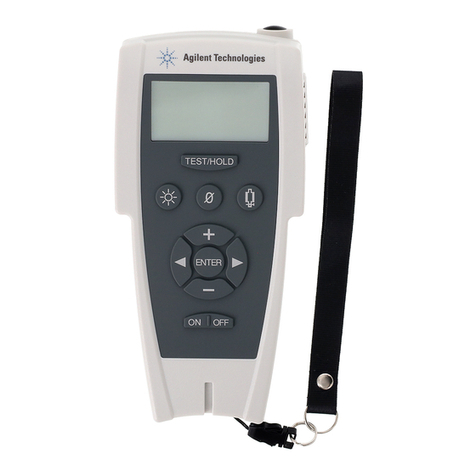
Agilent Technologies G8610 Series Quick reference card

Agilent Technologies

Agilent Technologies G8610 Series Quick reference card

Shinko SE2EA-1-0-0 instruction manual

Shinko

Shinko SE2EA-1-0-0 instruction manual

Det-Tronics X Series instructions

Det-Tronics

Det-Tronics X Series instructions

ACR Electronics COBHAM RCL-300A Product support manual

ACR Electronics

ACR Electronics COBHAM RCL-300A Product support manual

TOOLCRAFT 1712612 operating instructions

TOOLCRAFT

TOOLCRAFT 1712612 operating instructions

Elkron IM600 Installation, programming and functions manual

Elkron

Elkron IM600 Installation, programming and functions manual

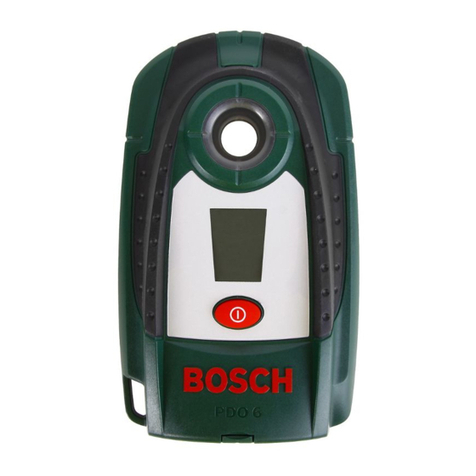
Bosch WEU PDO 6 Original instructions

Bosch

Bosch WEU PDO 6 Original instructions

THORLABS PDA10JT user guide

THORLABS

THORLABS PDA10JT user guide

Waeco UV-DETECT operating manual

Waeco

Waeco UV-DETECT operating manual

Intermatic IOS-DSIMF manual

Intermatic

Intermatic IOS-DSIMF manual

Siemens AZL66 Series manual

Siemens

Siemens AZL66 Series manual

BTI Profiline Multi Finder operating instructions

BTI

BTI Profiline Multi Finder operating instructions

Challenger SL01 instruction manual

Challenger

Challenger SL01 instruction manual

manuals.online logo
manuals.online logoBrands
  • About & Mission
  • Contact us
  • Privacy Policy
  • Terms and Conditions

Copyright 2025 Manuals.Online. All Rights Reserved.

VOH1011
VOH1011
Wireless Water Detector
Product Introducon
Technical Specficaon
Features
Installaon Noce
Installaon Steps
Operang Principle
Register The Detector In The Alarm System
Switch to Connection Mode on the control panel. press the test
button of the sensor twice. The conteol pannel beeps once: the
motion detector is registered. If you hear two beeps, the detector
has already been connected.
To check if the registration is compelete, arm the system and
trigger the sensor again. If the siren rings out, the registration
is successful.
Standards
Notes
Emergency Alarm Treatments
This product bears the selective sorting symbol for waste
electrical and electronic equipment(WEEE).This means
that this product must be handled pursuant to
European.Directive 2002/96/EC in order to be recycled or
dismantled to minimize its impact on the environment.
For
further information,please contact your local or regional
authorities.
Electronic products not included in the selective
sorting process are potentially dangerous for the
environment and human heath due to the presence of
hazardous substances.
In compliance with European law.
This product was designed and manufactured in
compliance with Directive 2002/95/EC of the European
Parliament and of the Council on the restriction of use of
certain hazardous substances in electrical and electronic
equipment (RoHS Directive - Rohs) and is deemed to
comply with the maximum concentration values set by the
European Technical Adaptation Committee(TAC).
Made in CHINA
Indicaons Summary