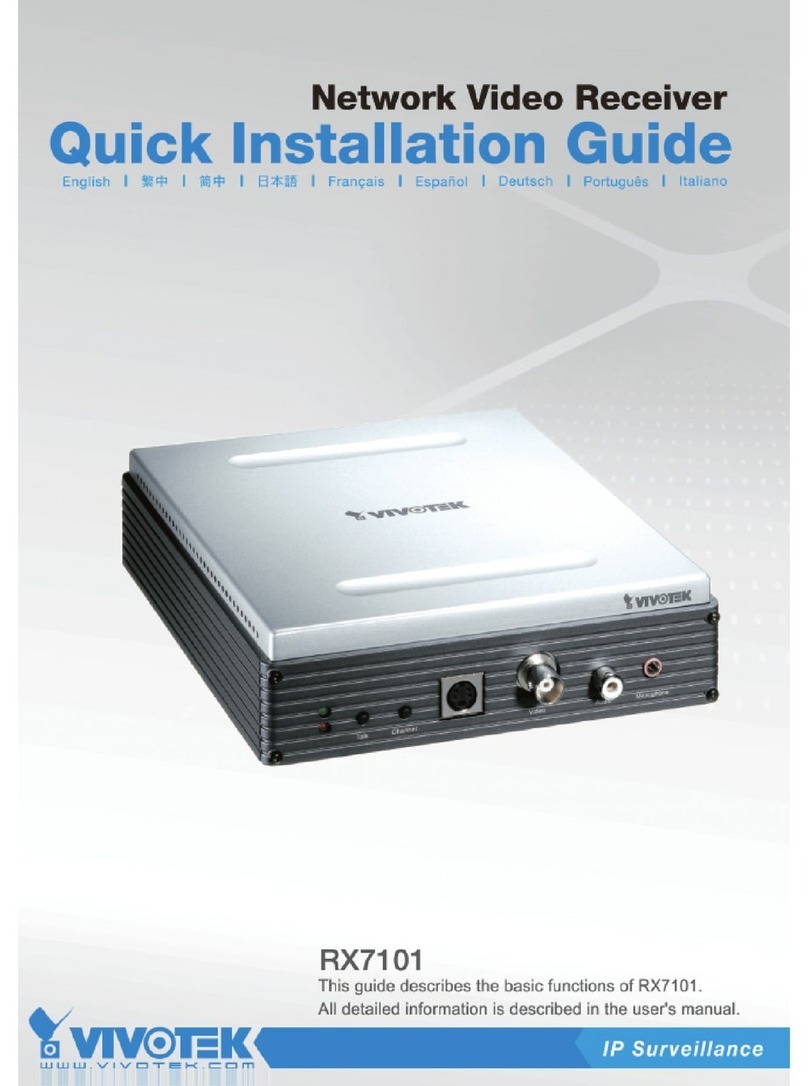
Vivotek RX7101 User manual


- 1 -
www.vivotek.com
T: 886-2-82455282
F: 886-2-82455532
Product name: Video Receiver (RX7101)
Release Date: 2009/3/26
Manual Revision: 2.1
Web site: www.vivotek.com
Email: technical@vivotek.com

- 2 -
www.vivotek.com
T: 886-2-82455282
F: 886-2-82455532
Before You Use This Product
The use of surveillance devices may be prohibited by law in your country. It is the
user’s responsibility to ensure that the operation of such devices is legal before
installing this unit for its intended use.
It is important to first verify that all contents received are complete according to the
list in the "Package Contents" chapter. Take notice of the warnings in “Quick
installation guide” before the Video Receiver is installed, then carefully read and
follow the instructions in the “Installation” chapter to avoid damages due to faulty
assembly and installation. This also ensures the product is used properly as
intended.
The Video Receiver is a network device and its use should be straightforward for
those who have basic network knowledge. The “Troubleshooting” chapter in the
Appendix provides remedies to the most common errors in set up and configuration.
You should consult this chapter first if you run into a system error.
The Video Receiver is designed for various applications including video surveillance,
camera control, etc. The “How to Use” chapter suggests ways to best utilize the
Video Receiver and ensure proper operations. For the creative and professional
developers, the "URL Commands of The Video Receiver" chapter serves to be a
helpful reference to customize existing homepages or integrating with the current
web server.
For paragraphs preceded by the reader should use caution to understand
completely the warnings. Ignoring the warnings may result in serious hazards or
injuries.

- 3 -
www.vivotek.com
T: 886-2-82455282
F: 886-2-82455532
Table of Contents
Before You Use This Product......................................................................2
Package Contents....................................................................................5
Installation.............................................................................................6
Physical Description............................................................................6
Front Panel..................................................................................6
Rear Panel...................................................................................7
Hardware Installation .........................................................................8
Software installation...........................................................................9
Initial Access to the Video Receiver.....................................................10
Check Network Settings ..............................................................10
Add Password to Prevent Unauthorized Access................................10
How to Use .....................................................................................11
Authentication............................................................................11
Main Page.......................................................................................12
Primary capability of Video Receiver ...................................................13
Video........................................................................................13
Audio........................................................................................13
I/O...........................................................................................13
Definitions in Configuration.....................................................................15
Overview ........................................................................................15
System settings...............................................................................17
Video source settings .......................................................................18
Security settings..............................................................................26
Network settings..............................................................................27
Network type.............................................................................27
HTTP ........................................................................................28
Email settings..................................................................................29
I/O settings.....................................................................................30
Video output..............................................................................30
Audio output..............................................................................30
Digital output.............................................................................30
Keyboard ..................................................................................31
System log......................................................................................32

- 4 -
www.vivotek.com
T: 886-2-82455282
F: 886-2-82455532
Viewing system parameters...............................................................33
Maintenance....................................................................................34
Language........................................................................................35
Appendix..............................................................................................36
A. Troubleshooting ...........................................................................36
Status LED ................................................................................36
Reset and restore.......................................................................37
B. URL commands of the Video Receiver..............................................37
General CGI URL syntax and parameters..........................37
Get server parameter values...........................................38
Set server parameter values...........................................39
Upgrade firmware .........................................................40
System logs .................................................................41
Parameter list ............................................................................41
Available parameters on the server..................................42
D. Technical specifications .................................................................53

- 5 -
www.vivotek.com
T: 886-2-82455282
F: 886-2-82455532
Package Contents
RX7101
Software CD
Power adapter
Quick installation guide
Terminal connector
Warranty card

- 6 -
www.vivotek.com
T: 886-2-82455282
F: 886-2-82455532
Installation
The Video Receiver only supports one privileged account to access and configure it. In
this manual, "Administrator" refers to the person.
Physical Description
Front Panel
“Status LEDs” Two LEDs show the status of Video Receiver. Please refer to the
Appendix Troubleshooting for details.
“Talk” The button is reserved to support two way audio.
“Switch channel”
(1) In the multiple channel mode and “Sequential display” were set, to push the button
to stop or start the display of sequential channel.
(2) In the multiple channel mode and “Quad display” were set, to push the button to
switch the channel for one run, the behavior is, -> Quad -> 1 -> 2 -> 3 -> 4 -> Quad.
“S-video output” Video output for S-video connector
“BNC video output” Video output for BNC connector
“RCA audio output” Audio output for RCA connector
“Microphone audio input” Microphone input is reserved to support two way audio.
1 2
3 4 1 2 3 4
1
2
3
4

- 7 -
www.vivotek.com
T: 886-2-82455282
F: 886-2-82455532
Rear Panel
“Power cord socket” Plug the power jack of the included power adapter to Video
Receiver. Connecting the power adapter should be the last operation while physically
installing Video Receiver.
“Reset button” Refer to the Appendix Troubleshooting for the detailed usage of
system recovery.
“General I/O terminal block” Video Receiver provides a very flexible general I/O
interface to combine with the user’s security devices such as alarms, lighting or door
locks. One green connector is included in the package to connect the external devices.
The general I/O terminal block has 10 pins for device control. These pins can be divided
into three categories based on their functions, including power source, RS485 and
digital outputs.
No. Pin description Regulation
1 AC power input 24V AC
2 AC power input 24V AC
3 Digital output 1 Darlington, Max. 500mA
4 Digital output 2 Darlington, Max. 500mA
5 Digital output 3 Darlington, Max. 500mA
6 Digital output 4 Darlington, Max. 500mA
7 DC power output (+) 12V DC, Max. 0.5A
8 DC power output (-) Ground
9 RS485_A D+, non-inverting
10 RS485_B D-, inverting
“Ethernet 10/100 RJ45 socket” Connect to an Ethernet network with a UTP
category 5 cable of length shorter than 100 meters according to the standard.

- 8 -
www.vivotek.com
T: 886-2-82455282
F: 886-2-82455532
Hardware Installation
Please verify that your product package contains all the accessories listed in the
foregoing Package Contents. Depending on the user’s application, an Ethernet cable
may be needed. The Ethernet cable should meet the specs of UTP Category 5 and not
exceed 100 meters in length.
Shut down all the peripheral devices prior to connection. The video BNC/S-Video,
Ethernet cable and power adapter are essential for basic viewing function. Refer to the
related configuration section for detailed description.
Upon powering up, the front red LED will become lighted first and then the device will
go through booting process. During the booting process, red and green LEDs will be
on. After booted, the Video Receiver will standby for getting IP address. After getting IP
Address, the green LED will blink every second.
Connect the power adapter jack to the Video Receiver
before plugging in to the power socket. This will reduce
the risk of accidental electric shock.

- 9 -
www.vivotek.com
T: 886-2-82455282
F: 886-2-82455532
The Video Receiver will first detect Ethernet. If it does not connect to Ethernet, the
system booting will fail. Please connect the Ethernet cable and power on again. When
system boot up, the green LED will flash every second as heartbeat to indicate alive. If
the green LED is off, please check the network connections. When system is alive, go
to next paragraph “Software installation”.
Software installation
At the end of the hardware installation, users can use Installation Wizard program
included in the product CDROM to find the location of the Video Receiver. There may be
many Video Receivers in the local network. Users can differentiate the Video Receiver
with the MAC. The MAC is printed on the label on the back of the Video Receiver body.
For more detail. please refer to the user’s manual of Installation Wizard 2.
Once installation is complete, the Administrator should proceed to the next
section "Initial access to the Video Receiver" for necessary checks and
configurations.
Other manuals for RX7101
1
Table of contents
Other Vivotek Receiver manuals