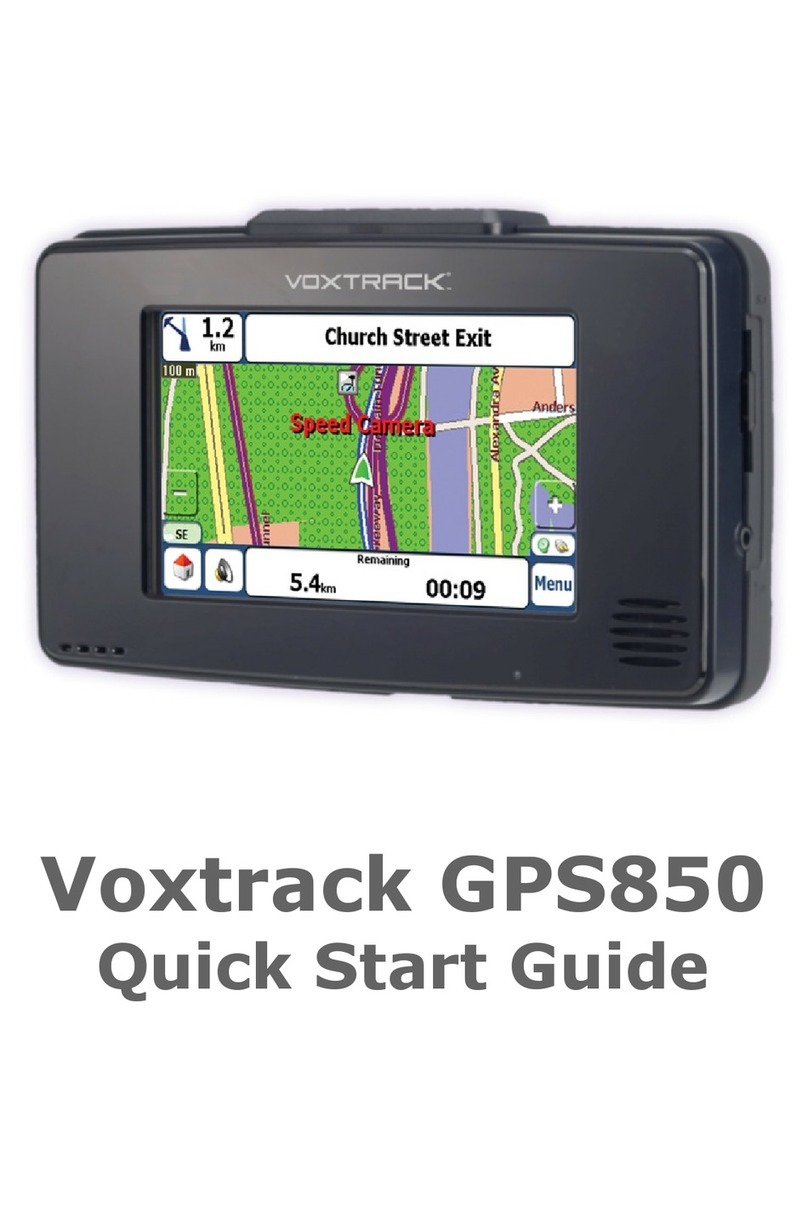
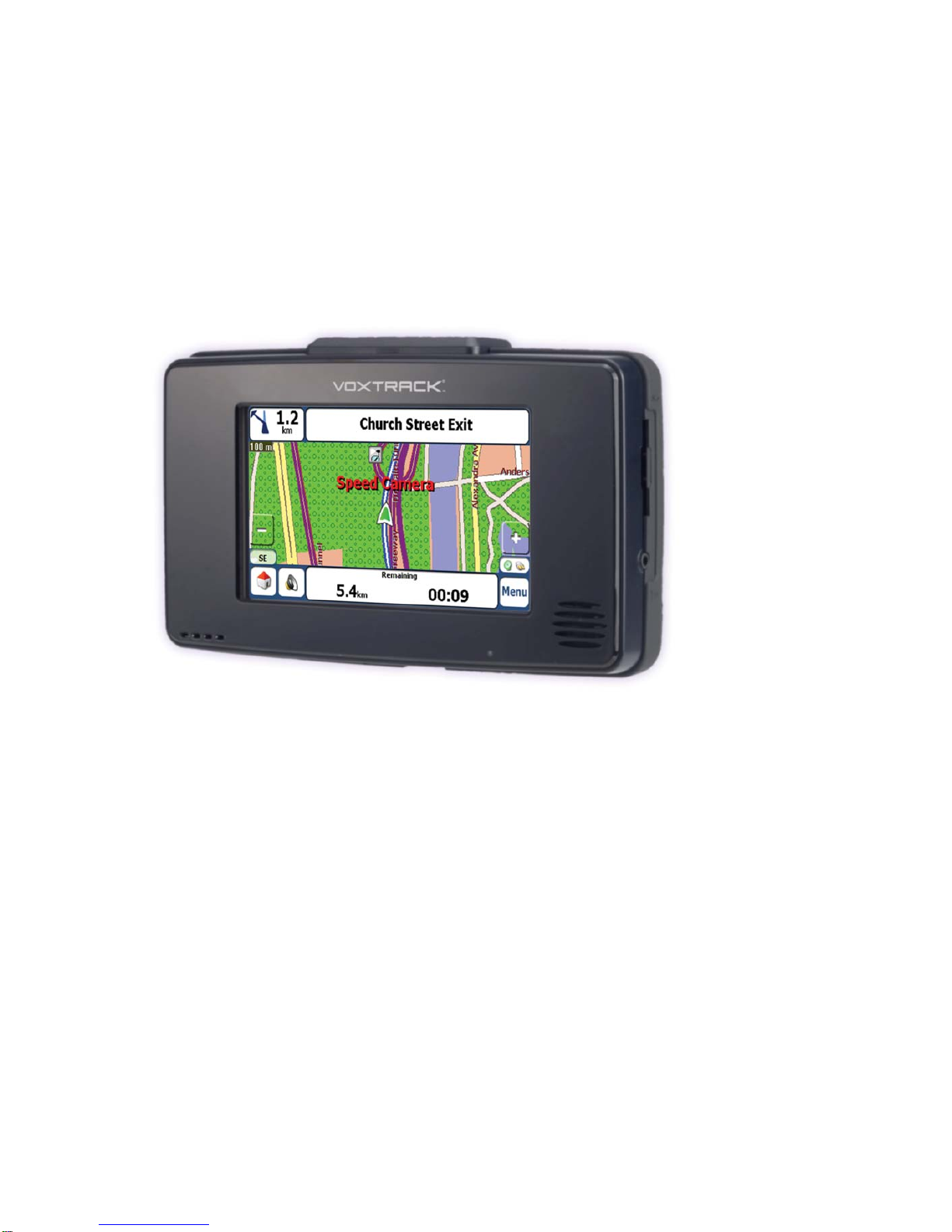
Voxtrack GPS850N Quick Start Guide
3
Contents
1 - Introducing the Voxtrack GPS850N 4
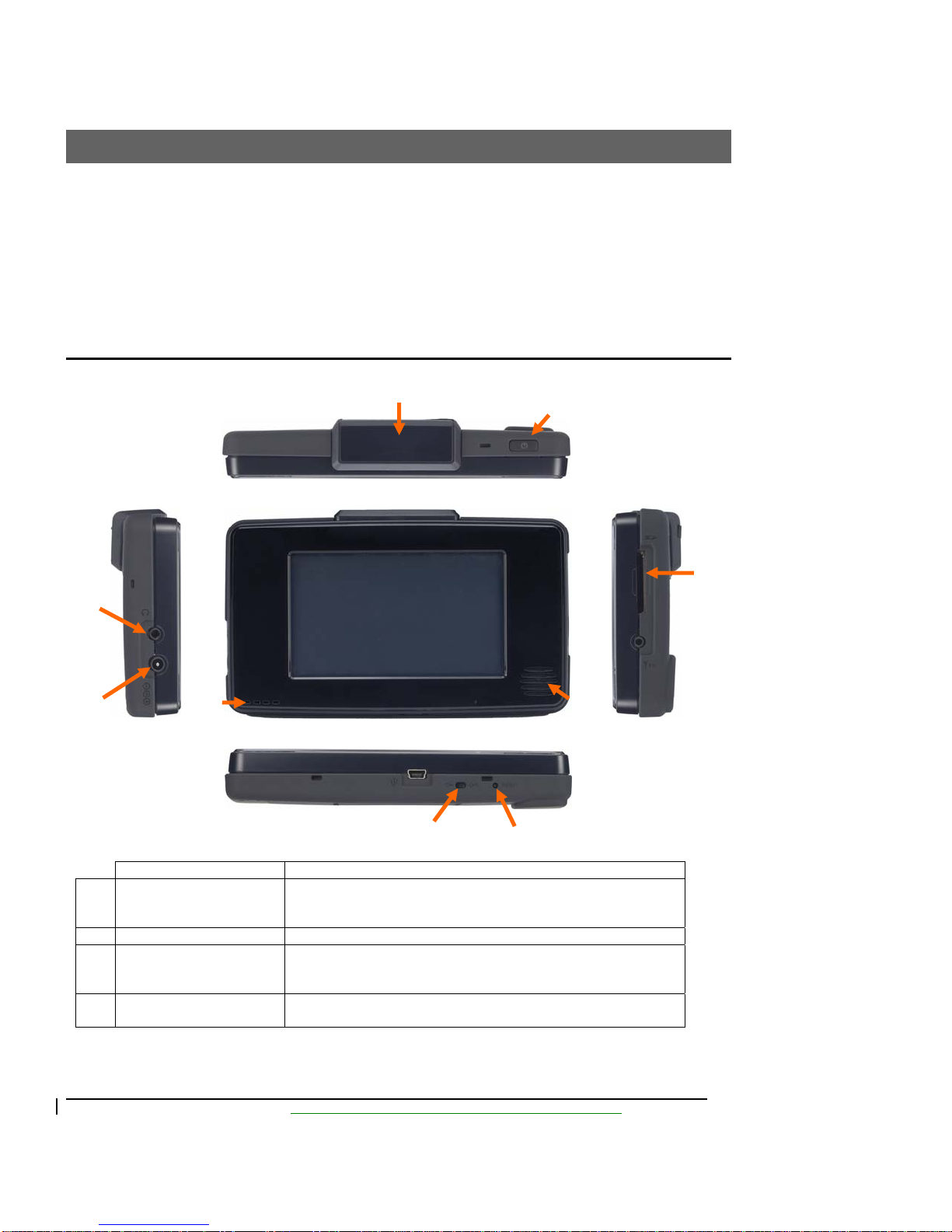
Controls.........................................................................................................................................................4
2 - Using the GPS850N 6
Charging the GPS850N.................................................................................................................................6
Turning the GPS850N on..............................................................................................................................6
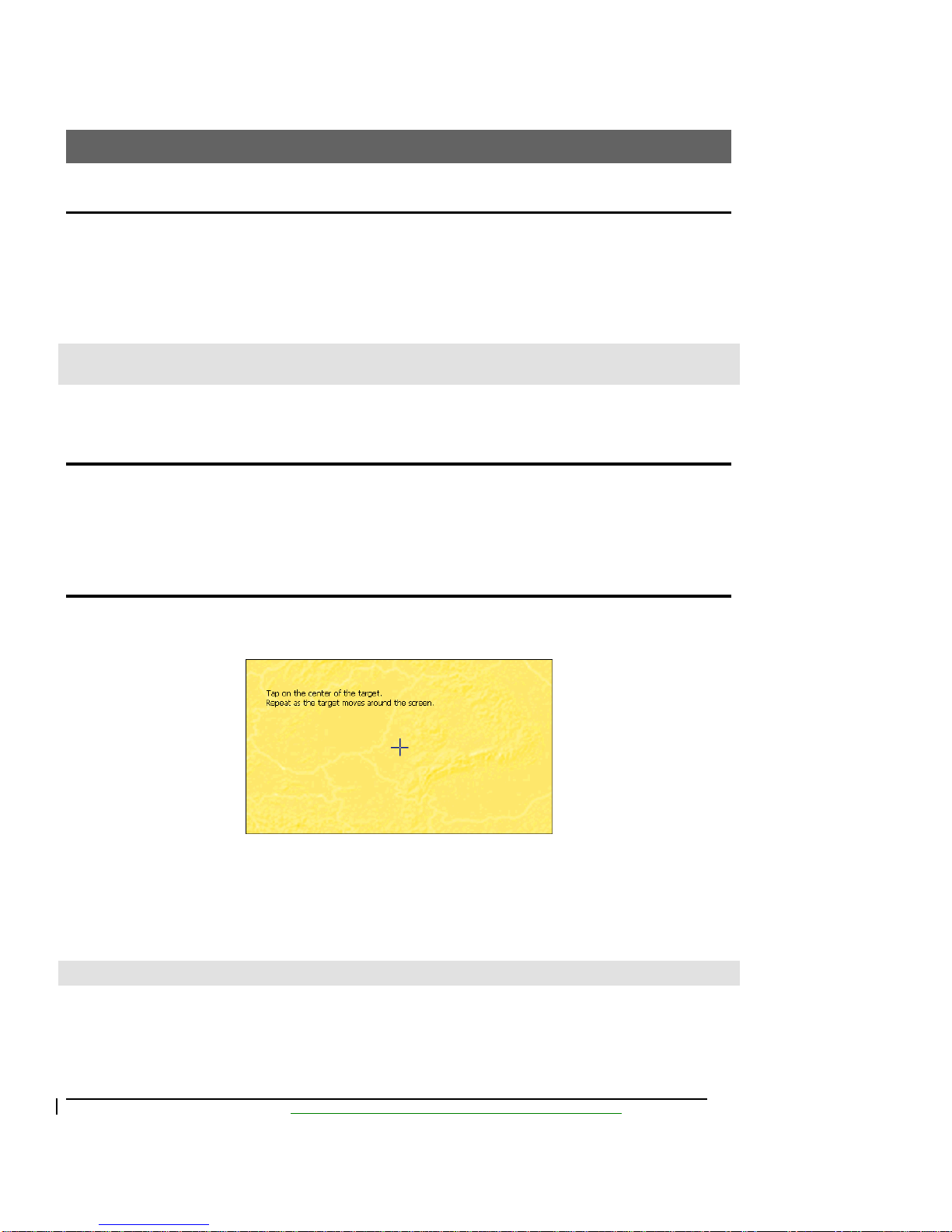
Calibrating the touch screen..........................................................................................................................6
Installing the GPS850N in your car..............................................................................................................7
3 - Device Menus 9
The Main Menu ............................................................................................................................................9
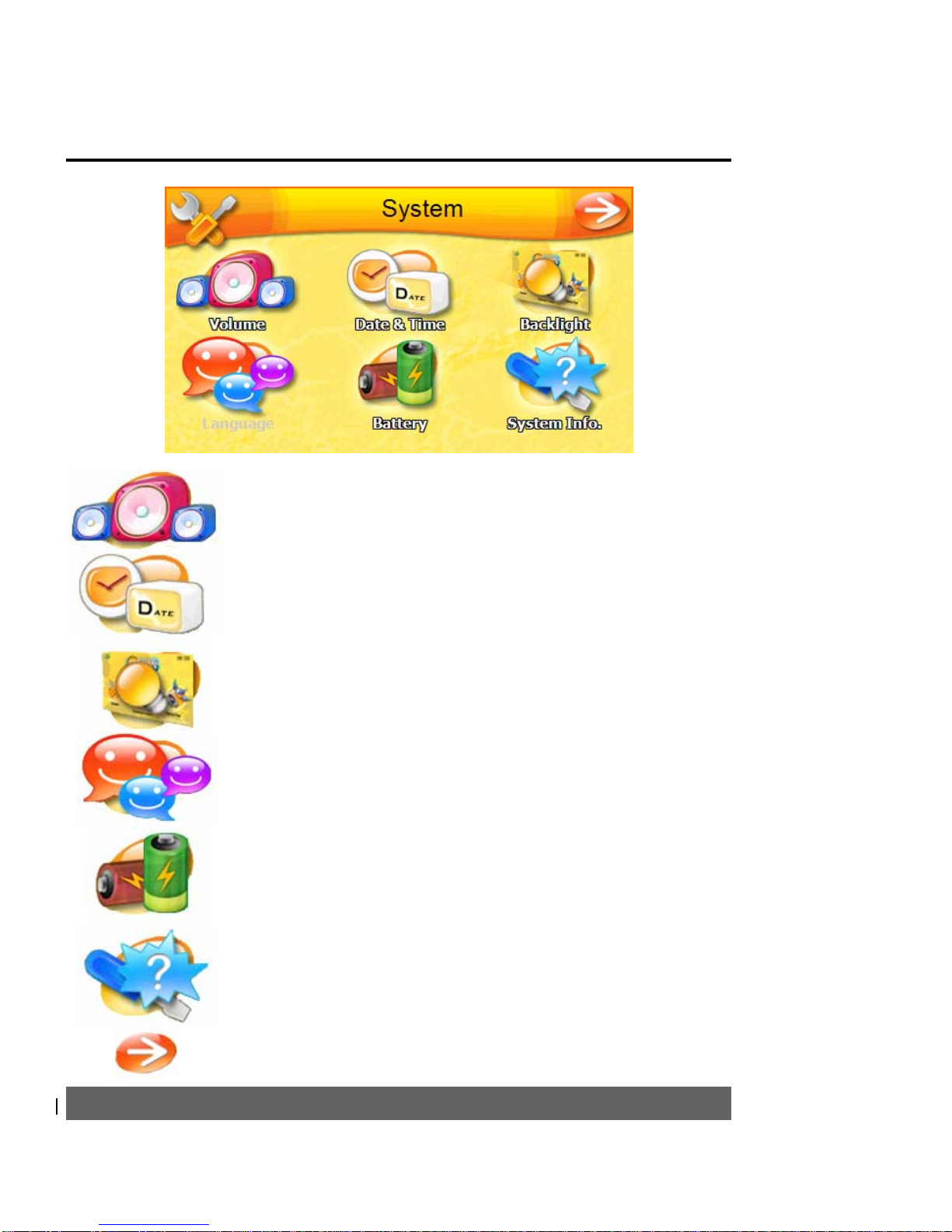
System Menu ..............................................................................................................................................10
4 - Navigation Software Quick Start 11
Map Description .........................................................................................................................................11
Destinator Menus........................................................................................................................................11
Navigating to an Address............................................................................................................................13
5 - Hands Free Operation 15
Setup and Pairing........................................................................................................................................15
Making a Call..............................................................................................................................................15
Receiving a Call..........................................................................................................................................16
6 - Entertainment 17
MP3 (Music) Player....................................................................................................................................17
Photo Viewer ..............................................................................................................................................18
7 - Troubleshooting 21
Resetting the device....................................................................................................................................21
My GPS850N wont turn on ........................................................................................................................21
My position on the map isn’t being updated...............................................................................................21
My GPS850N doesn’t seem to hold charge................................................................................................22
My GPS850N keeps saying “Signal too low”.............................................................................................22
8 - Frequently Asked Questions (FAQ) 23
How does GPS work?.................................................................................................................................23
Why are the maps not up to date?...............................................................................................................23
How do I update my maps or load overseas maps? ....................................................................................24
Can the GPS850N warn me about school zones?.......................................................................................24
Do the maps have truck routes for high or heavy vehicles?........................................................................24
Can I connect my GPS850N to my PC? .....................................................................................................24
If I’m having trouble using my fingers on the touch screen, what else can I use?......................................25
What is the difference between “Quick” and “Short” route options?.........................................................25
Where is the best place to mount my GPS850N in the car?........................................................................25
Where can I buy accessories from?.............................................................................................................25
9 - Product Disclaimer 26