manuals.online logo
Brands
  1. Home
  2. •
  3. Brands
  4. •
  5. VR Shinecon
  6. •
  7. Virtual Reality Headset
  8. •
  9. VR Shinecon G02ED User manual

VR Shinecon G02ED User manual

Popular Virtual Reality Headset manuals by other brands

iLive IVR77-1762-01 user guide

iLive

iLive IVR77-1762-01 user guide

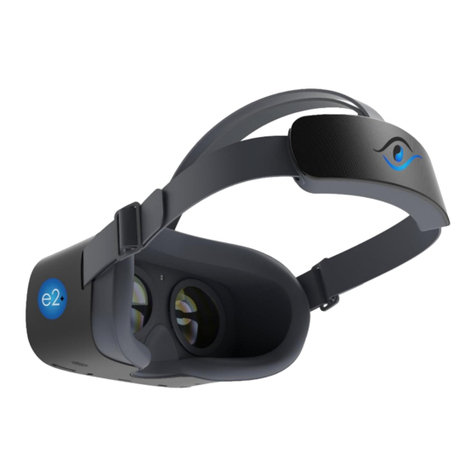
NuEyes e2+ quick start

NuEyes

NuEyes e2+ quick start

WalkOVR WalkOVR user guide

WalkOVR

WalkOVR WalkOVR user guide

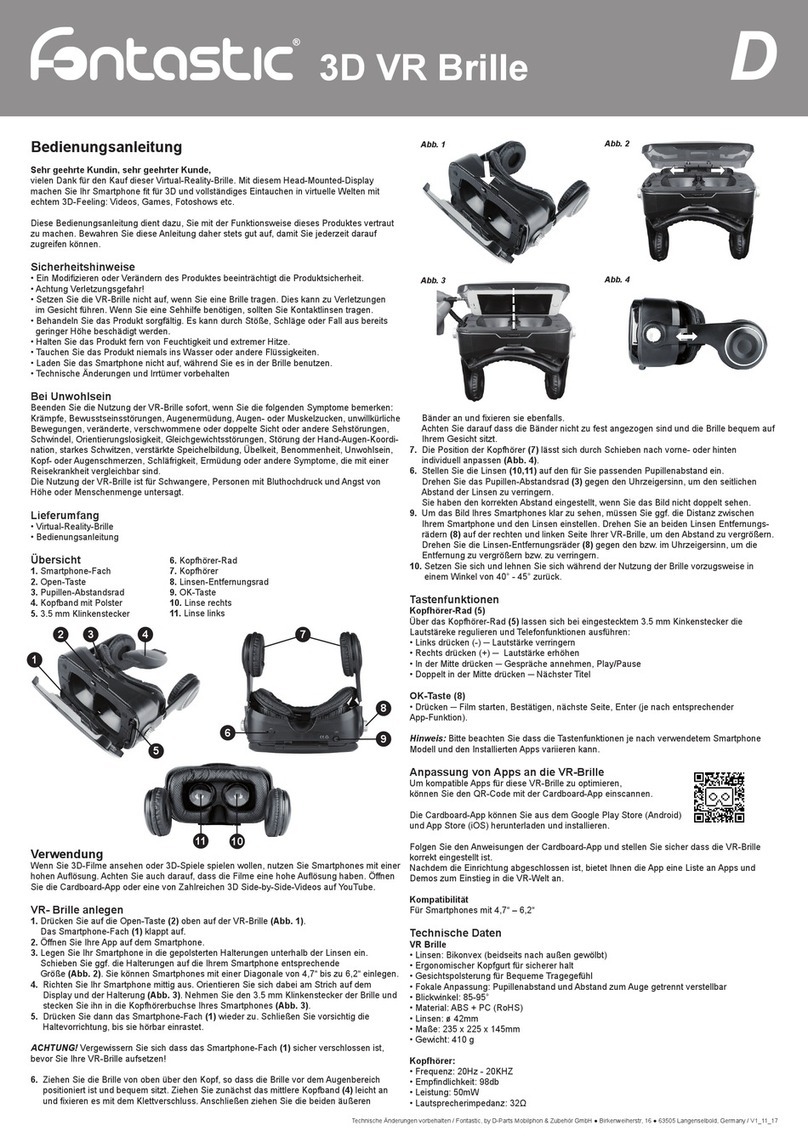
D-Parts Fantastic user manual

D-Parts

D-Parts Fantastic user manual

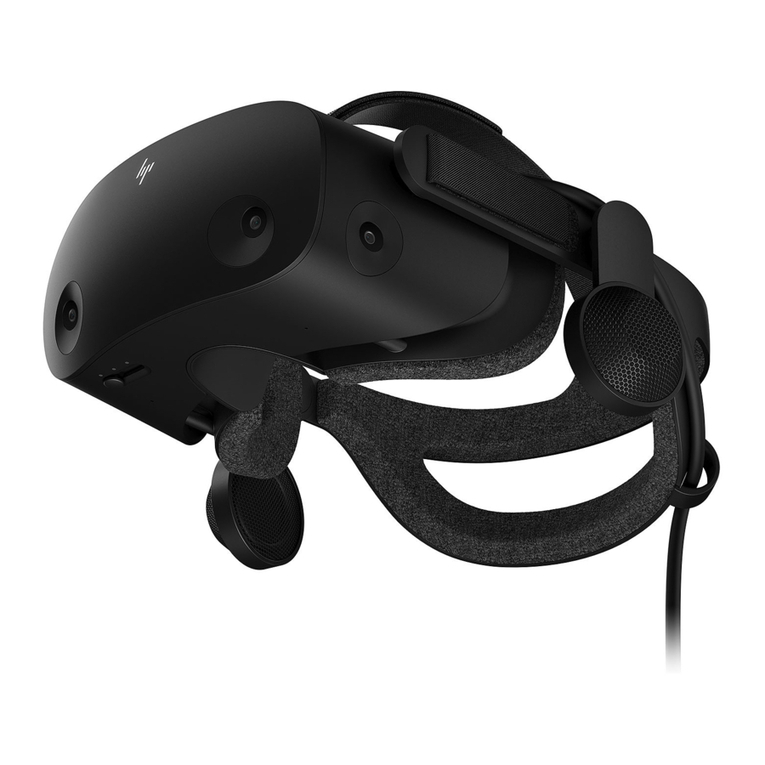
HP Reverb G2 Setup guide

HP

HP Reverb G2 Setup guide

Varjo Aero user guide

Varjo

Varjo Aero user guide

Sony PlayStation VR CUH-ZVR2 quick start guide

Sony

Sony PlayStation VR CUH-ZVR2 quick start guide

OCULUS Rift S user guide

OCULUS

OCULUS Rift S user guide

Samsung Gear VR user manual

Samsung

Samsung Gear VR user manual

Emdoor A839 user manual

Emdoor

Emdoor A839 user manual

Samsung SM-R323 Gear VR user manual

Samsung

Samsung SM-R323 Gear VR user manual

HP REVERB G2 OMNICEPT EDITION Faq

HP

HP REVERB G2 OMNICEPT EDITION Faq

Sony PLAYSTATION VR quick start guide

Sony

Sony PLAYSTATION VR quick start guide

HTC VIVE Tracker (3.0) user guide

HTC

HTC VIVE Tracker (3.0) user guide

Champion CHVR210 user manual

Champion

Champion CHVR210 user manual

Eachine EV300O user manual

Eachine

Eachine EV300O user manual

META Oculus Quest user manual

META

META Oculus Quest user manual

Veer Fabric user manual

Veer

Veer Fabric user manual

manuals.online logo
manuals.online logoBrands
  • About & Mission
  • Contact us
  • Privacy Policy
  • Terms and Conditions

Copyright 2025 Manuals.Online. All Rights Reserved.

User Manual for Shinecon G02ED
Anti-Blue Ray VR Headset with ANC
Specifications
- Lens type: aspherical optical resin
- Lens diameter: 42mm
- Field of view (FOV): 110 degree
- Headphones connector: 3.5mm audio jack
- Supported OS: Android, iOS, Windows
- Compatible with 4.7"-6" smartphones
- Control buttons for volume, play/stop, calls
- Material: ABS
1. Buckled switch
2. Pupil distance adjustment
3. Ergonomic belt
4. Focus distance adjustment
5. Adsorption panel
6. HiFi headphones
7. Leather patch
8. Headset flexible adjustment
9. Multifunction button
10.Volume up
11. Volume down
12.Hidden microphone
13.Optical lens
14.Touch screen button
The multifunctional button functions:
a) Answer/Reject phone calls
b) Play/Pause
c) Previous/Next
How to use
Go to the Google Play Store for Android or App Store for iOS and download a
VR app (picture A). Install it and open some video or a VR game to test the screen
whether can split into two sides (picture B). After you see it works fine, open the top
buckle carefully (picture C), and insert your smartphone. Bear in mind that the
display should be facing towards the lens. Align the axis and close the cover (picture
D). Put the VR headset on your head and adjust the Focus distance (picture E) and
Pupil distance (picture F) for the best experience.
Please note that this VR headset is also suitable for people with glasses.