label position, the corresponding height position then
automatically run to the store, run time, any key to stop the
system.
5.The minimum limit set
➢System supports desktop minimum height limit, methods for
operation, when it comes to setting the lowest height for the
desktop height, the corresponding height at the same time
Press the "SET" and "DOWN" button for 5 seconds, the
buzzer sound can be heard at this time, is the location of the
minimum storage success.
➢Cancel storage minimum height limit method 1: initialize the
system, system low cancelled. Method 2: allow the desktop
to run low, at the same time Press the "SET" and "DOWN"
button for 5 seconds will hear the buzzer sounds at this time,
said the lowest position to cancel the success.
6.The maximum limit set
➢System supports desktop maximum height limit, methods for
operation, when it comes to setting the highest height for the
desktop height, the corresponding height at the same time
Press the "SET" and "UP" button for 5 seconds, the buzzer
sound can be heard at this time, is the location of the
maximum storage success.
➢Cancel storage maximum height limit method 1: initialize the
system, system high cancelled.Method 2: allow the desktop
to run high, at the same time Press the "SET" and "UP"
button for 5 seconds will hear the buzzer sounds at this time,
said the lowest position to cancel the success.
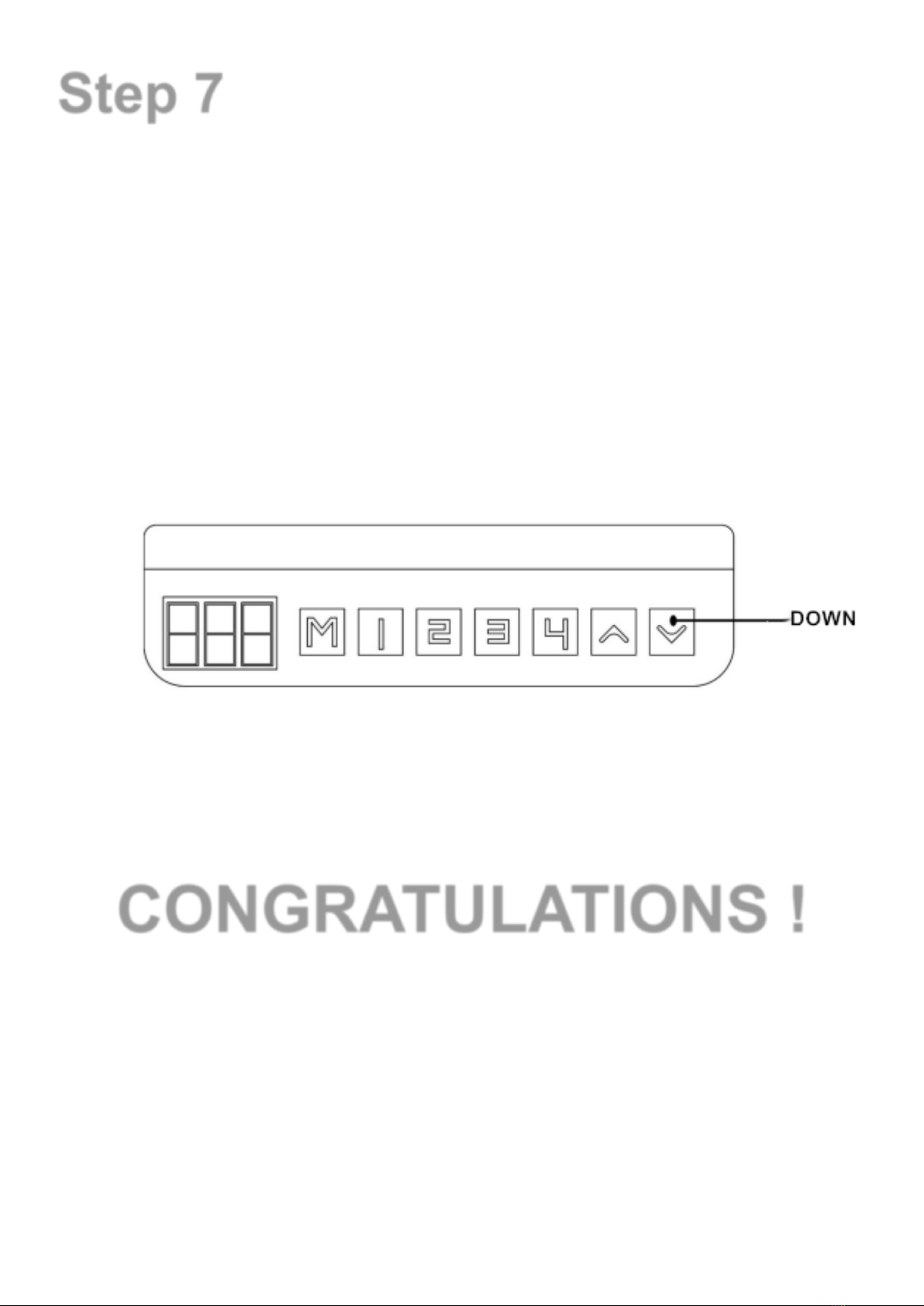
7.Lock and Unlock the desktop
➢Lock: at the same time press the "UP" + "DOWN" for 5
seconds, when hearing the buzzer sounds at this time the
digital tube display "-", said the system has been locked,
can't make a lift to the system operation.
➢Unlock: at the same time Press the "UP" and "DOWN" for 5
seconds, when hearing the buzzer sounds at this time the
digital tube from the "-" shows to the normal digital display,
the said system has been unlocked.