EnglishDeutsch
 logo
Brands
  1. Home
  2. •
  3. Brands
  4. •
  5. Waeco
  6. •
  7. Refrigerator
  8. •
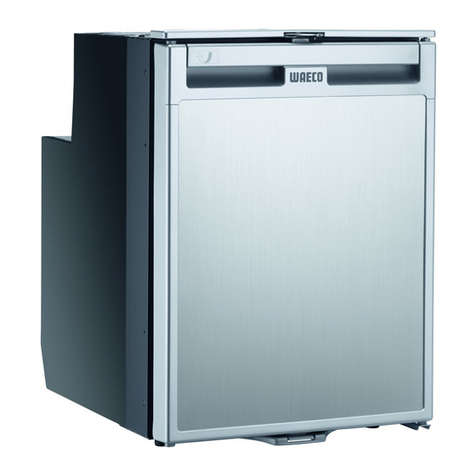
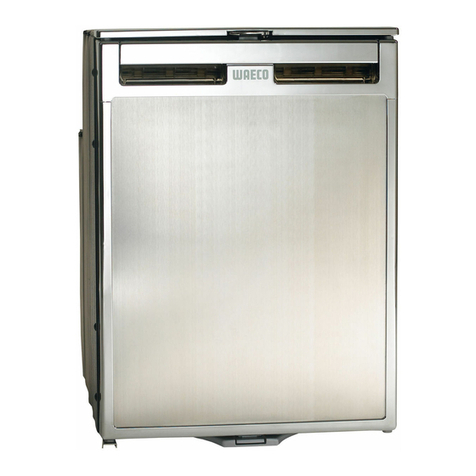
  9. Waeco CR-65 User manual

Waeco CR-65 User manual

This manual suits for next models

6

Other Waeco Refrigerator manuals

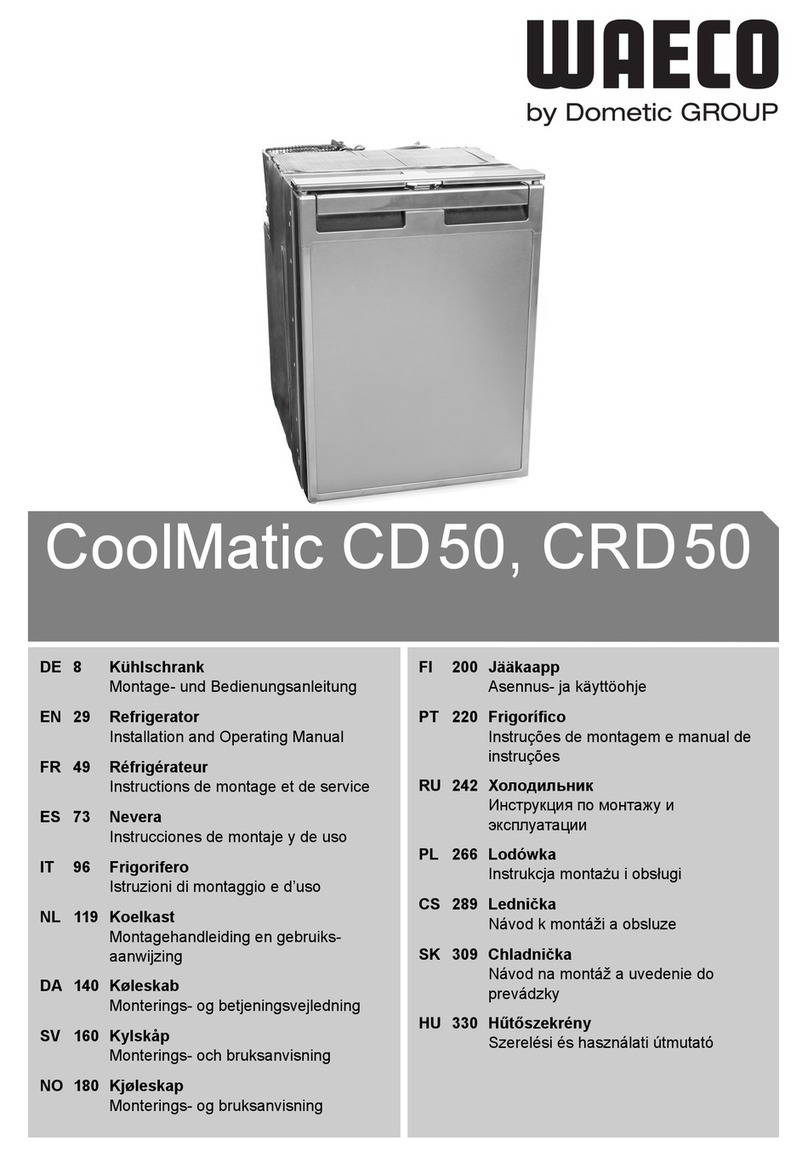
Waeco CoolMatic CD50 User manual

Waeco

Waeco CoolMatic CD50 User manual

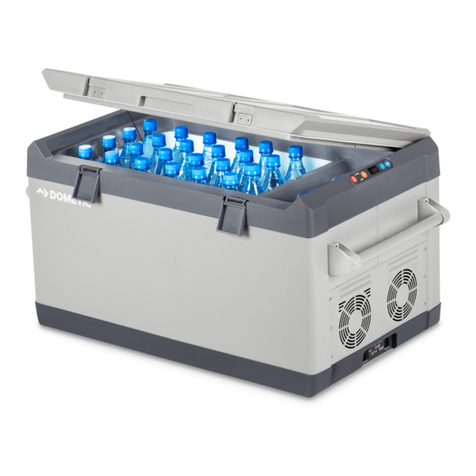
Waeco CF-80 User manual

Waeco

Waeco CF-80 User manual

Waeco CR SERIES Wiring diagram

Waeco

Waeco CR SERIES Wiring diagram

Waeco CRX1050 User manual

Waeco

Waeco CRX1050 User manual

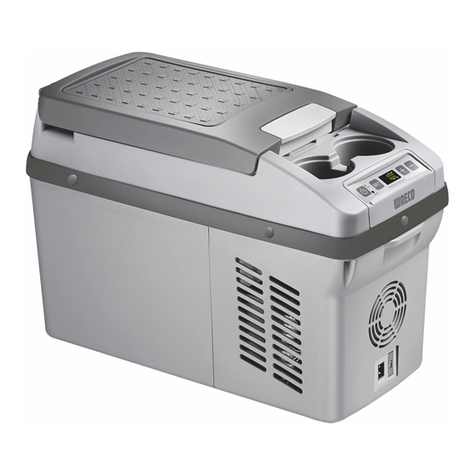
Waeco Bordbar CDF-11 User manual

Waeco

Waeco Bordbar CDF-11 User manual

Waeco CoolMatic HDC-150 User manual

Waeco

Waeco CoolMatic HDC-150 User manual

Waeco CoolMatic CRX50 User manual

Waeco

Waeco CoolMatic CRX50 User manual

Waeco CoolMatic HDC195 User manual

Waeco

Waeco CoolMatic HDC195 User manual

Waeco CoolMatic CD30 User manual

Waeco

Waeco CoolMatic CD30 User manual

Waeco COOL MATIC RPD/RPA User manual

Waeco

Waeco COOL MATIC RPD/RPA User manual

Waeco MyFridge MF-05 User manual

Waeco

Waeco MyFridge MF-05 User manual

Waeco CoolMatic CRP-40 User manual

Waeco

Waeco CoolMatic CRP-40 User manual

Waeco CR-50 User manual

Waeco

Waeco CR-50 User manual

Waeco CoolMatic HDC-160 User manual

Waeco

Waeco CoolMatic HDC-160 User manual

Waeco CoolMatic CRX50 User manual

Waeco

Waeco CoolMatic CRX50 User manual

Waeco CR-50 User manual

Waeco

Waeco CR-50 User manual

Waeco MyFridge MF-05 User manual

Waeco

Waeco MyFridge MF-05 User manual

Waeco MyFridge MF-05 User manual

Waeco

Waeco MyFridge MF-05 User manual

Waeco CoolMatic HDC-161 User manual

Waeco

Waeco CoolMatic HDC-161 User manual

Waeco MyFridge MF-6W User manual

Waeco

Waeco MyFridge MF-6W User manual

Waeco CoolMatic CRP-40 User manual

Waeco

Waeco CoolMatic CRP-40 User manual

Waeco MyFridge MF-6W User manual

Waeco

Waeco MyFridge MF-6W User manual

Waeco Piccolo FM-05-JURA01 User manual

Waeco

Waeco Piccolo FM-05-JURA01 User manual

Waeco CF-1 User manual

Waeco

Waeco CF-1 User manual

Popular Refrigerator manuals by other brands

Haier HRF-369NAA null

Haier

Haier HRF-369NAA null

Haier HRF-688FR null

Haier

Haier HRF-688FR null

Haier HRF-416KAASS null

Haier

Haier HRF-416KAASS null

Haier HRF-348E null

Haier

Haier HRF-348E null

Bonnet Neve SKYVIEW PLUS User instructions

Bonnet Neve

Bonnet Neve SKYVIEW PLUS User instructions

Zanussi Electrolux ZERB 8441 Instruction book

Zanussi Electrolux

Zanussi Electrolux ZERB 8441 Instruction book

Sharp SJ-BA31IEXW2-EU user manual

Sharp

Sharp SJ-BA31IEXW2-EU user manual

CORBERO CC2300MCW Instruction booklet

CORBERO

CORBERO CC2300MCW Instruction booklet

KitchenAid 2205264 Use and care guide

KitchenAid

KitchenAid 2205264 Use and care guide

NEFF KI181 Series user manual

NEFF

NEFF KI181 Series user manual

Hoshizaki Reach-In instruction manual

Hoshizaki

Hoshizaki Reach-In instruction manual

Amana ASD2524VES00 User instructions

Amana

Amana ASD2524VES00 User instructions

BOMANN KGC 213 instruction manual

BOMANN

BOMANN KGC 213 instruction manual

Danby DAR044A1SLDD Owner's use and care guide

Danby

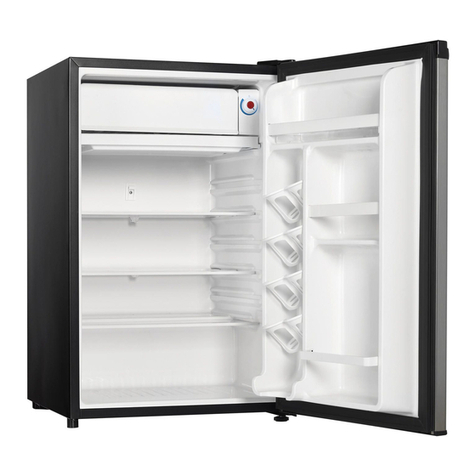
Danby DAR044A1SLDD Owner's use and care guide

Beko CSA31022 Instructions for use

Beko

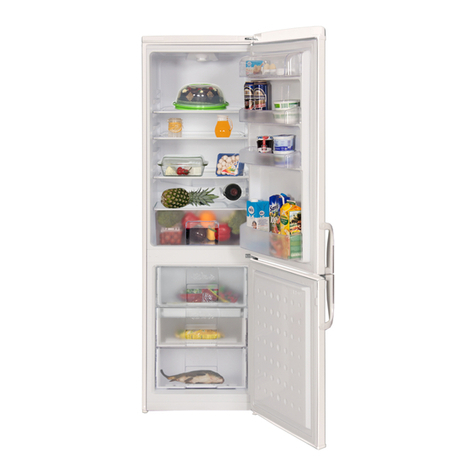
Beko CSA31022 Instructions for use

IKEA FROSTIG C 185 E manual

IKEA

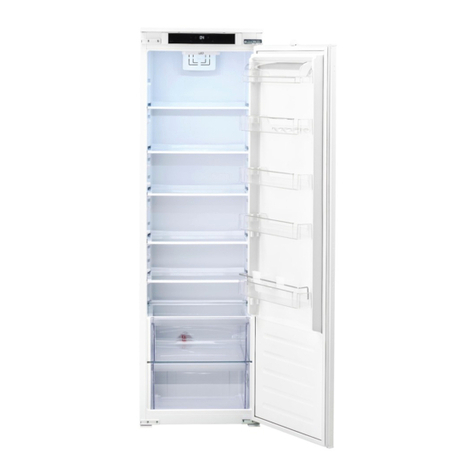
IKEA FROSTIG C 185 E manual

Electrolux ER 6821 D Instruction book

Electrolux

Electrolux ER 6821 D Instruction book

True TS-28 Specifications

True

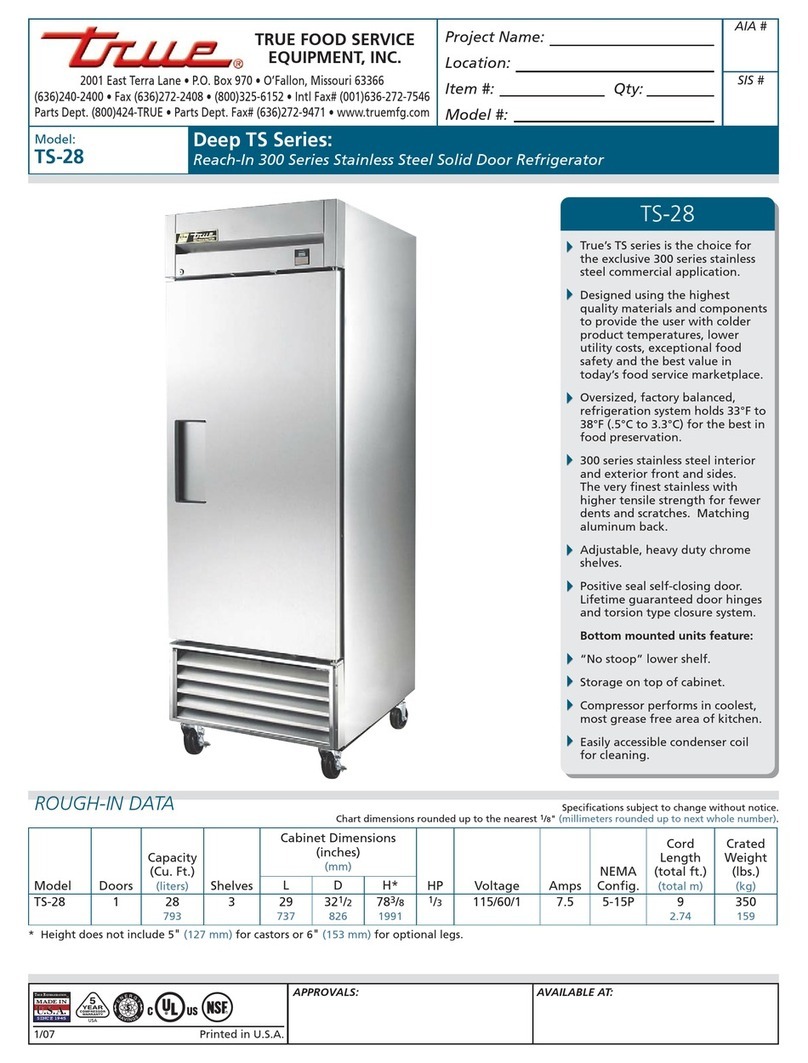
True TS-28 Specifications

https://manuals.online logo
https://manuals.online logoBrands
  • About & Mission
  • Contact us
  • Privacy Policy
  • Terms and Conditions

Copyright 2026 Manuals.Online. All Rights Reserved.

Compressor servicing
and fault nding
• Model Range
• Data Plate
• Troubleshooting
• Standard Spare Parts
• Guides for repair
CoolMatic CR Fridges
WARNING!
please note: when working on the fridge you must isolate and disconnect the supply
www.dometic-waeco.com • [email protected]
Model Range
CRP-040 shown
CRP-040
Removable compressor (1.5 m)
12v/24v
No internal light
30º constant incline MAX
AC power via rectier (EPS-35/MPS-35), optional extra
Changeable décor panel
CR-xx (50, 65, 80, 110, 140)
12v/24v
AC (Only CR-140)
Internal Light
30º constant incline MAX
AC power via rectier (EPS-35/MPS-35), optional extra
Changeable décor panel
CR-80 shown
Model Number
Climate class: N (16º to 32º)
T (18º to 43º)
Polyurethane Insulation
Refrigerant type and ll quantity
Average running amps
Supply Voltage
Total Litres
Serial Number
Data Plate
The data plate is located on the inside roof.
www.dometic-waeco.com • [email protected]
Page 2
Troubleshooting
Fault Possible Cause Solution
Compressor is running but not cooling The compressor may have lost its gas Place your hand on top of the compressor, if you nd the compressor to be running hot to
the touch, this could mean that the compressor has lost its gas. Contact Dometic for service
exchange in warranty. Out of warranty you can contact a local refrigerator engineer who is F
Gas approved.
Compressor is shutting down and RED LED ashes 1 Supply voltage issue Check the voltage at the electronic module terminals. The voltage must be above 11.7v for a
12v and 24.2v for a 24v to start. Voltage measurements at the battery are meaningless. The
refrigerator can only read what it is actually receiving after deducting the losses in your wiring,
socket and plugs. Also, the reading is meaningless unless the fridge is running, voltage drop
cannot be seen without a load. Refer to the manual for cable chart
RED LED ashes 2 Excessive fan current The fan is loading the electronics with more than 1amp. Clean or exchange fan
RED LED ashes 3 The compressor shudders or doesn’t start The module could be faulty. Please exchange the module in the rst instance. If this doesn’t
work the rotor is jammed, leave the unit upright and allow to cool. If this does not work
please contact Dometic
RED LED ashes 4 Speed too low If the cooling system is overloaded with oil or refrigerant the compressor speed cannot be
maintained. Leave the unit upright and allow to cool. If this does not work please contact
Dometic
RED LED ashes 5 Overheating of electronic unit There is a temp sensor in the electronic module. If the unit has been badly installed or the
ambient temp is too high (45ºc) the unit will shut down unit the temp has reduced.
The compressor runs constantly Faulty thermostat Remove the thermostat and replace
Compressor runs but the light does not work inside The supply has been reversed Older models will have a dropper located next to the module at the rear, this will need to be
removed and replaced. Newer units the dropper was built into the bulb inside.
Compressor is not running but the green light is on Possible thermostat or module fault Locate the compressor and bridge out the C & T terminals (see below).
If the compressor starts the thermostat is
faulty otherwise the module is at fault.
The door doesn’t open The bottom lock is damaged Sometimes in transit the fridge is dropped which bends the door lock up. You can loosen the
lock and place 2 metal washers under plastic. See guide
Fridge defrosts over night Ambient temp too low The fridge has a climate class of N (16º to 32º) and T (18ºc to 43ºc). We’ve seen problems in
vehicles when the ambient temp drops below 16ºc the fridge doesn’t switch back on. The
ambient temp must be increased.

Linkwire

Linkwire
www.dometic-waeco.com • [email protected]
Page 3
Electronic module DC only
4441000010
Electronic module AC/DC (CR-140)
4441000039
DC Fan
4441200002
Thermostat CR range
13-00-KPF1E (CRP040 4441100019)
LED bulb
444160008
Light voltage regulator
SP-065PCBASB
Standard Parts - Full parts list are available on request. Below is a list of standard used parts:
www.dometic-waeco.com • [email protected]
Page 4
Changing the Decor Panel - Repair Guide
1. Remove the seal from the top of the door 4. Pull the standard décor panel out
and replace with your desired panel
5. Reverse steps 4 to 1
3. Pull the handle up and out. The section is in a
T shape
2. Locate and unscrew the four screws across
the top
Repair Guides
Replacing the electronic module
1 Locate the module at the rear.
2 Isolate the supply.
Remove the other female crimps.
Make a note of the wiring.
3 Remove the screw which is in between.
The module will hinge away from the
compressor. Pull off the 3 pin plug
The CR range has a wiring
diagram on the side of
the fridge case.
Please note: when working on the fridge you must isolate and disconnect the supply!
www.dometic-waeco.com • [email protected]
Page 5
8. Loose the screws either side of the
thermostat
7. Carefully remove the
thermostat capillary probe
1. Locate the thermostat housing
inside the fridge and remove
the light button
2. Remove the front screw 3. Remove the LED cover 4. Loosen the rear screw, this doesn’t
have to be removed
5. Pull the thermostat housing
forward. It should now come
away from the wall
6. Disconnect the black plug 9. Remove the thermostat control knob
10. Reverse steps to replace.
Please note that the thermostat
probe must not be cut and must
go into the pipe in the wall of the
insulation not the insulation!
Changing the Thermostat - Repair Guide
www.dometic-waeco.com • [email protected]
Page 6
1. Remove the electronic module
2. Use your voltage meter to check the resistance between the pins. All three pins should read around 2 ohms at 25º.
A B
C
0844 626 0130
www.dometic-waeco.com • [email protected]
Testing the compressor windings - Repair Guide
Pins Ω Reading @ 25º
A-B 2
A-C 2
B-C 2
Fixing the bottom lock - Repair Guide
Customer can complain that there unable to open the fridge door without lifting the door. This can sometimes be due to installation or damaged in transit.
Remove the fridge from the housing and disconnect the power. Locate the bottom door lock.
You can adjust the bottom lock with
the silver screw marked to the left.
If adjusting the screw doesn’t work please loosen
the outer screws and place a thin washer on both
sides between the housing and lock plate.