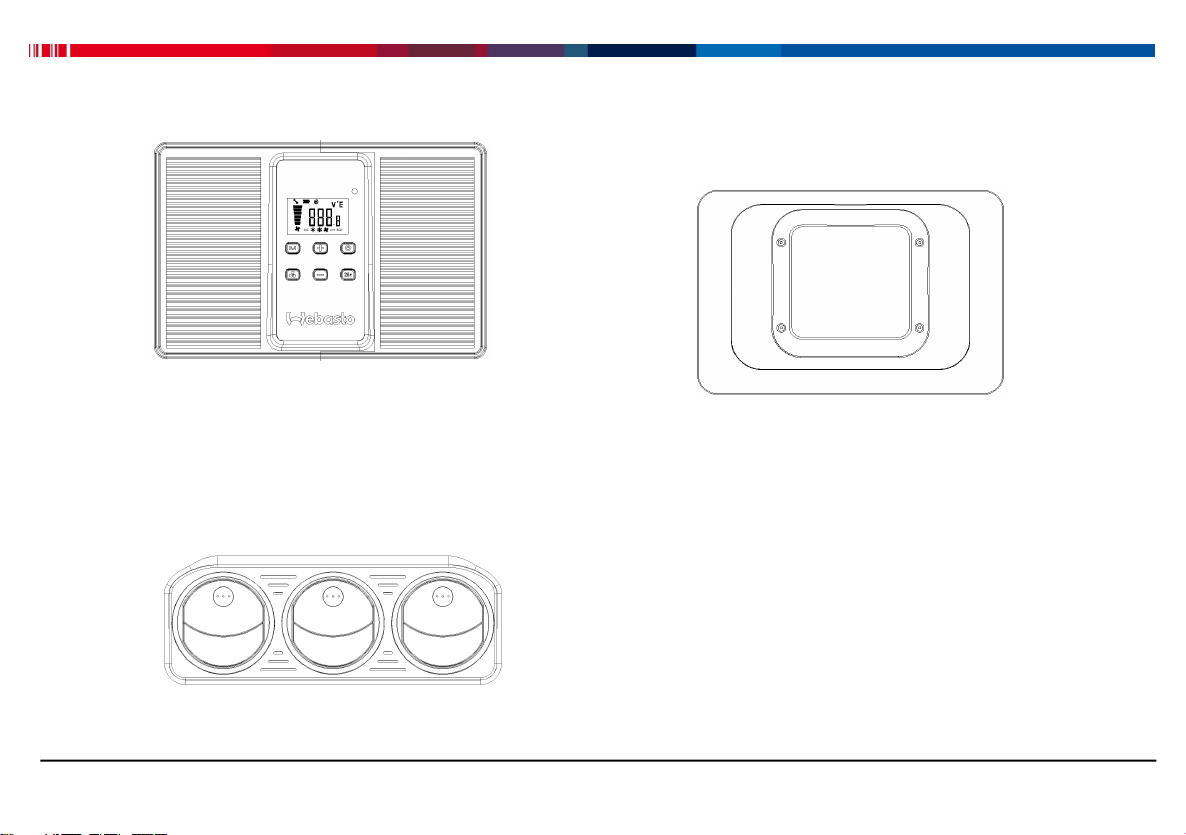
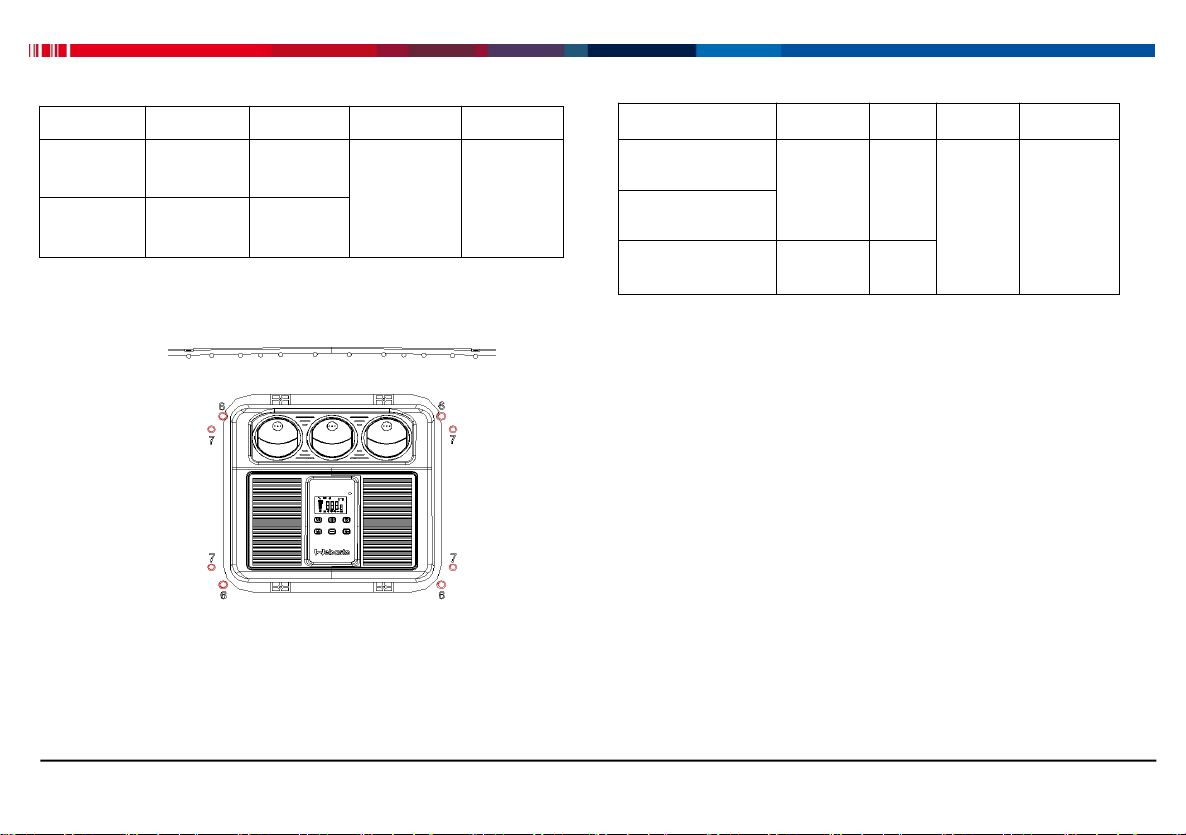
Control panel legend:
①On-Off button: Press this button to switch the Cool
Top 23 RT-E On or Off;
②Mode button: Push this button to switch among the
modes Auto, Eco, and Power.
③Airflow button: Each push on this button
corresponds to cycle through 5 different airflow levels;
④Auto 26 ℃:Press this button enables automatic
management towards 26℃;
⑤Temperature “+”button: Each pushing on this button
corresponds to the increase of 1℃of temperature;
⑥Temperature “-” button: Each pushing on this button
corresponds to the decrease of 1℃of temperature;
⑦Display window: Display temperature, airflow,
Voltage, error codes and ambient temperature.
⑧Infrared signal:Acceptance of infrared signal from
remote controller by users.
Low-voltage protection function
Settings: Long press on “26 ℃” button till screen
blinking, adjust low-voltage cutoff value (default value
is 20.5V, ranging 18-23V)via Temp“+” or “-” button,
and then long press on “26℃” button again for 5s.