This device complies with Part 15 of the FCC Rules. Operation is
subject to the following two conditions: (1) this device may not cause
harmful interference, and (2) this device must accept any interference
received, including interference that may cause undesired operation.
1. "Changes or mo difications not expressly approved by the party
responsible for compliance could void the user’s authority to operate
the product."
2. "NOTE: This product has been tested and found to comply with the
limits for a Class B digital device, pursuant to Part 15 of the FC C
Rules. These limits are designed to provide reasonable protection
against harmful interference in a residential ins tallation. This p roduct
generates uses and can radiate radio frequency energ y and, if not
installed and use d in accordance with the instructions, may cause
harmful interference to radio communications. However, there is no
guarantee that interference will not occur in a particular installation.
If the product does cause harmful interference to radio or television
reception, which can b e determined by turning the equipment off and
on, the user is encouraged to tr y to correct the interference by one or
more of the following measures :
• Reorient or relo cate the receiving antenna.
• Increase the s eparation b etween the product and receiver.
• Connect the product into an outlet on a circuit different from that
to which the receiver is connected.
• Consult the dealer or an experienced radio/ TV te chnician for help."
Made in China. WeGo is a tra demark of EB Spor t Group, Hazlet on, PA 18202. Distribu ted
in the United Ki ngdom by EB Br ands (U K), Wo rcest er WR4 9F A. MapMy Fitnes s is a
trademark of M apMyFitne ss, Inc. iPhone and iPad are trademarks o f Apple Inc., r egistere d
in the U.S. and o ther countries . Android and Googl e Play are trademar ks of Googl e Inc. All
Rights Reser ved. ©2015 Designe d and engineered by EB Lab s
WO3198IS01SP ORA
GETTING STARTED
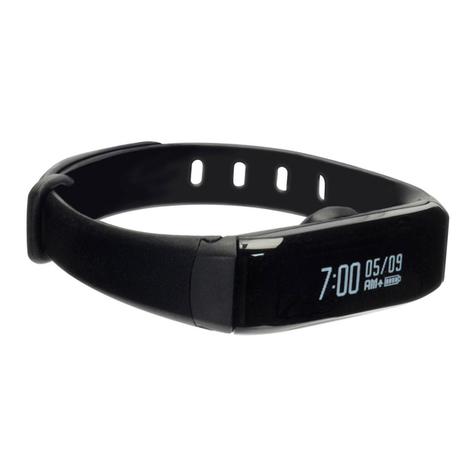
1. Wake your device from sleep mode by pressing and holding the main but ton for a couple of
seconds until the screen comes on.
2.
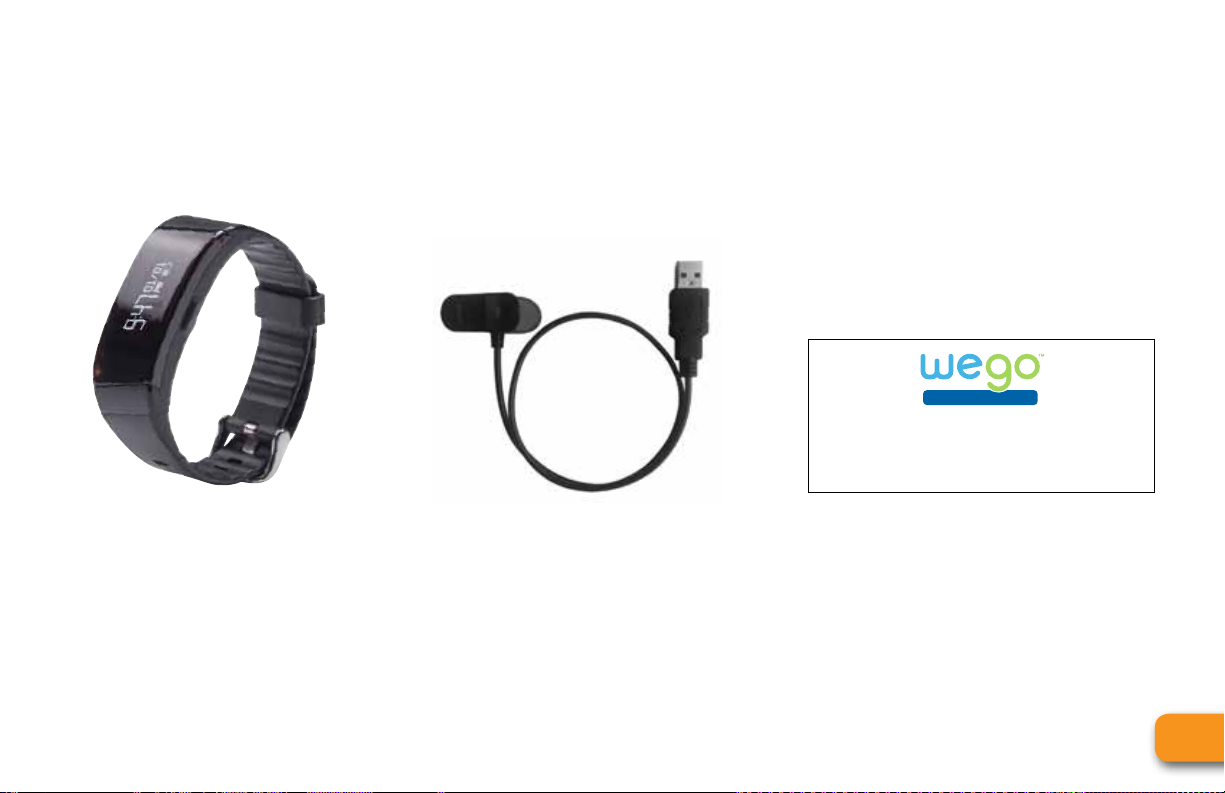
Prior to first use make sure that your tracker is fully charged by connecting the included USB
charging cable.
3.
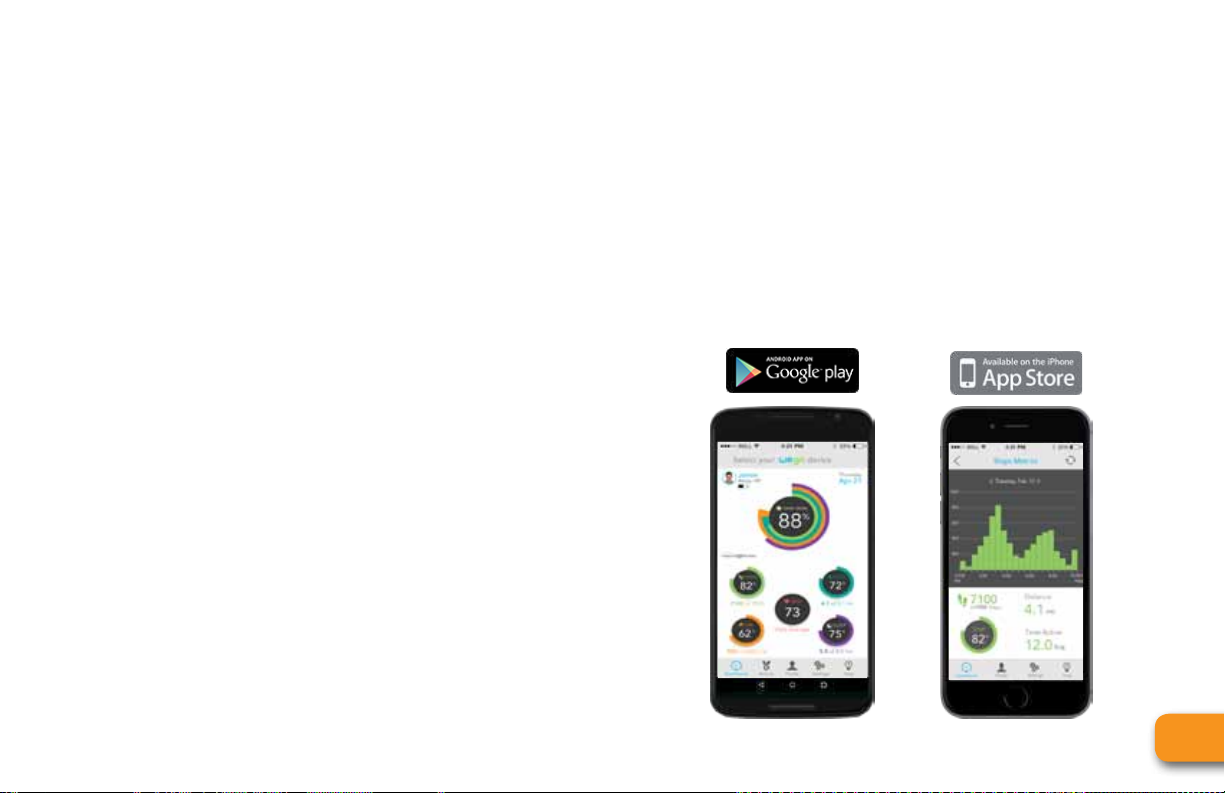
Download the “Join WeGoTM App” onto your smartphone or tablet and create a profile, or login
using an existing MapMyFitness account. Remember to pair your new device to the app.
4.
Congratulations! You can now start tracking your activities and sleep for a better, healthier, you!
5.
Visit w ww.JoinWeGo.com to learn about all of the features for your device.
Have questions? Visit www.JoinWeGo.com/support.
Main
Button
Replaceable
Strap
USB Charger Join WeGo™ App
WeGo™RELAY
OUTSIDE
INSIDE