Table of Contents
1. Introduction .............................................1-1
2. Unit Description ..........................................2-1
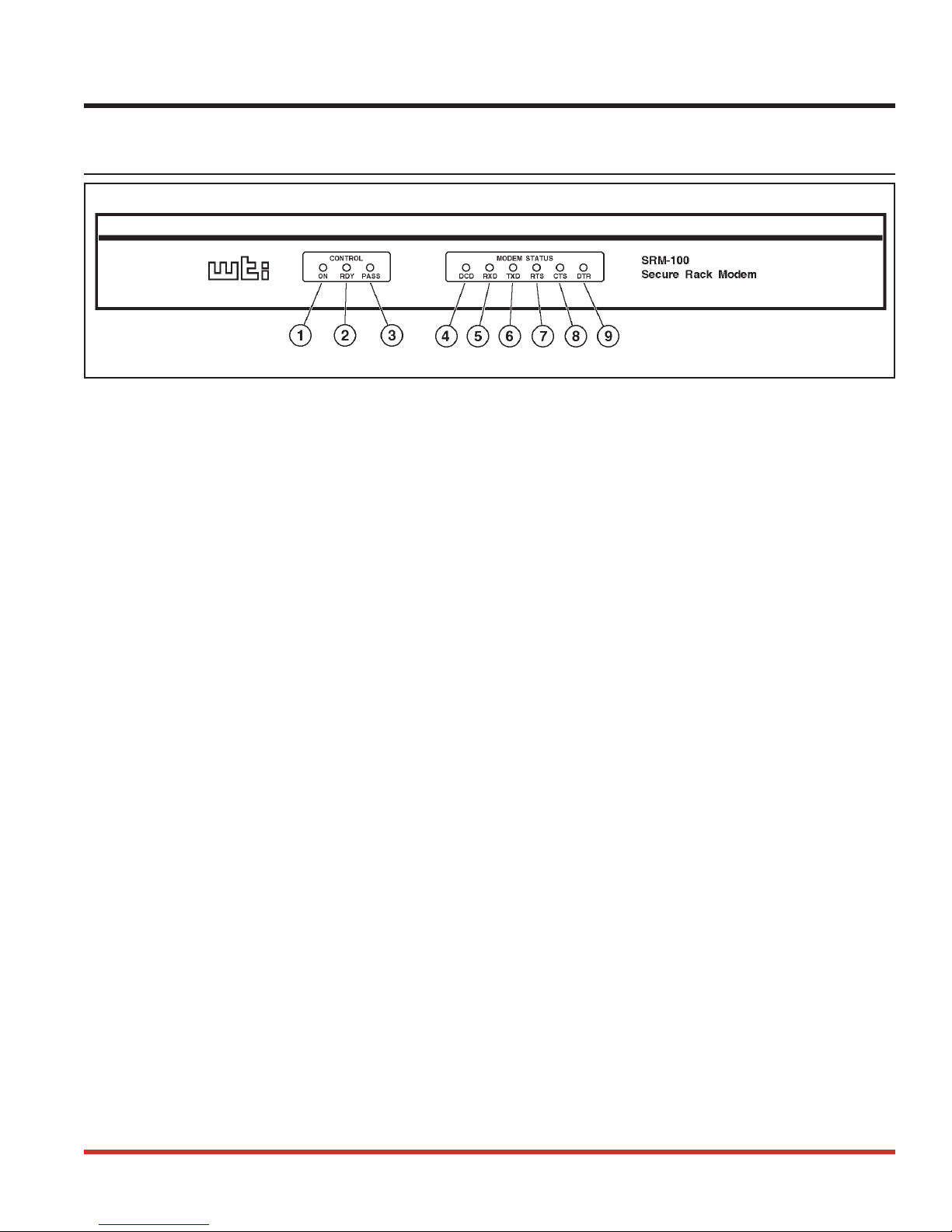
2.1. Front Panel ..........................................2-1
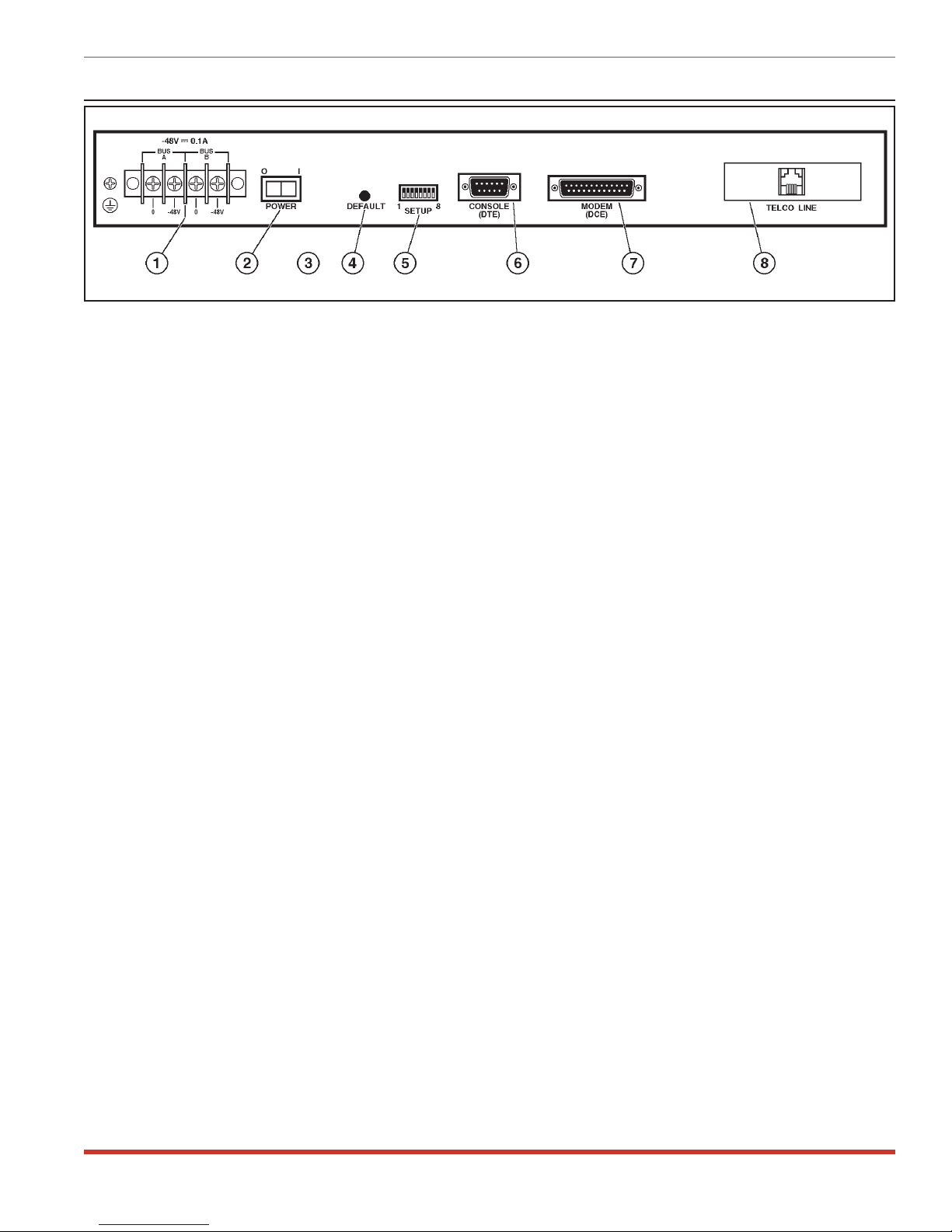
2.2. Back Panel ..........................................2-2
3. Getting Started ...........................................3-1
3.1. Applying Power to the Unit .................................3-1
3.2. Connecting a PC to the Console Port ...........................3-1
3.3. Communicating with the SRM-100 ............................3-2
4. Hardware Installation .......................................4-1
4.1. Connecting Power to the SRM-100 ............................4-1
4.1.1. AC Powered Units .................................4-1
4.1.2. DC Powered Units .................................4-1
4.2. SetUp Switches ........................................4-1
4.2.1. Default Modem Baud Rate (Sw1, Sw2) .....................4-2
4.2.2. Default Flow Control Format (Sw3) .......................4-2
4.2.3. Default Bits and Parity (Sw4) ..........................4-2
4.2.4. Default Rings to Answer (Sw5) .........................4-3
4.2.5. Default ARQ/Compression Status (Sw6) ....................4-3
4.2.6. Default Modem Speaker Status (Sw7)......................4-3
4.2.7. Default Security Mode Status (Sw8) ......................4-4
4.3. Initialize Unit to Default Settings .............................4-4
4.4. Cable Connection.......................................4-5
4.4.1. Modem Port .....................................4-5
4.4.2. Console Port .....................................4-5
4.4.3. Telco Line ......................................4-5
5. Set-Up and Configuration ....................................5-1
5.1. Command Mode Access ...................................5-1
5.1.1. Access Via the Console Port............................5-1
5.1.2. Access via Modem .................................5-2
5.2. The General Parameters Menu ...............................5-3
5.3. The Modem Parameters Menu ...............................5-6
5.4. Save Parameters .......................................5-7
6. The Password Directory......................................6-1
6.1. Add Name / Password ....................................6-2
6.2. Edit / Delete from List ....................................6-3
6.3. Edit / Delete from Search ..................................6-4
6.4. Viewing the Password Directory ..............................6-5
6.5. Zero Activity Counters ...................................6-6
6.6. Save Parameters .......................................6-6
i