UP
DOWN
If you carry your controller around with you and
move outside the operating range, transmission will
be interrupted and your hearing aids will switch to
the Master program. The LED will flash at slow in-
tervals to indicate that transmission has been inter-
rupted. The change will be indicated by a voice
message. If your hearing aids are set up with beep-
tone indication instead, no acoustic indication will
sound.
If you come in range again, the controller will detect
the signal from the TV/Audio and restart transmis-
sion. A sound will be heard in the hearing aids. The
LED will light constantly rather than flash.
Note that the LED may continue to be red if you
chose to turn off the hearing aid microphones dur-
ing transmission.
ADJUSTING THE VOLUME
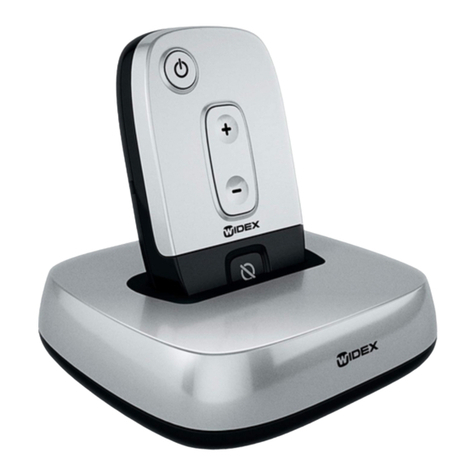
Press the volume up key to raise the volume of the
transmitted TV or audio sound. Press the volume
down key to lower the volume.
MUTE
You can mute the transmitted TV or audio sound on
the TV or audio source.
ROOM OFF
If you wish to turn the hearing aid mi-
crophones off during transmission,
so that you only hear the transmitted
sound, press the room on/off key
once. To turn the microphones back on, press again.
An acoustic indicator will sound in your hearing
aids, and the red LED will turn off.
18 19