3
Reset to factory settings
The device can be reset to the original factory settings by means of one of the following methods:
Method 1: Remove the device from the Z-Wave network;
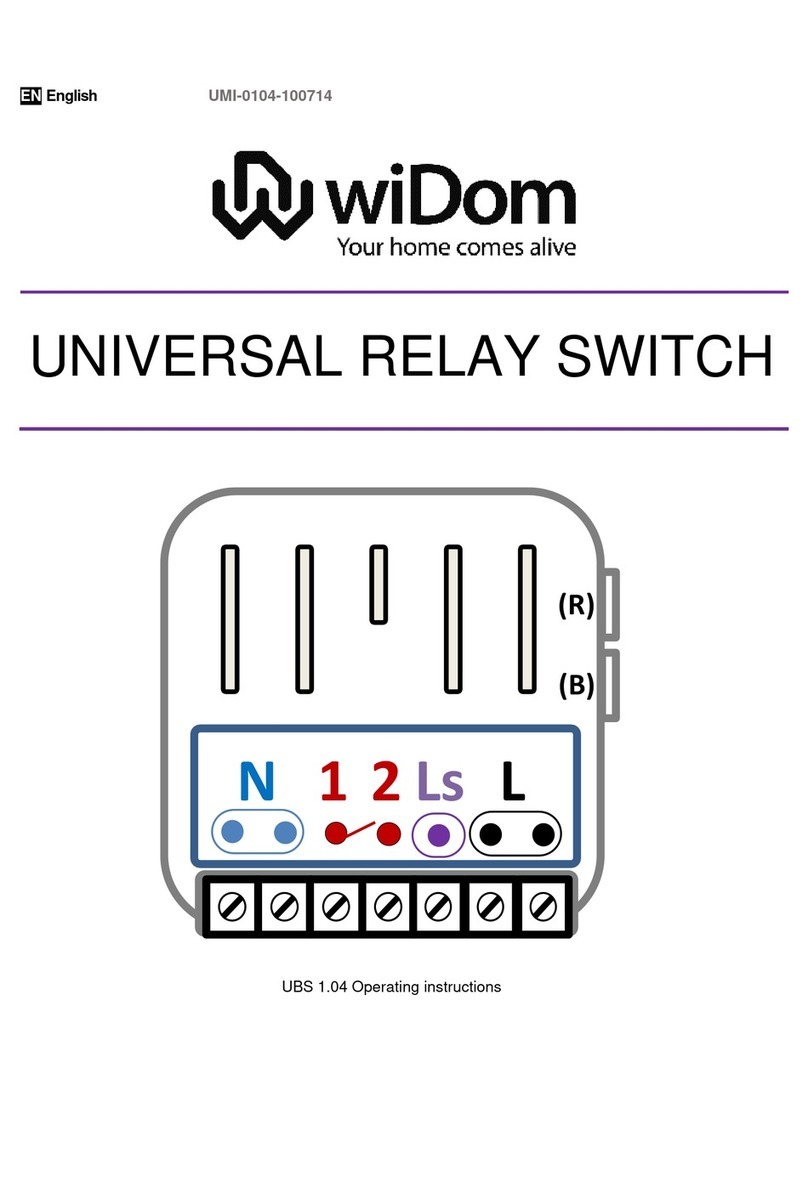
Method 2: Six consecutive clicks on (B) button or on one of the buttons/switches connected to I1 or I2 within
1 minute from system start-up;
Method 3: Set the parameter 61 to 0 –FACTORY RESET (see Configuration Parameters).
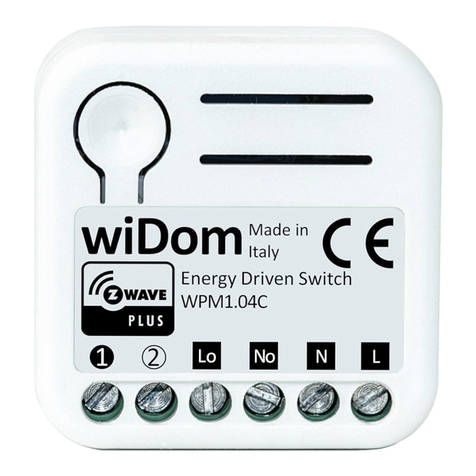
INFO: If the device is reset when included in a network, the latter will notify its removal (Device Reset
Locally Notification).Conversely, if WiDom Energy Driven Switch receives a notification of removal of
another device from the network, this device will be removed from its associations.
Including (Add) the device into an existing Z-Wave network
WiDom Universal Double Switch can be included into any Z-Wave network and operate with Z-Wave devices
from any other manufacturer. WiDom Universal Double Switch, used as a constantly powered node, will act
as a signal repeater to increase the network reliability.
The device supports both the Network Wide Inclusion (which offers the opportunity of inclusion into a network
even if the device is not directly connected to the controller) and the Normal Inclusion mechanisms.
If the device is not included into a Z-Wave network, a single click on the (B) button or on one of the external
switches will launch the process of traditional inclusion. If the device inclusion procedure does not start within
2 seconds, the Network Wide Inclusion network will be launched lasting a variable amount of time between
15-30 seconds.
INFO: Through the inclusion procedure, activated with a single click on one of the external switches, the
system determines the type of external switch (see parameter No. 62).
Excluding (Remove) the device from a Z-Wave network
Only a controller can remove a device from the network. WiDom Universal Double Switch is compatible with
all Z-Wave certified controllers. After the exclusion procedure has been activated by the controller, the device
can be removed, putting it in Exclusion Mode by three consecutive clicks on the (B) button or on the external
switch, when available.