manuals.online logo
Brands
  1. Home
  2. •
  3. Brands
  4. •
  5. Wiley x
  6. •
  7. Lens
  8. •
  9. Wiley x NERVE R-8052T User manual

Wiley x NERVE R-8052T User manual

Popular Lens manuals by other brands

OptiSource LENS INSPECTION STATION+ user manual

OptiSource

OptiSource LENS INSPECTION STATION+ user manual

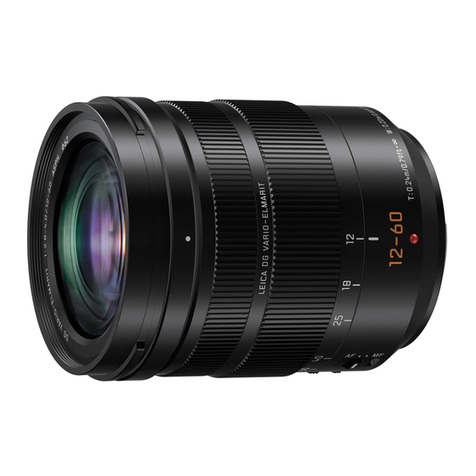
Panasonic Lumix H-ES12060 Service training manual

Panasonic

Panasonic Lumix H-ES12060 Service training manual

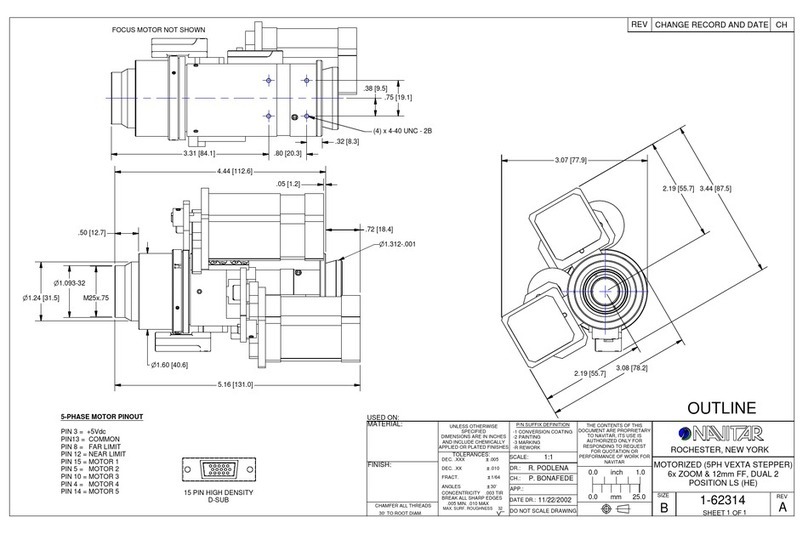
Navitar 1-62314 Dimensional drawing

Navitar

Navitar 1-62314 Dimensional drawing

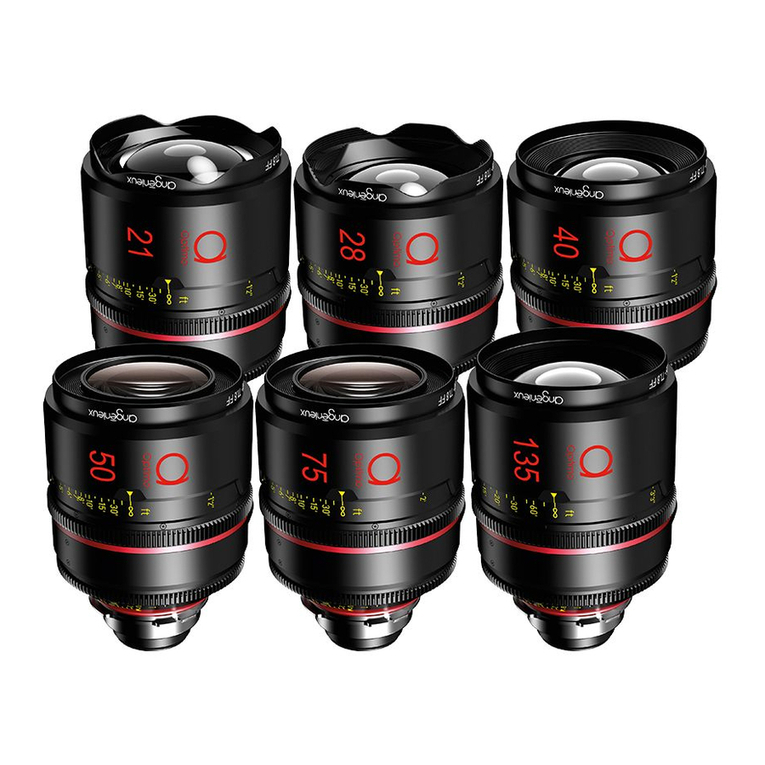
Angenieux OPTIMO PRIME user manual

Angenieux

Angenieux OPTIMO PRIME user manual

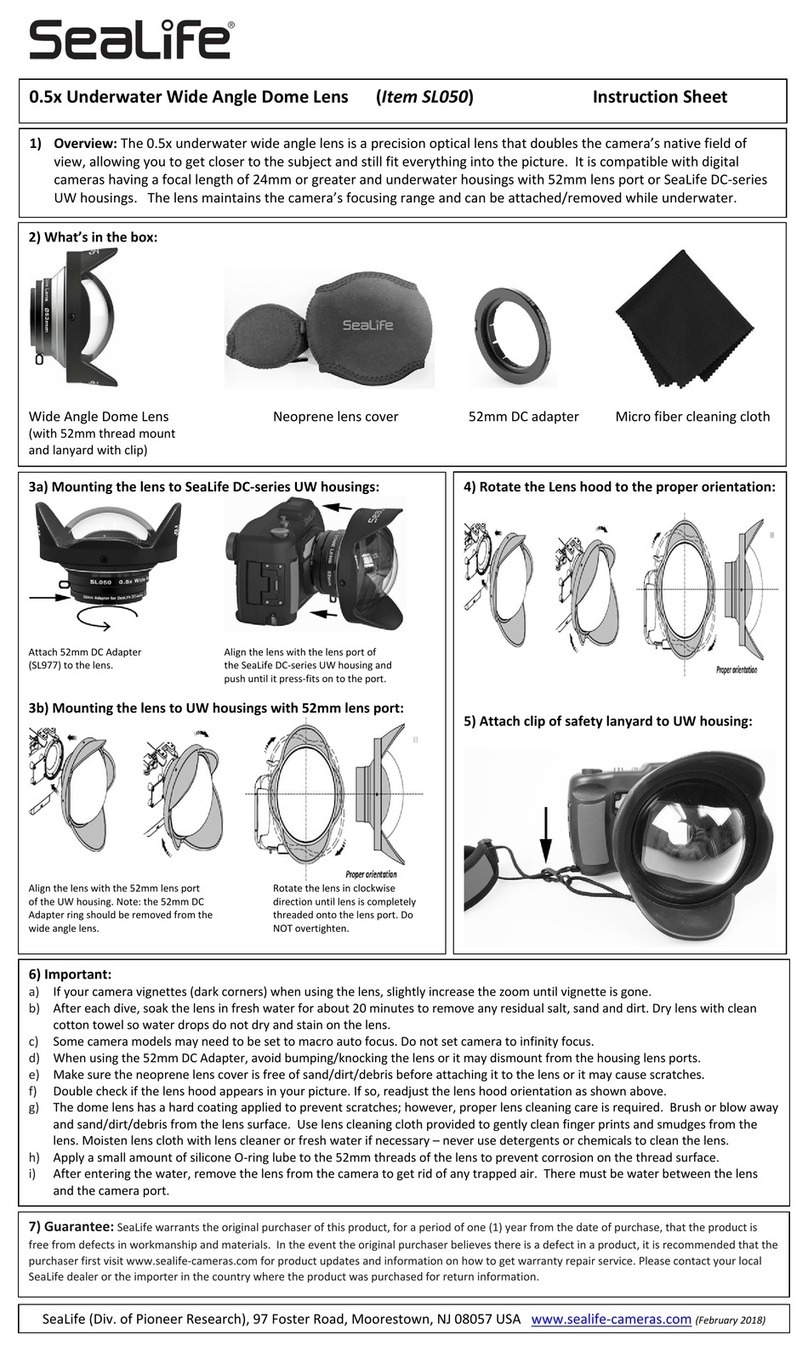
Sealife SL050 instruction sheet

Sealife

Sealife SL050 instruction sheet

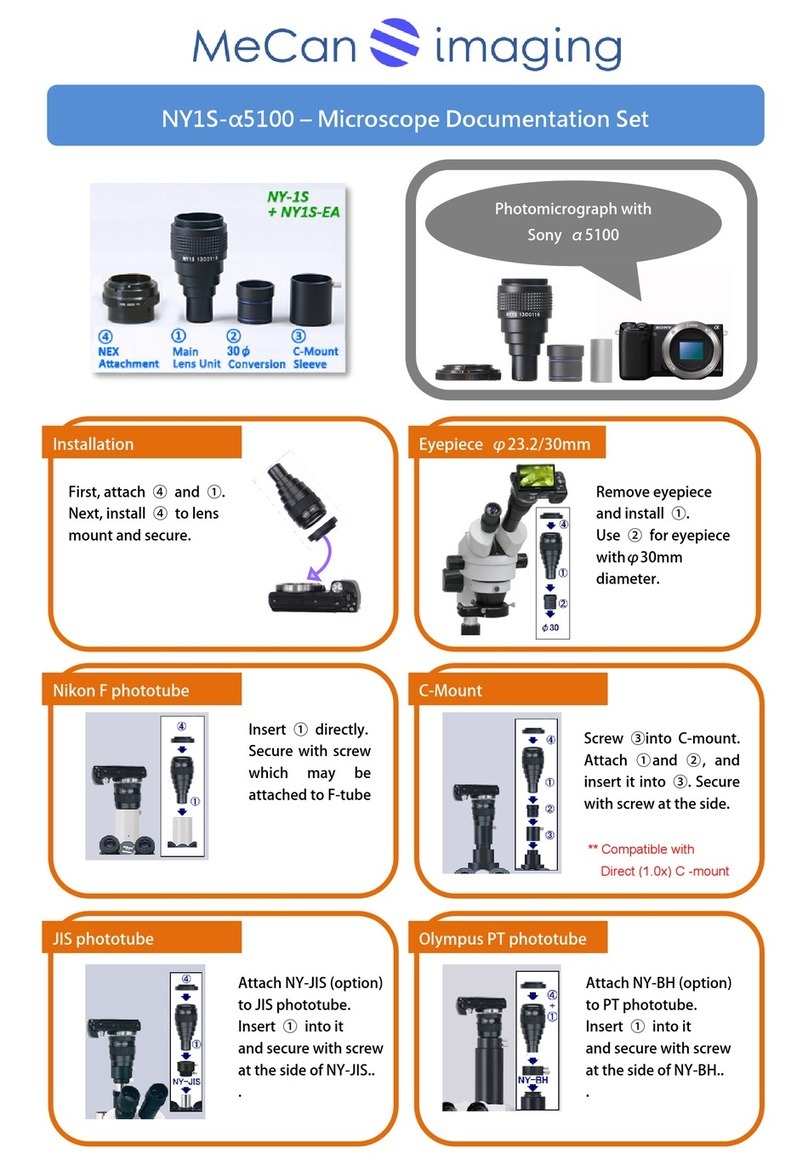
MeCan NY1S-a5100 instructions

MeCan

MeCan NY1S-a5100 instructions

Tamron SP 70-300mm F/4-56 Di VC USD Brochure & specs

Tamron

Tamron SP 70-300mm F/4-56 Di VC USD Brochure & specs

Panasonic VW-W4907 operating instructions

Panasonic

Panasonic VW-W4907 operating instructions

Leica APO-SUMMICRON-SL 1:2/50 ASPH. instructions

Leica

Leica APO-SUMMICRON-SL 1:2/50 ASPH. instructions

Cosina Voigtländer NOKTON instruction manual

Cosina

Cosina Voigtländer NOKTON instruction manual

Cosina Voigtländer NOKTON instruction manual

Cosina

Cosina Voigtländer NOKTON instruction manual

Cosina Voigtländer SUPER NOKTON 29mm F0.8... instruction manual

Cosina

Cosina Voigtländer SUPER NOKTON 29mm F0.8... instruction manual

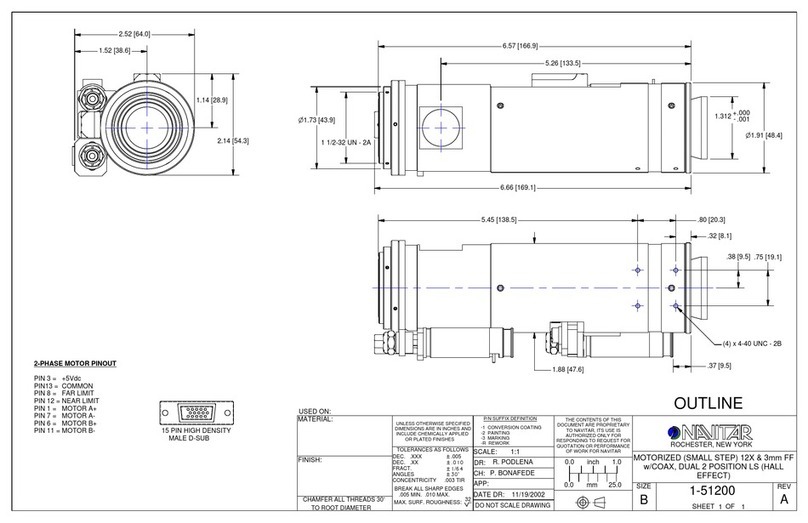
Navitar 1-51200 Dimensional drawing

Navitar

Navitar 1-51200 Dimensional drawing

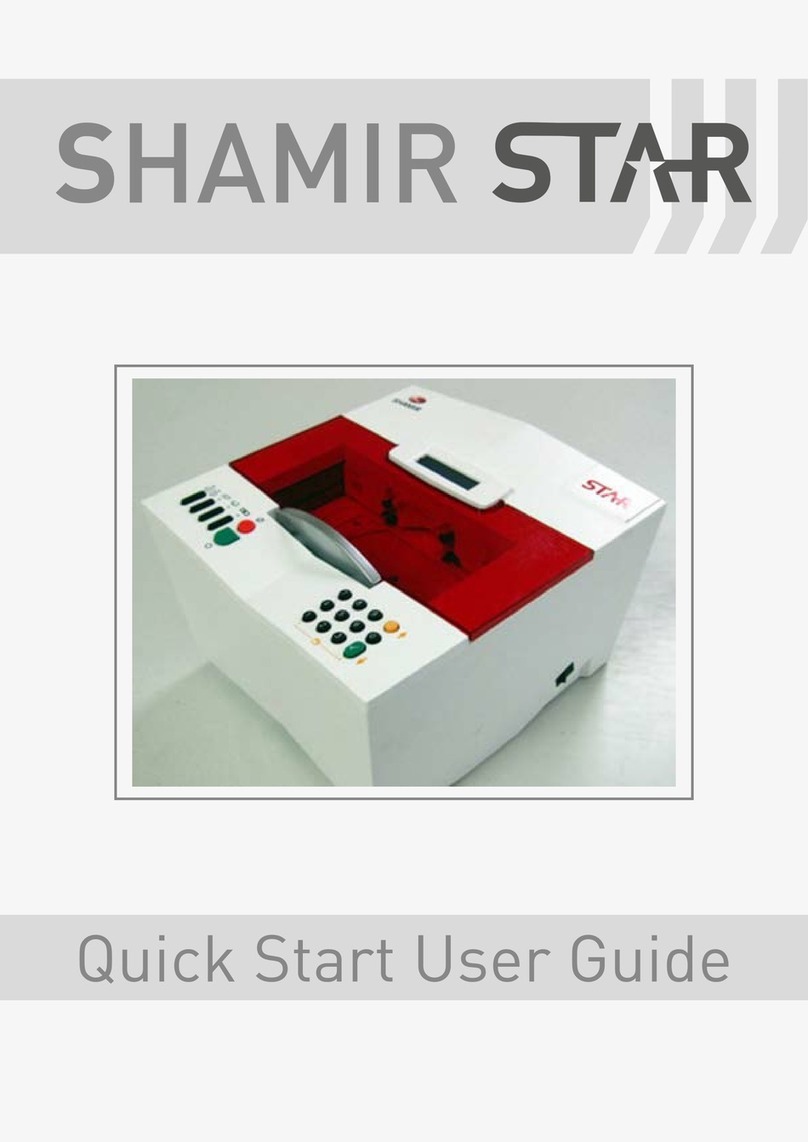
Shamir Star Quick start user guide

Shamir

Shamir Star Quick start user guide

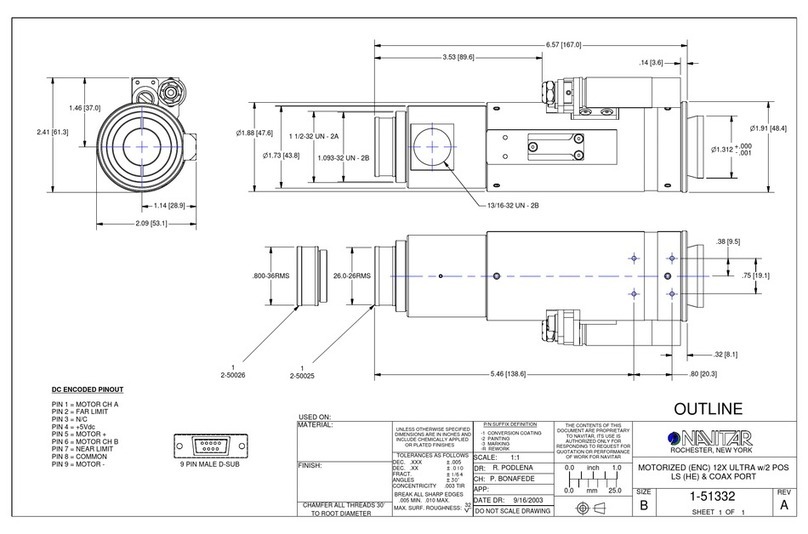
Navitar 1-51332 Dimensional drawing

Navitar

Navitar 1-51332 Dimensional drawing

Canon J11ex4.5B Operation manual

Canon

Canon J11ex4.5B Operation manual

Sony LKRL-Z200 Series Product information

Sony

Sony LKRL-Z200 Series Product information

Lensbaby CIRCULAR FISHEYE quick start guide

Lensbaby

Lensbaby CIRCULAR FISHEYE quick start guide

manuals.online logo
manuals.online logoBrands
  • About & Mission
  • Contact us
  • Privacy Policy
  • Terms and Conditions

Copyright 2025 Manuals.Online. All Rights Reserved.

COPYRIGHT © 2015 WILEY X, INC. ALL RIGHTS RESERVED.
WILEY X, WX, BLACK OPS, logos, tag lines and product names are trademarks or registered trademarks (marcas
registradas) of Wiley X, Inc. in the U.S. and other countries. Logos © 2007-2015 Wiley X, Inc. All rights reserved.
NERVE R-8052T
INSTRUCTIONS
ERX-R8052T (0)
MAINTENANCE:
Wiley X lenses are specially coated to offer superior abrasion
resistance. Please follow below instructions to prolong the life of your lenses
and keep them performing at their best:
Clean lenses with lukewarm water only.
Do not use solvents or special cleaners.
Use micro-fiber cleaning cloth provided to gently wipe clean.
Never use paper products to clean and avoid wiping lens surface
when dry and/or dirty as this may potentially scratch the lens.
WARNING:
Wiley X brand eyewear is tested tough. However, impact resistant
eyewear is not unbreakable and does not provide unlimited eye protection under all
circumstances and conditions. Misused, abused, scratched and/or damaged
eyewear can reduce impact protection (and void your limited warranty). Dirty
and/or wet eyewear can impair vision and reduce safety (resulting in personal injury
and/or property damage). Keep your Wiley X eyewear clean with water only. Do not
use solvents or abrasives as it could scratch or damage the product reducing its
effectiveness. Store your Wiley X eyewear in the protective case provided to
prolong the life of the lenses. Most of all, take all appropriate precautions when
wearing your Wiley X eyewear during hazardous and/or dangerous activities and
conditions. Wiley X, Inc. is not responsible for personal injury, property damage or
losses incurred while using Wiley X brand products.
.
7800 PATTERSON PASS ROAD, LIVERMORE CA 94550 USA
SØNDERGADE 8-10 7570 VEMB DENMARK

LENS REMOVAL
Position hands as shown in
drawing. Separate the top
of the goggle from lens.
Disengage both outside
corners of the lens from
the frame. Separate nose
piece from the frame.
LENS INSTALLATION
Install lenses in reverse of
lens removal, starting with
engaging nose piece area.
Snap together making sure
all lens hooks are seated.
GOGGLE STRAP / GOGGLE FRAME
2
1
Secure the goggle
strap by inserting the
strap pin at (1) into
the goggle face
frame at (2).
Remove or attach
goggle strap by
positioning the strap
perpendicular to the
frame as pictured
above.