③ Clasp the buckle on one side first, then push the buckle
down to lock the prop guard on both side.
④ To remove the prop guard, gently lever up one side of
the buckle first, then take off the buckle and prop guard.
Connecting the Mobile Device
Af t e r po w e r i n g on th e a irc r a f t , tu r n on the W i-Fi c o nne c t i o n
on your mobile device, select WINGSLANDs6_air_xxxxxx
fr o m t he W i - F i li s t , an d en t e r th e d e fau l t pass w o r d is 1 234 5 6 7 8 .
La u n c h th e a p p w h e n th e co n n e c t i o n is su c c e s s f u l .
其它...
WIN GS LAN Ds 6_a ir_xx xxxx
Make sure to calibrate the compass every time when flying in a new location. The compass is very sensitive to
electromagnetic interference that may cause abnormal compass data and lead to flight failure. Regular calibration is
required for optimal performance.
When to calibrate:
● Flying in a new location or in a location that is different from the last flight.
● A drift occurs when the aircraft is hovering.
Calibrating the Compass
1. Tap into the compass menu and select the Compass Calibration icon.
2. When the indicators of the aircraft flash slowly, hold and rotate the aircraft 360 degrees clockwise in same altitude for
6 times. Then place it on the ground.
3. The indicators should all be solid and the app displays calibration successful if the compass has
been successfully calibrated.
① ② ③
Calibration Procedures
Auto Takeoff /Landing
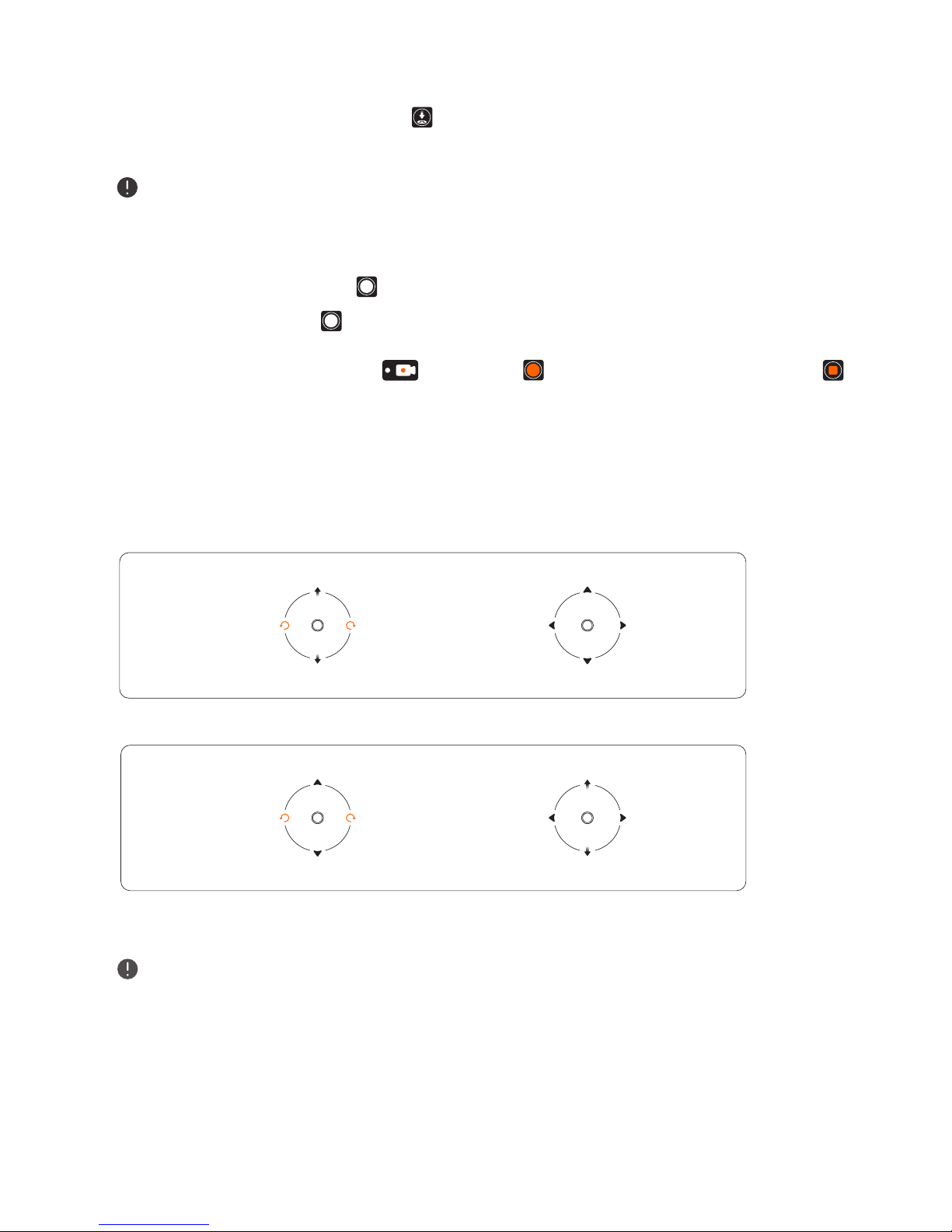
In the flying interface, tap the Auto Takeoff icon , then tap the icon to active the feature. The aircraft will
automatically hover up and stabilize: 1.5m indoor, 3m outdoor above ground.
After takeoff, the Auto Takeoff icon will change to Auto Landing icon . Check the landing area condition and make
sure no obstacle in landing way before the landing.
COPYRIGHT WINGSLAND All Rights Reserved
©5