6
IV. Pairing:
(一)Pairing process with a Bluetooth mobile phone
(1).Turn on the Bluetooth function of your mobile. E.g., The
process to turn on a Samsung SGH-X708 is: “menu/settings/Bluetooth/on”
(2).WS-BTK002 will search automatically the previous
pairing mobile phone and then connect. If not, it will exit
the paring process and enter into the stand--by mode.
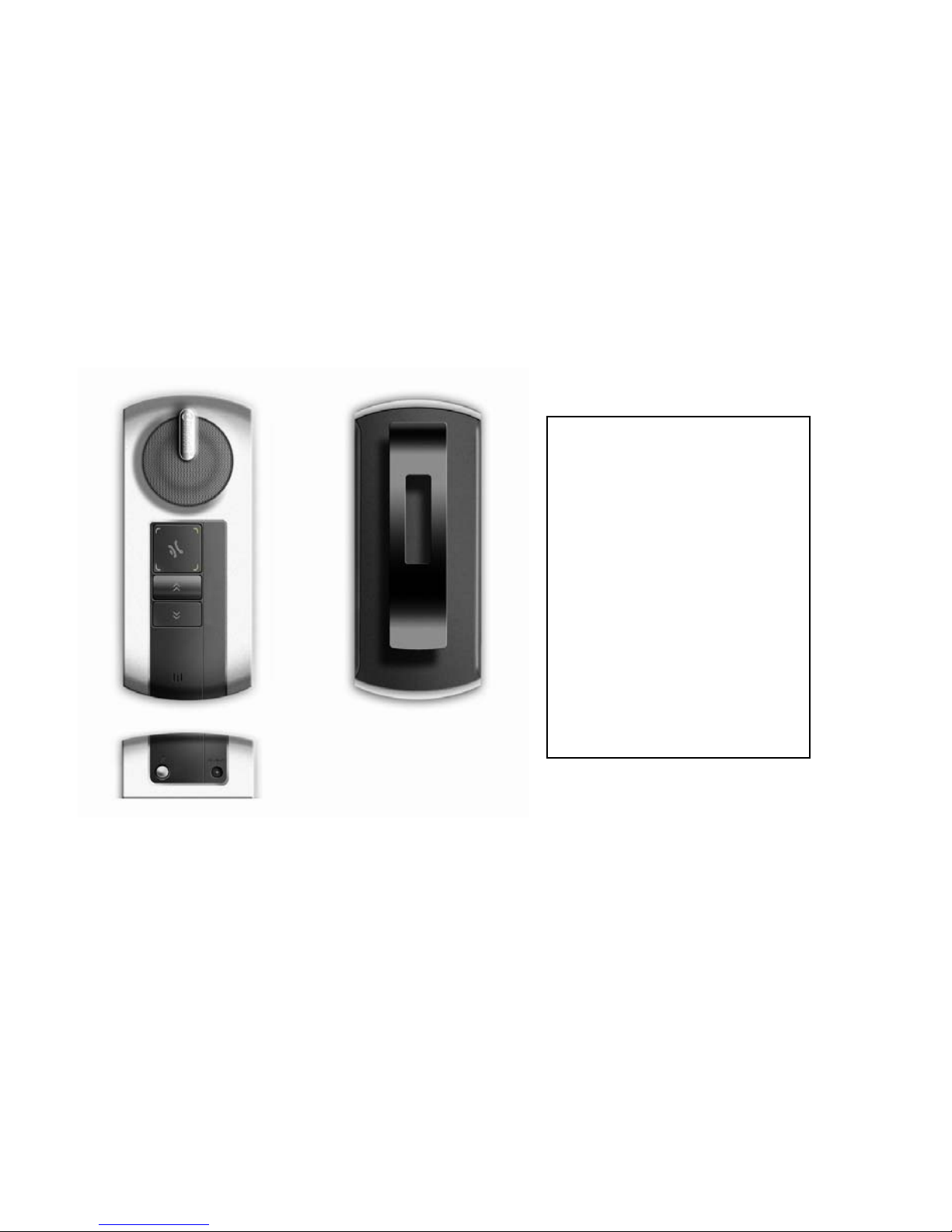
(3).Press the pairing key of WS-BTK002, red LED and blue LED
flash by turns(pairing mode), Then you can pairing with your mobile phone.
If it fails, it will exit the paring process within 1 minute and switch to the
stand-by mode, only the blue LED flashes.
(4).Use your mobile phone to search for the Bluetooth device:
For example, the paring process for Samsung SGH-X708 is:
“menu/Bluetooth/My device/Search for new device”. If
success, the screen of your phone will show the name of
device (The device name is BTK002).Select this device,
your will be asked to key in the default PIN code 1234 for
paring(The PIN code could be changed by user as