2019-06-19 Copyright © 2019 XMOS Ltd, All rights reserved XM-013899-PC
VOCALFUSION DEV KIT - USER GUIDE 3
1. VOCALFUSION DEV KIT FEATURES
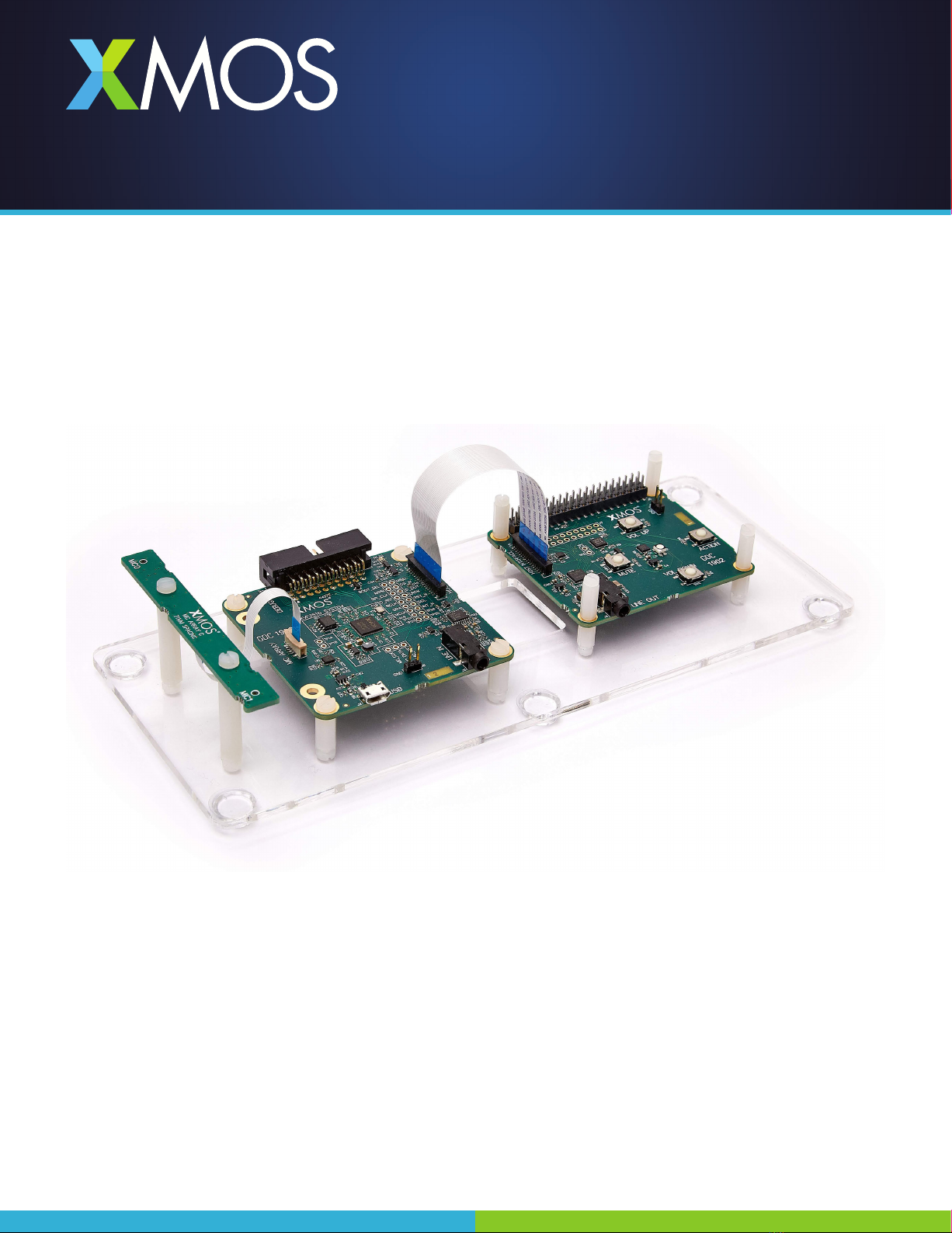
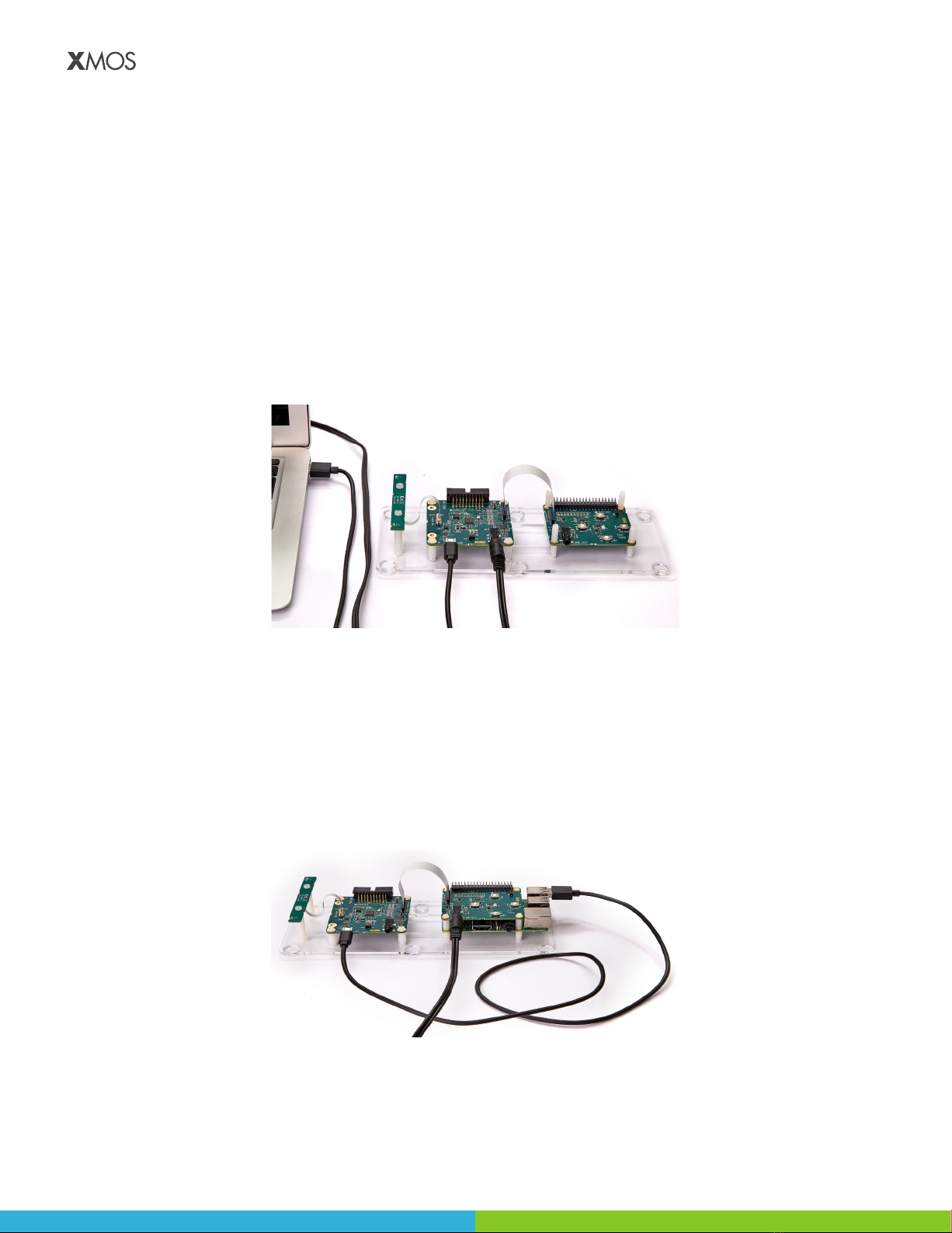
The VocalFusion Dev Kit includes:
• 2-mic linear array board with Inneon IM69D130 MEMS mics
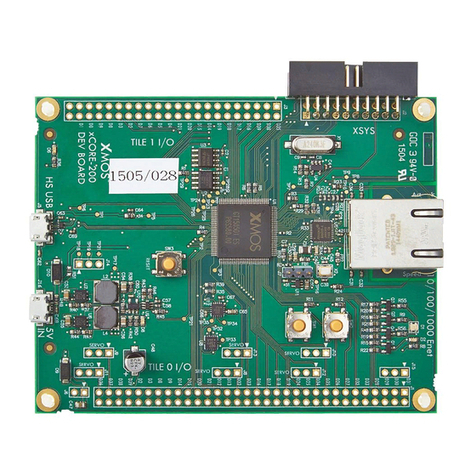
• XVF3510 base board with XVF3510 voice processor
• RPi HAT board for connection to a Raspberry Pi 3
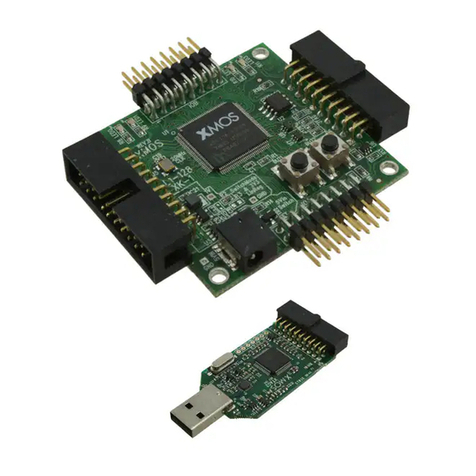
• XTAG debug adapter, ribbon cable to the mic array board and ribbon cable to the RPi HAT board
In addition you will need:
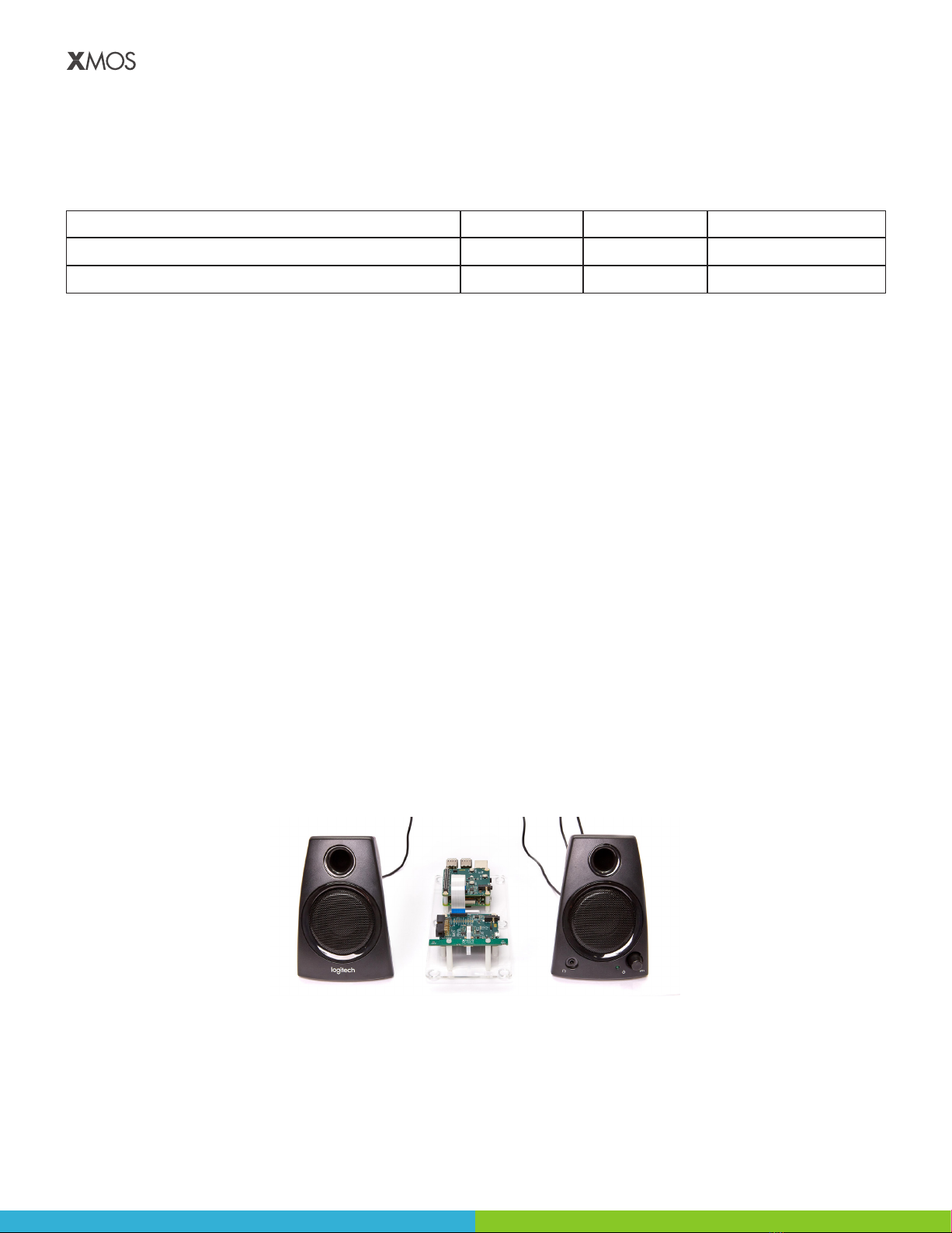
• Powered speakers with a 3.5mm input jack - see Section 2.2 for details on suitable speakers
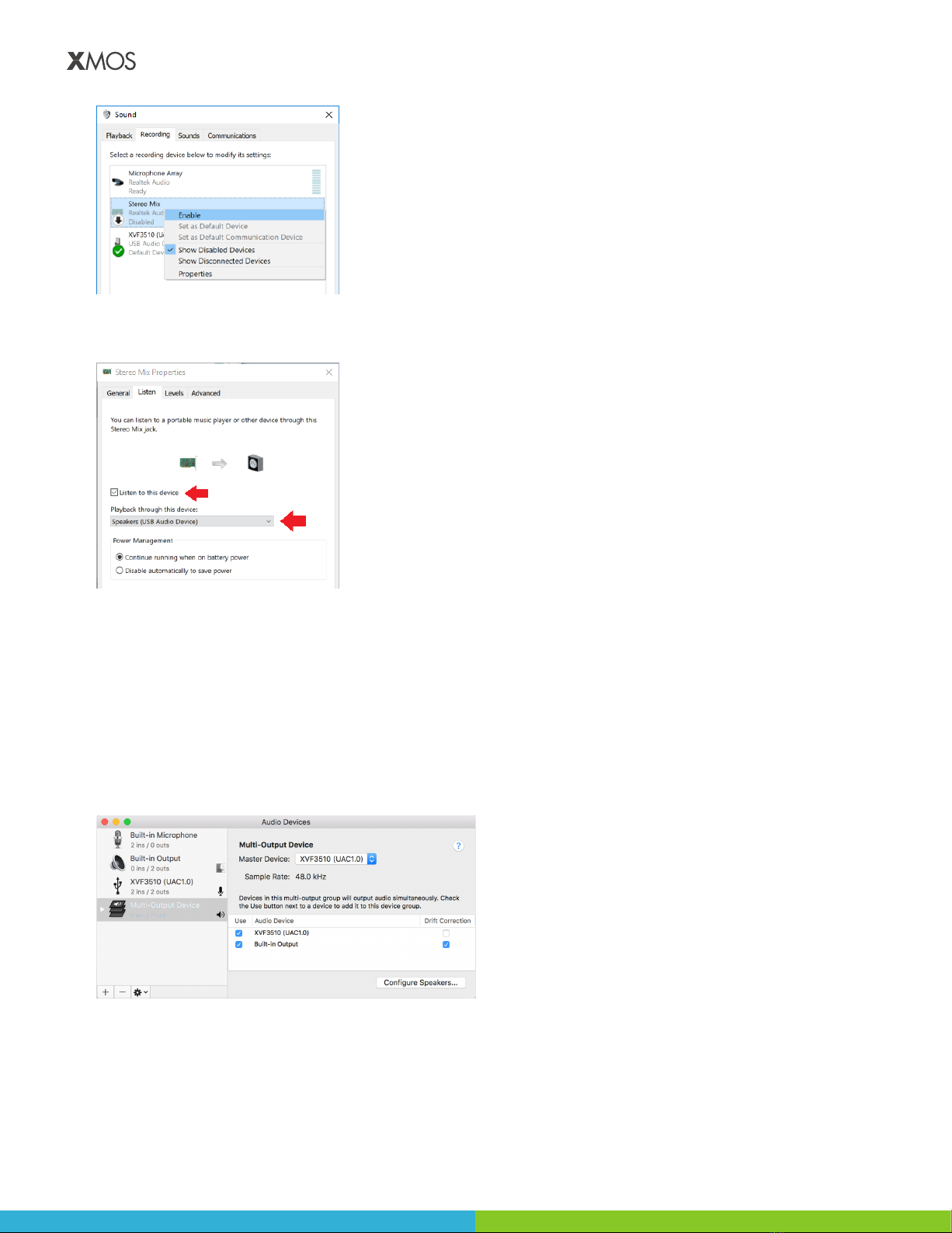
• Music input source such as laptop/PC or Raspberry Pi - see Section 3 for connection details
• An audio recording application such as Audacity (http://www.audacityteam.org)
• Windows users - USB driver installer such as Zadig (https://zadig.akeo.ie)
• I2S conguration - Raspberry Pi 3 with RPi power supply, 16GB SD Card running NOOBS, HDMI monitor and
USB keyboard
1.1. VOCALFUSION DEV KIT FIRMWARE AND CONTROL UTILITY
The kit is shipped with pre-installed rmware for a USB In/Out conguration, which can be used out-of-the-box
to demonstrate voice capture and playback. The kit also supports an I2S Slave conguration when the XVF3510
device is connected to an application processor - Raspberry Pi 3, and a hybrid USB/I2S conguration - see Table 1
for details of the congurations:
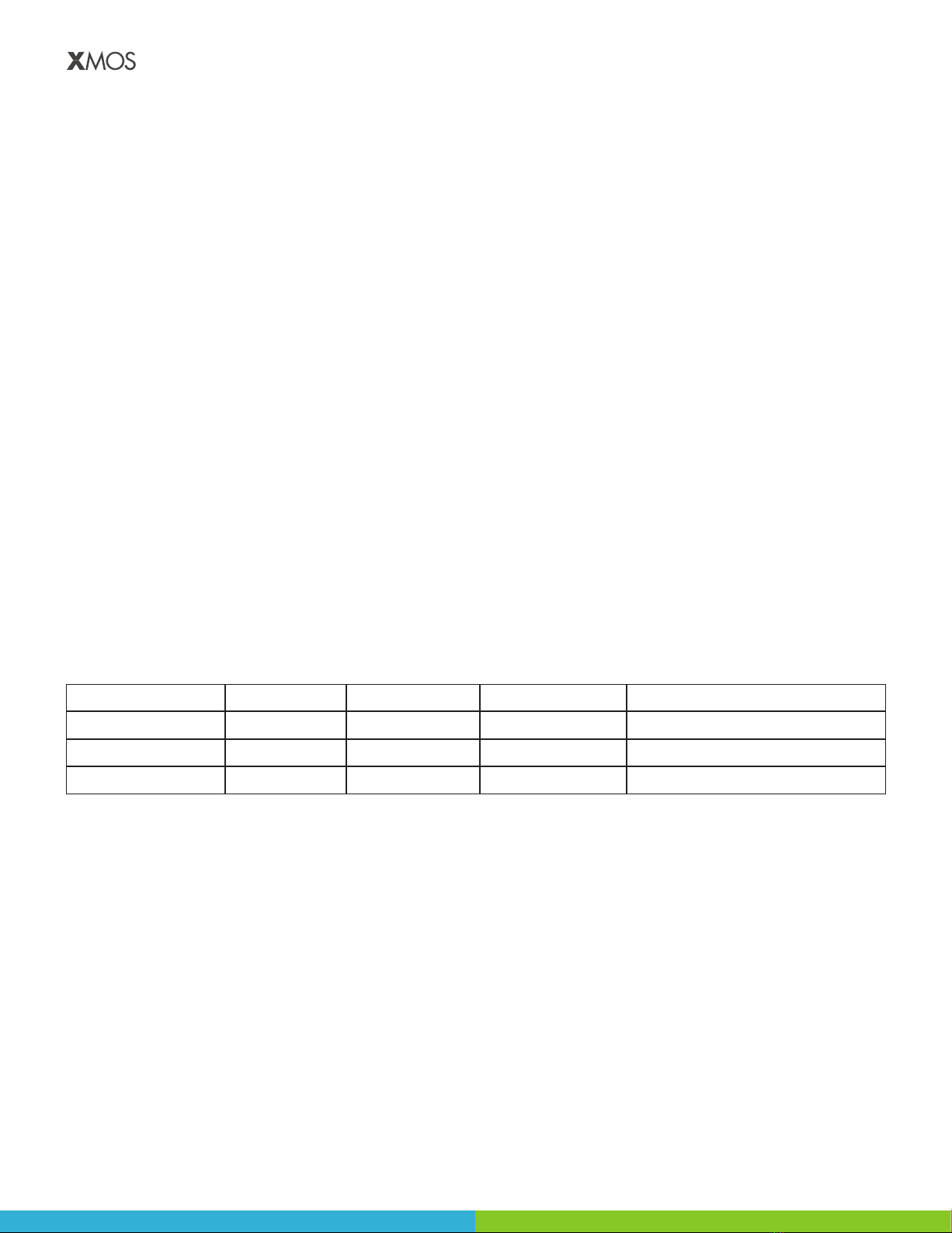
Table 1: Supported hardware congurations les
Conguration Audio Out Control Reference Conguration File
USB In/Out USB USB USB xk_vf3510_l71_usb (pre-installed)
I2S Slave I2S I2C I2S xk_vf3510_l71_i2s_slave
USB Out / Analog In I2S USB I2S xk_vf3510_l71_hybrid_usb_i2s
Each conguration is provided by a rmware image, see www.xmos.com/xvf3510 for further details.