EnglishDeutsch
 logo
Brands
  1. Home
  2. •
  3. Brands
  4. •
  5. Yamaha
  6. •
  7. Musical Instrument
  8. •
  9. Yamaha Harmony Director HD-300 User manual

Yamaha Harmony Director HD-300 User manual

Other manuals for Harmony Director HD-300

2

Other Yamaha Musical Instrument manuals
Yamaha Electone E-45 User manual

Yamaha

Yamaha Electone E-45 User manual
Yamaha PortaSound PSS-203 User manual

Yamaha

Yamaha PortaSound PSS-203 User manual
Yamaha YPR-9 Setup guide

Yamaha

Yamaha YPR-9 Setup guide

Yamaha Electone E-5AR User manual

Yamaha

Yamaha Electone E-5AR User manual
Yamaha Electone CSY-1 User manual

Yamaha

Yamaha Electone CSY-1 User manual
Yamaha Electone B-20CR User manual

Yamaha

Yamaha Electone B-20CR User manual

Yamaha Portatone YPT-300 User manual

Yamaha

Yamaha Portatone YPT-300 User manual

Yamaha Clavinova CVP-35 User manual

Yamaha

Yamaha Clavinova CVP-35 User manual
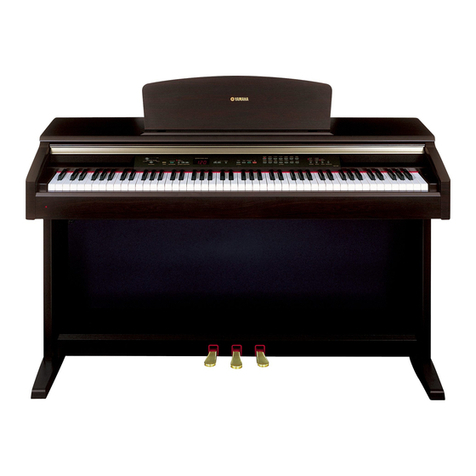
Yamaha YDP-223 User manual

Yamaha

Yamaha YDP-223 User manual
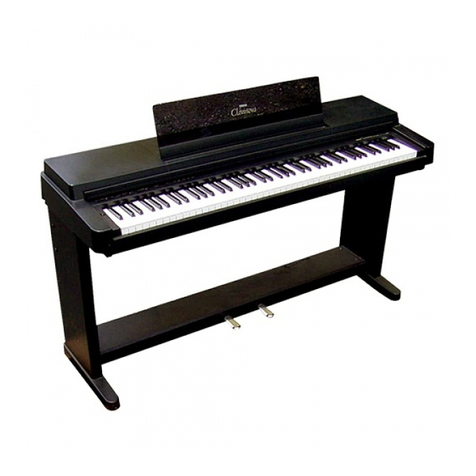
Yamaha Clavinova CLP-350 User manual

Yamaha

Yamaha Clavinova CLP-350 User manual

Yamaha Clavinova CLP-320 Instruction Manual

Yamaha

Yamaha Clavinova CLP-320 Instruction Manual

Yamaha YPP-15 User manual

Yamaha

Yamaha YPP-15 User manual

Yamaha Electone D-30 User manual

Yamaha

Yamaha Electone D-30 User manual
Yamaha Clavinova CLP-470 User manual

Yamaha

Yamaha Clavinova CLP-470 User manual

Yamaha Electone B-30AR User manual

Yamaha

Yamaha Electone B-30AR User manual

Yamaha 9000 Pro User manual

Yamaha

Yamaha 9000 Pro User manual

Yamaha Electone E-30 User manual

Yamaha

Yamaha Electone E-30 User manual

Yamaha PortaTone PSR-R200 null

Yamaha

Yamaha PortaTone PSR-R200 null

Yamaha SY99 Manual

Yamaha

Yamaha SY99 Manual

Yamaha Portable Grand DGX-640 User manual
Yamaha

Yamaha Portable Grand DGX-640 User manual

Yamaha CN-70 User manual

Yamaha

Yamaha CN-70 User manual

Yamaha Clavinova CVP-105 User manual

Yamaha

Yamaha Clavinova CVP-105 User manual

Yamaha Clavinova CLP-650 User manual

Yamaha

Yamaha Clavinova CLP-650 User manual

Yamaha TYROS Instruction Manual

Yamaha

Yamaha TYROS Instruction Manual

Popular Musical Instrument manuals by other brands

Kawai CN17 Operation guide

Kawai

Kawai CN17 Operation guide

Korg SP-170S owner's manual

Korg

Korg SP-170S owner's manual

Roland ep-97 owner's manual

Roland

Roland ep-97 owner's manual

Roland LX-15 Brochure & specs

Roland

Roland LX-15 Brochure & specs

Johannus Rembrandt 200 user manual

Johannus

Johannus Rembrandt 200 user manual

Casio celviano ap-700 user guide

Casio

Casio celviano ap-700 user guide

Modulus Quantum Series owner's manual

Modulus

Modulus Quantum Series owner's manual

Gear4music SDP-4 user manual

Gear4music

Gear4music SDP-4 user manual

HOMCOM 390-006 Assembly instruction

HOMCOM

HOMCOM 390-006 Assembly instruction

Xotic Guitars ProVintage Series owner's manual

Xotic Guitars

Xotic Guitars ProVintage Series owner's manual

Sadowsky MetroLine Series operating manual

Sadowsky

Sadowsky MetroLine Series operating manual

Bosendorfer CEUS user manual

Bosendorfer

Bosendorfer CEUS user manual

Gewa UP 260 G owner's manual

Gewa

Gewa UP 260 G owner's manual

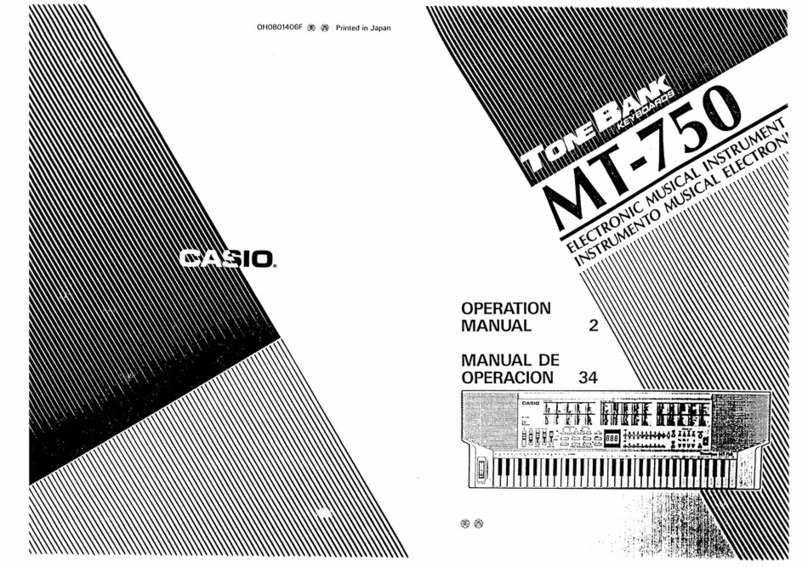
Casio TONEBANK MT-750 Operation manual

Casio

Casio TONEBANK MT-750 Operation manual

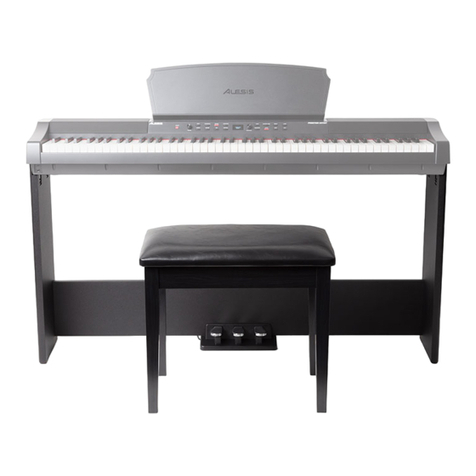
Alesis AHB-1 Assembly guide

Alesis

Alesis AHB-1 Assembly guide

Roland V-Accordion FR-1x owner's manual

Roland

Roland V-Accordion FR-1x owner's manual

Samick DCP-12 manual

Samick

Samick DCP-12 manual

thomann DP-50 user manual

thomann

thomann DP-50 user manual

https://manuals.online logo
https://manuals.online logoBrands
  • About & Mission
  • Contact us
  • Privacy Policy
  • Terms and Conditions

Copyright 2026 Manuals.Online. All Rights Reserved.

HD-300 Assistant
Owner’s Manual
Ver. 1.00
Introduction
Thank you for using the HD-300 Assistant. This app is equipped with functions
that make using the HD-300 even more convenient and powerful. Please read this
manual carefully and use it together with the main unit.
What you
can do with
this app
Contents
• Use expanded functions: HD Control, Rhythm/tempo setting, Individual vol/pitch*
• Help to hear exact intervals using the HD-300: Demonstration (Interference beat,
Volume balance)
• Use convenient functions on the app: Tuner, Chord detection
* A rhythm assistant function will be added in the future.
Basic usage
Individual functions
Setting up
Common
operation
• Downloading and installing the app
• Connecting with the HD-300
• Function selection: From screen menu
• Function selection: Using shortcut icons
• Editing; Select, Change, Delete, Execute/Cancel
Function list (Call up individual function screens)
To contentsBasic usage
Setting up
• Downloading and installing the app
• Connecting with the HD-300
Common operations
• Function selection: From screen menu
• Function selection: Using shortcut icons
• Editing: Select, Change, Delete, Execute/Cancel
To contentsBasic usage: Setting up
Downloading and installing the app
Search for “HD-300 Assistant” in the iPhone/iPad App Store, and install it.
NOTICE
Use this app with iOS/iPad OS version 14.3 or later. For versions prior to 14.2, the app may behave
unexpectedly or stop.
NOTE
At the rst startup, a pop-up will appear asking for permission to use the microphone and Bluetooth. Tap “OK” for
each. If you do not allow this, the app will not work properly.
If you select “Don’t allow” at startup, you can set the permission in “Settings” > “HD Assistant” on the iPhone/iPad,
and the app will work normally.
To contents
Basic usage: Setting up
Connecting with the HD-300 (1/3)
Perform the pairing operation for communication between the iPhone/iPad and the HD-300.
The device uses Bluetooth, but actually connects with a channel separate from the conventional
Bluetooth audio settings in iPhone/iPad, and so must be set from this app.
1. Turn on the Bluetooth function for both the HD-300 and the iPhone/iPad.
1-1. Turn on the HD-300 and press the [SETTING] button to open the Settings
screen.
1-2. Set “Bluetooth” to “On” using the [>] and [-]/[+] buttons.
NOTE
Do not set “Bluetooth” to “Pairing” in this procedure.
1-3. Enable the Bluetooth function on the iPhone/iPad.
For details on how to do this, refer to the iPhone/iPad owner’s manual.
To contents
Connecting with the HD-300 (2/3)
2. Make pairing settings for the app and the main unit to communicate.
2-1. Do one of the following to open the Connection settings screen.
• Launch the “HD-300 Assistant” app.
• If the app is already running, tap at the top right of the screen.
The devices that can be connected are displayed on the screen.
2-2.
Tap the name including “HD300” on the list to start the connection process.
The connection is complete when the display on the right changes from “Not connected” to “Connected.”
To contents
Connecting with the HD-300 (3/3)
3. Tap “Done” at the top right of the screen to close the settings screen.
The icon on the upper right of the home screen will be colored. In this condition, any operation
executed on the app or the HD-300 will be synchronized.
Troubleshooting connection problems with the HD-300
nThe device name is not displayed or is displayed as “Offline.”
• Make sure that the power of the HD-300 is turned on.
• Check that “Bluetooth” is set to “On” on the Settings screen of the HD-300.
• Turn off the power of the HD-300 and then turn it on again.
nConnection fails.
• Turn off the power of the HD-300 and then turn it on again.
• Close the HD-300 Assistant app and restart it.
• Check if the Bluetooth function of iPhone/iPad is enabled.
• Check if Bluetooth communication is permitted in “Settings” > “HD Assistant” on the iPhone / iPad.
To contents
Basic usage: Common operations
Function selection: From screen menu
Starting from the home screen, tap the white button on the screen to move to the desired function.
Home screen
To contents
Basic usage: Common operations
Function selection: Using shortcut icons
Except in some instances, shortcuts are displayed at the top of the screen.
Calls up the Home screen, and is colored when the Home screen is displayed.
Returns to the previous screen.
Calls up the Tuner screen, and is colored when the Tuner screen is displayed.
Calls up the Connection Setting screen, and is colored when connection is enabled.
Calls up the Settings screen, and is colored when the Settings screen is displayed.
Adjusts the main volume of the HD-300
To contentsBasic usage: Common operations
Editing: Select, Change, Delete, Execute/Cancel
This section describes pop-up menu operations, such as selecting, changing, or saving.
Immediately deletes the corresponding item, without conrmation.
Press and hold to
drag and drop
Select by tap Cancel
Tap the empty gray area to cancel.
Execute
The content is conrmed when you
tap it.