manuals.online logo
Brands
  1. Home
  2. •
  3. Brands
  4. •
  5. Zoetis
  6. •
  7. Blood Glucose Meter
  8. •
  9. Zoetis AlphaTRAK Instruction manual

Zoetis AlphaTRAK Instruction manual

Other Zoetis Blood Glucose Meter manuals

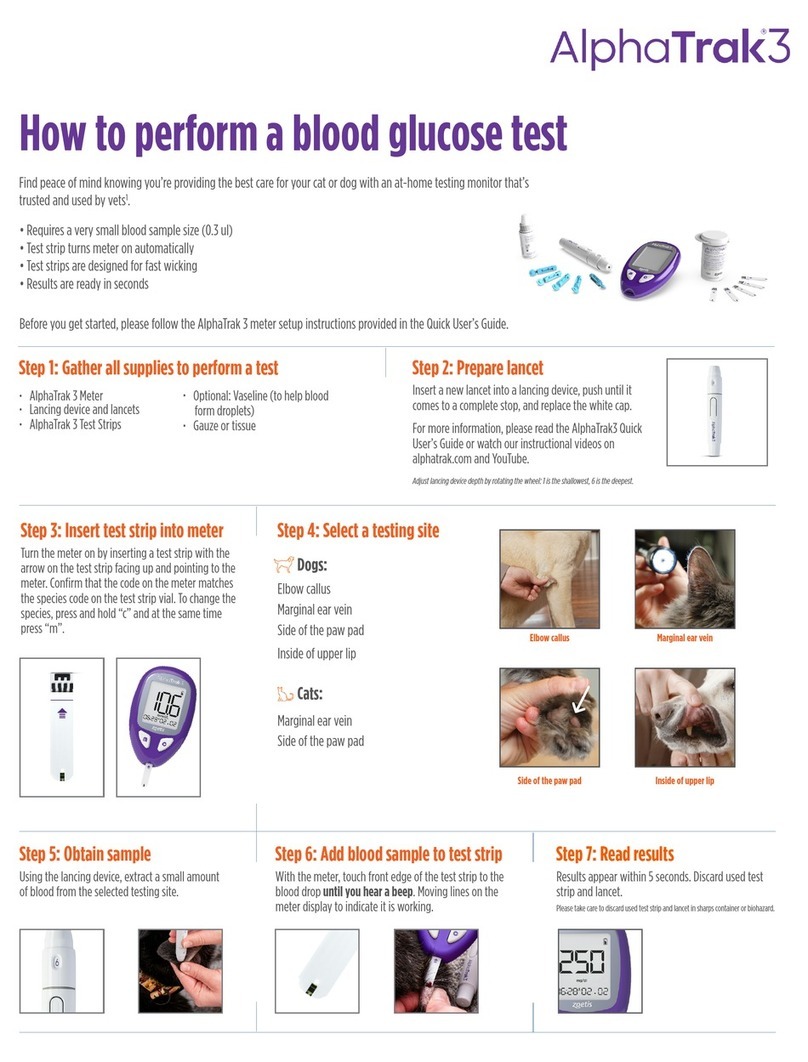
Zoetis AlphaTrak3 User manual

Zoetis

Zoetis AlphaTrak3 User manual

Zoetis AlphaTrack3 User manual

Zoetis

Zoetis AlphaTrack3 User manual

Zoetis AlphaTRAK 2 User manual

Zoetis

Zoetis AlphaTRAK 2 User manual

Zoetis AlphaTRAK 2 User manual

Zoetis

Zoetis AlphaTRAK 2 User manual

Zoetis AlphaTRAK 2 Meter User manual

Zoetis

Zoetis AlphaTRAK 2 Meter User manual

Popular Blood Glucose Meter manuals by other brands

Beurer GL50 Instructions for use

Beurer

Beurer GL50 Instructions for use

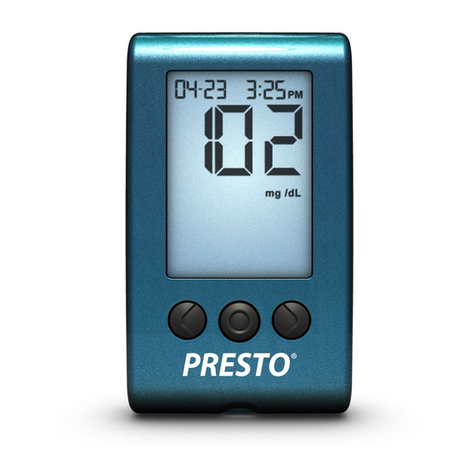
AgaMatrix Presto owner's guide

AgaMatrix

AgaMatrix Presto owner's guide

Medisana GlucoDock instruction manual

Medisana

Medisana GlucoDock instruction manual

Dexcom G4 Professional user guide

Dexcom

Dexcom G4 Professional user guide

Medisana MediTouch 2 instruction manual

Medisana

Medisana MediTouch 2 instruction manual

Infopia Element Instructions for use

Infopia

Infopia Element Instructions for use

ReliOn Prime User instruction manual

ReliOn

ReliOn Prime User instruction manual

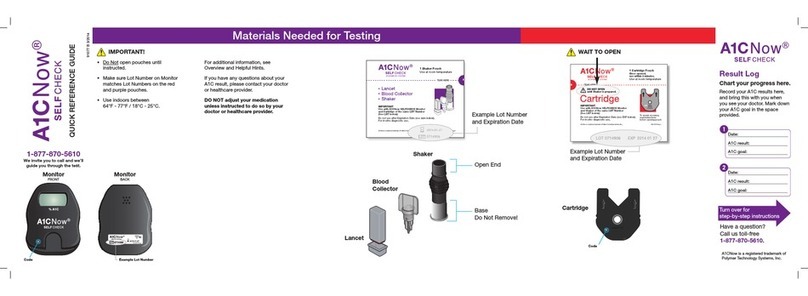
Polymer Technology Systems A1C Now Self Check user manual

Polymer Technology Systems

Polymer Technology Systems A1C Now Self Check user manual

Contour TS user guide

Contour

Contour TS user guide

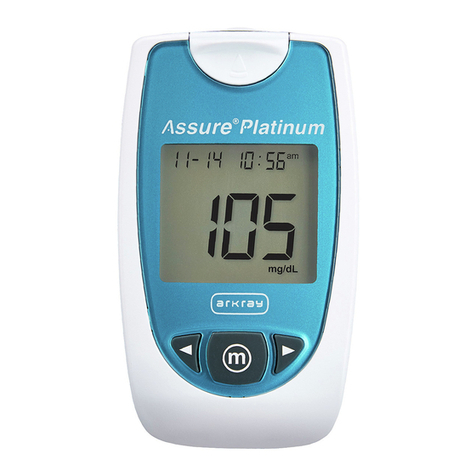
Arkray ASSURE PLATINUM quick start guide

Arkray

Arkray ASSURE PLATINUM quick start guide

Acon On Call user manual

Acon

Acon On Call user manual

ACONLABS ON CALL EXPRESS user manual

ACONLABS

ACONLABS ON CALL EXPRESS user manual

FOR-A G71a user manual

FOR-A

FOR-A G71a user manual

Accu-Chek Mobile Getting started guide

Accu-Chek

Accu-Chek Mobile Getting started guide

Avital 6276 user guide

Avital

Avital 6276 user guide

Roche Accu-Chek Aviva Combo manual

Roche

Roche Accu-Chek Aviva Combo manual

Acon on call vivid pal user manual

Acon

Acon on call vivid pal user manual

Accu-Chek Guide Me user manual

Accu-Chek

Accu-Chek Guide Me user manual

manuals.online logo
manuals.online logoBrands
  • About & Mission
  • Contact us
  • Privacy Policy
  • Terms and Conditions

Copyright 2025 Manuals.Online. All Rights Reserved.

Distributed by:
Zoetis Inc.
Kalamazoo, MI 49007
ART22860-002 Rev. A 10/16
Press to save your selection.
m
No Sound Low Beep Loud Beep
Time
To set the time:
Press to change the hour and minutes.
Press to save your selections.
Press to accept time format or to change.
c
c
m
m
Hour Minutes
Date
To set the date:
To change the month, press to display the
correct month and to save it. Do the same for
the day and year.
Press to accept date format or to change.
To save all your settings, press and hold down
for three seconds until the meter turns off.
Your meter is now set and ready to use. Follow the
steps on the other side of the Quick User’s Guide to
perform a test.
c
cm
m
m
For additional information, please contact Zoetis Inc.
Customer Service at: 1-888-963-8471
www.AlphaTRAKmeter.com
www.AlphaTRAKmeter.co.uk
www.AlphaTRAKmeter.ca
Accuracy Made Easy
Quick User’s Guide
AlphaTRAK 2 Meter Setup
Before performing a test, set up the volume,
time and date on your meter. With the meter off,
press and hold the button for 3 seconds
until S-E-T appears. Press to bypass the
reminder alarms.
Sound
To set the volume, press c
m
m
Year Month Day MonthDayYear
ART22860-002_rev-A.pdf 1 11/23/16 10:27 AM
How to Perform a
Blood Glucose Test
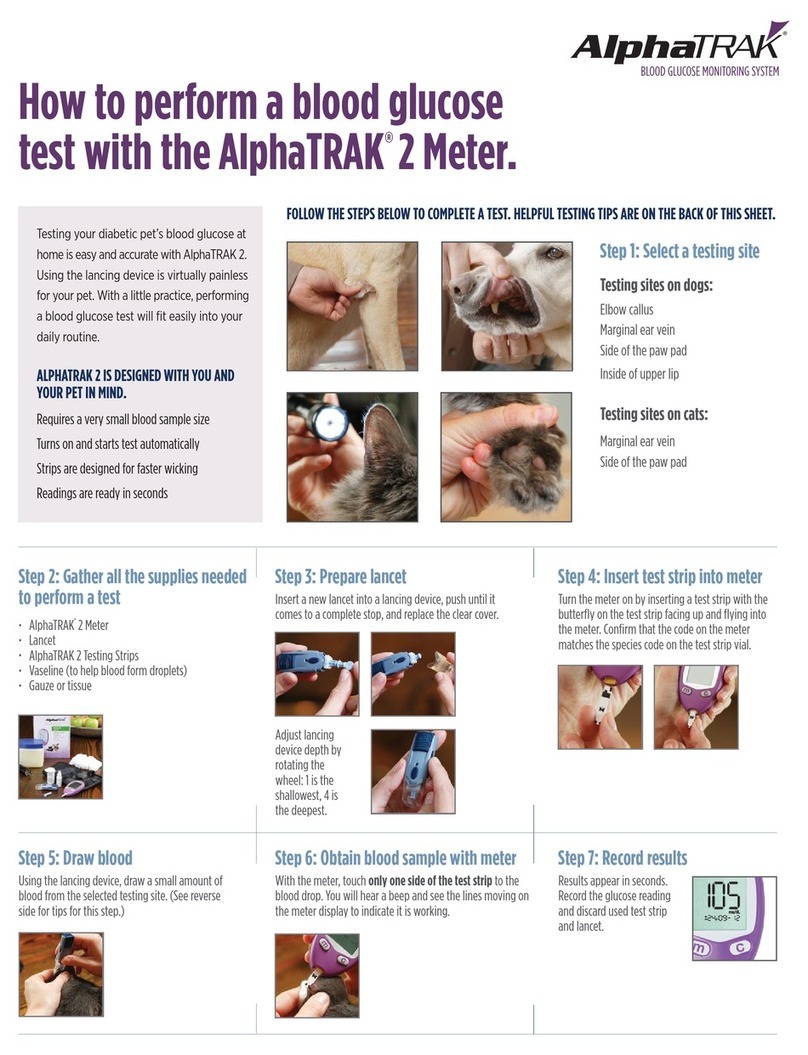
Here are the steps on how to perform a blood glucose
test with your AlphaTRAK 2 Meter and Test Strips.
Gather all supplies needed
to perform the test.
Choose a Capillary Sampling site.
1.
2.
Marginal ear vein Elbow callus (dog only)
Inner lip (dog only) mmol/LPaw pad mg/dL
(depending on model)
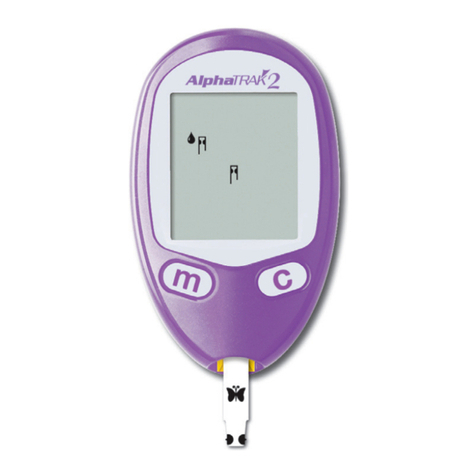
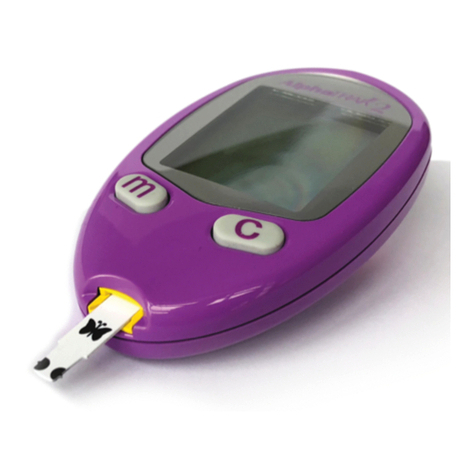
6. Turn meter on by
inserting the test
strip with butterfly
facing up and flying
into the meter.
3. Check test strip
expiry date on
the vial.
4.
5.
8.
9. Touch only one side of the
test strip sample area to
the blood drop and wait for
the beep (if sound is on).
10. Results
appear in
seconds.
7. Make sure the dog or cat
code on the meter match the
code on the test strip vial. If
necessary, change the code
on the meter by pressing
or .
Obtain a small blood
drop from the animal.
m c
See full user guide, instructional videos (available at
www.AlphaTRAKmeter.com) or package insert for more
detailed information on capillary sampling and accuracy data.
Snap off the cap on the lancing device at an angle.
Insert a new lancet firmly into the blue lancet holder cup.
(This may cock the device.)
Replace the cap until it snaps or clicks into place. Be
careful not to touch the exposed needle on the lancet.
The lancing device offers 9 different
settings (including half settings).
Level 1 is the shallowest depth;
Level 5 is the deepest. Pull back
the grey slider until it clicks. (You
may have already cocked the
device in step 4.)
ART22860-002_rev-A.pdf 2 11/23/16 10:27 AM