Helpline No.: UK/N. Ireland: 08 458 684 540 Rep. of Ireland: 076 60 600 29
3
Web S pport: www. nis pport.net P50582
INTRODUCTION
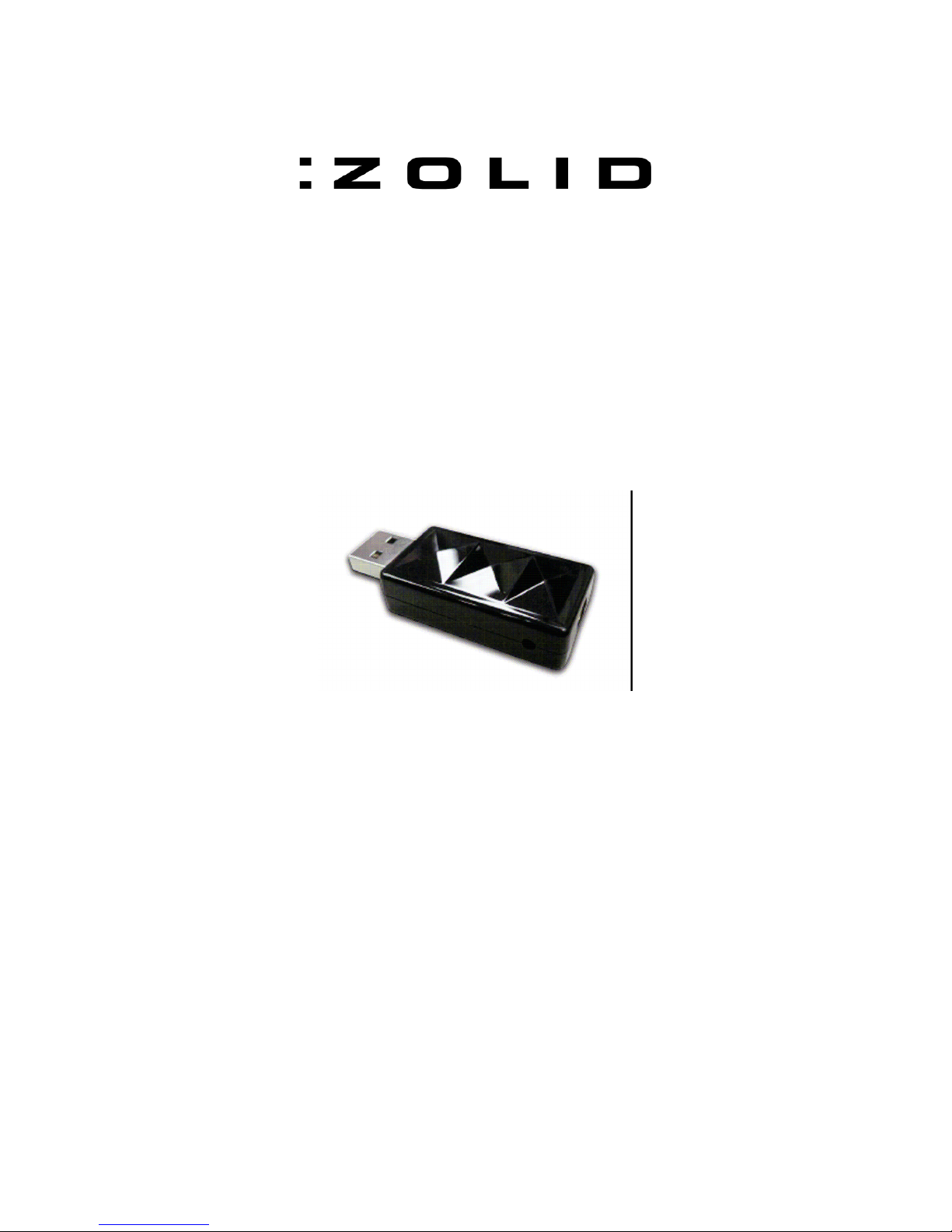
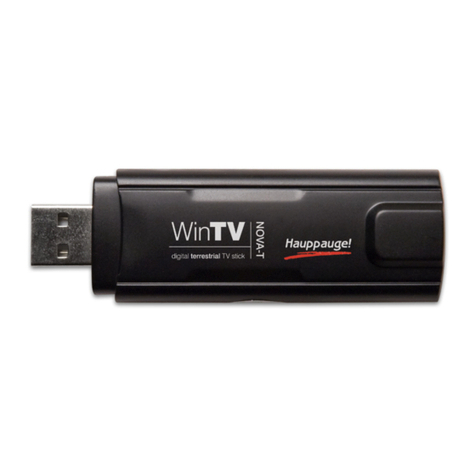
With this ZOLID USB DVB-T Tuner you can watch digital TV directly on your PC/Laptop in a
window or full screen. Digital TV gives you a better picture and CD quality sound. Freeview digital
TV does not require Pay TV subscriptions! The ZOLID DVB-T Tuner is bundled with a rich
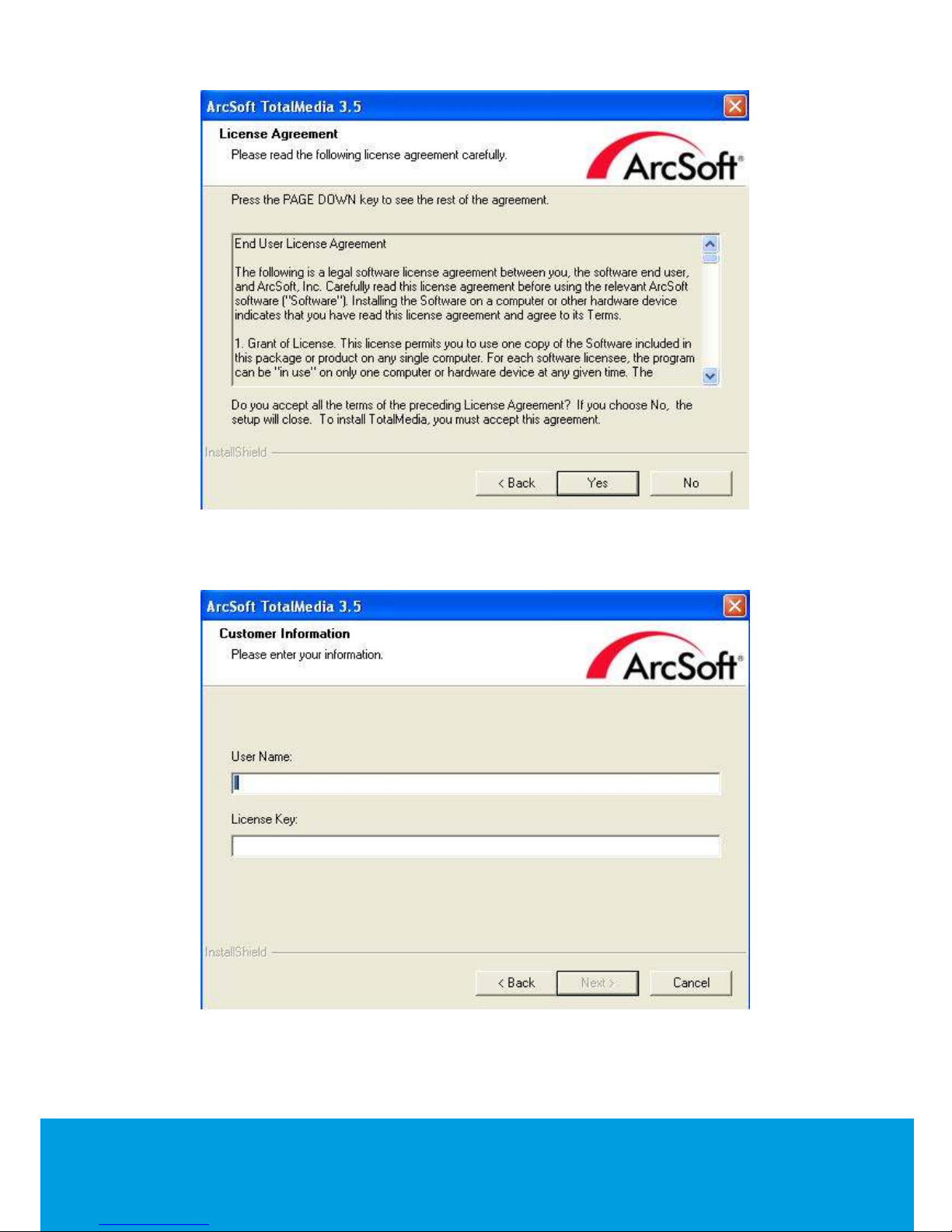
software package; Arcsoft TotalMedia3.5 、Arcsoft TotalMedia Theatre and Arcsoft Media
Converter.
GENERAL INFORMATION AND SAFETY INSTRUCTIONS
Keep this User Manual for future reference.
Keep this item away from small children.
ASSEMBLY AND PARTS LIST
Pack Contents
Tevion DVB-T Tuner
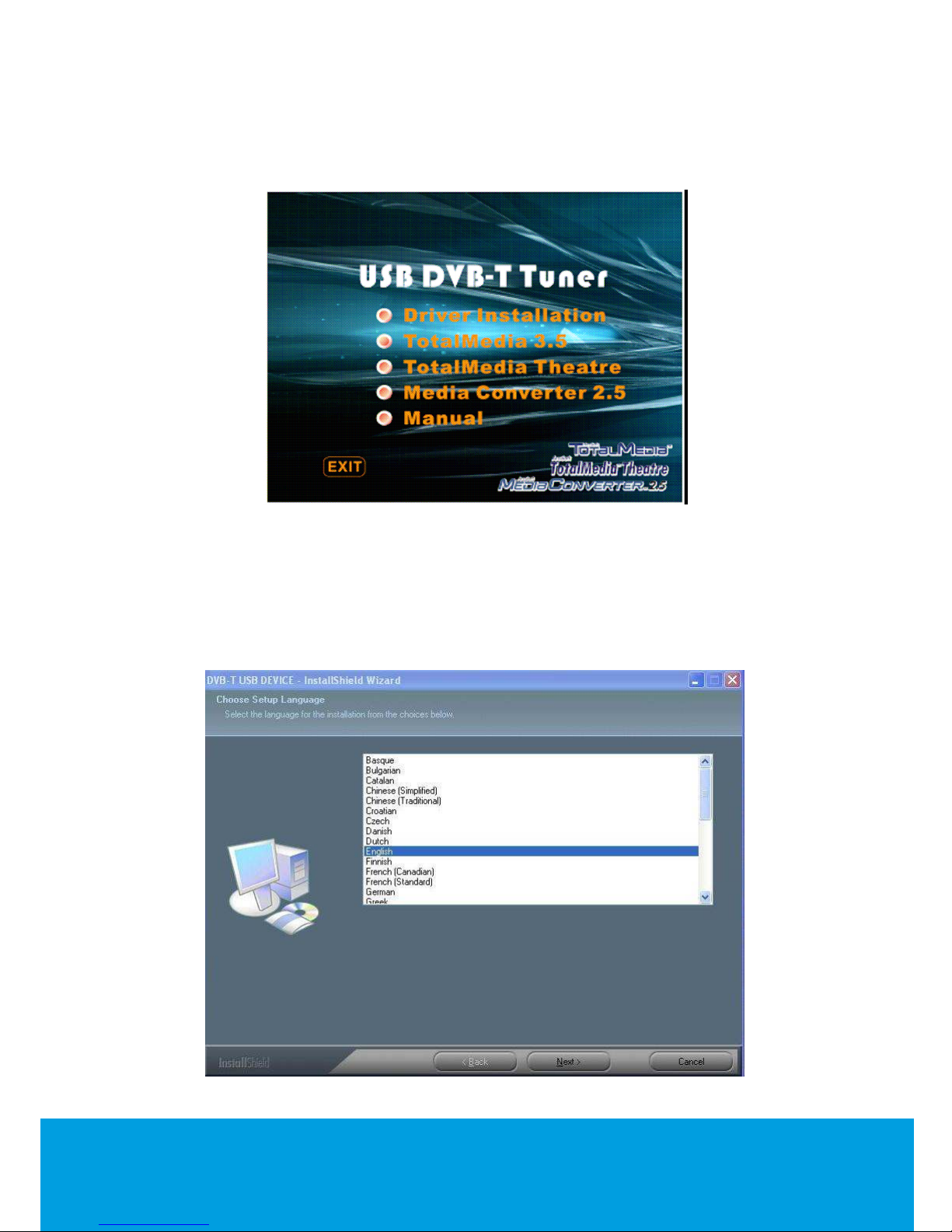
Installation CD (Driver / Arcsoft TotalMedia 3.5 / Arcsoft Media Converter / TotalMedia Theatre /
Manual)
uick Installation Guide
Portable passive antenna
Remote Control with battery
GETTING STARTED
Q ick Installation G ide
Special Notes
1. This device requires Microsoft Windows™ XPSP2 or Vista, as well as Microsoft DirectX™
9.01a or above. Before driver and software installation, download DirectX™ 9.01a from
Microsoft website www.microsoft.com (if not already installed).
2. The power consumption of a USB port is limited; therefore, please disconnect all other USB
devices when using your USB Digital TV device (DTV). If the “USB Device Not Recognized”
error message pops up while connecting the USB DTV device, please disconnect all USB
devices and try to reconnect.
3. Please note that each USB port has a unique ID; therefore, when the USB DTV device is
connected to a USB port, which has never been connected with this device before, the
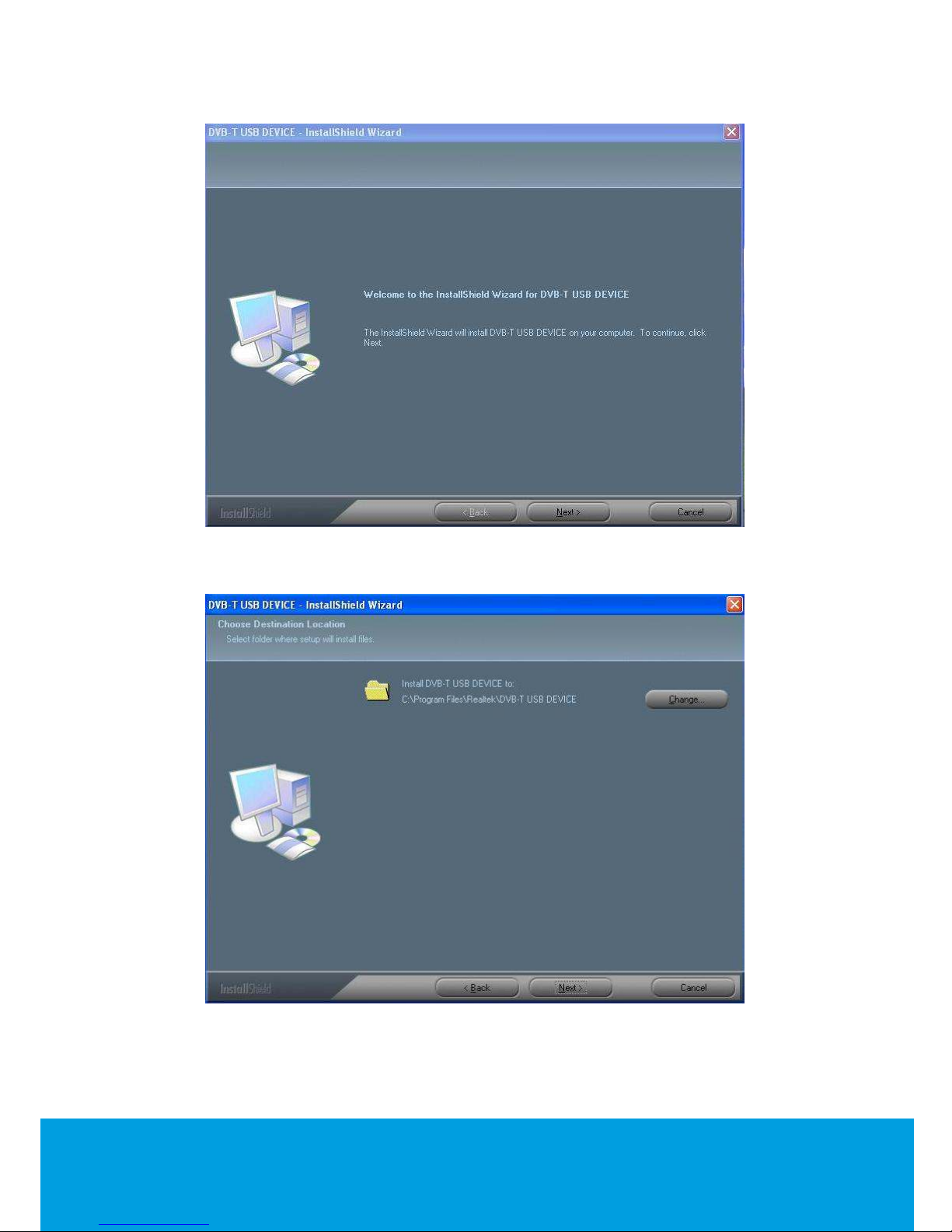
system will promptly re-install the driver. Please follow the procedures of Driver Installation to
install the drivers properly (as below). This is particularly obvious when using a USB Hub.