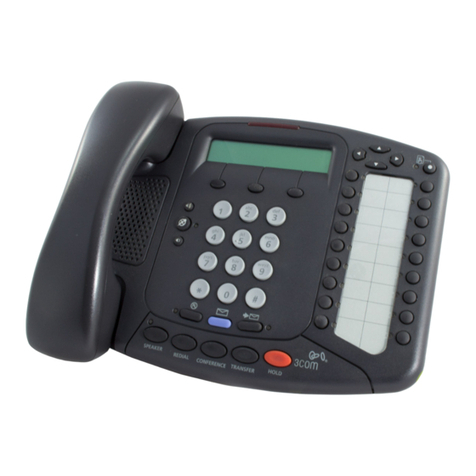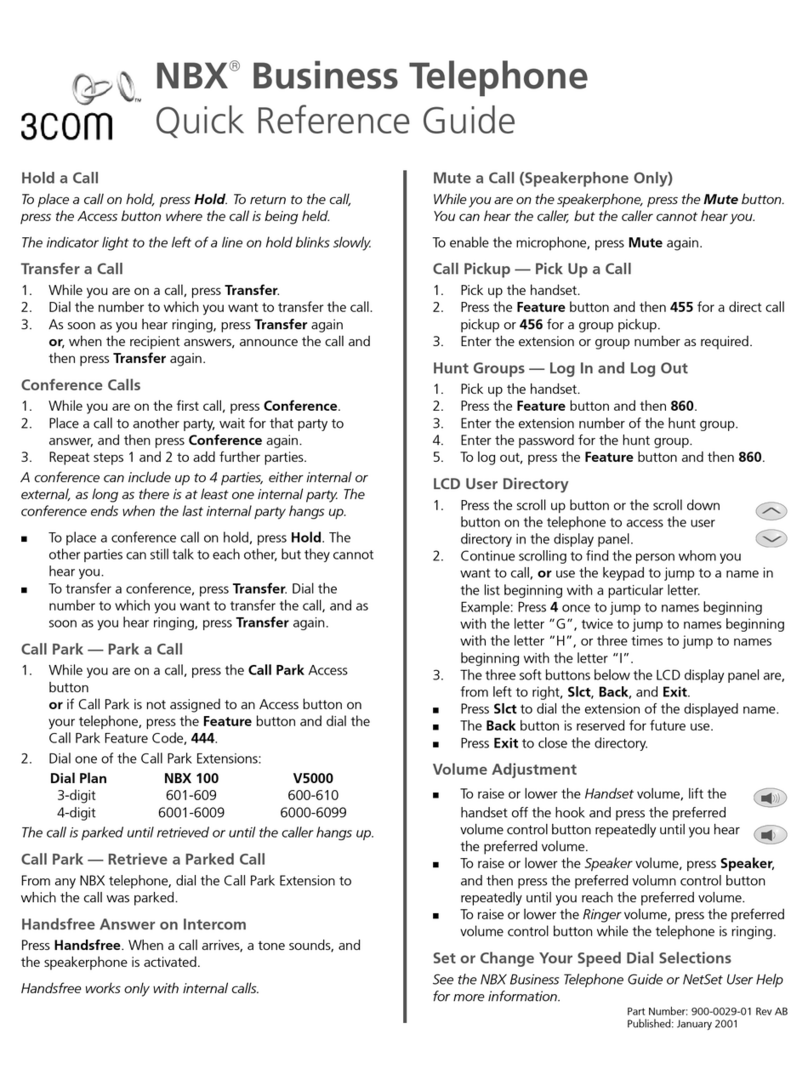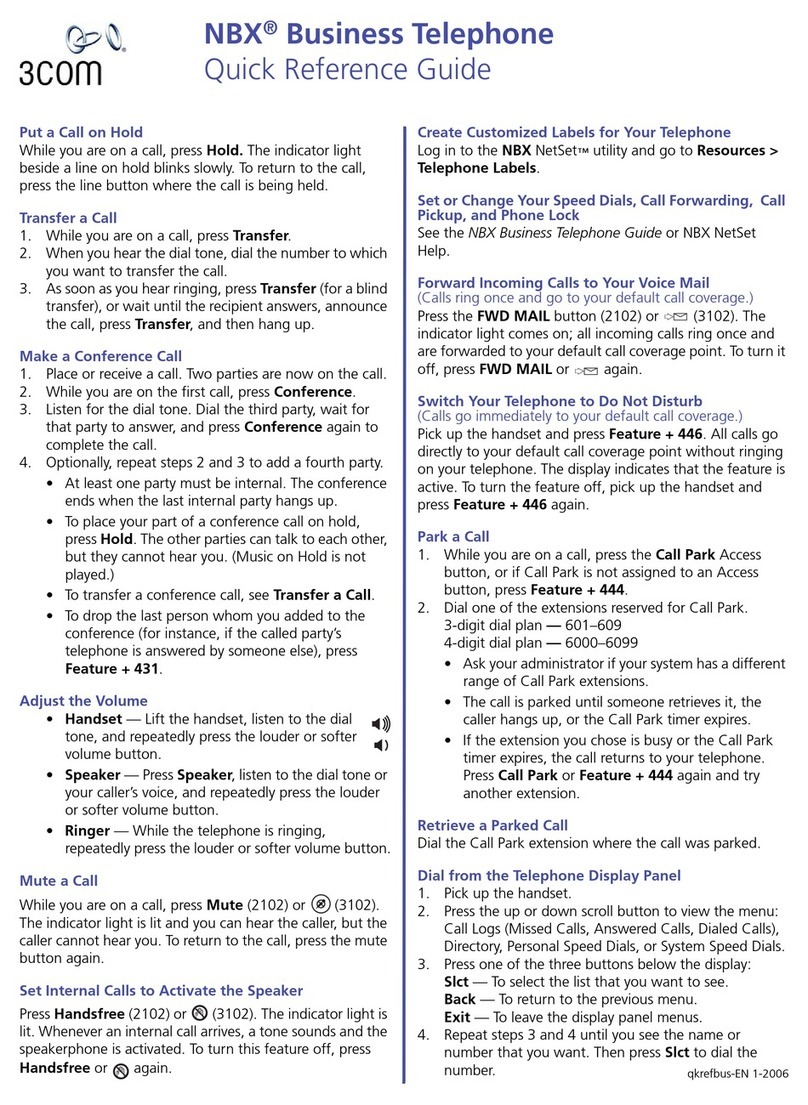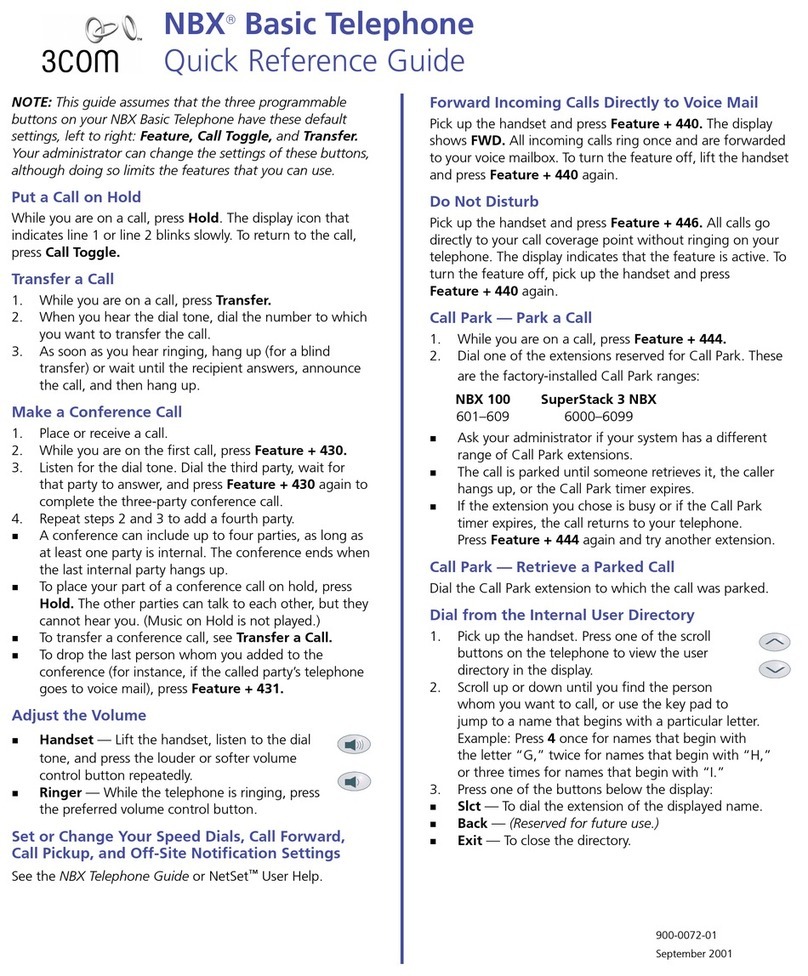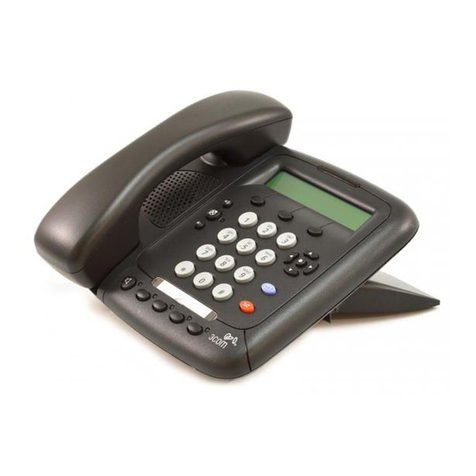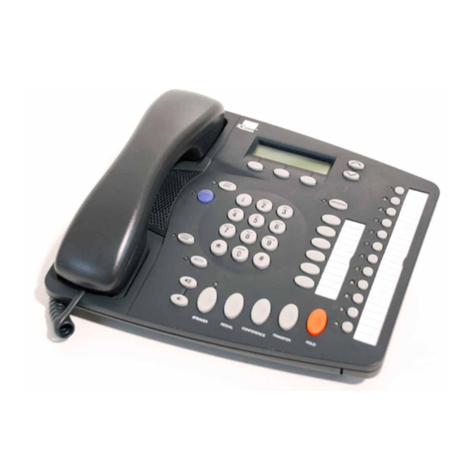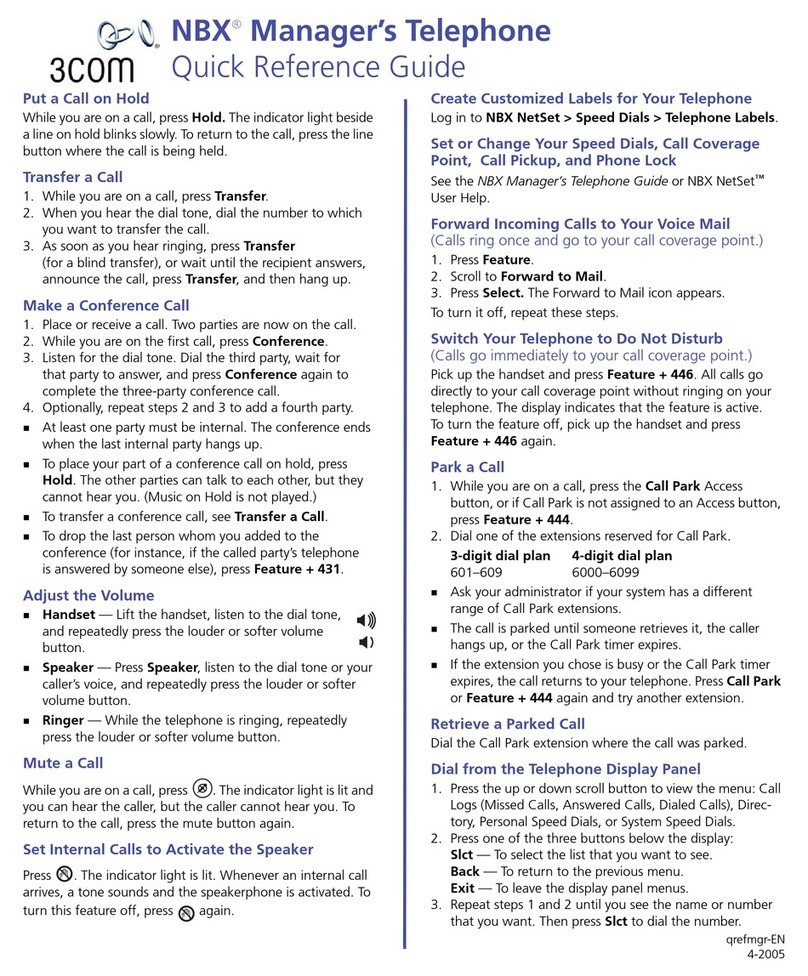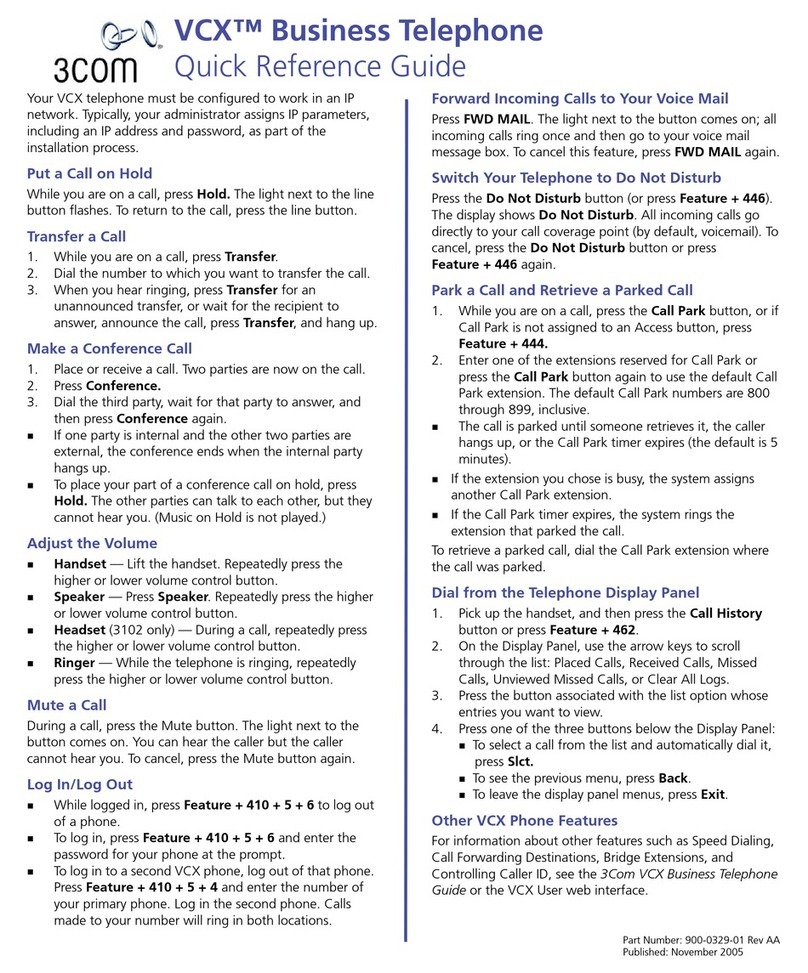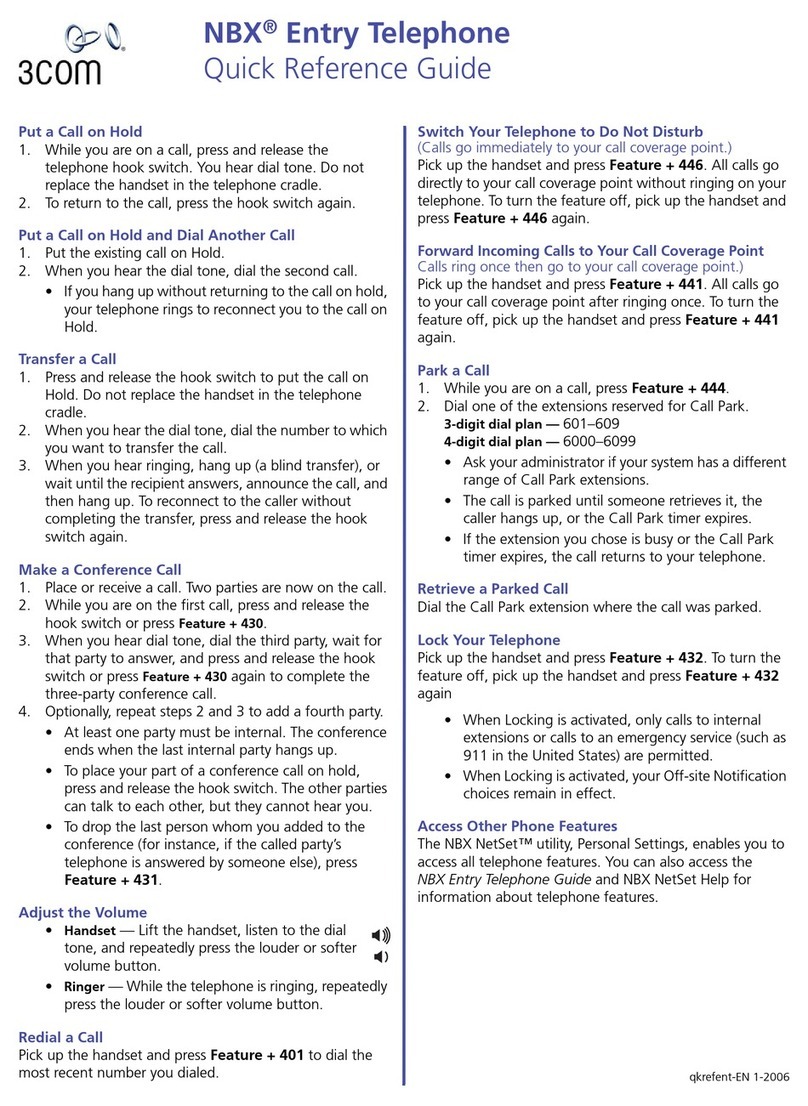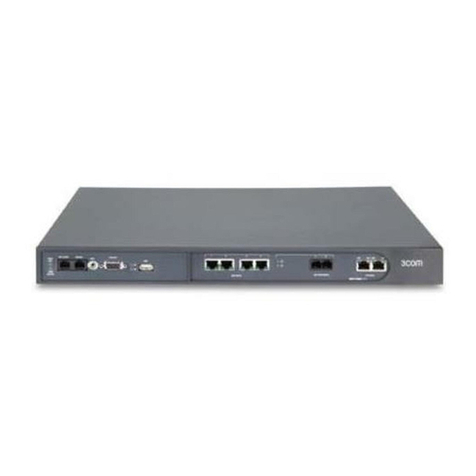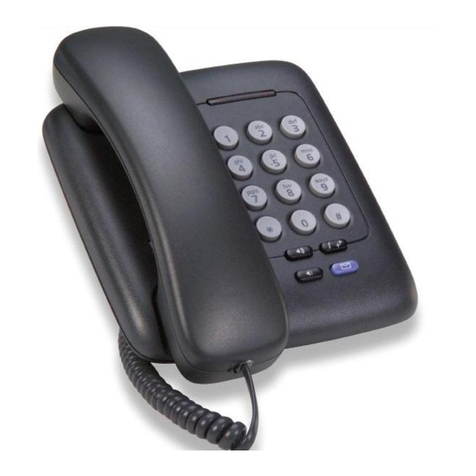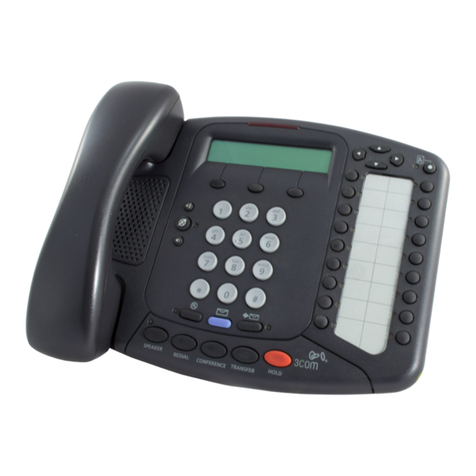
3Com VCX 2102 User manual

http://www.3com.com/
Part Number 900-0187-01 AA
Published August 2004
V7000
Telephone Guide
■2101 Basic Telephone
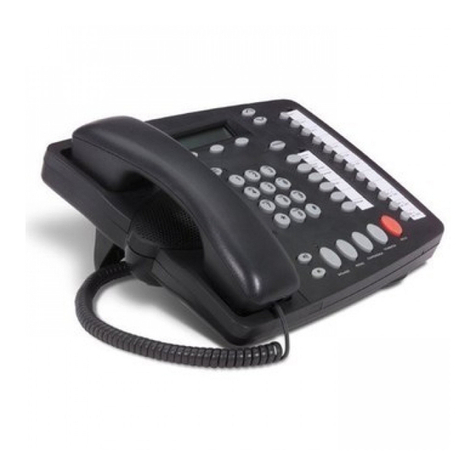
■2102 Business Telephone
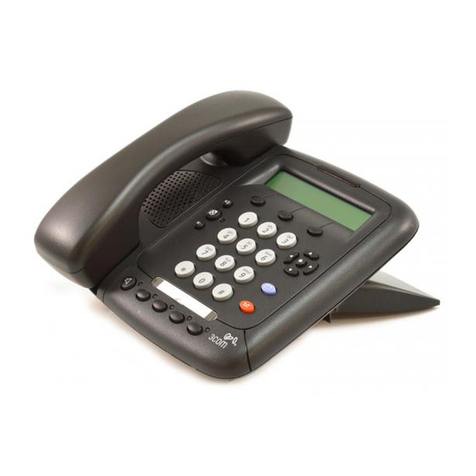
■3101 Basic Telephone
■3102 Business Telephone
■3105 Attendant Console
■VCX Complement Attendant Console
VCX™V7000 IP Telephony Solution
System Release 5.0

DRAFT
3Com Corporation
350 Campus Drive
Marlborough, MA
01752-3064
Copyright © 2003, 2004, 3Com Corporation. All rights reserved. No part of this documentation may be
reproduced in any form or by any means or used to make any derivative work (such as translation,
transformation, or adaptation) without written permission from 3Com Corporation.
3Com Corporation reserves the right to revise this documentation and to make changes in content from
time to time without obligation on the part of 3Com Corporation to provide notification of such revision
or change.
3Com Corporation provides this documentation without warranty, term, or condition of any kind, either
implied or expressed, including, but not limited to, the implied warranties, terms, or conditions of
merchantability, satisfactory quality, and fitness for a particular purpose. 3Com may make improvements
or changes in the product(s) and/or the program(s) described in this documentation at any time.
If there is any software on removable media described in this documentation, it is furnished under a
license agreement included with the product as a separate document, in the hardcopy documentation, or
on the removable media in a directory file named LICENSE.TXT or !LICENSE.TXT. If you are unable to
locate a copy, please contact 3Com and a copy will be provided to you.
UNITED STATES GOVERNMENT LEGENDS:
If you are a United States government agency, then this documentation and the software described herein
are provided to you subject to the following:
United States Government Legend: All technical data and computer software is commercial in nature
and developed solely at private expense. Software is delivered as Commercial Computer Software as
defined in DFARS 252.227-7014 (June 1995) or as a commercial item as defined in FAR 2.101(a) and as
such is provided with only such rights as are provided in 3Com’s standard commercial license for the
Software. Technical data is provided with limited rights only as provided in DFAR 252.227-7015 (Nov
1995) or FAR 52.227-14 (June 1987), whichever is applicable. You agree not to remove or deface any
portion of any legend provided on any licensed program or documentation contained in, or delivered to
you in conjunction with guide.
Unless otherwise indicated, 3Com registered trademarks are registered in the United States and may or
may not be registered in other countries.
3Com and the 3Com logo are registered trademarks of 3Com Corporation. VCX is a trademark of 3Com
Corporation.
Other brand and product names may be registered trademarks or trademarks of their respective holders.

CONTENTS
ABOUT THIS GUIDE
Conventions 8
Figures 8
Related Documentation 9
Comments 9
1VCX V7000 BASIC
TELEPHONE — MODEL 2101
VCX Telephone Model 2101 Overview 12
Buttons and Controls 13
Feature Codes 15
2VCX V7000 BUSINESS TELEPHONE — MODEL 2102
VCX Telephone Model 2102 Overview 18
Buttons and Controls 19
Programmable Access Buttons 21
Default Settings 22
Line Status Lights 23
Feature Codes 23
3VCX V7000 BASIC TELEPHONES — MODELS 3101 AND
3101SP
VCX Telephone Model 3101 and 3101SP Overview 28
Buttons and Controls 29
Programmable Access Buttons 32
Feature Codes 32
Status Lights for System Appearance Buttons 34

4
4VCX V7000 BUSINESS TELEPHONE — MODEL 3102
VCX Telephone Model 3102 Overview 36
Buttons and Controls 37
Programmable Access Buttons 40
Feature Codes 41
Status Lights 42
5VCX V7000 ATTENDANT CONSOLES — MODEL 3105 AND
COMPLEMENT ATTENDANT
VCX Attendant Console 46
Access Buttons 46
Feature Buttons 46
Printing Labels 48
Attendant Console Status Lights 49
Complement Attendant Software 49
Managing Calls 52
6STANDARD FEATURES
Answering a Call 56
Answering a Second Call 56
Using the Hands Free Feature 56
Making Calls 57
Making Internal Calls 57
Making External Calls 57
Redialing a Call 57
Using the Telephone Display Panel 58
Viewing the Call History 58
Viewing the User Directory 59
Putting a Call on Hold 60
Music on Hold 60
Dialing a New Call While on a Call 60
Answering a New Call While on a Call 60
Setting up a Conference Call 61
Unannounced Conference 61
Announced Conference 61
Muting Calls 61

5
Terminating Calls 62
Activating Do Not Disturb 62
Transferring Your Phone Settings to Another Phone 62
Transferring a Call 63
Unattended Transfer 63
Attended Transfer 63
Transferring a Call Directly to Voice Mail 64
Call Waiting 64
Controlling the Volume 64
Speed Dialing 65
Call Park 66
Using a Headset (3102 phone only) 67
Returning to the Headset After a Long Delay 68
7ADVANCED FEATURES
Accessing the VCX 7000 User Interface 70
VCX 7000 User Interface Overview 71
Enable Speed Dial Codes 73
Enable Call Forwarding 74
Enabling the Ring No Answer Condition 75
Enabling the Busy Line Condition 76
Enabling the All Calls Condition 76
Controlling
Caller ID 76
Enabling Bridge Extensions 78
Logging Out 79
INDEX

6

ABOUT THIS GUIDE
This guide describes how to set up and use 3Com® VCX™ V7000
telephones and consoles.

This guide is for users of the following VCX V7000 hardware and
software:
■VCX 2101 Basic Telephone
■VCX 2102 Business Telephone
■VCX 3101 Basic Telephone
■VCX 3102 Business Telephone
■VCX3105 Attendant Console and PC-based SoftConsole
If release notes are shipped with your product and the information there
differs from the information in this guide, follow the instructions in the
release notes.
CAUTION: The 3Com telephone system operates over the Ethernet local
area network (LAN), not through a traditional telephone connection.
Your telephone is connected to the 3Com system through an RJ45
Ethernet connector instead of through an RJ11 telephone connection.
Your telephone will not work unless it is connected correctly.
For information about installing your telephone, see the packing sheet
that came in the box with your telephone. The model number is on the
underside of the telephone. Contact your administrator if you have
questions about your telephone connection.
For information about the voice mail system and features, see the
V7350 Unified Messaging Suite User Guide.

8ABOUT THIS GUIDE
Conventions Table 1 and Table 2 list conventions that are used throughout this guide.
Figures This guide provides figures and screen captures that contain sample data.
This data may vary from the data on an installed system.
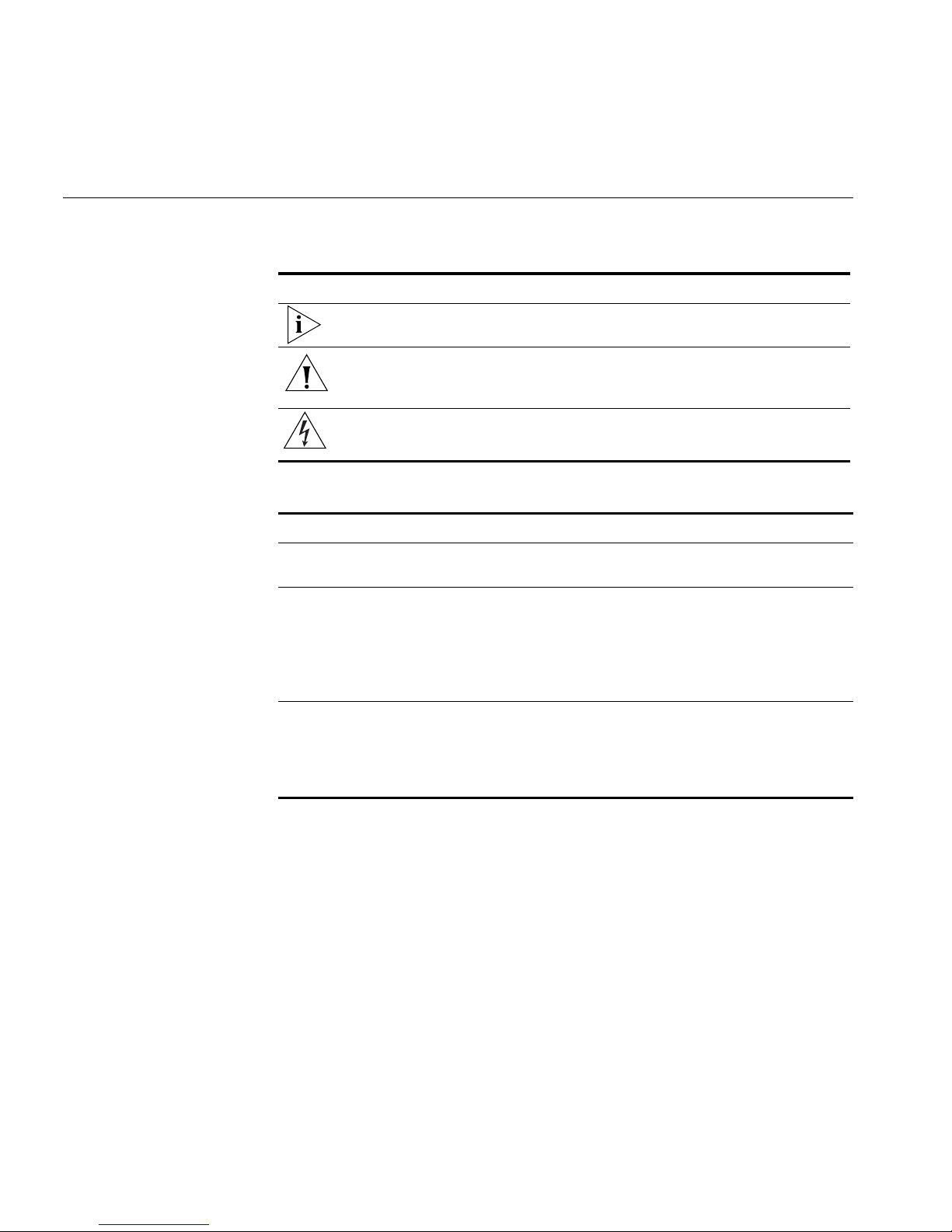
Table 1 Icons
Icon Type Description
Information note Information about important features or
instructions.
Caution Alerts you to potential loss of data or
potential damage to an application, system,
device, or network.
Warning Alerts you to potential personal injury.
Table 2 Text Conventions
Convention Description
Screen displays This typeface represents information as it appears on the
screen
Commands The word “command” means that you must enter the
command exactly as shown and then press Return or Enter.
Commands appear in bold. Example:
To remove the IP address, enter the following command:
SETDefault !0 -IP NETaddr = 0.0.0.0
Words in italics Italics are used to:
■Emphasize a point.
■Denote a new term at the place where it is defined in the
text.

Related Documentation 9
Related
Documentation These 3Com documents contain additional information about the VCXTM
V7000 IP Telephony Solution products in this release.
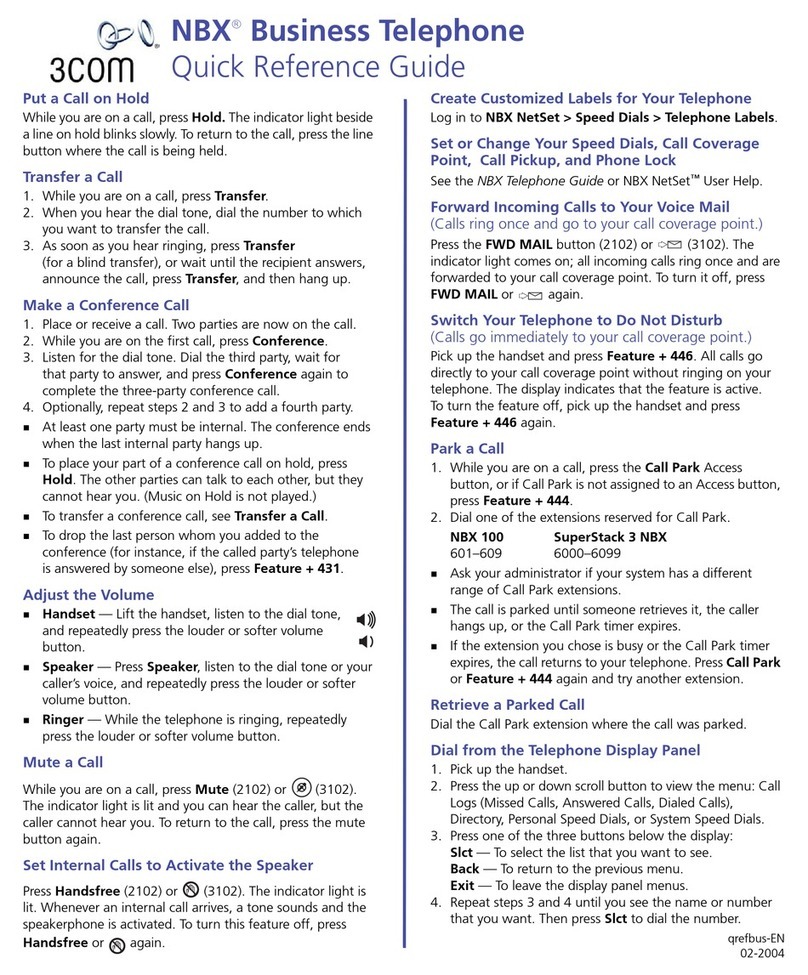
■VCXTM Business Telephone Quick Reference Guide
■VCXTM Basic Telephone Quick Reference Guide
■Enterprise Management Suite User Guide, Version 2.0
■VCXTM V7111 Fast Track Installation Guide
■VCXTM V7111 VoIP SIP Gateways User Manual
■VCXTM V7122 Gateway Fast Track Installation Guide
■VCXTM V7122 VoIP SIP Gateways User Manual
The following documents are a part of the VCXTM V7200 IP Call
Controller:
■VCXTM Installation and Maintenance Guide
■VCXTM Administration Guide
The following documents are a part of the VCXTM V7300 IP Telephony
Applications Suite:
■V7350 Unified Messaging Suite Product Overview
■V7350 Unified Messaging Suite Installation Guide
■V7300 Unified Communications AT - A - GLANCE
■V7350 Unified Messaging Suite Operations and System
Administration Guide
■V7350 Unified Messaging Suite User Guide
■V7350 Unified Messaging Suite Intelligent Mirroring Guide
Comments Send e-mail comments about this guide or about any Voice product
documentation to:
VOICE_Techpubs_comments@3com.com
Include the following information with your comments:
■Document title
■Document part number (found on the front page)
■Page number

■Your name and organization (optional)
Example:
V7000 Telephone Guide
System Release 5.0
Part Number 900-0187-01 Rev AA
Page 25
This manual suits for next models
5
Table of contents
Other 3Com Telephone manuals