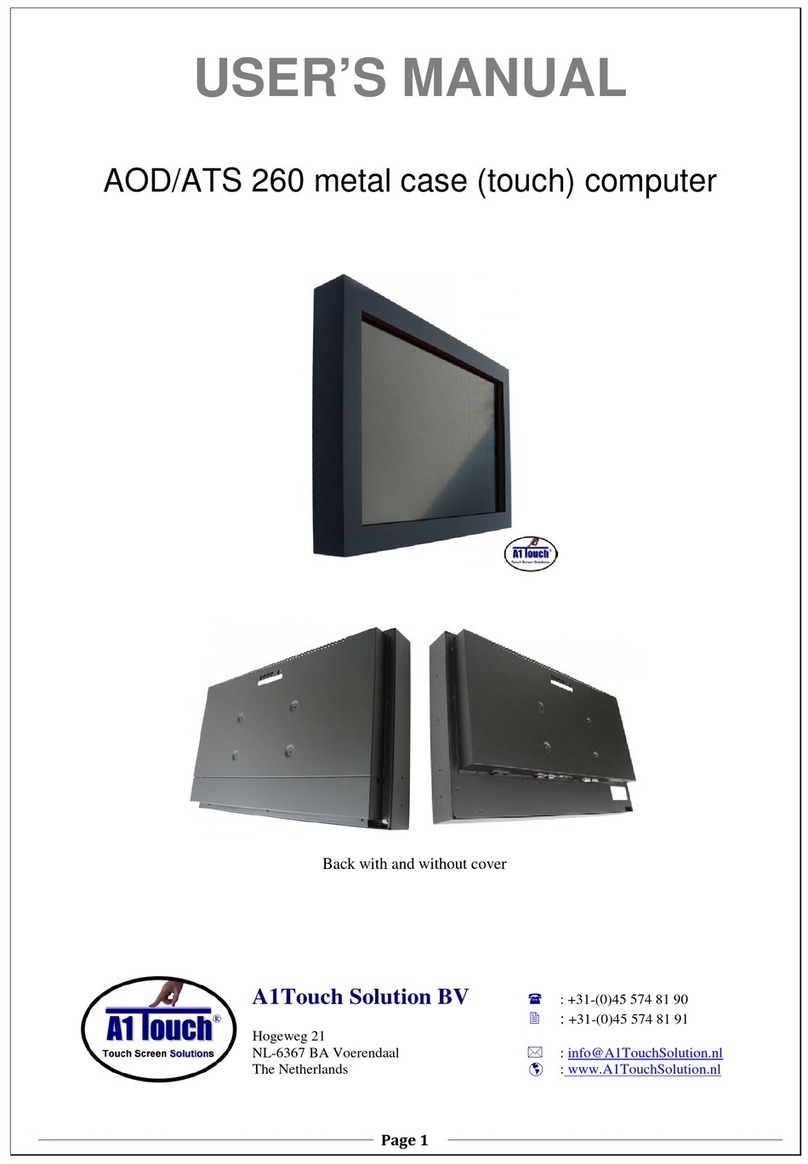
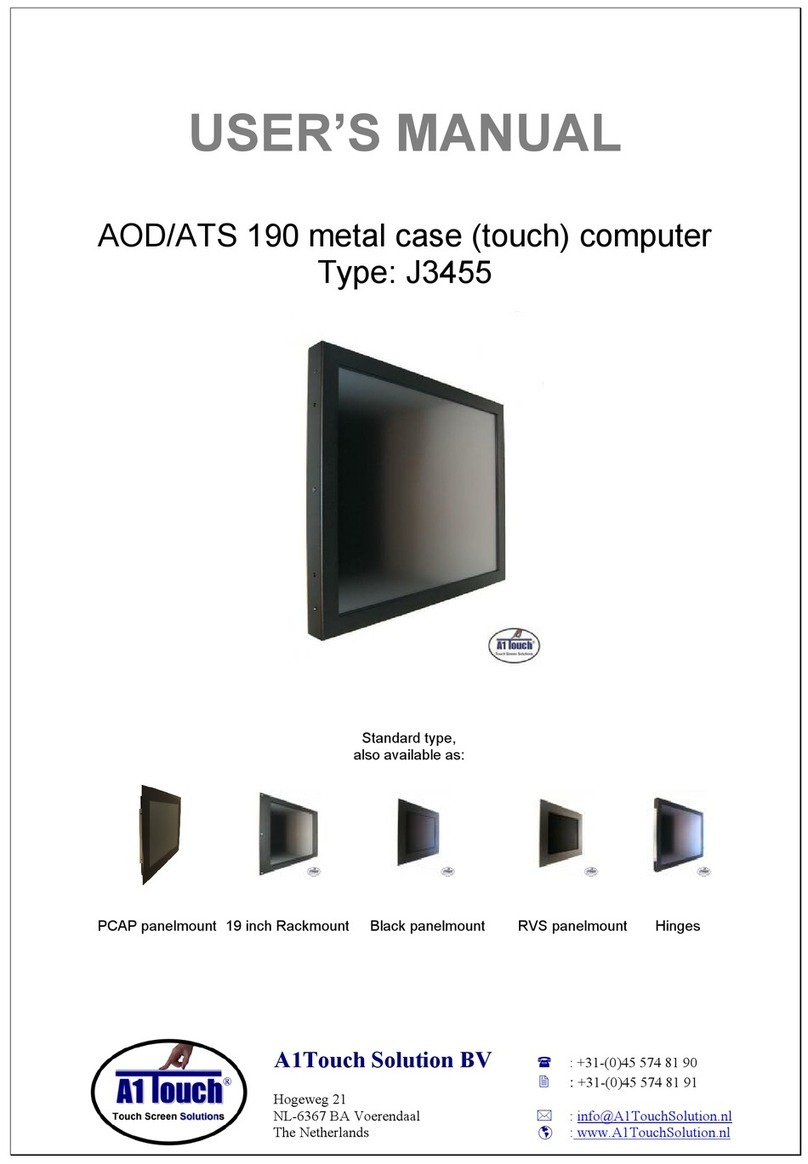
1.(Touch) Computer User’s Manual
1.0 Connection To the Computer:
1.1 Installation
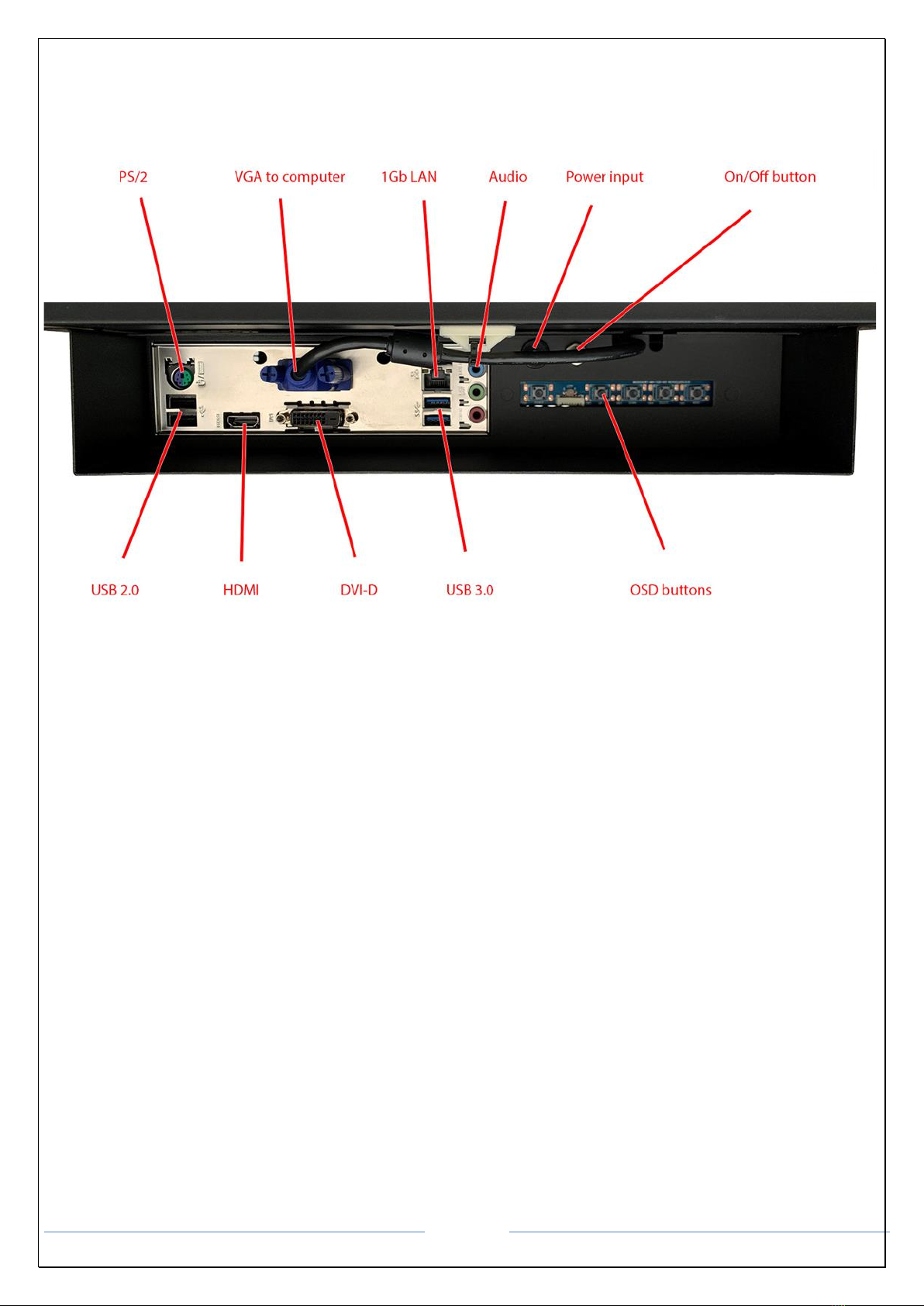
•Mount the unit in position as desired. You can adjust the connection for your PC environment via I/O panel of
computer.
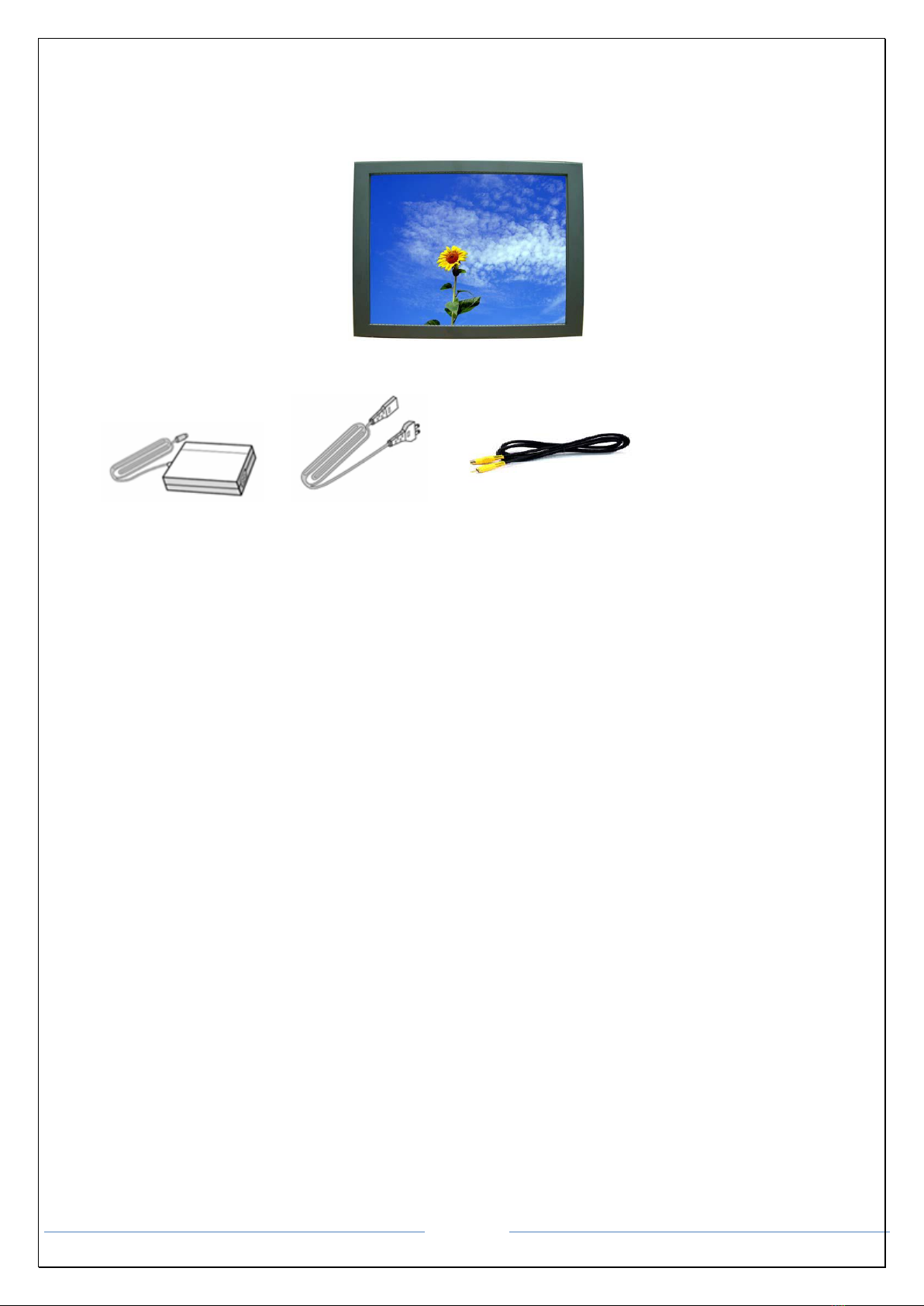
•Plug the DC cord of the AC adapter to the power connector and the plug
the end of AC adapter to and electrical outlet socket(110V/220V)
•Connect DC cord of adapter 12V DC (option 24v or 220v) to the computer
1.2 Features
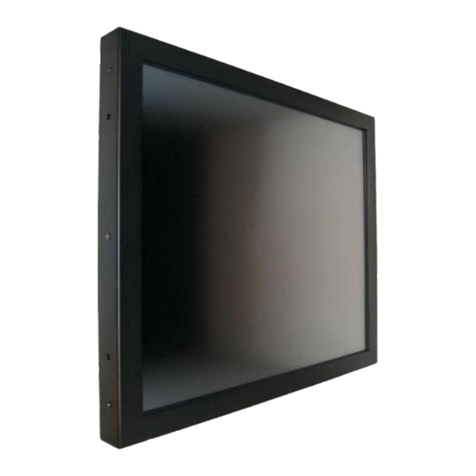
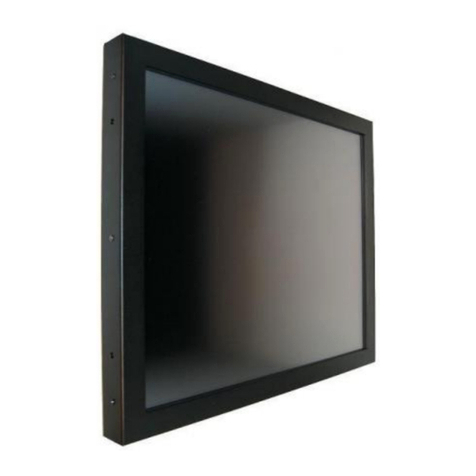
•AOD170 has 17” LCD and support up to 75Hz.
•Mini ITX format Computer with 6 core 6 threads Intel Core i5-9400 2.9 Ghz processor Active cooled
•Second connection external monitor via Displayport (Digital) possible.
•Microphone and speaker integration possible (option).
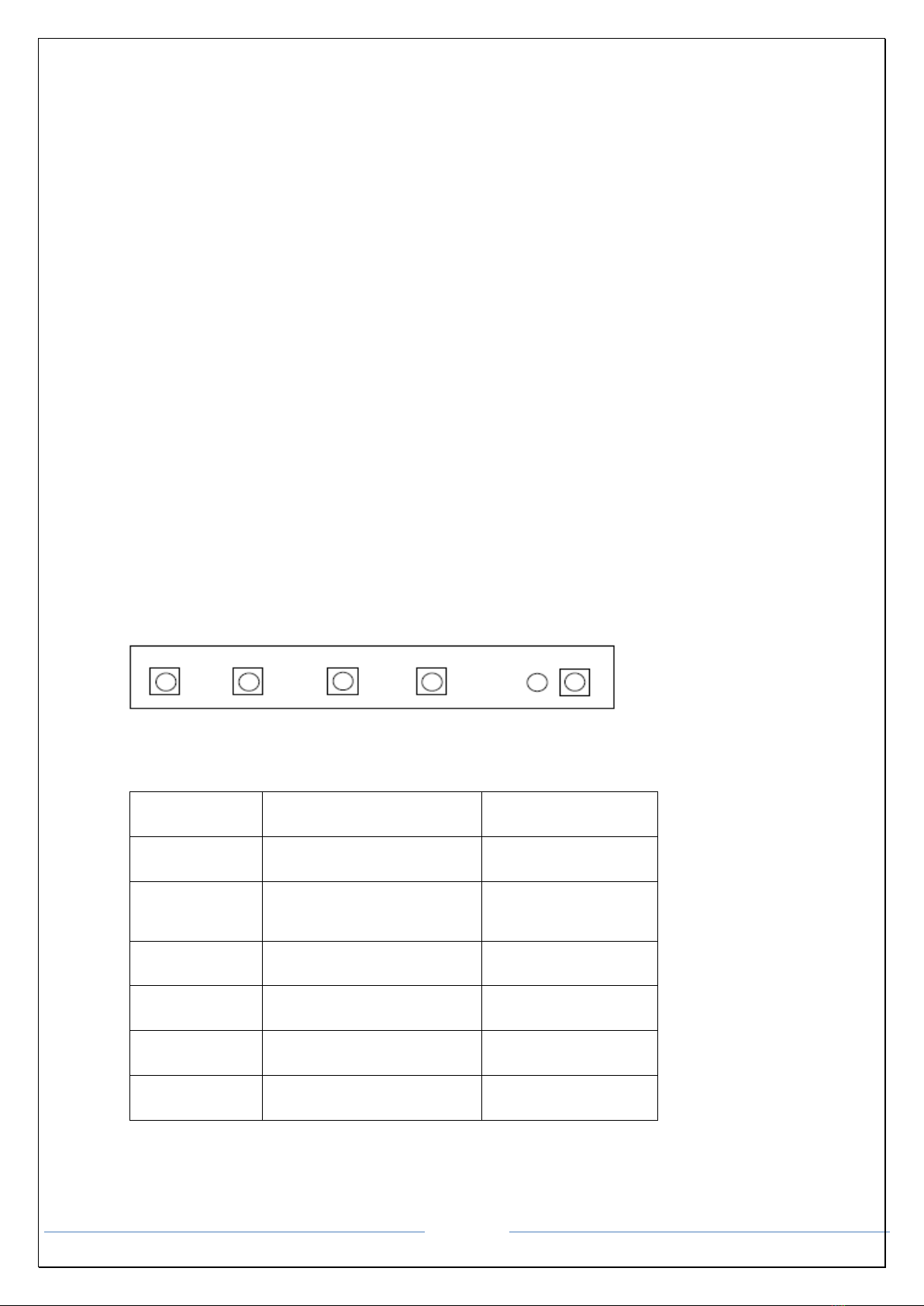
•You can adjust brightness, contrast, horizontal & vertical positions by OSD
•Menus and use auto adjust function for instant adjustment.
•High-qualified LCD Controller inside
•Robust design and power saving mode
•100% compatible with Windows PC environment without the installation of
•driver CD or software program.
1.3 Plug and Play Function
AOD150 is installed with OS on demand. These units are completely installed with activation completed and with
latest drivers for plug and play functionality.