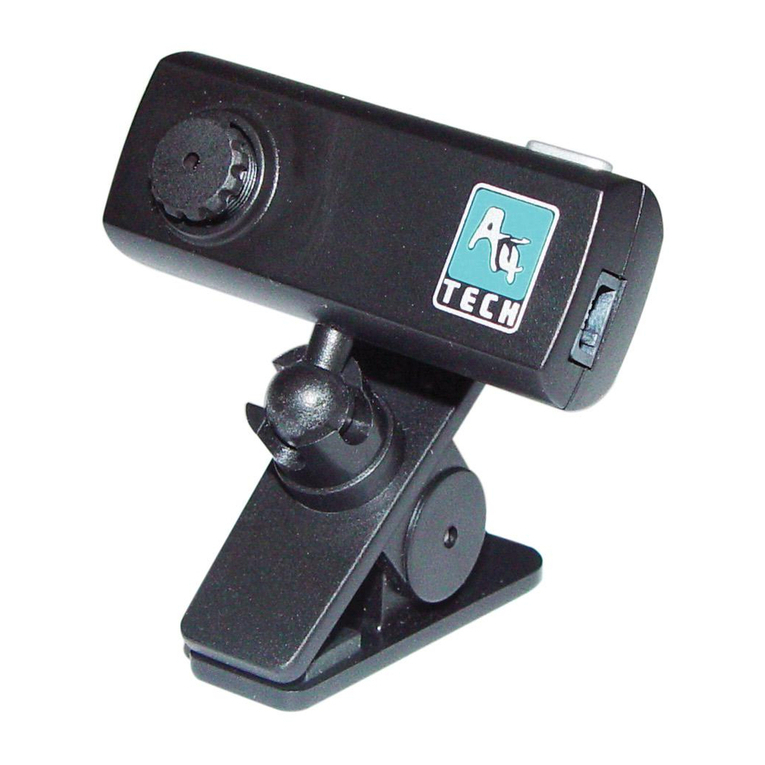
A4Tech ViewCam PK-835 User manual

User Guide
ViewCam
Model: PK-835
www.a4tech.com

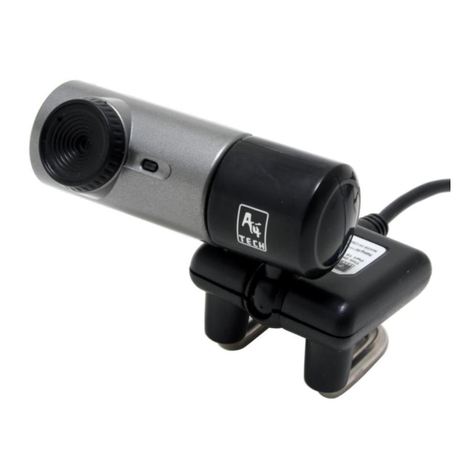
Know your product
Len
s
Flat panel and
Notebook clip
Specification
Image Sensor: 1/4〃CMOS, 640×480pixels
Frame Rate: 30fps@640x480, @600x800, @320x240,
@160x120
Lens: F=2.4, f=4.9mm
View Angle: 54 degree
Focus Range: Automatic focus, 30cm to infinity
Exposure Control: Automatic
1

2
White Balance: Automatic
Still Image Capture
Res.:
800x600,640X480,352x288,320x240,176x144,
160x120
Flicker Control: 50Hz, 60Hz and None
Computer Port USB port
Installing camera’s driver
NOTE: Please uninstall any previous installed “Webcam
Software” before installing “A4tech ViewCAM”. And do not
connect the camera to the computer until its driver is installed
completely!
All of the images is captured in WindowsXP OS.
1. Insert the included CD into the CD-ROM that will auto-run
and the menu window will pop up, select to click on
“Install ViewCAM”.

2. Clicking the “Install ViewCAM” button to install the driver in
above image.
3

3.Then follow the installing instruction to complete the
installation process
4

4. the Installation Process is completed
5. And click the button “Finish” above to complete installation.
Then the shortcut icon of Amcap and Zoom images
will appear on the desktop screen.
6. Now, please connect the PC Camera device with the
computer, and restart your computer.
Amcap Usage
After installation of viewcam driver, you can preview image and
set the adjustments for the properties sheet through the image
5

application software which comes with the product.
Image-preview
Click icon on the desktop and theAmcap image
application will pop-up or from “start” to “application” “A4TECH
PC Camera”,and click “Amcap” by mouse the application image
will appear shown as below
6

if Amcap image fails to appear,please select the item
“preview” under the “ Options” shown as below :
7

Device description
Go to “Devices” and select “A4 Tech PC Camera”.
(Refer to below diagram)
Properties page configuration
Click “Video Capture Filter…” under “Options” of Amcap page.
(Shows in image below)
8

The “Camera Control” sheet in properties window will be opened,
and some functions can be adjusted at here according to the
needs, including “Image Control, WhiteBalance, Auto Mode
Control…” (Showing in image below)
9
Other manuals for ViewCam PK-835
1
Table of contents
Other A4Tech Webcam manuals