3
2. Button Descriptions:
① 1.1 Power On / Off button
Press button for 3 seconds to③boot, press button ③for 8 seconds to turn off the watch;
② SOS Button ( button )④
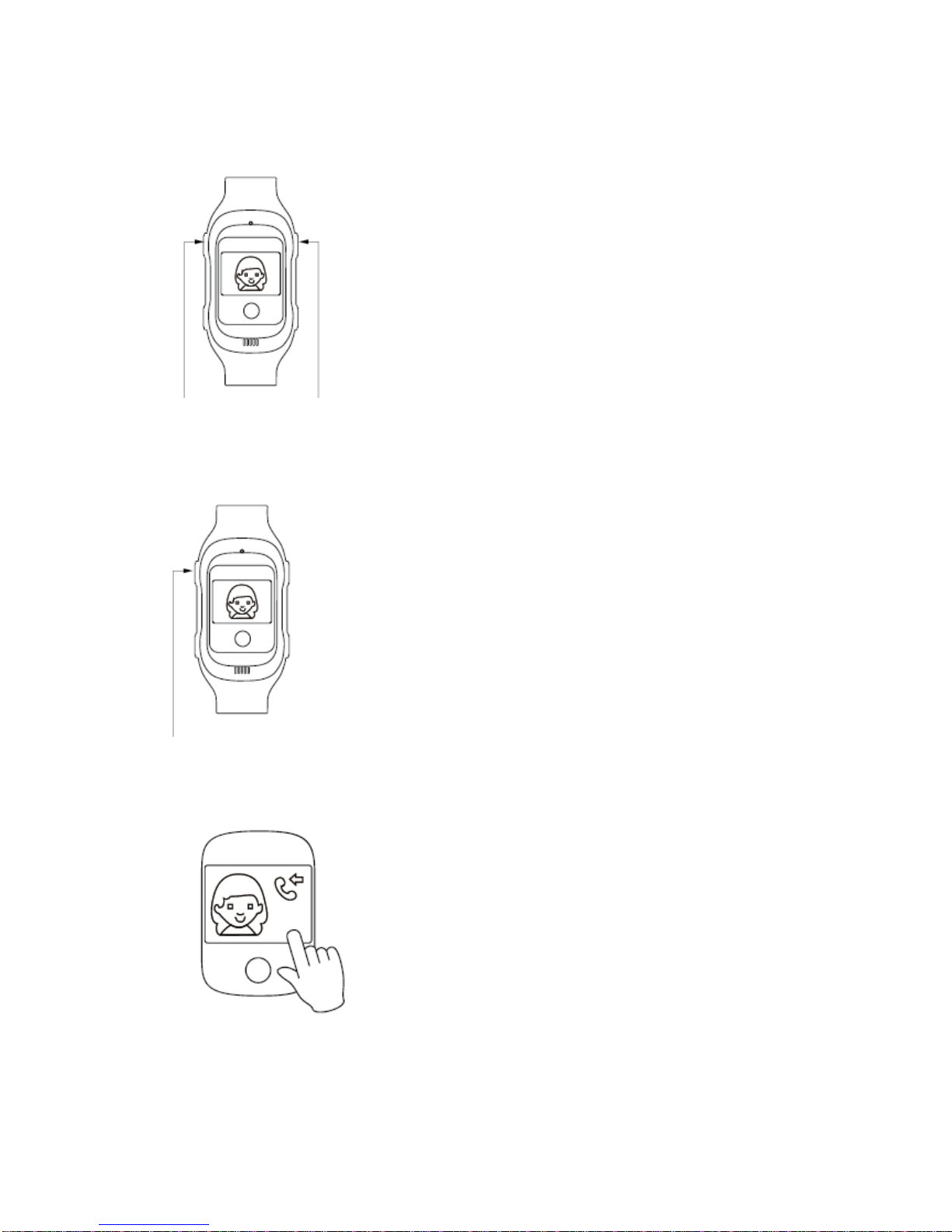
In emergency, press SOS button ( button )④for 5-7 seconds, the watch will call the first three
family number in turns , and send location by SMS automatically.
③ Calling Family number quickly
Under main menu, Press button for 3 seconds , call the family number 1.①press button ②for 3
seconds , call the family number 2.
④ Switch button
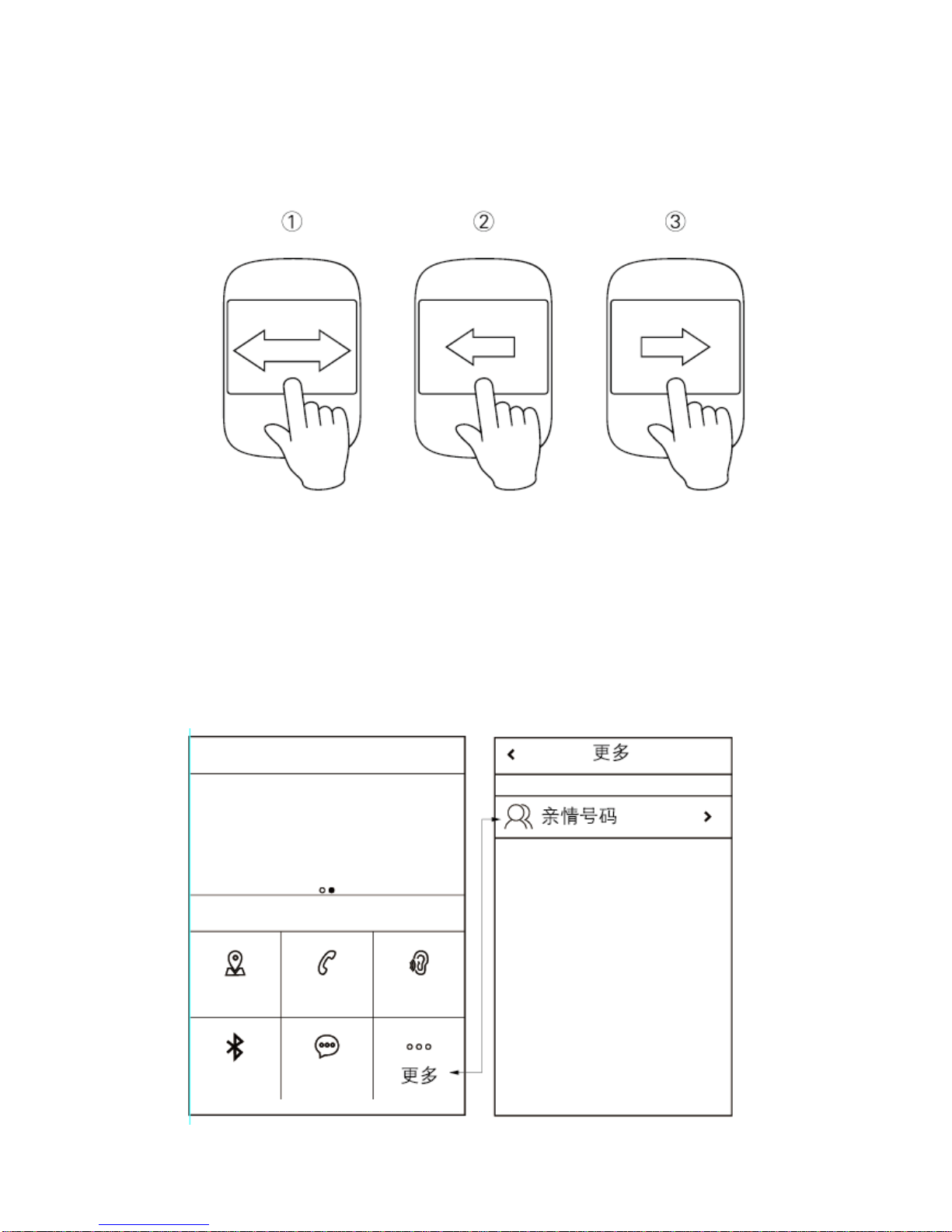
Under standby screen, press button ①and button ④to switch function ; under volume interface,
press button ①and button ④to adjust volume .
⑤ Confirm button ( button ②)
In function interface, press button ②to enter the different functions; under contact list , press
button ②to record, release to send the voice.
BackButton
Click back button to back or hang up the calling.
Resetbutton
Press this button to restart the watch quickly
Microphone :Don’t cover it during calling
Speaker:Don’t cover it during calling