manuals.online logo
Brands
  1. Home
  2. •
  3. Brands
  4. •
  5. Abocom
  6. •
  7. Headset
  8. •
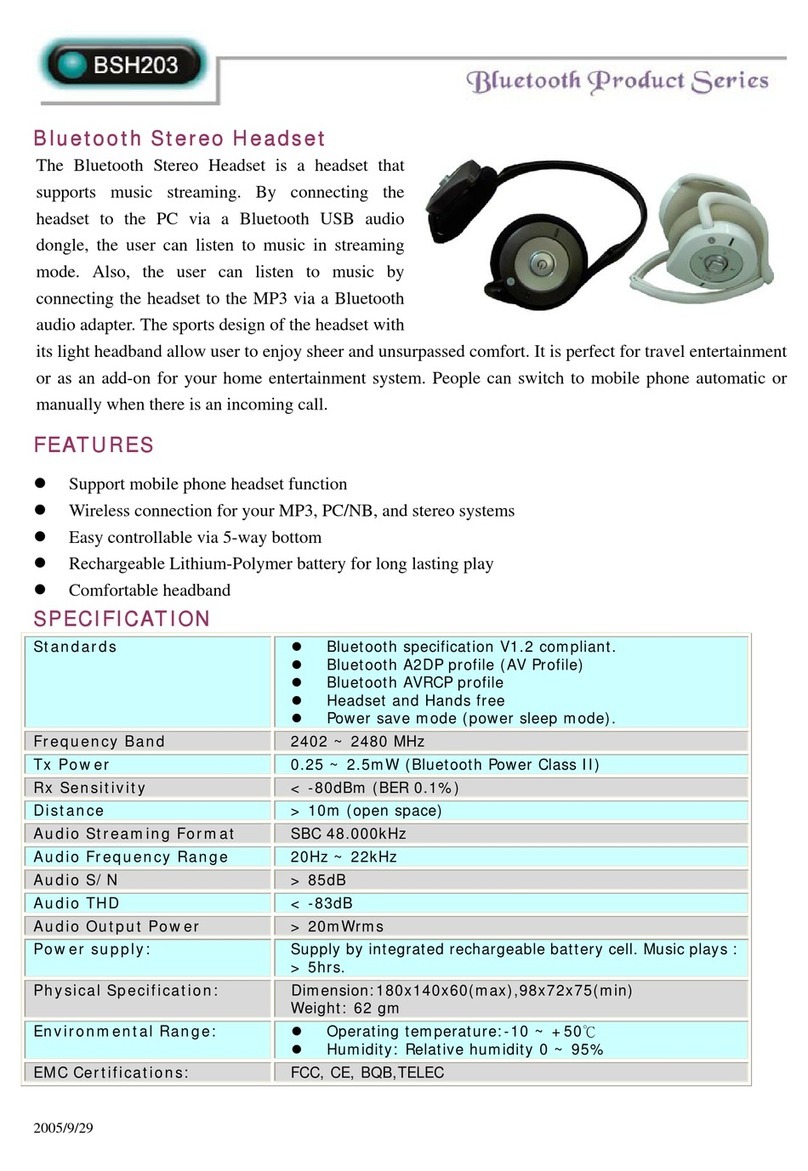
  9. Abocom BSH203 User manual

Abocom BSH203 User manual

Other Abocom Headset manuals

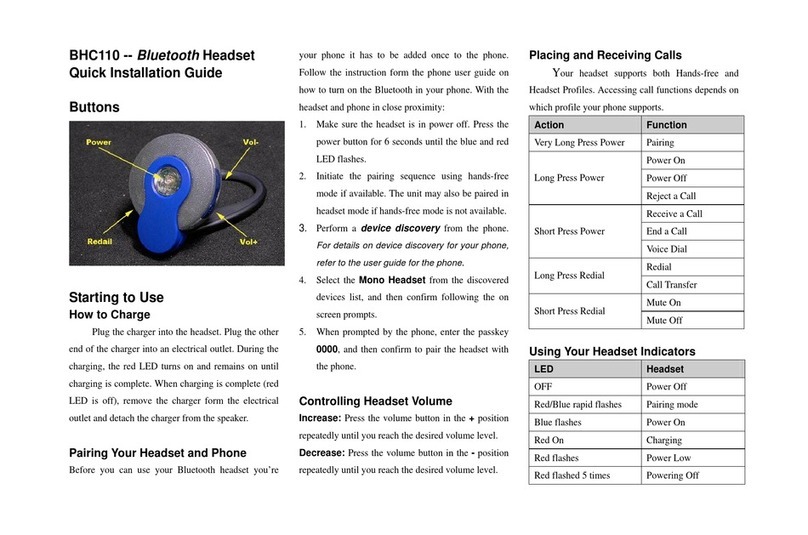
Abocom BCH110 User manual

Abocom

Abocom BCH110 User manual

Abocom BSH203 User manual

Abocom

Abocom BSH203 User manual

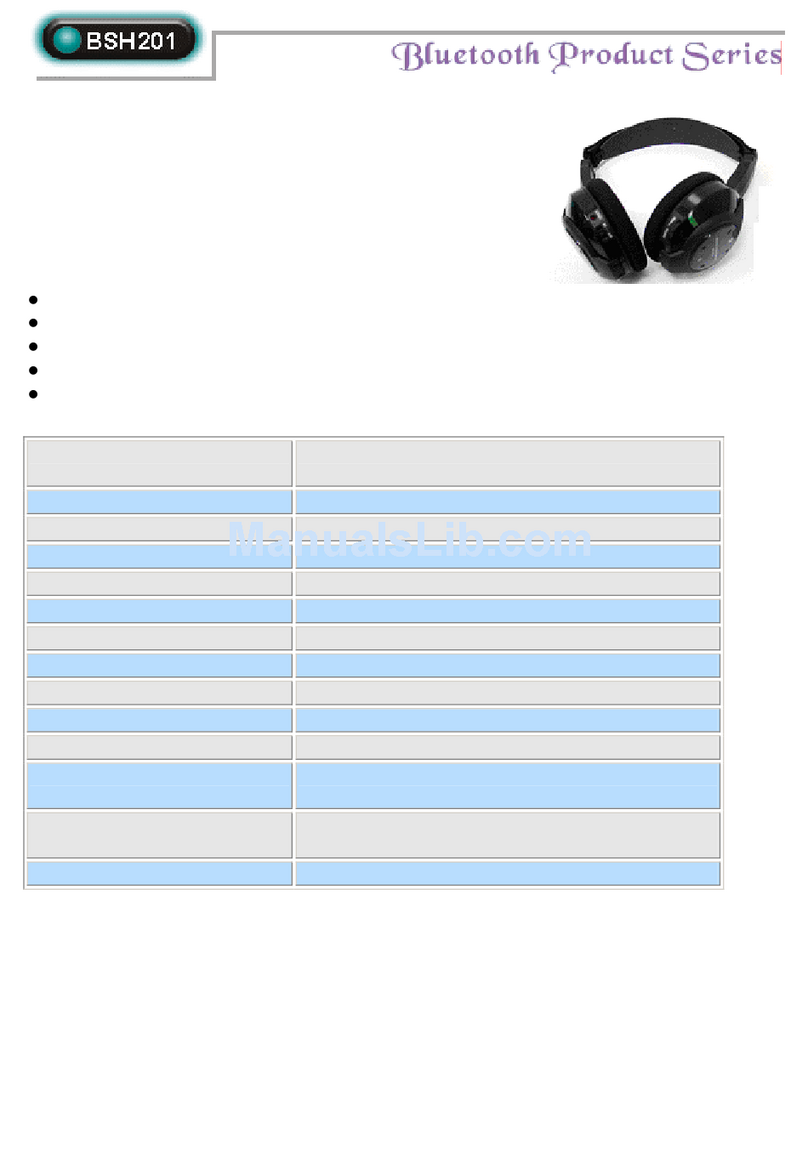
Abocom BSH201 User manual

Abocom

Abocom BSH201 User manual

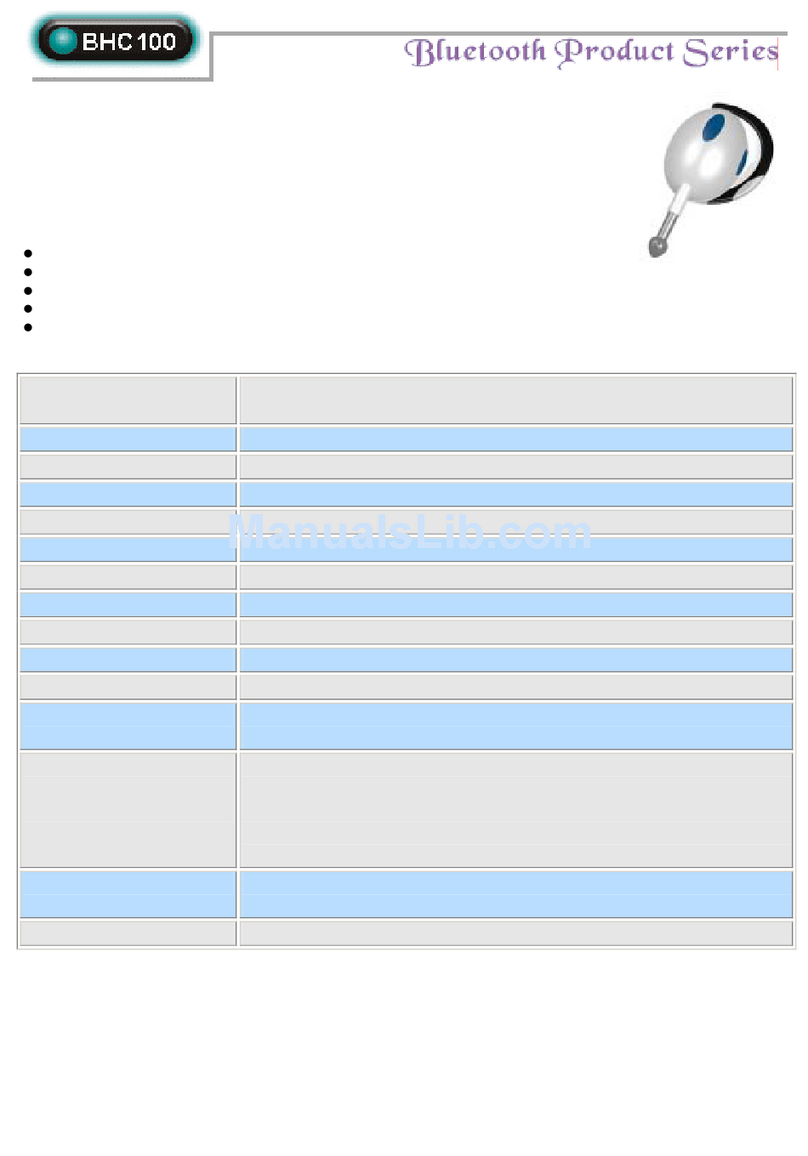
Abocom BCH100 User manual

Abocom

Abocom BCH100 User manual

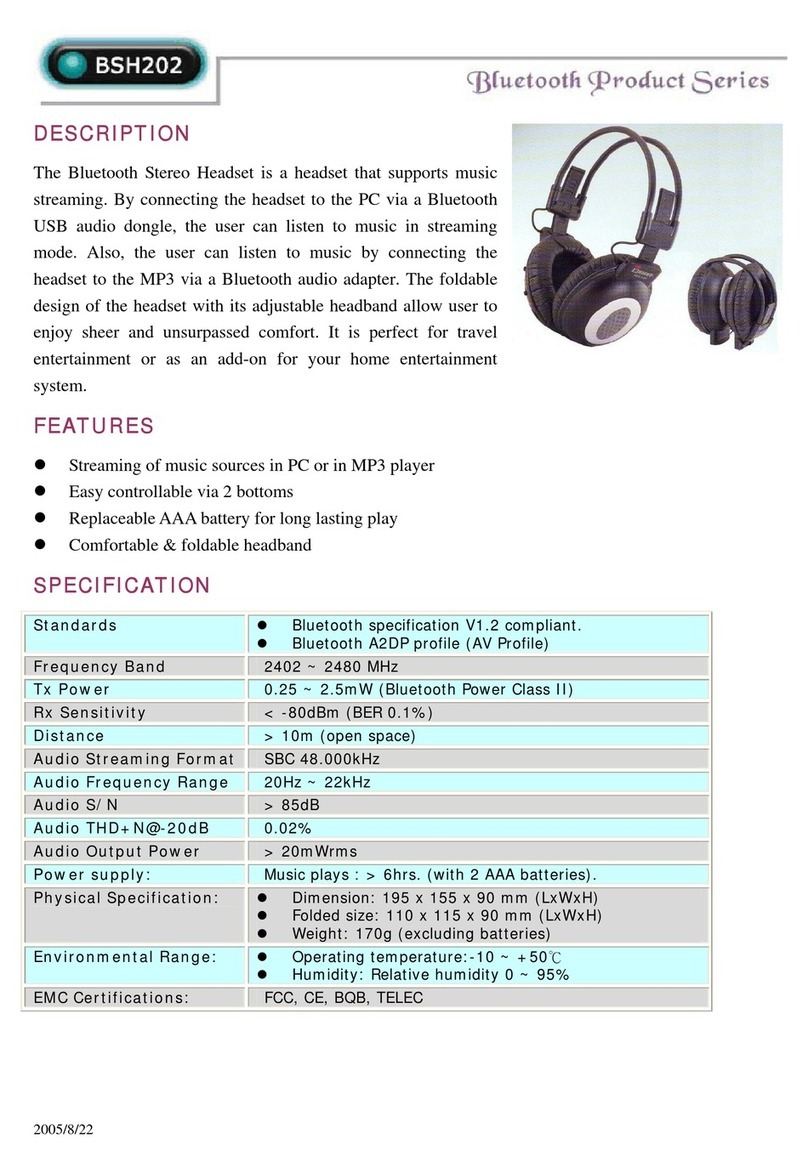
Abocom BSH202 User manual

Abocom

Abocom BSH202 User manual

Popular Headset manuals by other brands

Sony WI-SP510 Help guide

Sony

Sony WI-SP510 Help guide

LYSAR INDUSTRIES EQ1 manual

LYSAR INDUSTRIES

LYSAR INDUSTRIES EQ1 manual

Nacon RIG 500 PRO Series user guide

Nacon

Nacon RIG 500 PRO Series user guide

HUHD HW-933M instruction manual

HUHD

HUHD HW-933M instruction manual

H2O Audio Natalie Coughlin Signature Series iSH2-5A1 user guide

H2O Audio

H2O Audio Natalie Coughlin Signature Series iSH2-5A1 user guide

Bose IN-EAR HEADPHONES owner's guide

Bose

Bose IN-EAR HEADPHONES owner's guide

Intaride S-3 manual

Intaride

Intaride S-3 manual

Jabra Elite 7 Pro How do

Jabra

Jabra Elite 7 Pro How do

Sena SMH10 quick start guide

Sena

Sena SMH10 quick start guide

IASUS Stealth  IA-NT4-BASIC-BT manual

IASUS

IASUS Stealth IA-NT4-BASIC-BT manual

Sennheiser EPOS ADAPT 230 user guide

Sennheiser

Sennheiser EPOS ADAPT 230 user guide

Anycom PAROS-10 user manual

Anycom

Anycom PAROS-10 user manual

GE 98971 datasheet

GE

GE 98971 datasheet

Jabra PRO 9460 - PRO 9460-DUO user manual

Jabra

Jabra PRO 9460 - PRO 9460-DUO user manual

Hama 00184070 quick start guide

Hama

Hama 00184070 quick start guide

Plantronics Blackwire 3200 Series user guide

Plantronics

Plantronics Blackwire 3200 Series user guide

Blue Tiger Advantage PLUS user manual

Blue Tiger

Blue Tiger Advantage PLUS user manual

Jabra FR 20 user guide

Jabra

Jabra FR 20 user guide

manuals.online logo
manuals.online logoBrands
  • About & Mission
  • Contact us
  • Privacy Policy
  • Terms and Conditions

Copyright 2025 Manuals.Online. All Rights Reserved.

1—Check the package contents
OFF
2—Charge the battery
3—Turn on the power
4—Pair with headset or audio dongle
Unpack the Bluetooth Headset and check
that the following items are included:
The battery lasts eight hours and is re-
charged using the power adapter or the
USB cable. To recharge:
Plug the USB cable
into the DC jack on
the Bluetooth Headset and connect the
other end to your PC.
or
Plug the power adapter
into the DC jack
on the Bluetooth Headset and connect the
other end to an electrical outlet.
The Bluetooth Headset can be used with
a Bluetooth A/V Transmitter or Bluetooth
Audio Dongle. On fi rst use, the devices must
be paired.
To pair the devices.
1. Connect your transmitter to an audio
device.
2. Turn on the power on your Bluetooth
Headset.
3. Turn on the power on the transmitter.
Recharging takes 90 minutes.
OFF
OFF
Bluetooth A/V Transmitter
or
Bluetooth Audio Dongle
or Bluetooth Audio Dongleor
USB Cable
Audio Cable
Quick Guide
Power Adapter
Bluetooth Headset
To turn on the power
, press and hold the
power button until the power LED lights blue.
To turn off the power
, press and hold the
power button until the power LED turns off.
Blue LED
power is on
Blue fl ashing LED
connected to device
Red LED
battery is charging, turns off when
charged
Red fl ashing LED
battery is low, recharge
before LED turns off
Charging LED
Battery low LED
Power button
Mute
on/off
DC jack
Volume +/-
Power/link LED
Forward/
Forward/
backward
5—Wait for devices to connect
90 seconds
7—Troubleshooting
8—Specifi cations
The devices connect (pair) after 90 seconds.
Serial number & Firmware version:
Standards
Bluetooth specifi cation V1.2 compliant.
Bluetooth A2DP profi le (AV Profi le)
Bluetooth AVRCP profi le
Headset and Hand free
Power save mode (power sleep mode).
Frequency Band
2402 ~ 2480 MHz
Tx Power
0.25 ~ 2.5mW (Bluetooth Power Class II)
Rx Sensitivity
< -80dBm (BER 0.1%)
Distance
> 10m (open space)
Audio Streaming Format
SBC 48.000 kHz
Audio Frequency Range
20Hz ~ 22 kHz
Audio S/N
> 85dB
Audio THD
< -83dB
Audio Output Power
> 20mWrms
Power supply
Supply by integrated rechargeable battery cell. Music plays : > 5hrs.
Physical Specifi cation:
Dimension: 180x140x60(max), 98x72x75(min)
Weight: 62 gm
Environmental Range:
Operating temperature:-10 ~ +50 degrees centigrade
Humidity: Relative humidity 0 ~ 95%
6—Using with your mobile phone
The
Bluetooth Headset can be used with a
Bluetooth-enabled mobile phone.
To pair with your phone
1. Enable Bluetooth on your phone (refer to
the phone’s user manual).
2. Turn on the headset.
3. In the phone’s Bluetooth menu, search for
devices.
4. Select
Stereo Headset
.
5. Enter the passcode “0000”.
Answering calls
To
answer a call
, push the power button.
To
end a call
, push the power button for
three seconds.
If the Bluetooth Headset does not work, try
the following:
- Ensure connecting devices are charged
- Turn off all devices and then turn them on
in the order shown in this guide
- Ensure devices are within the 10-meter
range
?
Federal Communication Commission Interference Statement
This equipment has been tested and found to comply with the limits for
a Class B digital device, pursuant to Part 15 of the FCC Rules. These
limits are designed to provide reasonable protection against harmful
interference in a residential installation. This equipment generates,
uses and can radiate radio frequency energy and, if not installed and
used in accordance with the instructions, may cause harmful
interference to radio communications. However, there is no guarantee
that interference will not occur in a particular installation. If this
equipment does cause harmful interference to radio or television
reception, which can be determined by turning the equipment off and
on, the user is encouraged to try to correct the interference by one of
the following measures:
- Reorient or relocate the receiving antenna.
- Increase the separation between the equipment and receiver.
- Connect the equipment into an outlet on a circuit different from that
to which the receiver is connected.
- Consult the dealer or an experienced radio/TV technician for help.
This device complies with Part 15 of the FCC Rules. Operation is
subject to the following two conditions: (1) This device may not cause
harmful interference, and (2) this device must accept any interference
received, including interference that may cause undesired operation.
FCC Caution: Any changes or modifications not expressly approved by
the party responsible for compliance could void the user's authority to
operate this equipment.
IMPORTANT NOTE:
FCC Radiation Exposure Statement:
This equipment complies with FCC radiation exposure limits set forth
for an uncontrolled environment. End users must follow the specific
operating instructions for satisfying RF exposure compliance.
This transmitter must not be co-located or operating in conjunction with
any other antenna or transmitter.