Contents
1Introduction ....................................................................................................................................4
2User requirements..........................................................................................................................5
2.1 Hardware.............................................................................................................................5
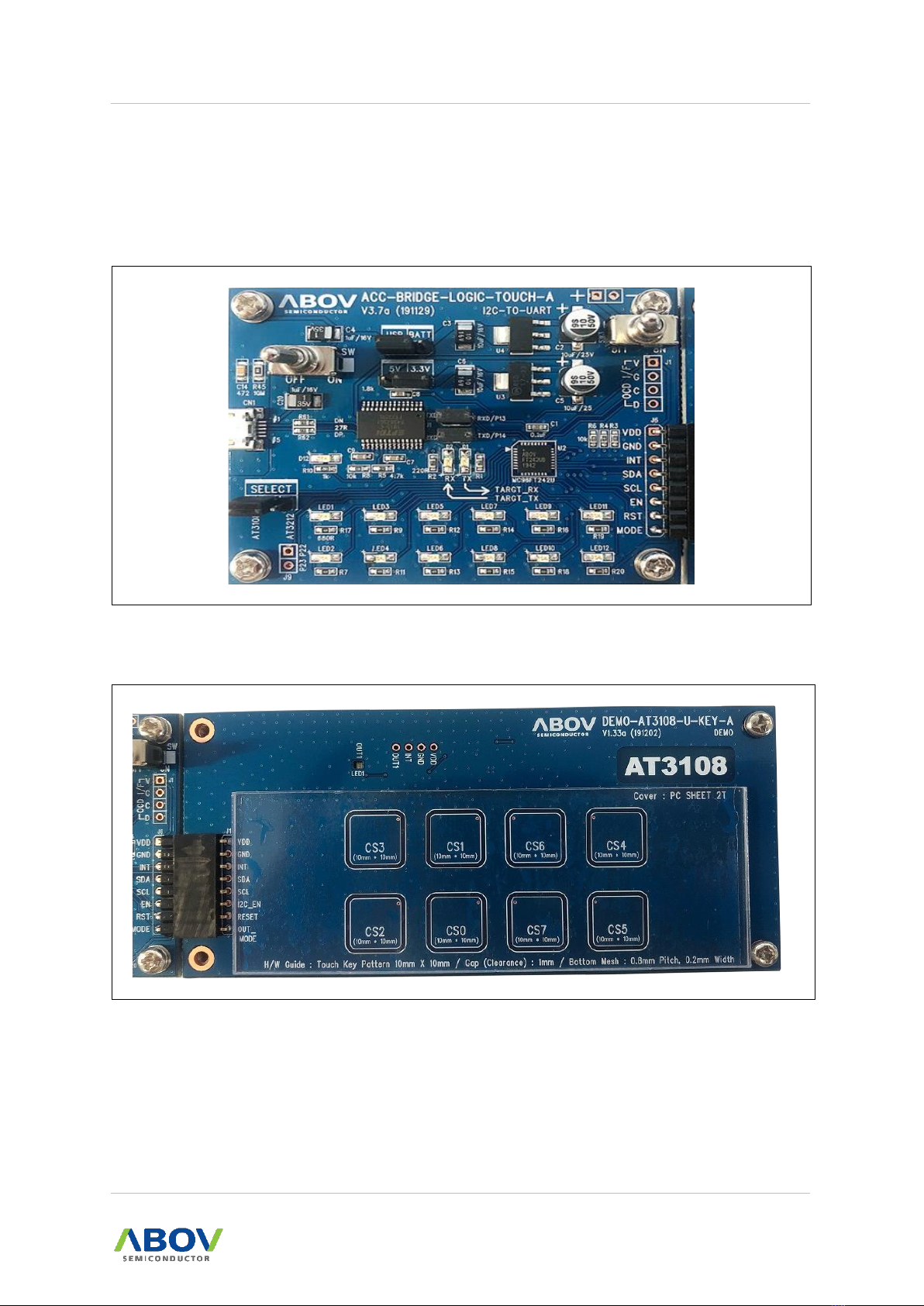
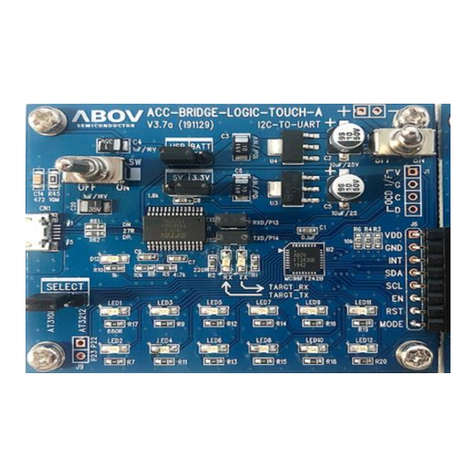
2.1.1 I2C to UART Board.................................................................................................5
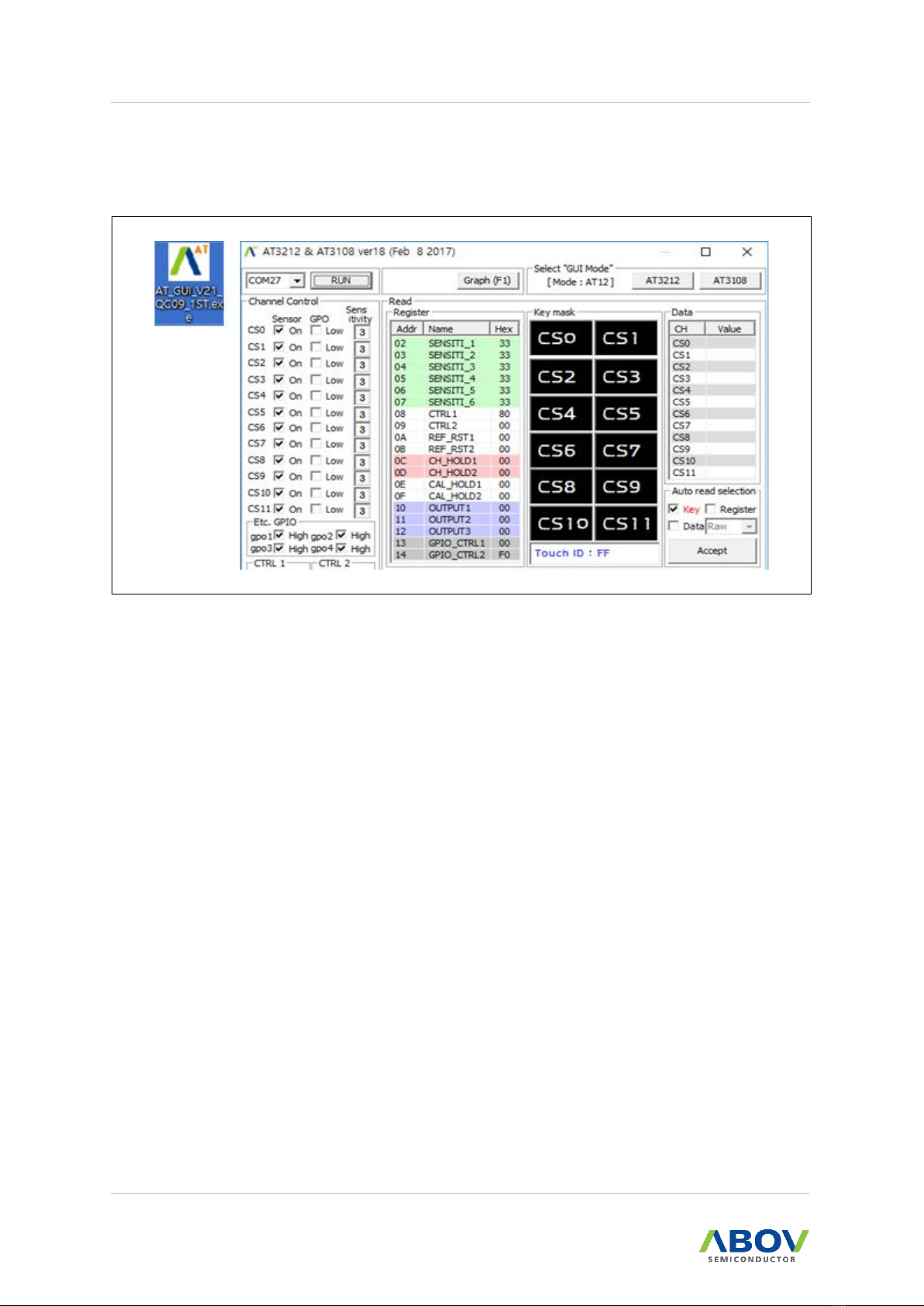
2.1.2 Touch Demo Board.................................................................................................5
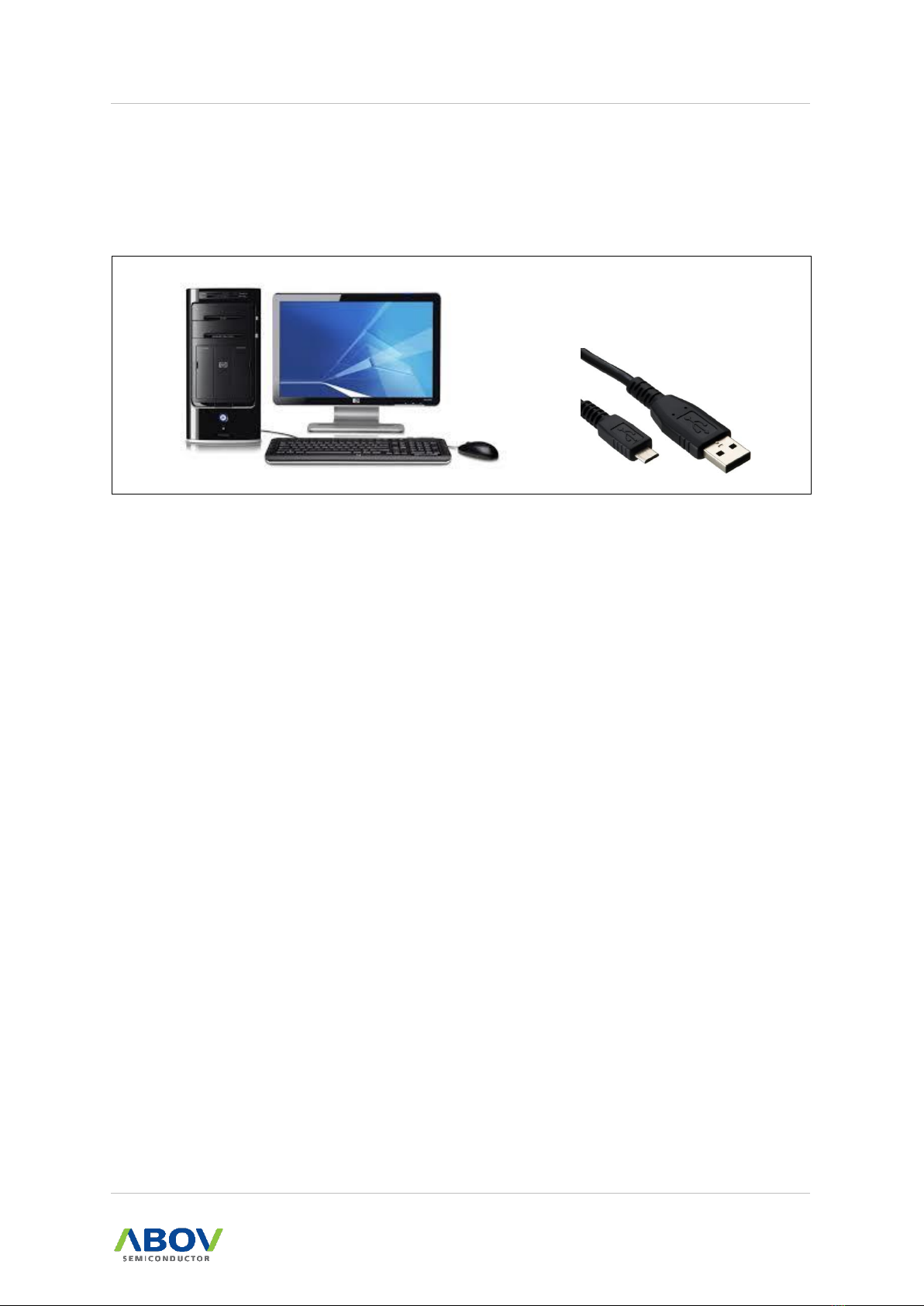
2.2 Software ..............................................................................................................................6
2.3 System requirements ..........................................................................................................7
2.4 References ..........................................................................................................................8
2.4.1 Reference documents ............................................................................................8
2.4.2 ABOV website ........................................................................................................8
3Building and running project ..........................................................................................................9
3.1 Prepare the I2C to UART Board and Touch Demo Board ..................................................9
3.1.1 Hardware components of the I2C to UART Board .................................................9
3.1.2 Hardware components of the Shield Board..........................................................10
3.2 Set up the I2C to UART Board and Touch Demo Board ...................................................11
3.2.1 Set jumpers to control the I2C to UART Board ....................................................11
3.2.2 Connect to the I2C to UART Board to use the Touch Demo Board .....................12
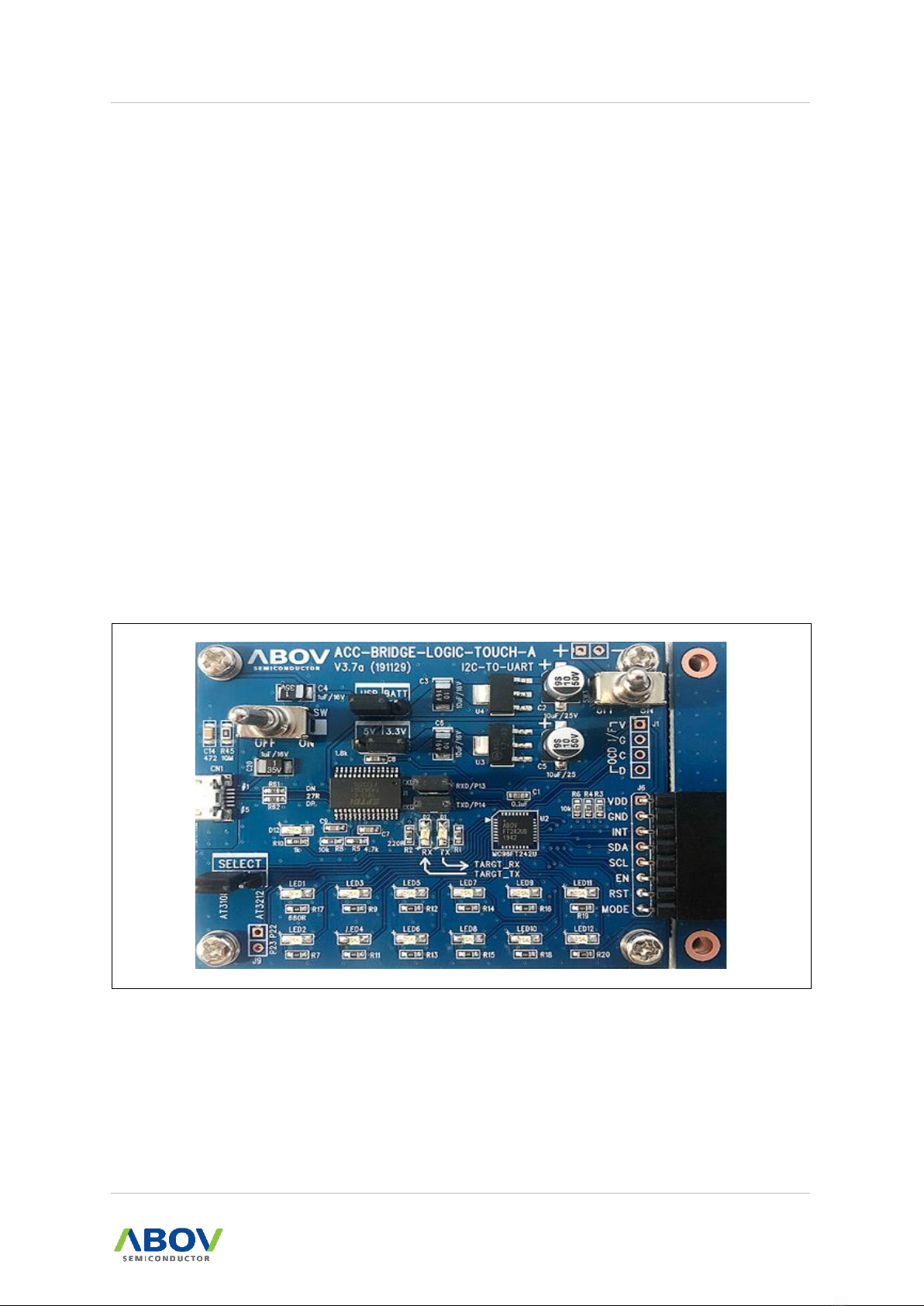
3.3 Connect the I2C to UART Board to your PC.....................................................................13
3.3.1 Connect PC via USB on the I2C to UART Board .................................................13
3.4 AT GUI program practice...................................................................................................14
3.4.1 Run the AT GUI program ......................................................................................14
3.4.2 Viewing values in AT GUI program .......................................................................15
3.4.3 Options of Auto Read Selection ...........................................................................16
3.4.4 View Graph (Plot) .................................................................................................17
3.4.5 Register value settings .........................................................................................18
3.5 Software description..........................................................................................................20
3.5.1 Flow chart for overall workflow .............................................................................20
3.5.2 Touch Mode selection...........................................................................................21
3.5.3 How to enter Sleep Mode .....................................................................................22
3.5.4 I2C communication method during Sleep Mode ..................................................23
3.5.5 Register value settings and digital output pin use ................................................24
3.5.6 Loop operation and register value update............................................................25
3.5.7 I2C Master example code.....................................................................................26
Revision history .....................................................................................................................................30