EnglishDeutsch
 logo
Brands
  1. Home
  2. •
  3. Brands
  4. •
  5. Accusplit
  6. •
  7. Watch
  8. •
  9. Accusplit Exclusive AX602R User manual

Accusplit Exclusive AX602R User manual

Other Accusplit Watch manuals

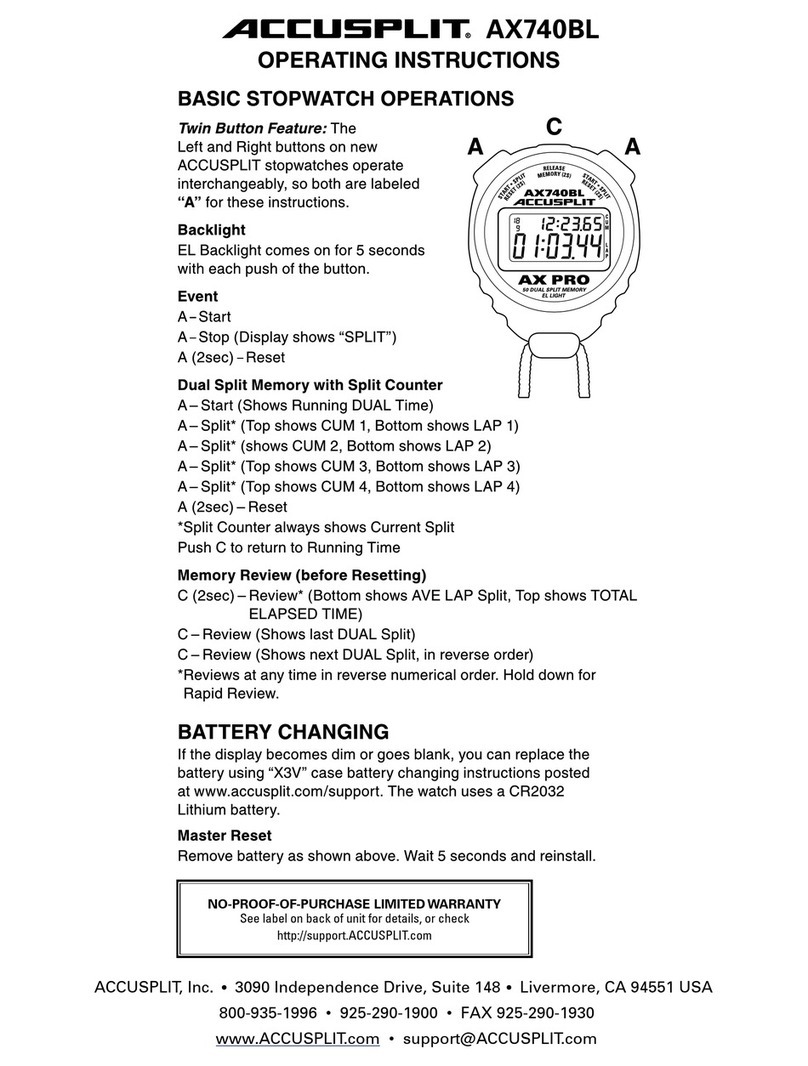
Accusplit AX740BL User manual

Accusplit

Accusplit AX740BL User manual

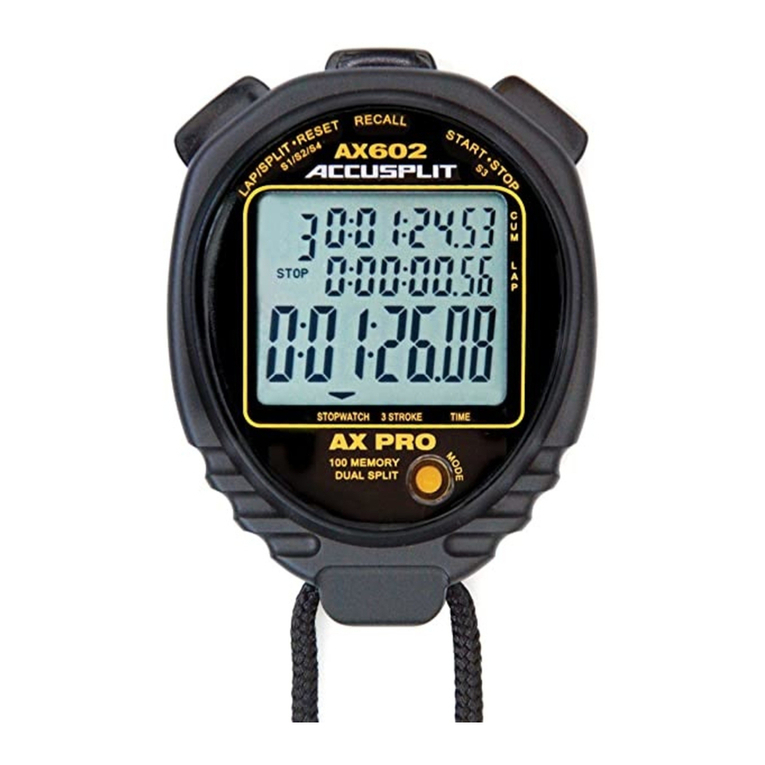
Accusplit Exclusive AX602 User manual

Accusplit

Accusplit Exclusive AX602 User manual

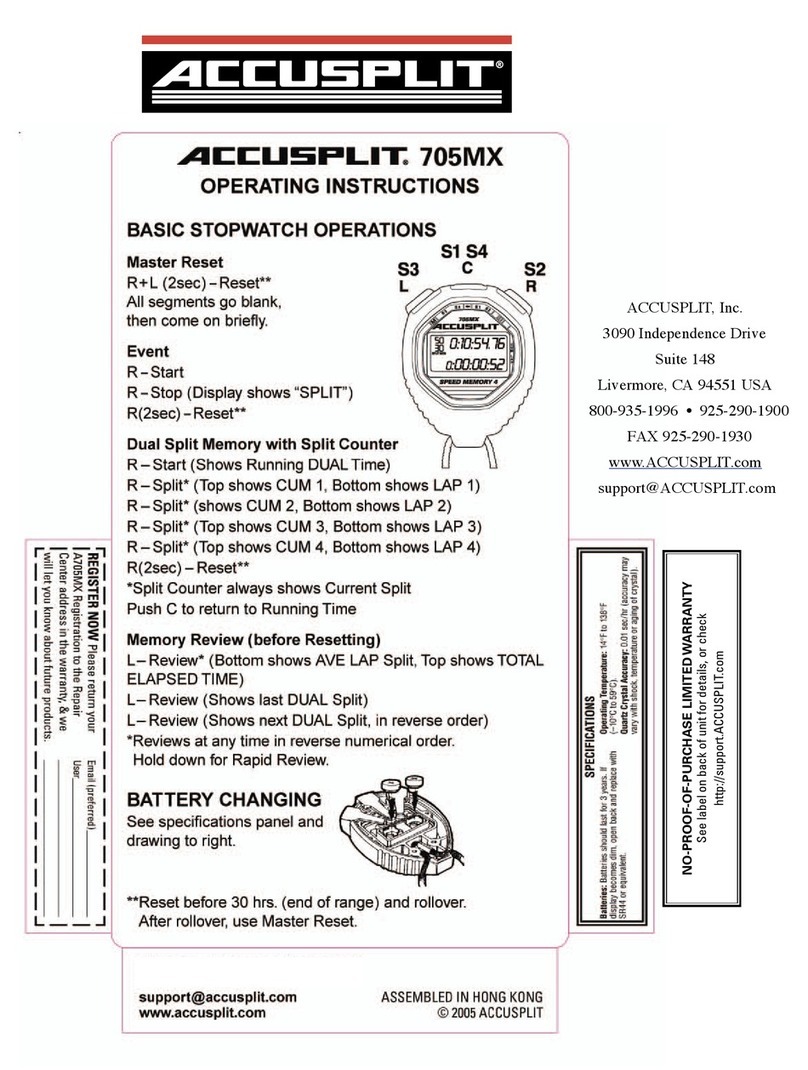
Accusplit 705MX User manual

Accusplit

Accusplit 705MX User manual

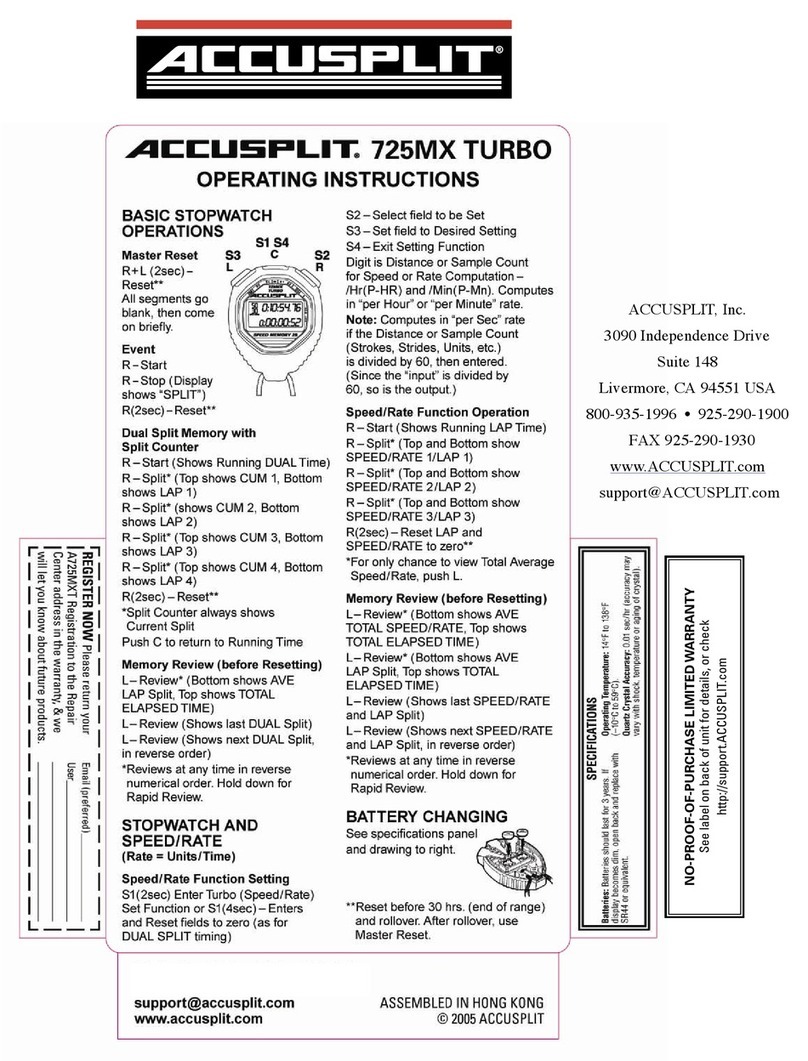
Accusplit A725MXT User manual

Accusplit

Accusplit A725MXT User manual

Accusplit 760M User manual

Accusplit

Accusplit 760M User manual

Accusplit Survivor S1XLBK User manual

Accusplit

Accusplit Survivor S1XLBK User manual

Accusplit 980-301 User manual

Accusplit

Accusplit 980-301 User manual

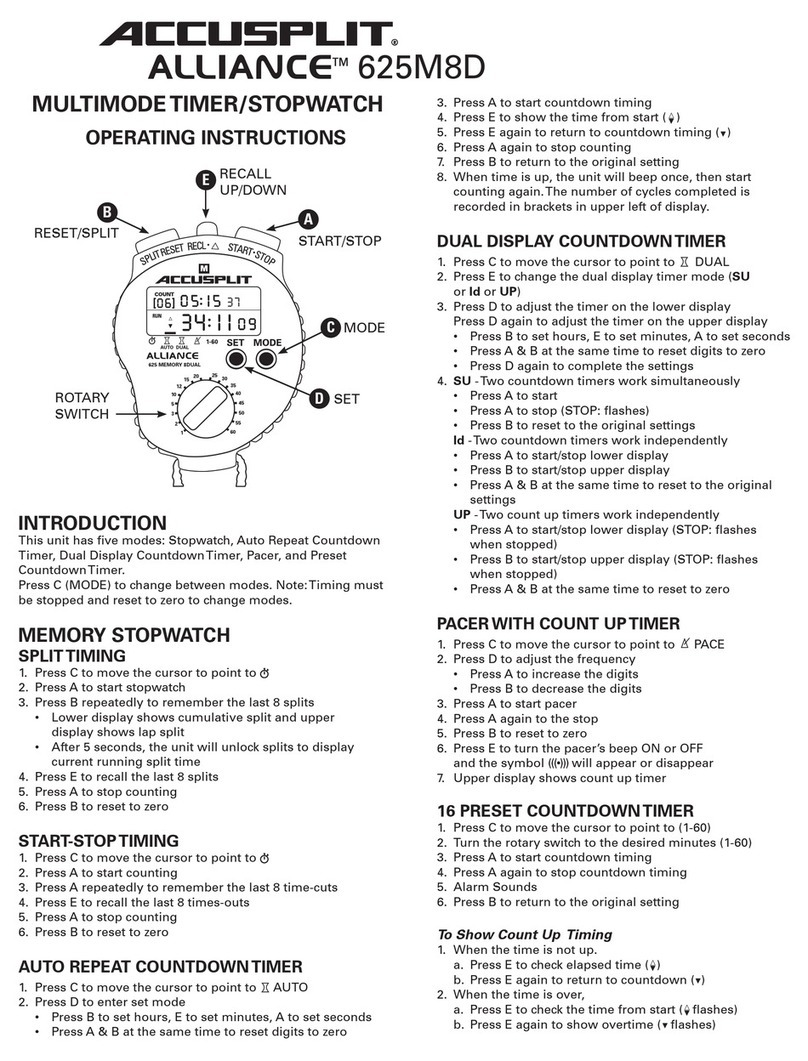
Accusplit Alliance AL625M8D User manual

Accusplit

Accusplit Alliance AL625M8D User manual

Accusplit AE520S User manual

Accusplit

Accusplit AE520S User manual

Accusplit 700MX User manual

Accusplit

Accusplit 700MX User manual

Accusplit AX602M500 User manual

Accusplit

Accusplit AX602M500 User manual

Accusplit AX725 User manual

Accusplit

Accusplit AX725 User manual

Accusplit Eagle 603CL User manual

Accusplit

Accusplit Eagle 603CL User manual

Accusplit AX740 User manual

Accusplit

Accusplit AX740 User manual

Accusplit Alliance 625M8D User manual

Accusplit

Accusplit Alliance 625M8D User manual

Accusplit Survivor S3MAGXLBK Instruction Manual

Accusplit

Accusplit Survivor S3MAGXLBK Instruction Manual

Accusplit A601X3V Use and care manual

Accusplit

Accusplit A601X3V Use and care manual

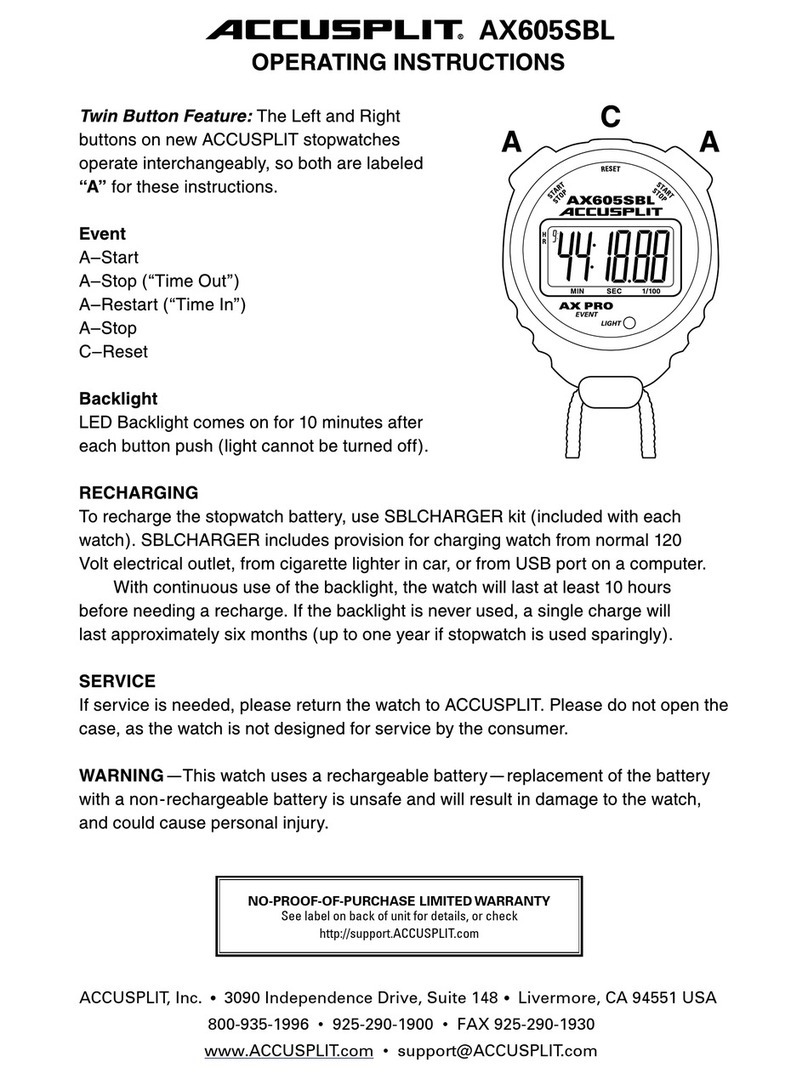
Accusplit AX605SBL User manual

Accusplit

Accusplit AX605SBL User manual

Accusplit Exclusive AX602FY User manual

Accusplit

Accusplit Exclusive AX602FY User manual

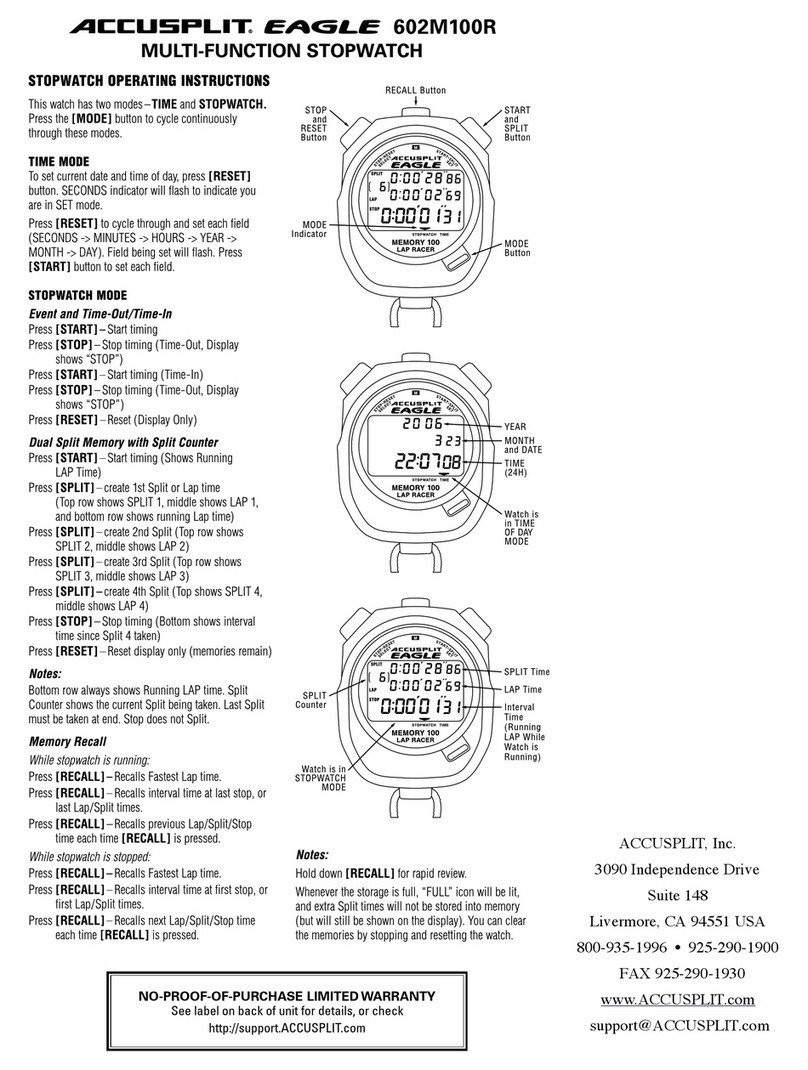
Accusplit Eagle 602M100R User manual

Accusplit

Accusplit Eagle 602M100R User manual

Accusplit Pro Survivor User manual

Accusplit

Accusplit Pro Survivor User manual

Accusplit 998-310 Use and care manual

Accusplit

Accusplit 998-310 Use and care manual

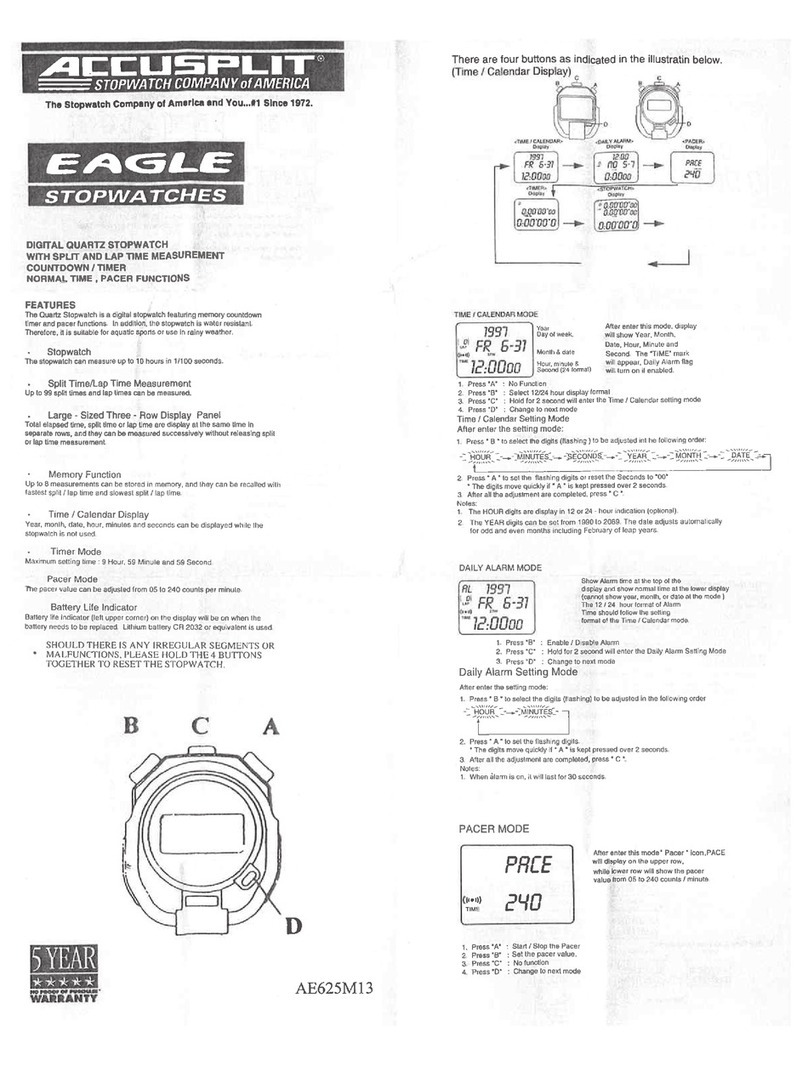
Accusplit Eagle AE625M13 User manual

Accusplit

Accusplit Eagle AE625M13 User manual

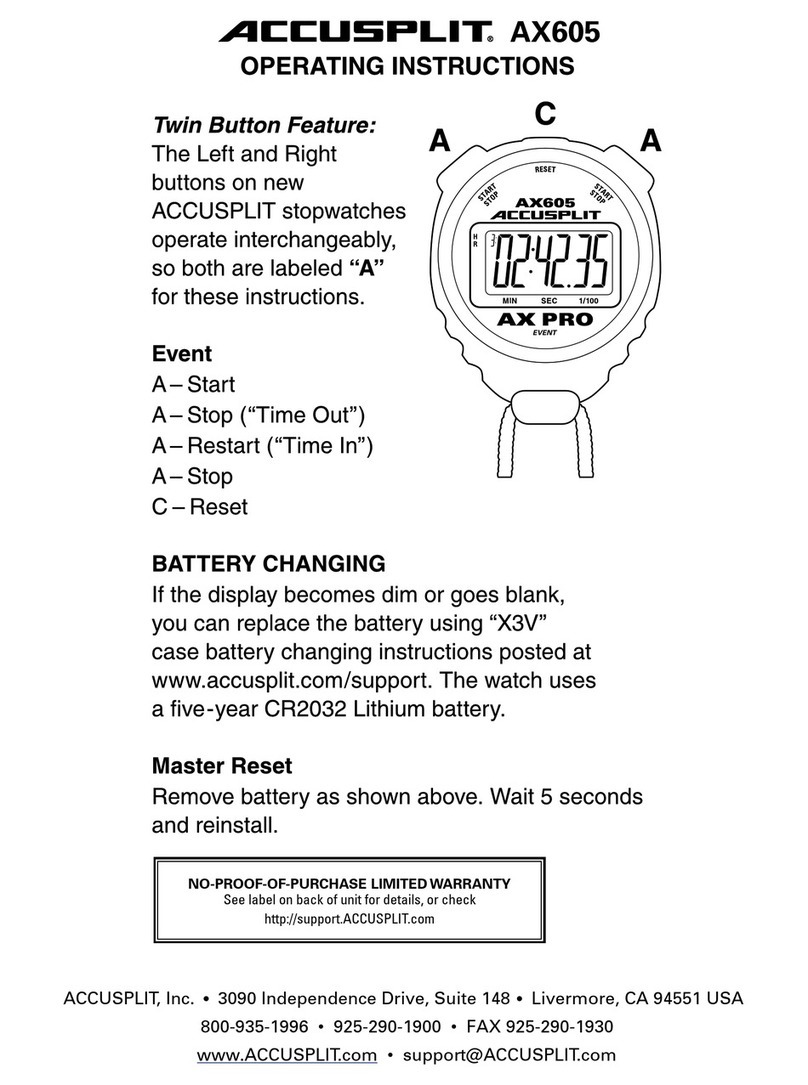
Accusplit AX605 User manual

Accusplit

Accusplit AX605 User manual

Popular Watch manuals by other brands

Pandora WATCH2 quick guide

Pandora

Pandora WATCH2 quick guide

Casio QW-4343 Service manual

Casio

Casio QW-4343 Service manual

Suunto X6 user guide

Suunto

Suunto X6 user guide

Seiko N830 instruction manual

Seiko

Seiko N830 instruction manual

MotionX 365 user guide

MotionX

MotionX 365 user guide

Garmin VENU SQ 2 owner's manual

Garmin

Garmin VENU SQ 2 owner's manual

QCY Watch GTC manual

QCY

QCY Watch GTC manual

Canyon Cindy CNE-KW41WP quick guide

Canyon

Canyon Cindy CNE-KW41WP quick guide

Esq Watches Operating instructions warranty & service guide

Esq

Esq Watches Operating instructions warranty & service guide

Crane AA5-CDSM-3A user manual

Crane

Crane AA5-CDSM-3A user manual

Timex W-214 product manual

Timex

Timex W-214 product manual

DETOMASO MATERA manual

DETOMASO

DETOMASO MATERA manual

Geemarc Watch N Shake user guide

Geemarc

Geemarc Watch N Shake user guide

LORUS W590 instruction manual

LORUS

LORUS W590 instruction manual

STENLILLE Actío user manual

STENLILLE

STENLILLE Actío user manual

Casio 5594 Operation guide

Casio

Casio 5594 Operation guide

Sinn HUNTER'S WATCH 3. Edition manual

Sinn

Sinn HUNTER'S WATCH 3. Edition manual

Slazenger SLZ800 manual

Slazenger

Slazenger SLZ800 manual

https://manuals.online logo
https://manuals.online logoBrands
  • About & Mission
  • Contact us
  • Privacy Policy
  • Terms and Conditions

Copyright 2026 Manuals.Online. All Rights Reserved.

ACCUSPLIT, Inc.
6120 Stoneridge Mall Rd., Suite 210
Pleasanton, CA 94588 USA
800-965-2008 • 925-226-0888 • FAX 925-463-0147
www.ACCUSPLIT.com • support@ACCUSPLIT.com
980-312
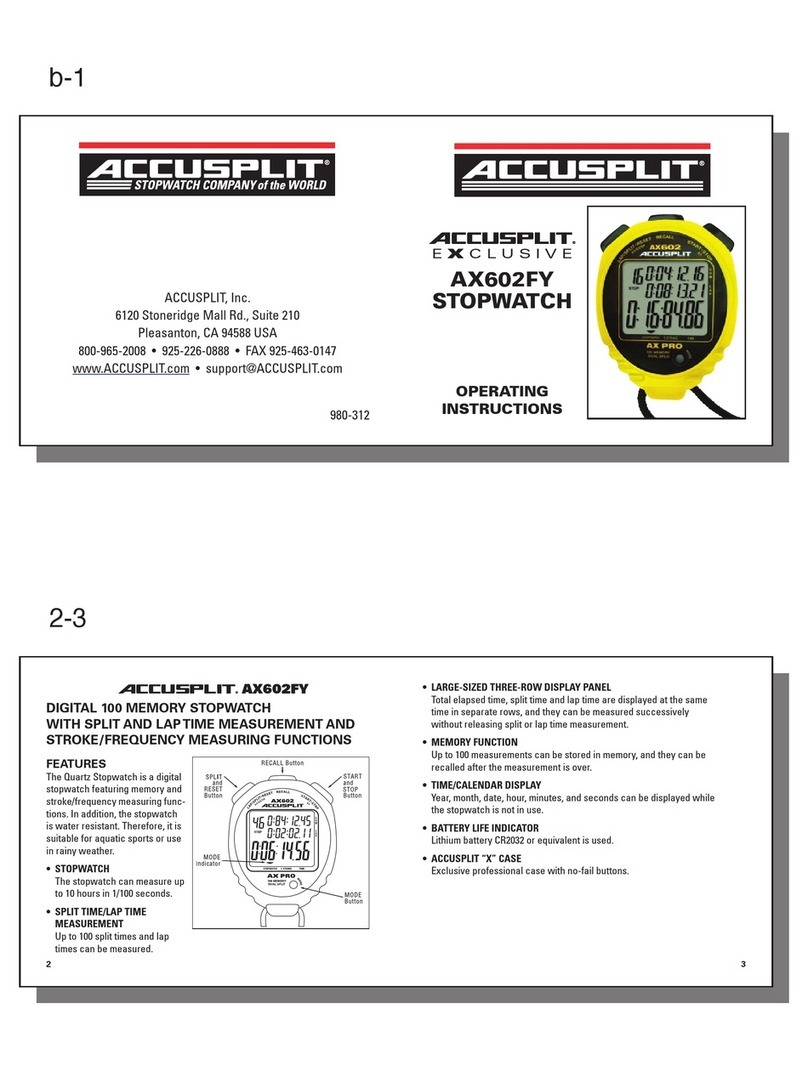
ACCUSPLIT®
EXCLUSIVE
AX602R
STOPWATCH
OPERATING
INSTRUCTIONS
ACCUSPLIT® AX602R
DIGITAL 100 MEMORY RACER STOPWATCH
WITH SPLIT AND LAP TIME MEASUREMENT
FEATURES
The Quartz Stopwatch is a digital
stopwatch featuring memory and
stroke/frequency measuring func-
tions. In addition, the stopwatch
is water resistant. Therefore, it is
suitable for aquatic sports or use
in rainy weather.
This special “Racer” model
shows running lap time in 3rd
display line (instead of cum time),
and recalls the fastest lap time!
• STOPWATCH
The stopwatch can measure up
to 10 hours in 1/100 seconds.
R
2
• SPLIT TIME/LAP TIME MEASUREMENT
Up to 100 split times and lap times can be measured.
• LARGE-SIZED THREE-ROW DISPLAY PANEL
Total elapsed time, split time and lap time are displayed at the same
time in separate rows, and they can be measured successively
without releasing split or lap time measurement.
• MEMORY FUNCTION
Up to 100 measurements can be stored in memory, and they can be
recalled after the measurement is over.
• TIME/CALENDAR DISPLAY
Year, month, date, hour, minutes, and seconds can be displayed while
the stopwatch is not in use.
• BATTERY LIFE INDICATOR
Lithium battery CR2032 or equivalent is used.
• ACCUSPLIT “X” CASE
Exclusive professional case with no-fail buttons.
3
There are four buttons as
indicated in the illustration.
TIME/CALENDAR
display
STOPWATCH
display
4
R
A
C
B
D
5
TIME/CALENDAR SETTING
1. Press “D” to show the time/calendar display. The time/calendar display
mark will appear.
2. S1 – Press and hold “B” for 2 seconds until seconds display begins flashing.
TIME/CALENDAR display mark
R
A
C
B
D
Year
Month and date
Seconds
Minutes
Hour
ACCUSPLIT products use a common setting procedure known as S1-S2-S3-S4.
S1 (2 sec) - Enter set function OR
S1 (4 sec) - Enter set function &
clear the current settings
S2 – Select field to be set
(selected field will flash)
S3 – Set field to desired settings
S4 – Exit setting function
6
3. S2 – Press “B” repeatedly to select the digits (flashing) to be adjusted.
With each press of “B,” the digits to be adjusted change over in the
following order.
4. S3 – Press “A” to set the flashing digits or reset the seconds to “00”.
• The digits move quickly if “A” is kept pressed.
• When the seconds digits count any number from ”30” to “59” and “A” is
pressed, one minute is added and the second digits are reset to “00”.
5. S4 – After all the adjustments are completed, press “A” repeatedly until watch
exits set mode and returns to the TIME/CALENDAR display.
Notes:
1. Hour digits are displayed in the 24-hour indication.
2. Year digits can be set from 1988 to 2027. The calendar adjusts automatically for
odd and even months including February of leap years.
seconds minutes hour year month date
Note: The watch exits set mode automatically after setting date.
7
STOPWATCH
Press “D” in the TIME/CALENDAR display to show the STOPWATCH display.
The STOPWATCH display mark will appear.
The STOPWATCH can measure up to 20 hours in hours, minutes, seconds and
1/100 seconds.
• Before using the stopwatch be sure to reset the digits to “0:00:00.00”.
When the stopwatch is stopped, press ”B” to reset.
When the stopwatch is counting, press “A” to stop the measurement
and then press “B”.
R
A
C
B
D
STOPWATCH display mark
Split time
Lap time
Running lap time
(Note: this is different from
most stopwatches!)
Split/lap number

AAB
• “Split time” refers to an elapsed time required to cover a distance from
the start to a given point.
• “Lap time” refers to an elapsed time required to cover a given section
of the whole distance.
Lap time
Split time
Start
1. STANDARD MEASUREMENT
Hour Seconds
Minutes 1/100 seconds
START STOP RESET
8
2. ACCUMULATED ELAPSED TIME MEASUREMENT
9
START STOP RESTART
RESET STOP
Restart and stop
of the stopwatch
can be repeated
by pressing “A”.
BA
AA
10
3. SPLIT TIME/LAP TIME MEASUREMENT
Note: When the number of stored measurements
exceeds 90, flashing “FULL” appears, and when
it exceeds 100, a warning sound starts beeping.
B
AB
A
B
B
START SPLIT-LAP 1
SPLIT-LAP 2
RESET STOP
SPLIT-LAP 8
The split/lap time can
be measured repeated
by pressing “B”.
Split/lap number
Split time
Lap time
Accumulated
elapsed time
Finish time
11
The stopwatch can store up to 100 split times, 100 lap times and total elapsed
time. They are automatically entered into the memory.
• With each press of “C”, the time stored is recalled. The time can be
recalled successively by keeping the button pressed.
• The watch will recall the fastest lap, find then show all lap times in
sequential order.
4. HOW TO USE THE MEMORY FUNCTION
B
CC
A
C
C
“RECALL” more
Finish time
Reset to “00”
12
• To stop the recall of the stored data, press “A”, “B”, or “D”. The
measurements when the stopwatch was stopped will be shown.
Then, press “B” to reset the digits to “00”.
• The time stored in the memory can be recalled even while the stopwatch
is measuring.
• To measure the lap time and split time while the stored
data are being recalled operate the buttons as follows.
Press “B” to measure new lap time and split time.
Press “A” to stop the measurement.
Press “D” to return to the measurement mode.
With each press of “C”
When the stopwatch is stopped Split time and lap time are recalled
starting with the first ones.
When the stopwatch is measuring The times are recalled starting with
the last ones.
BA
13
Notes:
1. Even if the digits are reset to “00”, stored times are not erased and
can be recalled by pressing “C” unless new measurement is started.
2. If the stopwatch is left untouched with the recalled times shown, the display
will automatically return the STOPWATCH display in 1 to 20 minutes.
14
NO-PROOF-OF-PURCHASE LIMITED WARRANTY
See label on back of unit for details, or check
http://support.ACCUSPLIT.com
REGISTER NOW Please return
your AX602R Registration to the
Repair Center address in the

warranty, and we will let you
know about future products.
Email (preferred)
User
15