0-4
4. Reset Button
Step 1: Switch off IP device by disconnecting the power cable
Step 2: Press and continue to hold the Reset Button. Reconnect the
power cable while continuing to hold the reset button.
Step 3: Keep holding the reset button depressed around 6 seconds,
release the reset button. The unit will start up with factory default
settings.
5. Conduit Hole
These conduit holes are used for cables to go through.
1.3 INSTALLATION PROCEDURE
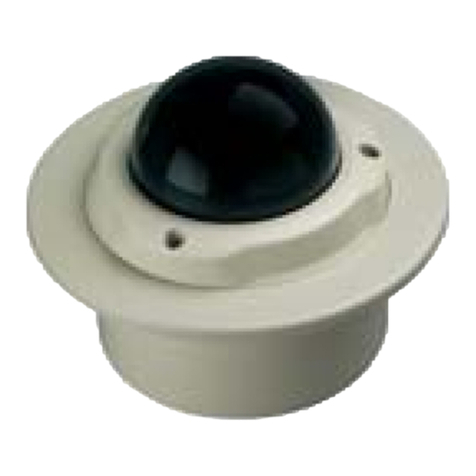
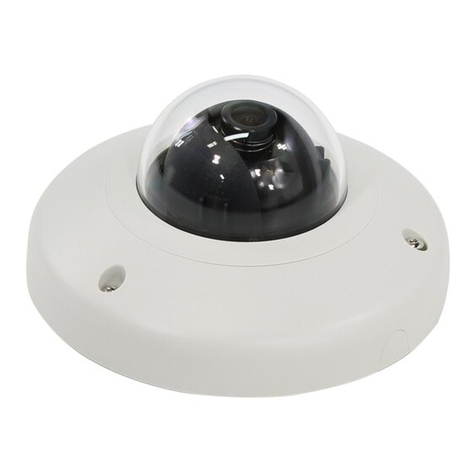
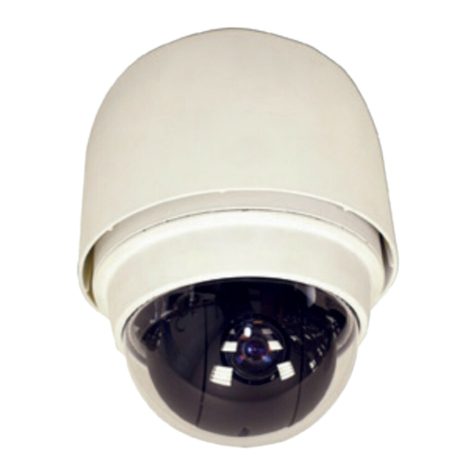
There are three types of installation of this IP outdoor rugged dome series.
Surface mount Flush mount Wall mount
Pictures
Optional Bracket
required
●●
The mounting procedure can be divided into two parts,
1st: Connect the IP outdoor rugged dome series
2nd: Mount the IP outdoor rugged dome series