manuals.online logo
Brands
  1. Home
  2. •
  3. Brands
  4. •
  5. ADLINK Technology
  6. •
  7. Measuring Instrument
  8. •
  9. ADLINK Technology PCIe-9834P User manual

ADLINK Technology PCIe-9834P User manual

Other ADLINK Technology Measuring Instrument manuals

ADLINK Technology PXI-9816 User manual

ADLINK Technology

ADLINK Technology PXI-9816 User manual

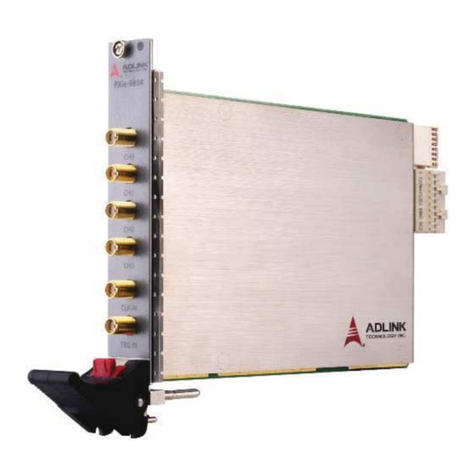
ADLINK Technology PXIe-9834 User manual

ADLINK Technology

ADLINK Technology PXIe-9834 User manual

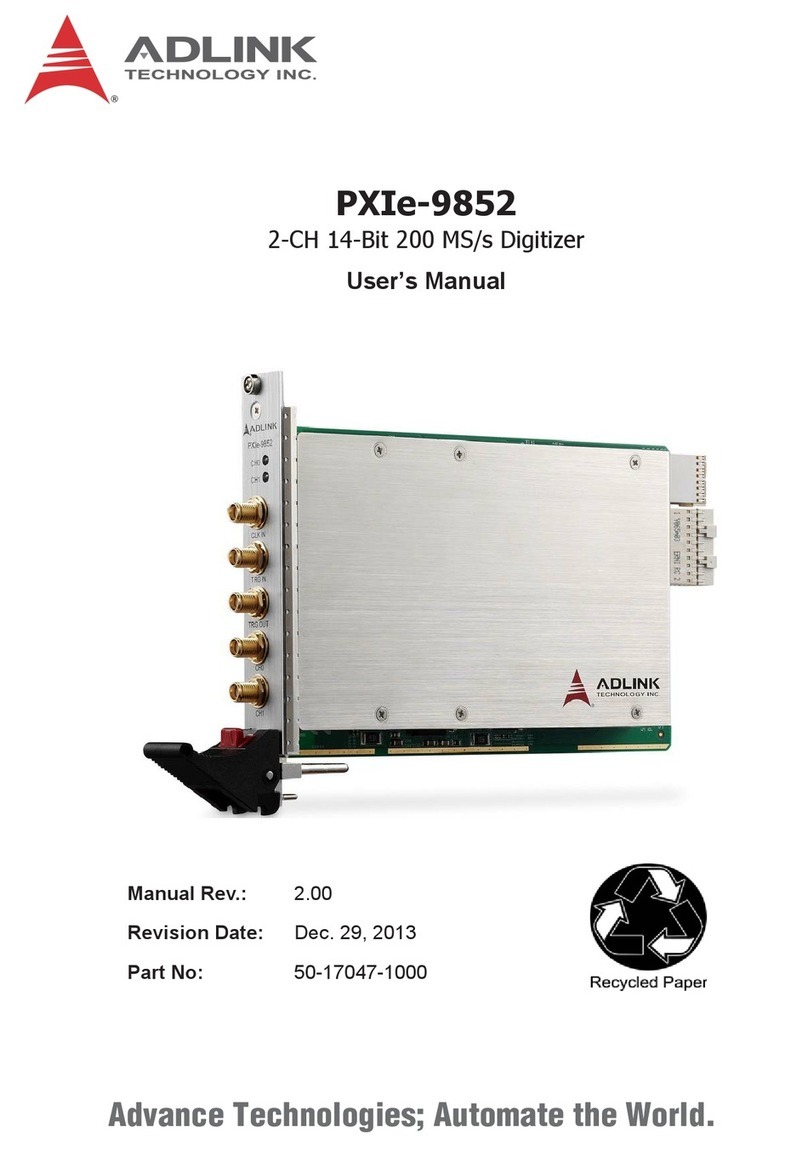
ADLINK Technology PXIe-9852 User manual

ADLINK Technology

ADLINK Technology PXIe-9852 User manual

ADLINK Technology PCIe-9834 User manual

ADLINK Technology

ADLINK Technology PCIe-9834 User manual

Popular Measuring Instrument manuals by other brands

Powerfix Profi 278296 Operation and safety notes

Powerfix Profi

Powerfix Profi 278296 Operation and safety notes

Test Equipment Depot GVT-427B user manual

Test Equipment Depot

Test Equipment Depot GVT-427B user manual

Fieldpiece ACH Operator's manual

Fieldpiece

Fieldpiece ACH Operator's manual

FLYSURFER VIRON3 user manual

FLYSURFER

FLYSURFER VIRON3 user manual

GMW TG uni 1 operating manual

GMW

GMW TG uni 1 operating manual

Downeaster Wind & Weather Medallion Series instruction manual

Downeaster

Downeaster Wind & Weather Medallion Series instruction manual

Hanna Instruments HI96725C instruction manual

Hanna Instruments

Hanna Instruments HI96725C instruction manual

Nokeval KMR260 quick guide

Nokeval

Nokeval KMR260 quick guide

HOKUYO AUTOMATIC UBG-05LN instruction manual

HOKUYO AUTOMATIC

HOKUYO AUTOMATIC UBG-05LN instruction manual

Fluke 96000 Series Operator's manual

Fluke

Fluke 96000 Series Operator's manual

Test Products International SP565 user manual

Test Products International

Test Products International SP565 user manual

General Sleep Zmachine Insight+ DT-200 Service manual

General Sleep

General Sleep Zmachine Insight+ DT-200 Service manual

Sensa Core Lacto Spark user manual

Sensa Core

Sensa Core Lacto Spark user manual

VOLTCRAFT UTS-1980 operating instructions

VOLTCRAFT

VOLTCRAFT UTS-1980 operating instructions

EBCHQ 94915 Operation manual

EBCHQ

EBCHQ 94915 Operation manual

Balluff BIP LD2-T017-01-EP-S4 Series user guide

Balluff

Balluff BIP LD2-T017-01-EP-S4 Series user guide

Pulsar IMP Lite Series instruction manual

Pulsar

Pulsar IMP Lite Series instruction manual

ETCR 6800 user manual

ETCR

ETCR 6800 user manual

manuals.online logo
manuals.online logoBrands
  • About & Mission
  • Contact us
  • Privacy Policy
  • Terms and Conditions

Copyright 2025 Manuals.Online. All Rights Reserved.

PCIe-9834 Quick Start Guide Rev. 2.00
PCIe-9834
4CH 16-Bit 80MS/s Digitizer
PCIe-9834/PCIe-9834P
Getting Started
Package Contents
Your package should contain:
• PCIe-9834 card
• Quick Start Guide (this document)
• All-In-One CD (drivers and User's Manual)
Installing the Card
P/N 50-40321-5000 Aug. 31, 2016
• Supports 4-CH simultaneous
analog inputs up to 80 MS/s
• High 16-bit resolution with low
front-end distortion
• Data streaming up to 640 MB/s
• 1G onboard memory
• 10 or 20 MHz digital onboard
filter (FPGA)
• PLL module for precise synch
(PCIe-9834P only)
• PCI Express x4 compilant
Features
• Power consumption:
3.3V: 20mA
12V: 470mA (PCIe-9834)
12V: 697mA (PCIe-9834P)
• One external digital trigger
input
• One external clock input
• One external reference
10MHz clock input
(PCIe-9834P only)
• Auto-calibration
• Dimensions: 167.64 x
106.68 mm (W x L)
1. Remove the computer cover according to the manual.
2. Locate a vacant x4, x8, x16 or faster slot.
3. Remove the slot cover (if any).
4. Carefully position the PCIe-9834 in the selected PCI
express slot. If installing in a tower computer, align
the board with the board slots.
5. Press the board firmly but carefully into the connector.
6. Anchor the board with the screw.
7. Connect the SMB to BNC coaxial cable to the analog signal
source and PCIe-9834
8. Power up the computer.
Check Package Contents
Plug PCIe-9834
into PCIe Slot
Install PCIe-9834
Driver
Perform Initial Capture
PCIe-9834 Quick Start Guide Rev. 2.00
P/N 50-40321-5000 Aug. 31, 2016
Advance Technologies
Automate the World
Web: http://www.adlinktech.com
Service: [email protected]
Tel: +886-2-8226-5877
Fax: +886-2-8226-3337
Copyright 2016 ADLINK Technology, Inc.
Contents and specifications subject to change
without notice.
Contact ADLINK
Installing the Driver Performing Initial Capture
1. Download the latest driver from the ADLINK website:
http://www.adlinktech.com/
or
locate the driver on your ADLINK all-in-one CD and Run.
2. Follow the installation instructions.
3. When prompted, restart your computer.
4. After restarting, check the system’s Device Manager and
ensure that the entries appear as shown.
1. Connect your analog signal source (AWG) device to the
PCIe-9834 digitizer.
2. Launch the DMA utility by running
\ADLINK\WD-DASK\Samples\9814_34\Vb98x4AI\9814dma.exe
3. Follow the instructions to configure the PCIe-9834 for initial
capture.