manuals.online logo
Brands
  1. Home
  2. •
  3. Brands
  4. •
  5. ADS
  6. •
  7. Remote Starter
  8. •
  9. ADS OL-RS-HA6 User manual

ADS OL-RS-HA6 User manual

Other ADS Remote Starter manuals

ADS iDataStart HC3452A User manual

ADS

ADS iDataStart HC3452A User manual
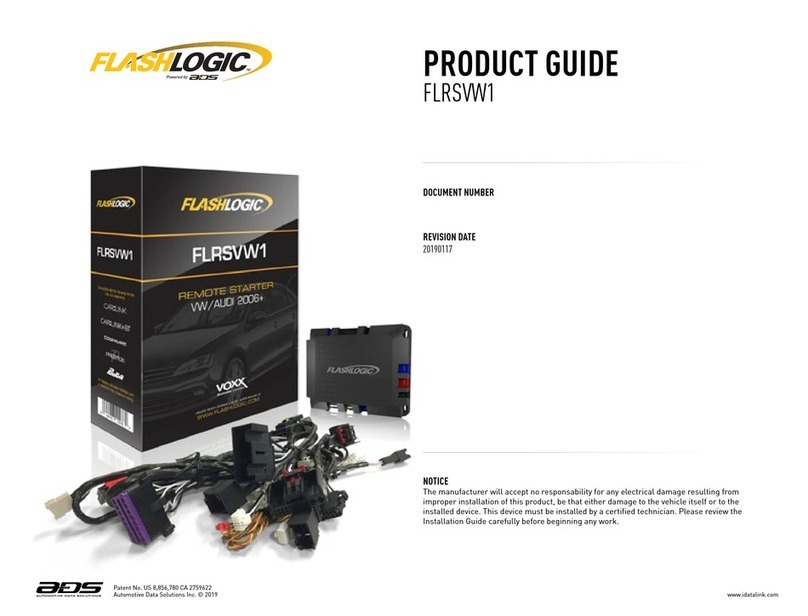
ADS FLASHLOGIC FLRSVW1 User manual

ADS

ADS FLASHLOGIC FLRSVW1 User manual
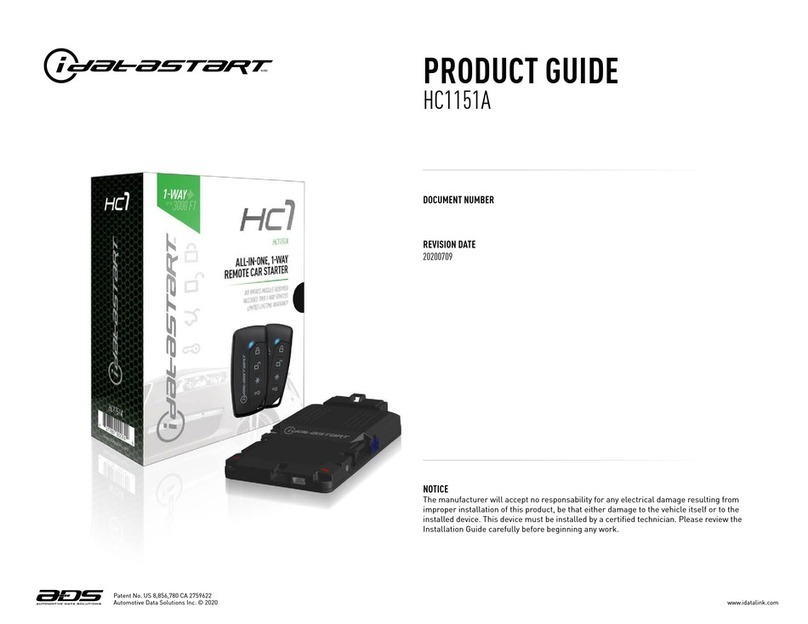
ADS iDatastart HC1151A User manual

ADS

ADS iDatastart HC1151A User manual
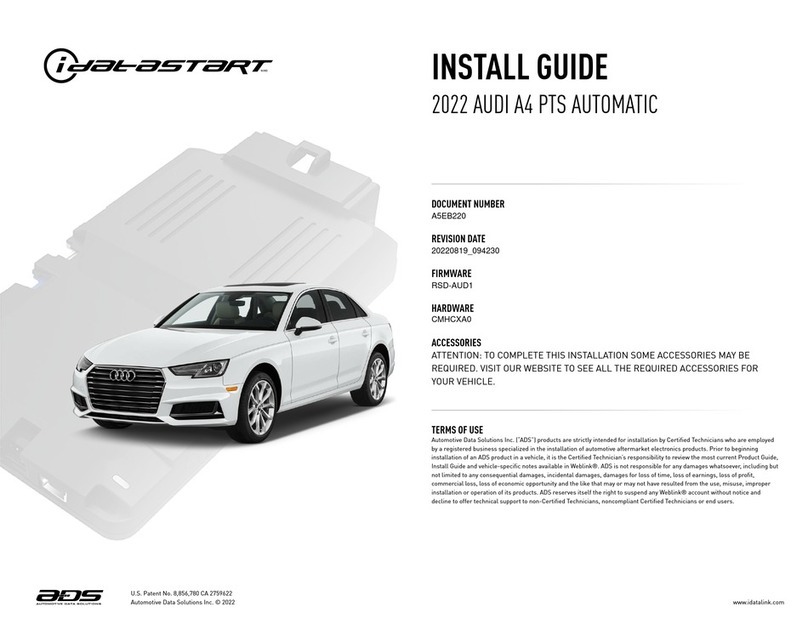
ADS idatastart CMHCXA0 User manual

ADS

ADS idatastart CMHCXA0 User manual
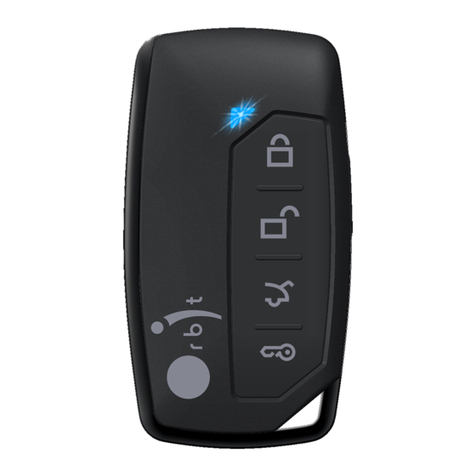
ADS OBTR1151A User manual

ADS

ADS OBTR1151A User manual
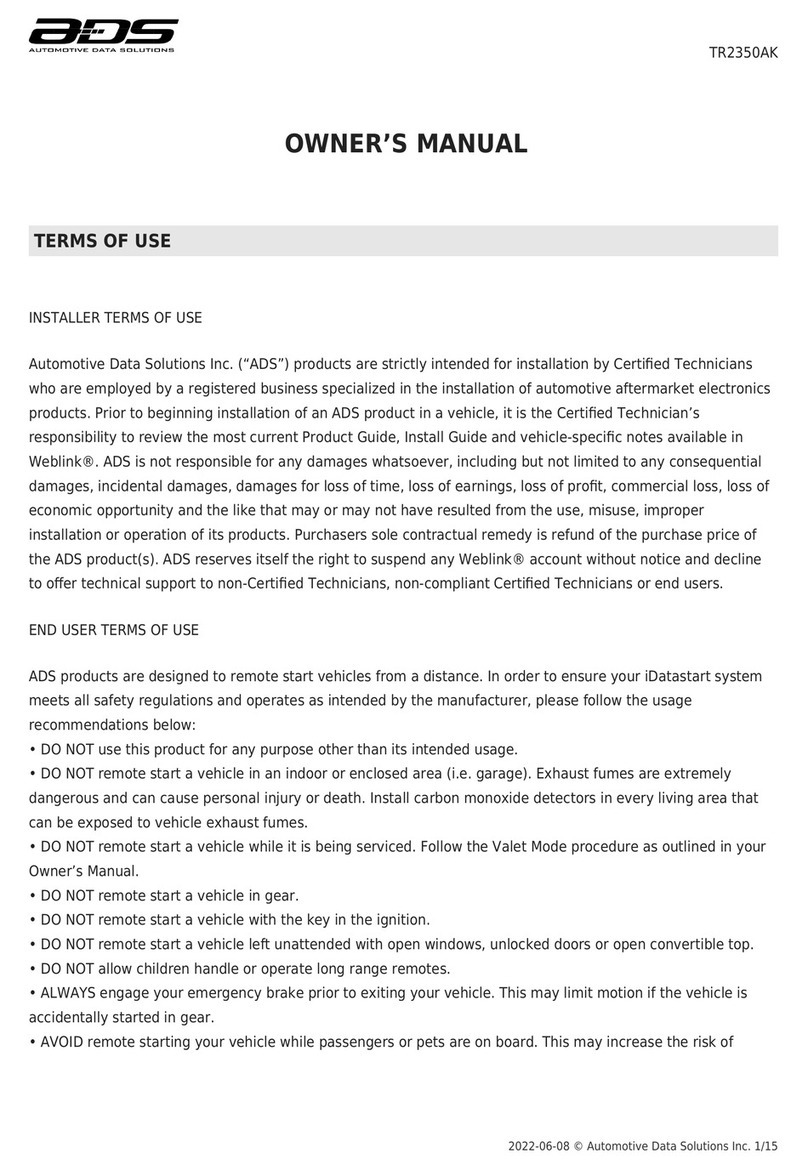
ADS TR2350AK User manual

ADS

ADS TR2350AK User manual
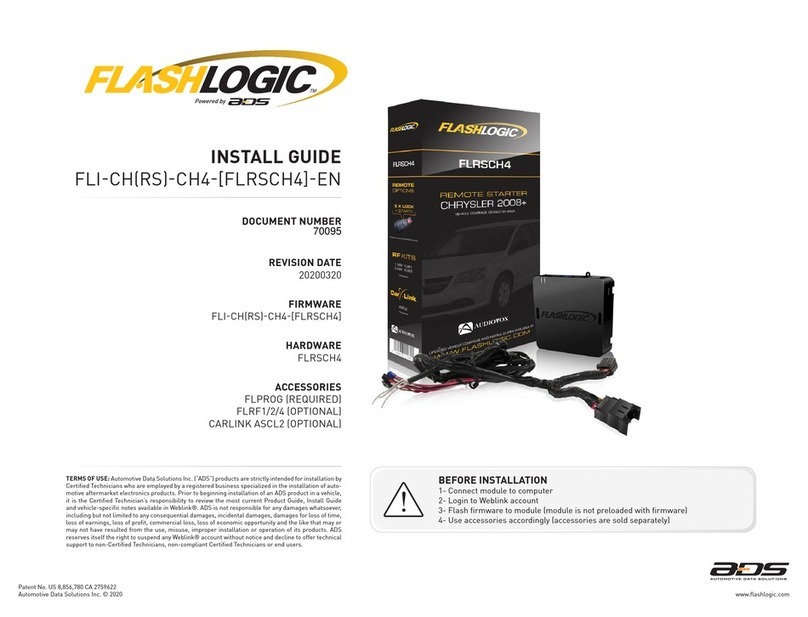
ADS FLASHLOGIC FLRSCH4 User manual

ADS

ADS FLASHLOGIC FLRSCH4 User manual
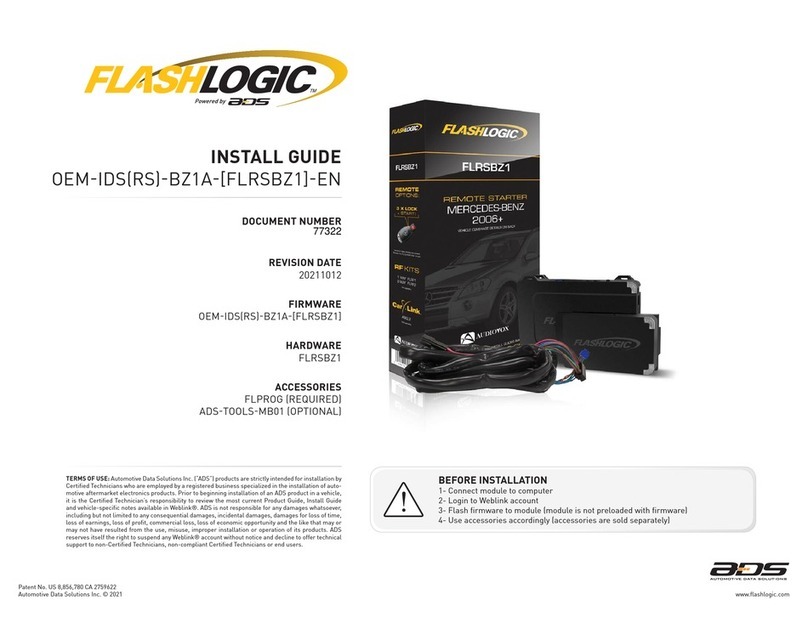
ADS FLASHLOGIC FLRSBZ1 User manual

ADS

ADS FLASHLOGIC FLRSBZ1 User manual
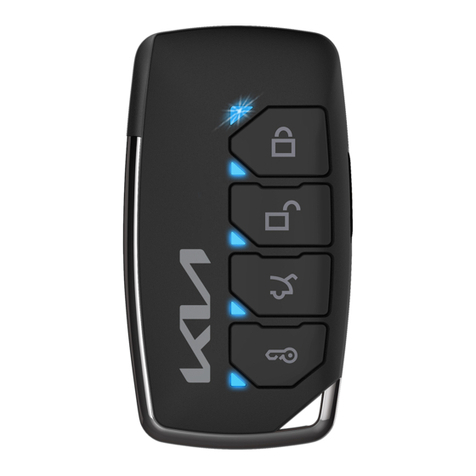
ADS TR2350AK v2 User manual

ADS

ADS TR2350AK v2 User manual
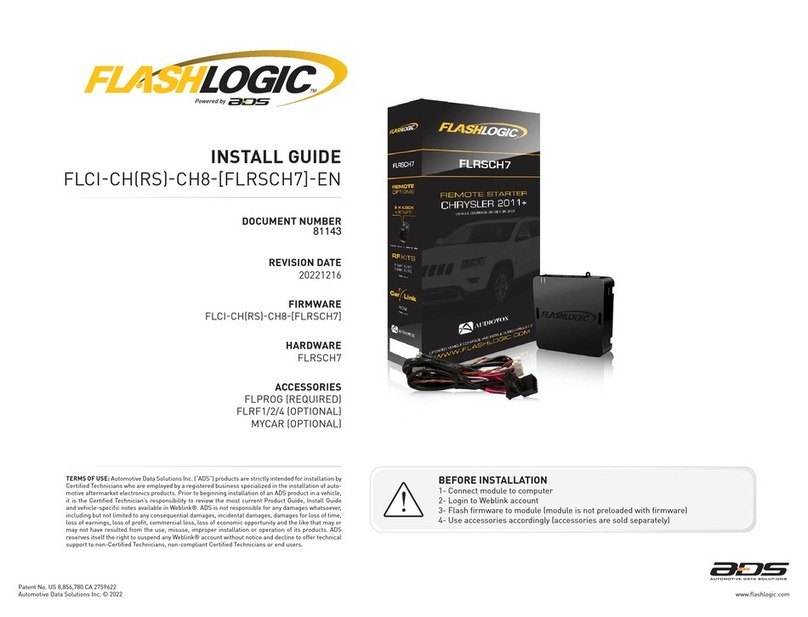
ADS FlashLogic FLRSCH7 User manual

ADS

ADS FlashLogic FLRSCH7 User manual
ADS idatastart CMVWXA0 User manual

ADS

ADS idatastart CMVWXA0 User manual

ADS TR2410ATL User manual

ADS

ADS TR2410ATL User manual
ADS FlashLogic VWX User manual

ADS

ADS FlashLogic VWX User manual
ADS TR2310AC User manual

ADS

ADS TR2310AC User manual

ADS Omegalink OL-RS-BA User manual

ADS

ADS Omegalink OL-RS-BA User manual
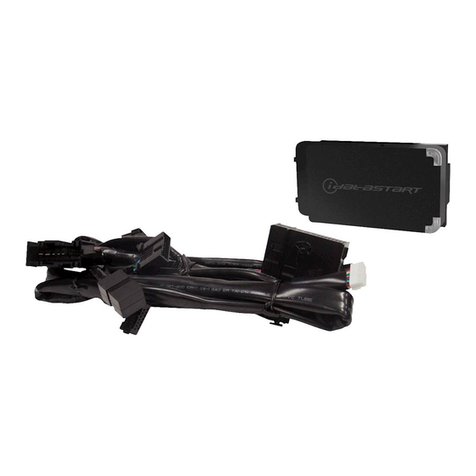
ADS ADS-BM1 User manual

ADS

ADS ADS-BM1 User manual

ADS AKX-CH7 User manual

ADS

ADS AKX-CH7 User manual
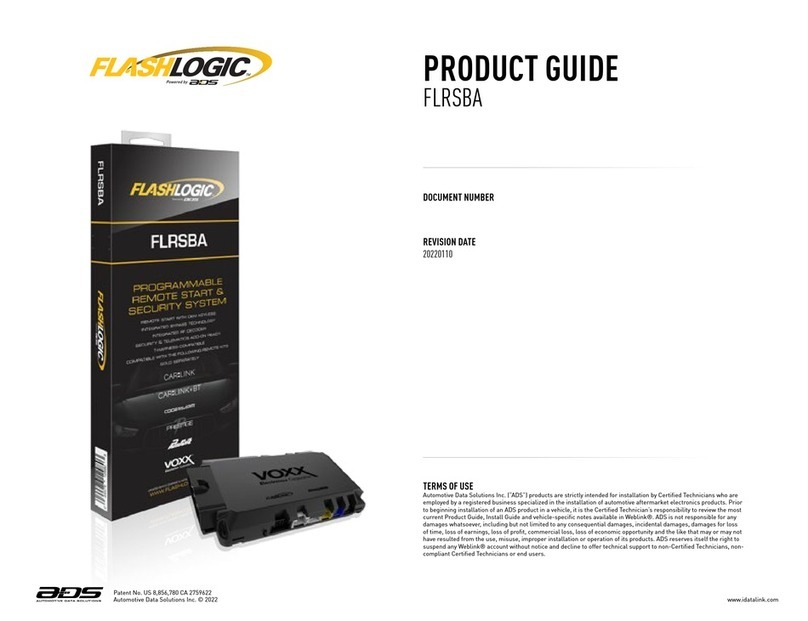
ADS FlashLogic FLRSBA User manual

ADS

ADS FlashLogic FLRSBA User manual
ADS TR4650A User manual

ADS

ADS TR4650A User manual
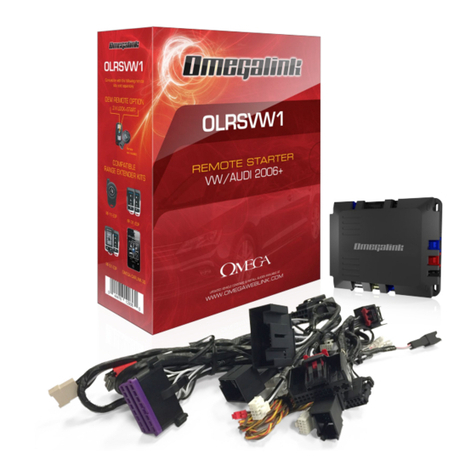
ADS Omegalink OL-RS-VW1 User manual

ADS

ADS Omegalink OL-RS-VW1 User manual
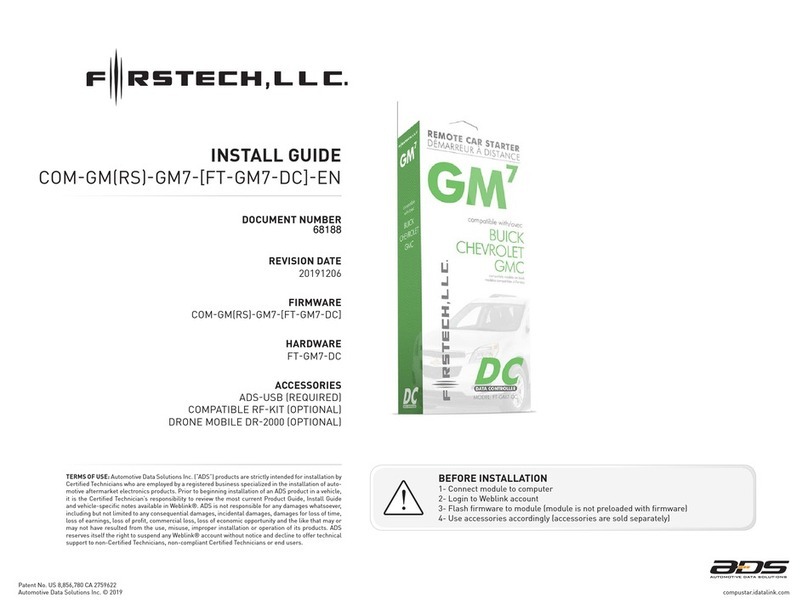
ADS Firstech FT-GM7-DC User manual

ADS

ADS Firstech FT-GM7-DC User manual

ADS OL-RS-CH4 User manual

ADS

ADS OL-RS-CH4 User manual

ADS FLASHLOGIC FLI-CHRS-CH5-FLRSCH5 User manual

ADS

ADS FLASHLOGIC FLI-CHRS-CH5-FLRSCH5 User manual

ADS FIRSTECH START IT DC3 User manual

ADS

ADS FIRSTECH START IT DC3 User manual

Popular Remote Starter manuals by other brands

FamilyTool FMT002JST instruction manual

FamilyTool

FamilyTool FMT002JST instruction manual

PowerJump LMD-021 user manual

PowerJump

PowerJump LMD-021 user manual

AstroStart 803U user manual

AstroStart

AstroStart 803U user manual

Durite 0-649-20 Leaflet

Durite

Durite 0-649-20 Leaflet

Linear ACCESS AK-21 Installation and programming instructions

Linear

Linear ACCESS AK-21 Installation and programming instructions

Soundstream TARANTULA RS.2 installation guide

Soundstream

Soundstream TARANTULA RS.2 installation guide

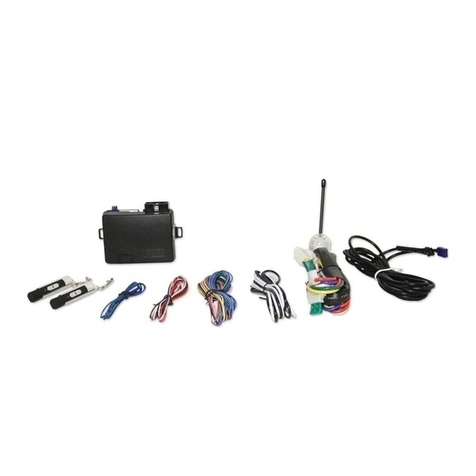
Jaycar Electronics MB3752 instruction manual
Jaycar Electronics

Jaycar Electronics MB3752 instruction manual

Ultra Start 72 Series owner's manual

Ultra Start

Ultra Start 72 Series owner's manual
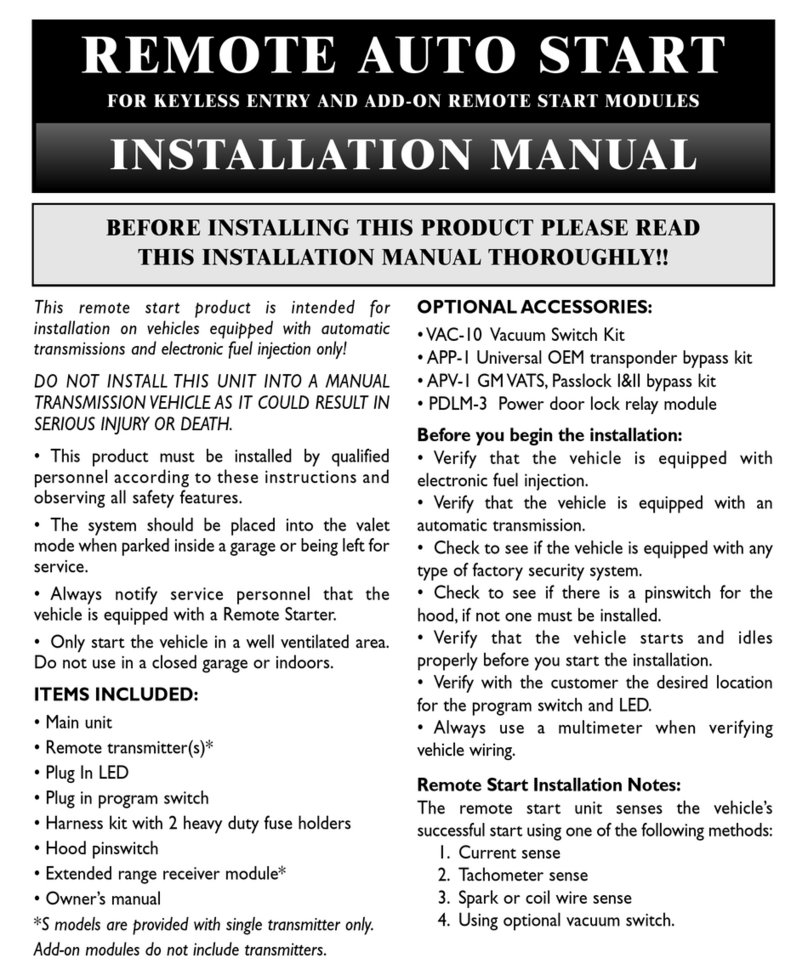
Black Widow Security BW RAS 400 installation manual
Black Widow Security

Black Widow Security BW RAS 400 installation manual

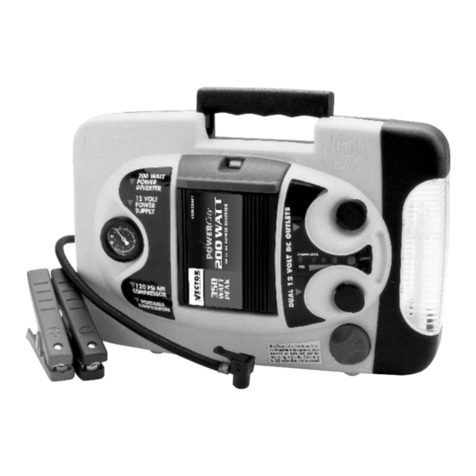
Vector Power City DK080706 Owner's manual & warranty
Vector

Vector Power City DK080706 Owner's manual & warranty

Code Alarm CA-535 owner's manual

Code Alarm

Code Alarm CA-535 owner's manual
EINHELL EGS 3600 Directions for use

EINHELL

EINHELL EGS 3600 Directions for use
Schumacher INSTANT POWER IP-75C owner's manual
Schumacher

Schumacher INSTANT POWER IP-75C owner's manual

EINHELL BT-PS 1000 Directions for use

EINHELL

EINHELL BT-PS 1000 Directions for use
Mazda 0000-8F-H28 installation instructions
Mazda

Mazda 0000-8F-H28 installation instructions

DEI 450ESP owner's guide

DEI

DEI 450ESP owner's guide

Directed Electronics AutoCommand 28624TN Owner's installation guide
Directed Electronics

Directed Electronics AutoCommand 28624TN Owner's installation guide

AutoLoc AUTEC0 54309 User guide and installation manual

AutoLoc

AutoLoc AUTEC0 54309 User guide and installation manual

manuals.online logo
manuals.online logoBrands
  • About & Mission
  • Contact us
  • Privacy Policy
  • Terms and Conditions

Copyright 2025 Manuals.Online. All Rights Reserved.

REVISION DATE
20211213
DOCUMENT NUMBER
TERMS OF USE: Automotive Data Solutions Inc. (“ADS”) products are strictly intended for installation by
Certified Technicians who are employed by a registered business specialized in the installation of auto-
motive aftermarket electronics products. Prior to beginning installation of an ADS product in a vehicle,
it is the Certified Technician’s responsibility to review the most current Product Guide, Install Guide
and vehicle-specific notes available in Weblink®. ADS is not responsible for any damages whatsoever,
including but not limited to any consequential damages, incidental damages, damages for loss of time,
loss of earnings, loss of profit, commercial loss, loss of economic opportunity and the like that may or
may not have resulted from the use, misuse, improper installation or operation of its products. ADS
reserves itself the right to suspend any Weblink® account without notice and decline to offer technical
support to non-Certified Technicians, non-compliant Certified Technicians or end users.
BEFORE INSTALLATION
1- Connect module to computer
2- Login to Weblink account
3- Flash firmware to module (module is not preloaded with firmware)
4- Use accessories accordingly (accessories are sold separately)
Patent No. US 8,856,780 CA 2759622
INSTALL GUIDE
CSHARSHA6POLRSHA6EN
HARDWARE
OLRSHA6
ACCESSORIES
OLLOADER REQUIRED
CRIMESTOPPER REVOSTART RFKIT OPTIONAL
FIRMWARE
CSHARSHA6POLRSHA6
www.omegaweblink.comAutomotive Data Solutions Inc. © 2021
78189
Patent No. US 8,856,780 CA 2759622
VEHICLE LIST - 1 OF 1
MAKE
MODEL
YEAR
INSTALL TYPE
FEATURES
DATA IMMOBILIZER BYPASS
3X LOCK START/STANDALONE MOD.
ARM OEM ALARM
DISARM OEM ALARM
DOOR LOCK
DOOR UNLOCK
TRUNK/HATCH RELEASE
DOOR STATUS OUTPUT
TRUNK STATUS OUTPUT
HOOD STATUS OUTPUT*
AUTOLIGHT CTRL
TACHOMETER OUTPUT
BRAKE PEDAL STATUS
ACURA
RLX PTS AT* 14-15 1 • • • • • • • • • • • • •
HONDA
Accord PTS AT* 13-17 1 • • • • • • • • • • • • •
Accord Hybrid PTS AT* 13-17 1 • • • • • • • • • • • • •
Civic PTS AT* 14-15 1 • • • • • • • • • • • •
CR-V PTS AT* 14-16 1 • • • • • • • • • • • • •
Crosstour PTS AT* 13-15 1 • • • • • • • • • • • • •
NOTES
* WARNING:
1- No takeover available.
Upon opening vehicle door engine will shutdown.
2- All doors must be closed to remote start vehicle.
*Available only if vehicle is equipped with factory hood switch.
www.omegaweblink.comAutomotive Data Solutions Inc. © 2021 CSHARSHA6POLRSHA6EN
PAGE 2 OF 16
• 20211213
DOC.: #78189
Patent No. US 8,856,780 CA 2759622
BOX CONTENTS - 1 OF 1
3
6
4
1
2
5
C
B
A
F
G
E
D
7
9
3
10
8
11
13
14
12
15
17
18
19
20
16
6
4
1
2
5
7
9
3
10
8
11
12
6
4
1
2
5
2
1
3
7
9
3
10
8
6
4
12
5
2
1
3
4
2
1
3
4
VS2VS2
VS1VS1
VS4VS4
VS3VS3
MS1MS1
MS2MS2
BOX CONTENTS
T-HARNESS 1
AFTERMARKET HOOD SWITCH AND CABLE
WARNING STICKER
10 PIN CONNECTOR
12 PIN CONNECTOR
BLUE
PROGRAMMING
BUTTON
LED 2
LED 1
MODULE
BLACK
BLACK
BLACK
RF PORT/
WEBLINK PORT
BLACK
BLUE
TELEMATIC
PORT
WHITE
WEBLINK CABLE (required accessory sold separately)
WEBLINK CABLE
COMPUTER
USB PORT
4 PIN BLACK CABLE
MODULE
WEBLINK PORT
www.omegaweblink.comAutomotive Data Solutions Inc. © 2021 CSHARSHA6POLRSHA6EN
PAGE 3 OF 16
• 20211213
DOC.: #78189
Patent No. US 8,856,780 CA 2759622
www.omegaweblink.comAutomotive Data Solutions Inc. © 2021 CSHARSHA6POLRSHA6EN
PAGE 4 OF 16
• 20211213
COMPATIBLE ACCESSORIES - 1 OF 1
RF KIT
RF KIT (accessories sold separately)
ANTENNA
MODULE
RF PORT
DOC.: #78189
Patent No. US 8,856,780 CA 2759622
TYPE 1 - WIRE CHART - 1 OF 1
MAKE
MODEL
YEAR
WIRE
DESCRIPTION
CONNECTOR
NAME
CONNECTOR
COLOR
CONNECTOR
TYPE
POSITION
WIRE
COLOR
POLARITY
MODULE
LOCATION
COMPONENT
LOCATOR
ACURA
RLX
PTS AT 14-15
Parking Light ~ Blue 12 pin 08 Pink (-) Parking light switch (left of steering column) ~
Horn ~ ~ ~ A10 Orange (-) Steering wheel clock spring connector ~
PTS Harness ~ ~ ~ ~ ~ ~ Smart PCU, under dash, left of steering column ~
Ignition Harness ~ ~ ~ ~ ~ ~ Smart PCU, under dash, left of steering column ~
HONDA
Accord
PTS AT 13-17
Parking Light ~ Blue 12 pin 08 Gray (-) Parking light switch (left of steering column) ~
Horn ~ ~ ~ A2 LtBlue (-) Steering wheel clock spring connector ~
PTS Harness ~ ~ ~ ~ ~ ~ Smart PCU, under dash, left of steering column ~
Ignition Harness ~ ~ ~ ~ ~ ~ Smart PCU, under dash, left of steering column ~
Accord Hybrid
PTS AT 13-17
Parking Light ~ Blue 12 pin 08 Gray (-) Parking light switch (left of steering column) ~
Horn ~ ~ ~ A2 LtBlue (-) Steering wheel clock spring connector ~
PTS Harness ~ ~ ~ ~ ~ ~ Smart PCU, under dash, left of steering column ~
Ignition Harness ~ ~ ~ ~ ~ ~ Smart PCU, under dash, left of steering column ~
Civic
PTS AT 14-15
Parking Light ~ Gray 12 pin 08 Gray (-) Parking light switch (left of steering column) ~
Horn ~ ~ ~ A2 Orange (-) Steering wheel clock spring connector ~
PTS Harness ~ ~ ~ ~ ~ ~ Smart PCU, under dash, above and right of steering column* ~
Ignition Harness ~ ~ ~ ~ ~ ~ Smart PCU, under dash, above and right of steering column* ~
Crosstour
PTS AT 13-15
Parking Light ~ Blue 12 pin 08 Gray (-) Parking light switch (left of steering column) ~
Horn ~ ~ ~ A2 LtBlue (-) Steering wheel clock spring connector ~
PTS Harness ~ ~ ~ ~ ~ ~ Smart PCU, under dash, left of steering column ~
Ignition Harness ~ ~ ~ ~ ~ ~ Smart PCU, under dash, left of steering column ~
CR-V
PTS AT 14-16
Parking Light ~ Gray 12 pin 08 Blue (-) Parking light switch (left of steering column) ~
Horn ~ ~ ~ ~ ~ ~ ~ ~
PTS Harness ~ ~ ~ ~ ~ ~ Smart PCU, behind glove box ~
Ignition Harness ~ ~ ~ ~ ~ ~ Smart PCU, behind glove box ~
* If vehicle is equipped with an OEM amplifi er, it has to be removed to access Smart PCU.
www.omegaweblink.comAutomotive Data Solutions Inc. © 2021 CSHARSHA6POLRSHA6EN
PAGE 5 OF 16
• 20211213
DOC.: #78189
Patent No. US 8,856,780 CA 2759622
VS2VS2
VS1VS1
VS4VS4
VS3VS3
2
2
1
1
M6
M6
M1
M2
M3 M4
M5
M2
M3
M4
M1
MS1MS1
MS2MS2
123456
789 10 11 12
12
HOOD SWITCH
INSTALL THE SUPPLIED HOOD SWITCH IF THE VEHICLE IS NOT EQUIPPED WITH ONE.
HORN (-)
OPTIONAL
19
20
01
02
03
04
05
06
07
08
09
10
11
12
13
14
15
16
17
18
01
02
03
04
05
06
01
02
03
05
06
07
08
09
10
TELEMATIC PORT
RF PORT/WEBLINK PORT
TYPE 1 - WIRING DIAGRAM - 1 OF 1
04 GRAY/WHITE - HOOD STATUS (-) INPUT
SMART PCU (SEE WIRE CHART FOR LOCATION)
RELAY
02 GRAY (NC)
03 EMPTY
04 EMPTY
05 EMPTY
07 EMPTY
09 EMPTY
10 EMPTY
06 PURPLE/GREEN (NC)
08 BLUE/GREEN (NC)
11 GRAY/GREEN - HORN (-) OUTPUT
12 DKGREEN/GREEN (NC)
PARKING LIGHT (-) - 08
01 BROWN/BLACK - PARKING LIGHT (-) OUTPUT
PARKING LIGHT SWITCH (LEFT OF STEERING COLUMN)
1: 28 PIN PTS CONNECTOR
2: 24 PIN IGNITION CONNECTOR
1: 28 PIN PTS HARNESS
2: 24 PIN IGNITION HARNESS
www.omegaweblink.comAutomotive Data Solutions Inc. © 2021 CSHARSHA6POLRSHA6EN
PAGE 6 OF 16
• 20211213
DOC.: #78189
Patent No. US 8,856,780 CA 2759622
01
ENGINE
START
STOP
OFF ACC ON START
ON
02
03
ENGINE
START
STOP
OFF ACC ON STARTOFF
04
05
06
07
ENGINE
START
STOP
OFF ACC ON START
ON
08
09
ENGINE
START
STOP
OFF ACC ON STARTOFF
10
>>
11
MODULE PROGRAMMING PROCEDURE - 1 OF 1
Set ignition to ON position.
Wait, LED 1 will flash GREEN rapidly.
Set ignition to OFF position.
WARNING: Disconnect power last. Disconnect
module from vehicle.
Connect module to computer and proceed
with extended programming.
Connect power first. Connect module to
vehicle.
Set ignition to ON position.
Wait, LED 1 will turn solid GREEN for 2
seconds.
Set ignition to OFF position.
Press UNLOCK on the OEM remote.
If the vehicle is equipped with a power liftgate:
Open and close the power liftgate with the
OEM keyfob.
Module Programming Procedure completed.
www.omegaweblink.comAutomotive Data Solutions Inc. © 2021 CSHARSHA6POLRSHA6EN
PAGE 7 OF 16
• 20211213
DOC.: #78189
Patent No. US 8,856,780 CA 2759622
>>
01
02
ENGINE
START
STOP
OFF ACC ON START
ON
03
04
ENGINE
START
STOP
OFF ACC ON STARTOFF
05
>>
VALET MODE PROGRAMMING PROCEDURE - 1 OF 1
NOTE: In Valet Mode, the Remote starter is not
functional. Keyless entry, Lock and Unlock will
remain functional. See RF kit user manual for
alternate valet mode programming.
Time restriction. Complete next step within 7
seconds.
Cycle ignition ON five times [5x OFF/ON]
rapidly.
Wait, LED 1 will turn solid RED for 2 seconds.
Set ignition to OFF position.
Valet Mode Programming Procedure
completed.
To exit valet mode: repeat steps 1 to 5.
www.omegaweblink.comAutomotive Data Solutions Inc. © 2021 CSHARSHA6POLRSHA6EN
PAGE 8 OF 16
• 20211213
DOC.: #78189
Patent No. US 8,856,780 CA 2759622
>>
01
02
ENGINE
START
STOP
OFF ACC ON START
ON
03
04
05
06
07
>>
08
09
ENGINE
START
STOP
OFF ACC ON STARTOFF
10
AFTERMARKET REMOTE PROGRAMMING PROCEDURE - 1 OF 1
WARNING: Program aftermarket remotes
before usage. A maximum of four [4x]
aftermarket remotes per system.
Time restriction. Complete next step within 7
seconds.
Cycle ignition ON five times [5x OFF/ON]
rapidly.
LED 1 will turn solid RED.
Time restriction. Complete next step within 2
seconds from previous step.
Press once [1x] on LOCK button of aftermarket
remote.
LED 1 will flash GREEN once [1x].
LED 1 will turn solid RED.
To program additional remotes: repeat steps 4
to 7 using each additional remote.
Wait, LED 1 will turn OFF.
Set ignition to OFF position.
Aftermarket Remote Programming Procedure
completed.
www.omegaweblink.comAutomotive Data Solutions Inc. © 2021 CSHARSHA6POLRSHA6EN
PAGE 9 OF 16
• 20211213
DOC.: #78189
Patent No. US 8,856,780 CA 2759622
>>
>>
>>
01
ENGINE
START
STOP
OFF ACC ON STARTOFF
02
03 [X]
04
05 [Y]
06
07 [Z]
08 [Z]
09
10
11 [Y]
12
13
14
>>
MODULE NAVIGATION PROCEDURE - 1 OF 1
It is mandatory to exit the Module Navigation
at the end of this procedure. Failure to exit the
Module Navigation will drain vehicle battery.
To exit the Module Navigation at any time:
Follow STEP 13.
Module must be programmed to the vehicle.
Use the Module Navigation Chart on the next
page.
Set ignition to OFF position.
TO ACCESS THE MENUS: Press and hold
programming button until LED 1 turns solid
GREEN.
IN THE MENUS: Press the programming
button as many times as the menu number
indicates. LED 1 will flash GREEN an equal
amount of times continuously.
TO ACCESS THE OPTIONS: Press and hold
programming button until LED 1 turns solid
RED.
IN THE OPTIONS: Press the programming
button as many times as the option number
indicates. LED 1 will flash RED an equal
amount of times continuously.
TO ACCESS THE SETTINGS: Press and hold
programming button until LED 1 turns solid
GREEN.
LED 1 will flash GREEN as many times as
the current (or default) setting number,
continuously.
IN THE SETTINGS: Press the programming
button as many times as necessary to access
your setting. LED 1 will flash GREEN an equal
amount of times continuously.
To return to the MENUS: exit the Module
Navigation and redo the Module Navigation
Procedure.
To save and return to the OPTIONS: Press and
hold programming button until LED 1 turns
solid RED.
LED 1 will flash RED as many times as the
current option number continuously.
Configure every other setting and proceed to
step 13.
MANDATORY: EXIT MODULE NAVIGATION.
Press and hold programming button for 7
seconds. LED 1 will flash RED rapidly. Release
programming button. LED 1 will turn OFF.
Module navigation completed.
Failure to exit the Module Navigation will drain
vehicle battery.
www.omegaweblink.comAutomotive Data Solutions Inc. © 2021 CSHARSHA6POLRSHA6EN
PAGE 10 OF 16
• 20211213
DOC.: #78189