1. Setting the clock
a) When new batteries are installed, the clock will display 0:00
b) This clock displays military/aviation time (24 hour format)
only. See page 12 for a table to convert 24 hour to 12 hour
format.
c) Press the “CLOCK” button, the clock "display" should blink,
press the up or down button to set the clock e.g. 1:00PM is
13:00
d) Press the “SET” button.
2. Setting the timer to "ON"
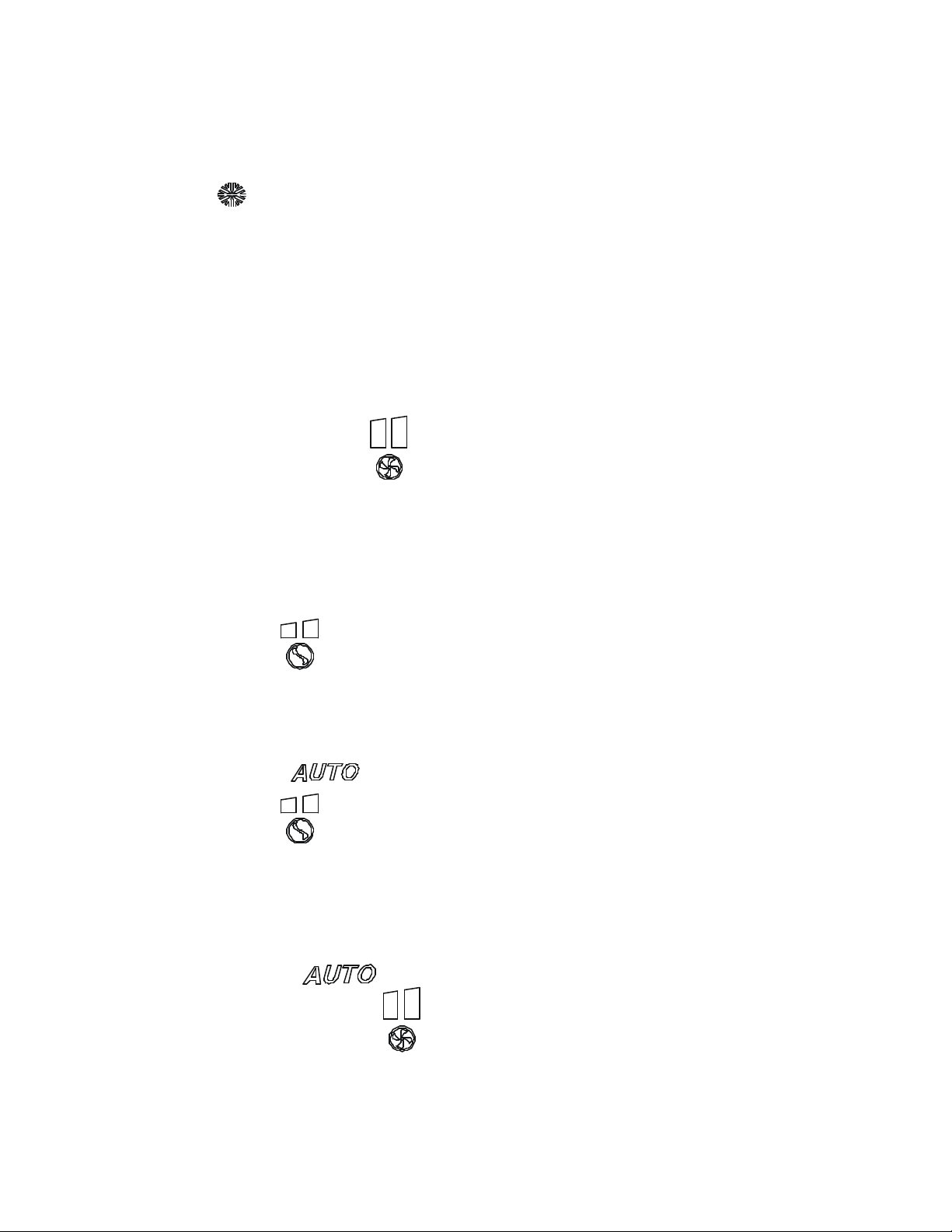
a) Press the "TIMER" button, the timer "on" clock will turn on
indicated by a blinking "on" symbol
b) Set the timer by pressing the up or down button, when finished,
point to the receiver, press the “SET” button and listen for a
beep to validate the timer.
c) When the timer "on" mode is activated and the timer & clock
are synchronized, the unit will turn "on" at the current selection
as displayed on the remote at the selected time.
3. Setting the timer to "OFF"
a) Press the "TIMER" button twice, the timer "off" clock will
turn on indicated by a blinking "off" symbol
b) Set the timer by pressing the up or down button, when finished,
point to the receiver, press the “SET” button and listen for a
beep to validate the timer.
c) When the timer "off" mode is activated and the timer & clock
are synchronized, the unit will turn off at the selected time.
4. Setting the timer to "ON" & "OFF"
a) This mode allows the operator to set the system to run for a
certain period of time.
b) Press the "TIMER" button three times, the timer "on" clock
will blink while the timer "off" clock is displayed solid on.
c) Set the timer “on” by pressing the up or down button, when
finished, press the timer button again to set timer "off".
d) When timers are set, point to the receiver, press the “SET”
button and listen for a beep to validate the timer "on" and timer
"off" settings.
e) When the timer mode is activated and the timer & clock are
synchronized, the unit will turn on and off at the selected times.