manuals.online logo
Brands
  1. Home
  2. •
  3. Brands
  4. •
  5. Alarmtech
  6. •
  7. Smoke Alarm
  8. •
  9. Alarmtech CD 475 User manual

Alarmtech CD 475 User manual

Popular Smoke Alarm manuals by other brands

Dyna-Glo DGY784BDP installation instructions

Dyna-Glo

Dyna-Glo DGY784BDP installation instructions

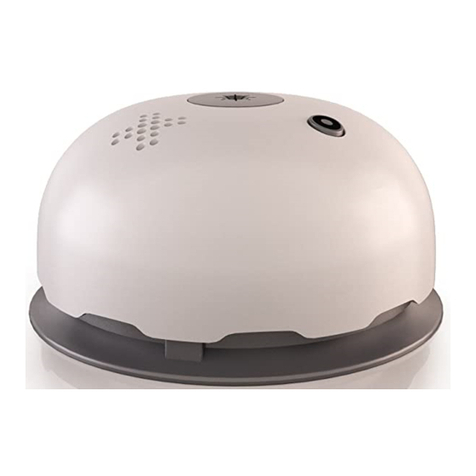
NOXE LUMENS Installation and user guide

NOXE

NOXE LUMENS Installation and user guide

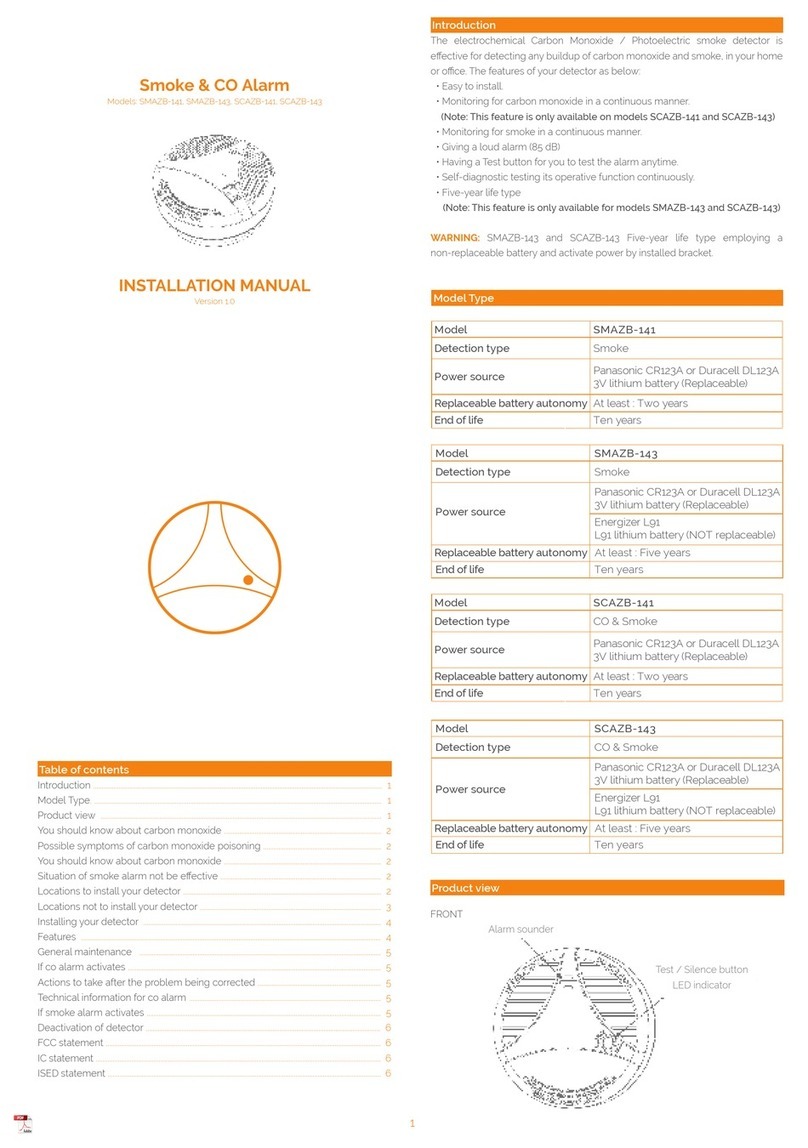
Develco SMAZB-141 installation manual

Develco

Develco SMAZB-141 installation manual

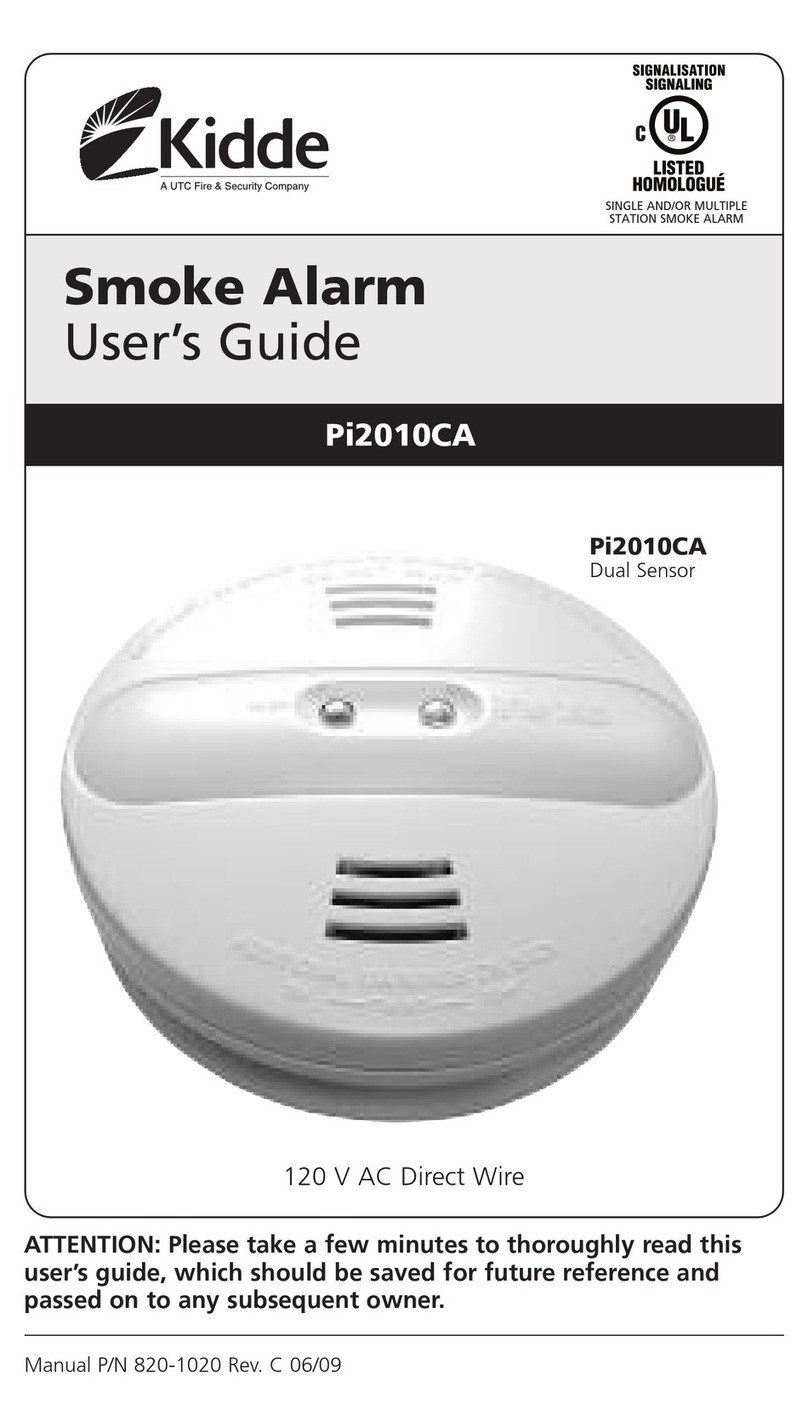
Kidde PI2010CA user guide

Kidde

Kidde PI2010CA user guide

Honeywell 5800COMBO Installation and setup guide

Honeywell

Honeywell 5800COMBO Installation and setup guide

Gentex 7109CS installation instructions

Gentex

Gentex 7109CS installation instructions

FireAngel Thermoptek ST-622 user manual

FireAngel

FireAngel Thermoptek ST-622 user manual

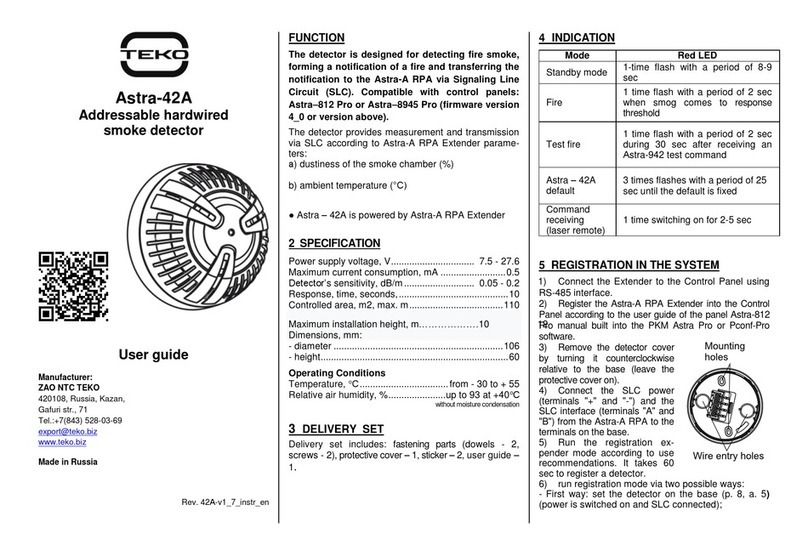
teko Astra-42A user guide

teko

teko Astra-42A user guide

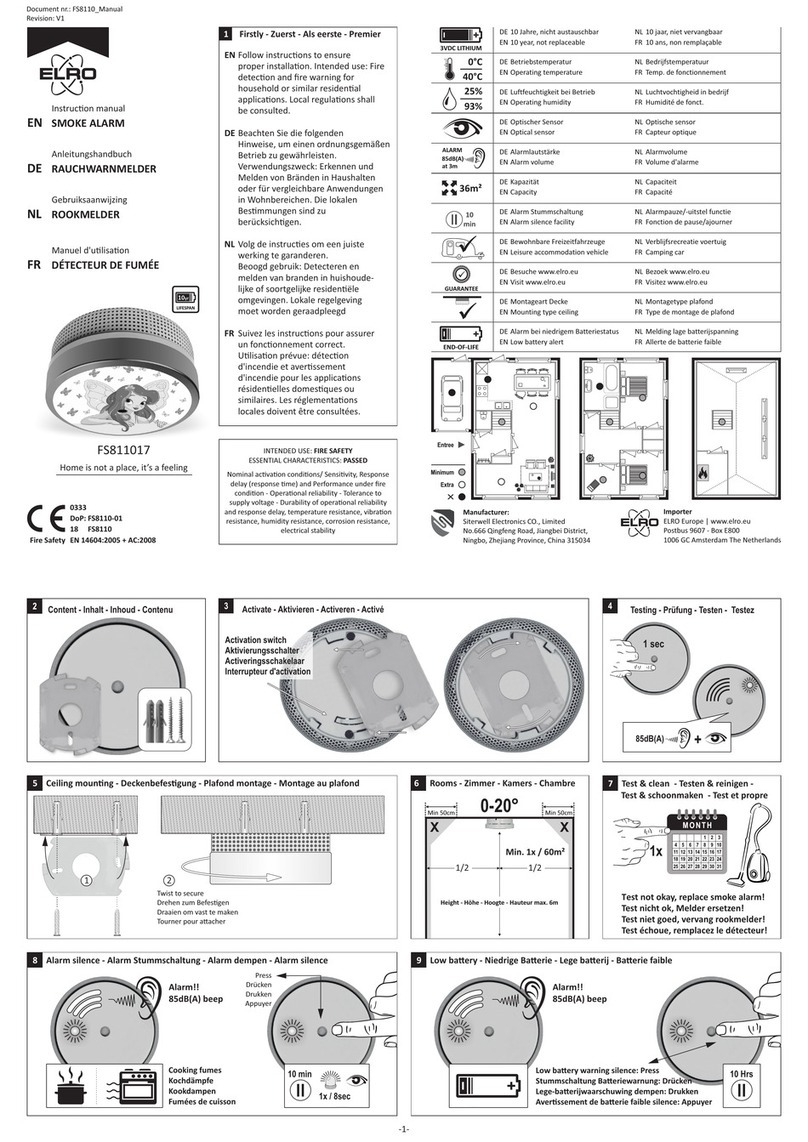
ELRO FS8110 instruction manual

ELRO

ELRO FS8110 instruction manual

Heiman SMOKI NS-626PHS user manual

Heiman

Heiman SMOKI NS-626PHS user manual

Siemens PE-11C installation instructions

Siemens

Siemens PE-11C installation instructions

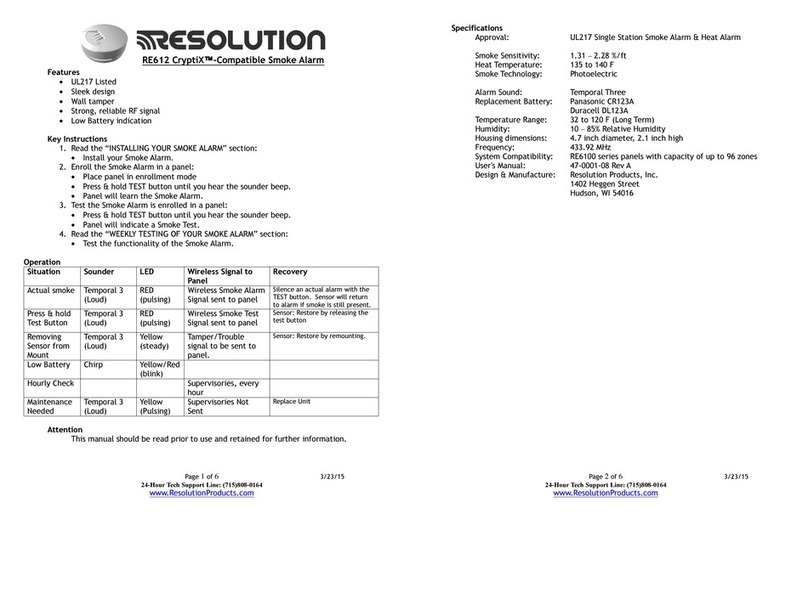
Resolution Products RE612 CryptiX quick start guide

Resolution Products

Resolution Products RE612 CryptiX quick start guide

First Alert PC900V user manual

First Alert

First Alert PC900V user manual

Eminent EM6590 E-Domotica user manual

Eminent

Eminent EM6590 E-Domotica user manual

Ei Electronics Ei Ei168RC user manual

Ei Electronics

Ei Electronics Ei Ei168RC user manual

Carrier Kidde Quell Q301 user manual

Carrier

Carrier Kidde Quell Q301 user manual

Family Gard FG225 user manual

Family Gard

Family Gard FG225 user manual

Regin SDD-S65 instruction manual

Regin

Regin SDD-S65 instruction manual

manuals.online logo
manuals.online logoBrands
  • About & Mission
  • Contact us
  • Privacy Policy
  • Terms and Conditions

Copyright 2025 Manuals.Online. All Rights Reserved.

© 2020 Alarmtech www.alarmtech.se Alarmtech reserves the right to changes CD475 manual 2003en Page 1of 2
DETECTORS
Chock- and vibration detector
DATASHEET AND INSTALLATION MANUAL CD 475
DESCRIPTION
CD 475 offers reliable monitoring against attacks with me-
chanical tools. The CD 475 is a chock- and vibration detec-
tor with 3 separate detection channels: an integration
channel / saw channel for weak signals with long duration,
a counting channel that senses strong impact on the mon-
itored surface and an explosion channel which senses very
strong signals from e.g. an explosion.
CD 475 shares the design with CD 470 but must be con-
nected to analyzer IU 400 for alarm indication since it lacks
built-in relay outputs. In the event of an alarm, the power
consumption in the detector increases, this is detected by
the analyzer IU400 which will indicate the different
alarms.
CD 475 polarity independent, just like CD 470.
FEATURES
EN Grade 3 approved vibration detector
Two wire polarity independent for easy connection
3 separate detection channels
Cover radius up to 3m
Resistant to interference
Detailed sensitivity setting
Suitable for 24 hour monitoring
Low power consumption
DAY and NIGHT control of LED
OPERATING PRINCIPLE
The CD 475 uses a piezoelectric sensor to monitor the vibration
signature of the mounting surface that occurs when it is crushed
or cut with tools. The signal has a special signature with a broad
spectrum and high amplitude that the electronics detects, then
generates a current increase and illuminates the LED. The CD 475
has a built-in self-control and voltage monitoring. Fault is indi-
cated by a flashing LED and a pulsating current increase. The in-
dication is controlled by a DAY and NIGHT function. With 8Vdc
on the power input, DAY mode is active and LED lights up at
alarm and with pulsating shine in case of failure. At 6Vdc, NIGHT
mode is active and LED is switched off in case of alarm or error.
Resetting the detector after alarm can be done in two different
ways:
Disconnect power to the detector
Switch from DAY to NIGHT mode
MOUNTING
1. Loosen the screw for the cover and lift it off.
2. Select the mounting location and mark the mounting holes
with the bottom part as a template.
3. Drill with a 2-2.5 mm drill for the two supplied mounting
screws.
NOTE! A clean and smooth mounting surface under the
detector provides maximum range.
CONNECTIONS
The detector has 2 screw terminals:

#
Function
1
DC Voltage supply (-) or (+)
2
DC Voltage supply (-) or (+)
© 2020 Alarmtech www.alarmtech.se Alarmtech reserves the right to changes CD475 manual 2003en Page 2of 2
DIP-SWITCH
The DIP switch with 6 switches is used to program the functions
of the detector.
DIP Sensitivity (1 = lowest sensitivity, 8 = highest)
1
2
3
4
5
6
7
8
1
OFF
OFF
OFF
OFF
ON
ON
ON
ON
2
OFF
OFF
ON
ON
OFF
OFF
ON
ON
3
OFF
ON
OFF
ON
OFF
ON
OFF
ON
DIP Counting Channel, Number of hits
3
6
4
OFF
ON
DIP Saw/Integration Channel
Integration Channel OFF
Integration Channel ON
5
OFF
ON
DIP
Not Used
Not Used
6
X
X
DETECTION RADIUS
The approximate range of different materials is given in
the table below. Note, however, that the stated numbers
only serve as guide values and are strongly dependent on
joints etc. The actual range must be determined in
practical tests.
Material
Wood/Glass/
Plywood
Brick*/
Plastering*
Steel/Concrete *
Radius
r = 2 m
r = 1 m
r =3 m
COMMISSIONING AND ADJUSTMENT
NOTE! For detector to show short blink, following procedure
must be done within 5 minutes after detector is powered on.
Commissioning and adjustment is very simple. Connect the CD
475 to the IU 400 and calibrate the quiescent current with the
jumper on the IU 400 (see IU 400 manual). The counting channel
causes each received pulse to be displayed with a short flash on
the CD 475 LED until the number of pulses set is reached (3 or 6),
then alarm is indicated. The alarm is indicated on the CD 475 LED
and remains until the reset button on the IU 400 is pressed.
1. Set the DIP switch to medium sensitivity, 6 hits and active
saw channel. This is done by setting DIP 1=OFF and
DIP 2-5=ON.
2. Tap next to the detector and check that each tap is regis-
tered and that the alarm relay opens after 6 pulses.
3. Now tap relatively strongly with eg. the back of a screw-
driver on the most remote point to be protected.
4. If the pulses are not detected (short flash on the LED), in-
crementally increase the sensitivity with DIP 1-3 as shown
in the table until the LED shows the received pulse.
5. If the diode instead shows alarm directly (steady light),
reduce the sensitivity incrementally with DIP 1-3 according
to the table until the LED shows the received pulse (alarm
is reset on IU).
6. Check and adjust all connections. Finally, check that both
the alarm output and the tamper switch are received cor-
rectly at the control panel.
A fairly common mistake is to set higher sensitivity than
required, which results in false alarms. We therefore rec-
ommend to not connect the detector in live operation un-
til after a few weeks so that the setting has been verified.
* When mounting on brick / plaster / concrete, the
mounting plate MP550 must be used for correct
operation.
TECHNICAL DATA
Detection radius
Up to 3m
Voltage range across detector in IU loop
8V DC in DAY mode, 6V DC in NIGHT mode
Current consumption quiescent
2.5 mA
Current consumption alarm
4.4 mA
Alarm output
Transistor
Alarm indication
LED, DAG/NATT controlled
Day and Night levels on alarm loop
DAY=8 V, NIGHT=6 V on the loop
Alarm time
Latching
Alarm reset
EOL loop voltage across detector below 1 V
Tamper output
Transistor
Low voltage alarm or fault in electronics
<5V indicated by flashing LED
Environmental class (EN50130-5:2011)
II
Operating temperature range
-40°C to +55°C
Operating humidity
max. 95% RH
Housing
White ABS plastic, IP 42
Size [H x D x W]
20 x 23 x 80 mm
Approvals
EN 50131-2-8 Grade 3, SBSC Klass 3, VdS Klasse C
ORDERING INFORMATION
CD 475
E nr. 63 098 92
Connection array 3041.03
E nr. 50 153 00
Junction box 4101.02
E nr. 50 155 28
Mounting plate MP 550
E nr. 63 098 93