manuals.online logo
Brands
  1. Home
  2. •
  3. Brands
  4. •
  5. Alesis
  6. •
  7. Speakers
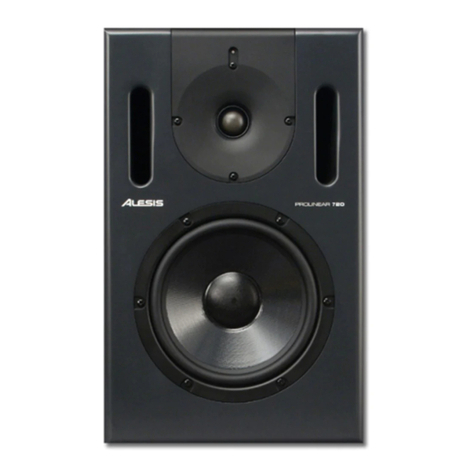
  8. •
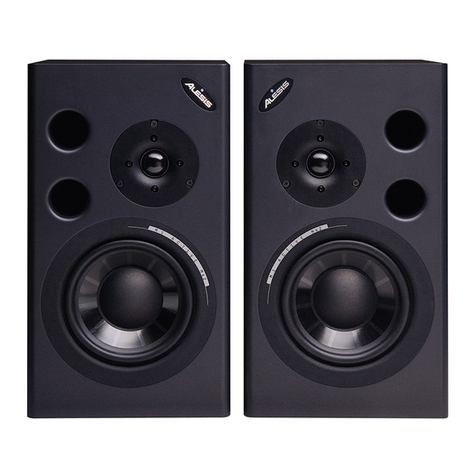
  9. Alesis Point Seven User manual

Alesis Point Seven User manual

Other Alesis Speakers manuals

Alesis Elevate 5 User manual

Alesis

Alesis Elevate 5 User manual

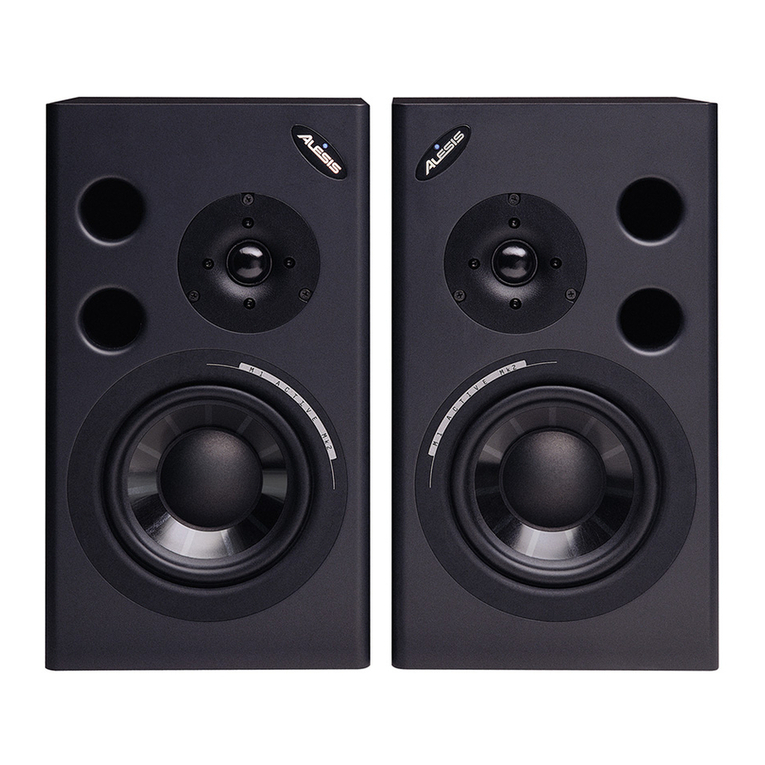
Alesis M1 Active Mk2 User manual

Alesis

Alesis M1 Active Mk2 User manual

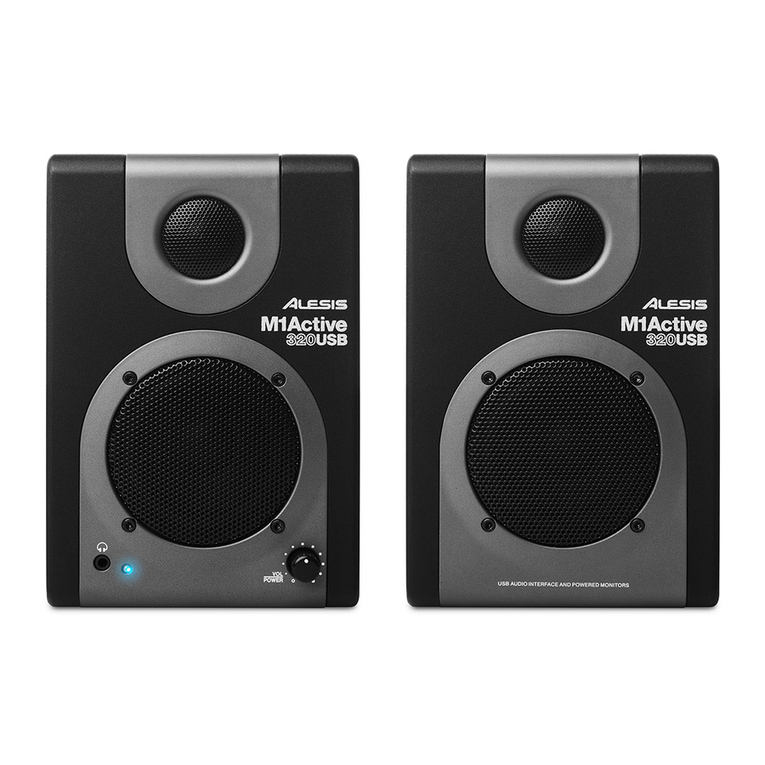
Alesis 320USB Technical document

Alesis

Alesis 320USB Technical document

Alesis ELEVATE 3 MKII User manual

Alesis

Alesis ELEVATE 3 MKII User manual

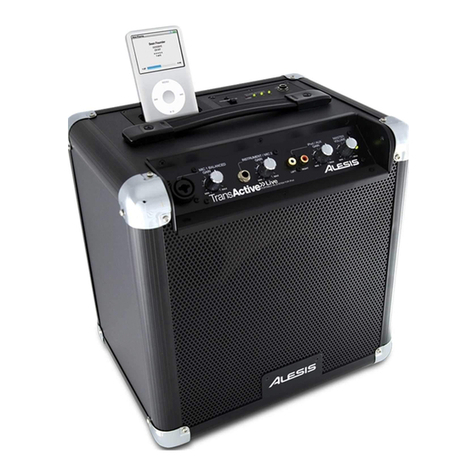
Alesis TransActive Live User manual

Alesis

Alesis TransActive Live User manual

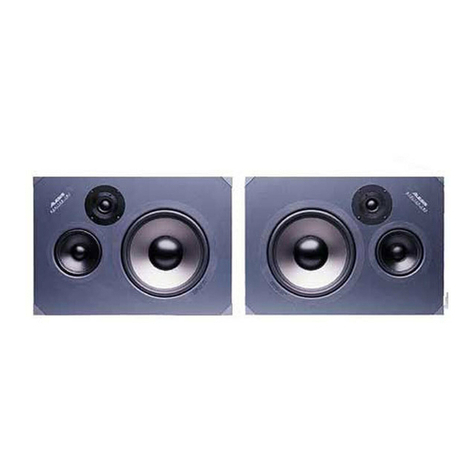
Alesis Monitor Two User manual

Alesis

Alesis Monitor Two User manual

Alesis Prolinear 720 User manual

Alesis

Alesis Prolinear 720 User manual

Alesis RPM8 User manual

Alesis

Alesis RPM8 User manual

Alesis ProLinear Instruction manual

Alesis

Alesis ProLinear Instruction manual

Alesis ProLinear DSP Technical document

Alesis

Alesis ProLinear DSP Technical document

Alesis M1ACTIVE MK2 Operating and safety instructions

Alesis

Alesis M1ACTIVE MK2 Operating and safety instructions

Alesis M1 Active MKII User manual

Alesis

Alesis M1 Active MKII User manual

Alesis ELEVATE 5 MKII User manual

Alesis

Alesis ELEVATE 5 MKII User manual

Alesis Alpha 115 User manual

Alesis

Alesis Alpha 115 User manual

Alesis ELEVATE 4 User manual

Alesis

Alesis ELEVATE 4 User manual

Alesis M1 Active MKII User manual

Alesis

Alesis M1 Active MKII User manual

Alesis M1 Active Mk2 User manual

Alesis

Alesis M1 Active Mk2 User manual

Alesis Alpha 112 User manual

Alesis

Alesis Alpha 112 User manual

Alesis ProLinear DSP User manual

Alesis

Alesis ProLinear DSP User manual

Alesis ELEVATE 4 User manual

Alesis

Alesis ELEVATE 4 User manual

Alesis M1ACTIVE 520 Setup guide

Alesis

Alesis M1ACTIVE 520 Setup guide

Alesis M1 Active MK3 User manual

Alesis

Alesis M1 Active MK3 User manual

Alesis Elevate 6 User manual

Alesis

Alesis Elevate 6 User manual

Alesis TransActive User manual

Alesis

Alesis TransActive User manual

Popular Speakers manuals by other brands

Electro-Voice LR4S engineering data

Electro-Voice

Electro-Voice LR4S engineering data

Definitive Technology Sound Cylinder user guide

Definitive Technology

Definitive Technology Sound Cylinder user guide

AudioSource LS545 user manual

AudioSource

AudioSource LS545 user manual

Paso C402-T Instructions for use

Paso

Paso C402-T Instructions for use

Altec Lansing 416-8C LF SPEAKER manual

Altec Lansing

Altec Lansing 416-8C LF SPEAKER manual

Kenwood KFC-1072 Servise manual

Kenwood

Kenwood KFC-1072 Servise manual

Peavey ProSys 112 user guide

Peavey

Peavey ProSys 112 user guide

JBL Control Contractor 60 Series installation instructions

JBL

JBL Control Contractor 60 Series installation instructions

Aura STORM-8 owner's manual

Aura

Aura STORM-8 owner's manual

Oontz ANGLE 3 PLUS quick start guide

Oontz

Oontz ANGLE 3 PLUS quick start guide

Electro-Voice LR4A engineering data

Electro-Voice

Electro-Voice LR4A engineering data

Rave RK-650-ICA-B owner's manual

Rave

Rave RK-650-ICA-B owner's manual

Flux Reference Series installation manual

Flux

Flux Reference Series installation manual

Lanzar AQAWBS64BK installation manual

Lanzar

Lanzar AQAWBS64BK installation manual

DAPAudio DCS-6230 manual

DAPAudio

DAPAudio DCS-6230 manual

Aluratek ABS03F quick start guide

Aluratek

Aluratek ABS03F quick start guide

Kenwood KES-5A instruction manual

Kenwood

Kenwood KES-5A instruction manual

Sonance ORIGINAL SERIES instruction manual

Sonance

Sonance ORIGINAL SERIES instruction manual

manuals.online logo
manuals.online logoBrands
  • About & Mission
  • Contact us
  • Privacy Policy
  • Terms and Conditions

Copyright 2025 Manuals.Online. All Rights Reserved.

POINT
SEVEN*
SHIELDED
REFERENCE
MONITOR
REFEREilCE
IUNilUAt
lQt ==19
POINT
SEVEN-
SHIELDEDREFERENCE
MONITOR
RereneilcE
Mnnuru.
At-g.sits
1996
Intloduction
Thank you for purchasing the Alesis Point Seven Shielded Reference Monitors. To
take full advantage of the Point seven's operation, and to enjoy long and trouble.ftee
use, please read this user's manual carefully.
How To Use This Manual
This manual is divided into the following sections describing the various features of
the Point Sevens. Though we recommend you take time to read through the entire
manual once carefrrlly, those having general knowledge about monitors should use
the table of contents to reference specific functions.
Chapter 1: About the Point Seven. Engineering specifications and redsons why near
field monitors have become so popular.
Chapter 2: Speaker Installation. This chapter explains how to connect the Point
Sevens to a power amplifier and discusses proper speaker placement.
Chapter 3: Troubleshooting. This chapter contains troubleshooting tips and service
information should problems occur.
Whersomething
important
aryearsin themanrul,anicon
(Iike
theoneonthl W) rlrill
appearin the
leftmargin. Thissymbol
indicatesthatthisinfomution isoitalwhan
operating
thePointSmm.
Point Seven Reference Manual
C€
DECI.ARATIOIUOF COilFORMTTY
AlesisCorporation
3530HoldregeAve.
LosAngeles,
CA90016
USA
Point Seven
EN55013:1990ClassB
EN55020:1988sections
4.3,5.4,5.2,
7.0& 8.0areunder consideration
Sound Technology
17Letchworth Point,Lechworth,
Hertfordshire,SG61ND,
England.
Phone:
+4.162.480ffi0
Fax:
+M;1.462.480800
Manufacturer's Name:
Manufacturer's
Address:
ileclares,thattlrcproduct:
ProductName:
conformstothe
follouing Standanls:
EMC:
European Contact:
October, 1996
Contents
About the Point Seven ..........,
Unpacking and lnspection
Spcaker Installatlon ................. .........tl
SpeakerPlacement....
AboutWire .....................-
t4
Troubleshooting
17
Point Seven Reference Manual
About the Point Seven- Chapter 1
CHAPTER 1
Aeour rHEPolur S=v=lu
Unpacking and lnspection
Your Point Sevens were packed carefully at the factory, and the shipping carton was
designed to protect the speakers during shipping. Please retain this container in the
highly unlikely event that you need to retum the Point Sevens for servicing.
The shipping carton should contain the following items:
o This instruction manual
. Alesis Point Sevens with the same serial number as shown on shipping carton
o Port Plugs (for use with Subwoofers)
o Alesis warranty card
It is important to register your purchase;if you lnae not alruily flleil out your warranty
caril anil maikd it backta Alesis,please
takethe time to do sonou.
The Point Sevens are symekically designed, avoiding the need for mirror-imaged
pairs. The Point Seven speakers you receive should be identical on the left and right
sides.
Engineering Stdement
Your new Alesis Point Seven Shielded Reference Monitors are intended for very
space linited recording environments, for use in close proxirnity to a computer
monitor or when portability is a requirement.
Tonally, every effort has been made to emulate the accurate studio sound of Alesis'
own Monitor One with slightly less deep bass extension. The "Point Seven"
desigrration refers to the Seven's 5 | / 4" woofer piston area asbeing seven tenths the
piston areaof the Monitor One's 6 1.
/ 2" woofer. The Point Seven's newly developed
silk doqne tweeter offers a frequency response to 27kHz, which has been tailored
specifically for non-fatiguing near-field monitoring.
lf you're in ahurry toget starteil with thc Point Seoens,skipaheadto Chapter 2, "spealcer
Instalhtion" ,
for connection and placerneflt tips.
The Point Seven's 5 1
/ 4" woofer cone is made of proprietary non-woven carbon fiber.
This material is 25% lighter than polypropylene with twice the stiffness for quicker
transient response in the low-to-midbass region and improved midrange
intelfigibility. The non-woven carbon fiber cone, along with the closed cell synthetic
rubber surround, are both materials which are nearly impervious to ozone, direct
sunlight, heat and humidity. Therefore, after the initial break-in period (about 20
hours), the sound should remain virtually unchanged for the life of the product.
The Seven's shield"d t*""t"r ntt'tt.es a vented pole piece with a separate rear
chamber to lower the free air resonance. This high Q (very highly damped) design
feafures a pure silk dome, an intemal pole-piece-mounted phasing plug and low
viscosity ferrofluid formulated specifically to retain the best balance of transient
respons€ to power handling.
Point Seven Reference Manual
Chapter 1- About the Point Seven
The frequency response of Alesis' ProPrietary tweeter is designed to be flat (t 2 dB]
from itJ2kHz crossover frequency to 10kHz. At 10kHz the response drops smoothly
to Z7kJl.lz,at which point it drops by -6d8. This is an optimal response for non-
fatiguing, long term, high levef nearfield mixdowns. This desigp results in a flat,
linear mix when played back on home or car systems from appropriate distances.
Magpetic shielding of both the Point Seven's drivers was not an afterthought. Rather,
from design inceptioo the system had to exhibit less than three gauss leakage so that
even extremely sensitive 21" computer monitors would be unaffected by close
proximity positioning. Shielding of both woofer and tweete! is accomplished by the
use of a second opposing-field-oriented 'bucking" magnet, plus a sixteen gauge steel
cup which encases the entire matnetic structure.
The eleven element crossover features modified algorithm third order Butterworth
filters for both the high and low pass sections along with woofer impedance
compensation. (Compensation is unnecessary on the tweeter. The tweeter's
impedance characteristic is exceptionally flat as desigrred and the resonance peak is
ahlady very effectively damped with the ferrofluid.) The crossover frequency of the
Point Seven is 2OOOHz.The actual voltage curve, however, shows the woofer
beginning its rolloff at 800H2 @6dB/ octave to 1600H2. At this point the curve
"knees" a second time and from 1600H2 to 3200H2 the rate is l2dBloctave.
The tweeter voltage cuwe also "knees" twice but the curves are substantially steePer.
From 3400H2 down to 1700H2 the tweeter rolls at l2dBloctave. Below 1700H2the
acoustic rolloffs approaches 60dB/octave. This radical curve shaping yields a tweeter
with prodigious power handling capability, even at the extrenely low 2kllz
crossover point. (Note that the slightly non-complementary curve slope spreads of
1.600H2-3200H2 for the woofer versus 3400H2-1700H2 for the tweeter are the
acoustical "offset" required to compensate for mechanical offset of the woofer and
tweeter. It is this "offset" or frequency spread which brings both drivers into proper
time alignment.) The advantages of these "altered algorithm" high and low pass
Butterworth alignments are:
a) a virtually perfect group delay characteristic (almost a straight tine) yielding
accurate phase.
b) exceptionally linear power response (several averaged, off-axis frequency
response curves) through the rniddle octaves. Along with the 5 1./4" cone size this
linear (Ilat) power responseprojects an exceptionally large "sweet spot".
c) a longer smoother, sound characteristic blend between the non-woven CF woofer
and silk dome tweeter.
The Point Seven'scabinet conskuction employs Alesis'proprietary non-skid rubber-
vinyl composite material laminated to a .625" MFD (medium density fiberboard)
core.The eight comer protectors used on our Monitor Two have been adapted to the
Point Seven in anticipation of its portable application.
Dual, front baffle mounted, 9" long ports have been carefuIly integrated to yield a
Qtc = 1.2 (a 3dB bump @120I{z) which provides a balanced, full range sound when
used alone. For critical mixing/playback, recessedhead, polyethylene "port plugs"
are provided. The plugs transform the Point Seven into an acoustic suspension
design giving a more critically damped response (Qtc = .9) and improved transient
characteristics.This versatile, "convertible" ported/closed box feature is Possible
because the woofer's EBP (E{ficiency Bandwidth Product has been designed to fall
into the narrow paramete! range wherein both configurations will work equally well.
Point Seven Refermce Manual

About the Point Seven- Chapter 1
A Liltle History
br the early days of recording, most recording studios used big monitor speakers
almost exclusively. Unfortunately, they also required high powered amplifiers and
expensive acoustic treatment (often poorly done) of.the entire control room. Still, a
well-constructed big monitoring system really was impressive to listen to, afact not
overlooked by the studio owners who wanted to imPress the record company
executives who paid for the big studio's time. Thesebig systems had big level
control knobs, and clients enjoyed "cranking-up" the volume. Fortunately, recording
engineers and producers eventually leamed that this was not the best way to
accurately rrix music because it wasn't the way most people listened to their radios,
cassettes and C-D,players. Also, big monitor systems and the costs for the required
qonh.el:room,acorrstg-treatments were going through the roof (no pun intended),
parircularly,b€yond!&e brrdget limits of smaller project and home studios which
were growing in numbprs, Aner4{ way of accurate monitoring was needed: near-field
monitoring.
Near-field monitors, by their definition, are intended for mounting close to the
listener. The idea here is to improve the direct acoustic path between the speaker
and the listener by making it shorter, thereby giving less opportunity for the always
present indirect (reflected) sounds to get back in and muddle things up. With near-
field monitoring, the surrounding acoustic environment becomes a much less
significant factor in establishing the monitor system's sound character.
A good set of small monitors properly placed in a reasonably non-reverberant room
and poweled by a 1*watt amplifier will yield surprisingly accurate results at
budget prices. CarrM to another studio, the same monitor should also provide
repeatable
reults" In fact, some recording engineers carry their own speakers around
because they know how they will sound in almost any room. Now, even the big
studios use smaller speakers to augment their big monitoring systems, and near-field
monitors have become proven tools in the recording business.
Point Seven Reference Manual
Speakerlnstallation - Chapter2
CIIAPTER 2
SpemERlnsrnl.r.nrroru
Likeanyspeakersystem,yourPoint
Sevenswill work bestwhenproperlypositioned
in asuitableacousticenvironment.Achieving
properspeaker
placementisusually
straightforward, but evenwith near-field monitors, speakerplacementand the
acousticsof thelistening room itself aretoo oftenoverlooked andcanbecome
significant contributors to aninaccurate
anduninspiring monitoring environment.
Speaker Placement
While near-field monitors are more forgiving of the surrounding room acoustics, it is
always prudent to optimize the listening environment whenever possible. First, the
user should be aware of the effect that the size of the listening room can have on low
frequency response. ln generaf the smaller the room, the stronger the bottom end
will be, although placement within a larger room can also make a difference. This
has to do with the way low-frequency waves travel in closed spaces.If you find your
monitor system to be either light or heavy on the bottom, try moving them around
within your lstening room.
You should avoid locating your Point Sevens near reflective surfaces such as glass,
tile, large open walls or table tops. Sti[ many rooms used for recording have these
surfaces, so the best way to deal with them is to place the monitors out in the room
away from reflective walls, windows and sizable objects. Even with these reflective
surfaces separated from the monitoring positiory typical mixing situations usually
still have the top surface of the mixing board to deal with.
Unfortunately, the board itself can be a major source of reflections and the additional
acoustic conduction into the board can affect your monitor's amplitude and phase
response. Speakerplacement on the console'smeter bridge provides for two clear
acoustic paths between the speakers and the recording engineer which results in
undesirable comb filtering effects and poor imaging. The first path is the direct one,
and the second is via a reflection off the mixer main control panel:
Monitorsplaced
onthe
console'smeterbridgecandirectlyradiate
backontothe
consolecontrol
panel
causingastrongdelayed
reflection
atthelistening
position
Point SevenReferenceManual

Chapter 2- Speaker Installation
This
kind ofspeakerplacementalsocouples
acousticenergyfromthespeaker's
cabinetmorereadily into theconsole'schassis.Bothconditions shouldbereducedby
placing the speakerson their o.
wn standd
acoustcally detached,frop, andslightly
behind, theconsole
as
shownbelort. In this locdtion,thereflective:gathoff the
console's
controlpanelisnowblockedby themeterbridge.
Movingthemonitors
toapositionbehindthe
meterbridgecauses
thebridge
toblockthe
offending
reflective
path
Careful considerationshoutdalsobeglnento Se physiicel
spacing.
betweert
the
speakers.
Alesisrecommends
that tlredistanc.e
b.*tueenthespeakers
equalthe
distance
betweenthelistenerand either speaker. In other words, thelisierer and the
two speakers
areat thethreecomersof atriangle havirg equal-length sides. The
Figurebelow showsthis coneept.Note thatboth speakers
areturried in somewhat
sothat theprime listening position is directly in front of eachspeaker.Applications
that requiremonitoring by inot'ethan oneengineerareaccommodated
by asmaller
rotation of thecabinets.Thiswill widen the prime listening position somewhat.
Thespeakers
and
listenershould
beat
thethree
cornersof
atriangle
having
equallengthsides
Prime
Listening
Position
Point Seven Reference Manual