Setting Temperature
Light Settings
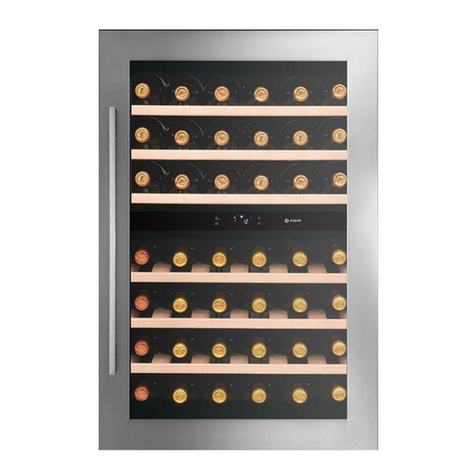
This Allavino refrigerator has a wide enough temperature range to store red, white, or sparkling wine.
Dierent varietals of wine require dierent temperature sengs. Red wine is generally stored between 50 and
65 degrees Fahrenheit, while white wines are stored between 40 and 50 degrees Fahrenheit. White wine can
be stored at red wine temperatures for a short period of me (less than three months), and ash chilled before
serving.
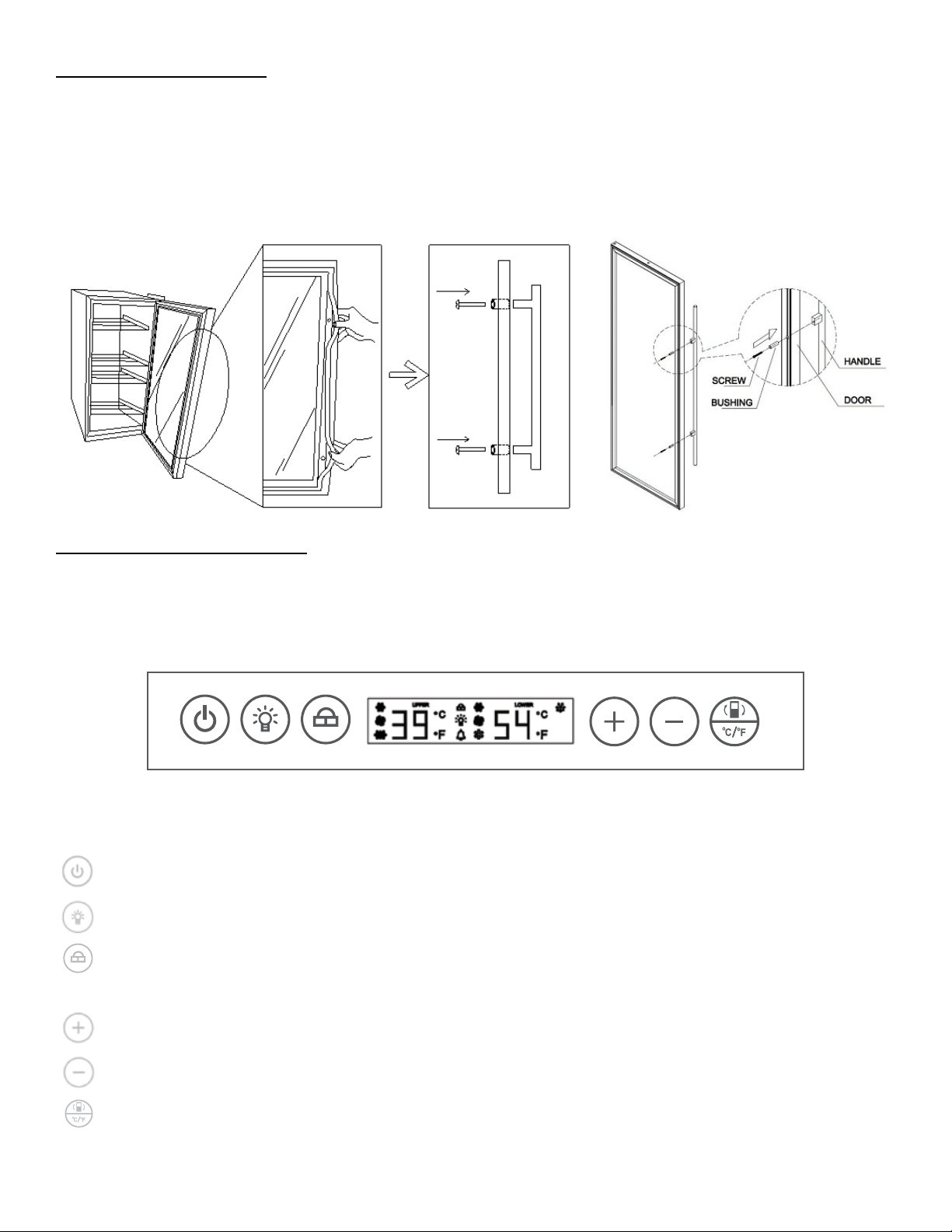
You can set the temperature as you desire by touching the + or - buon. When you touch the buons for the
rst me, the LED readout will show the original temperature set at the manufacturing facility. Each push
of the buon will adjust the temperature by one degree in the desired direcon. Please be aware that the
desired temperatures may uctuate depending on whether the interior light is ON or OFF and depending on
the orientaon of the boles.
PLEASE NOTE:
• In the event of a power interrupon, all previous temperature sengs will be automacally saved and
each compartment will return to the previous temperature seng.
• If the unit is unplugged, loses power, or is turned o, you must wait 3 to 5 minutes before restarng.
Aempng to restart the Wine and Beverage Center before this me has elapsed may prevent it from
starng.
• When you use the wine and beverage center for the rst me or restart the appliance aer having
been shut o for a long me, there will be a few degrees variance between the temperature you select
and the one indicated on the LED readout for the rst few hours of operaon. Aer a few hours of
operaon, the temperature will normalize to the displayed temperature.
The Allavino wine refrigerator has 9 dierent color opons and 5 dierent brightness levels to choose from.
Color Opons: C1=Red, C2=Orange, C3=Yellow, C4=Green, C5=Cyan, C6=Blue, C7=Purple, C8=White, and
C9=Rotate All Colors
Light Brightness: b1=20%, b2=40%, b3=60%, b4=80%, and b5=100%
Factory default seng: Color: C9=All color rotaon; Brightness: 40%
• Light On/O: Press the “LIGHT” buon for less than 3 seconds and then release to turn the light on or o.
The light will turn on or o gradually. The light on/o buon controls lights on both zones together.
• Color Selecon: Press the “LIGHT” buon for more than 3 seconds, unl C1 as an example is shown on
the display panel to enter the “LIGHT SELECTION” mode. Press the “UP” or “DOWN” buons to select the
color. The display panel will return to normal operaon aer 10 seconds of no acvity.
• Brightness Selecon: Press the “LIGHT” buon for more than 3 seconds. Aer C1 is displayed on the
panel, press “LIGHT” buon again to enter into “BRIGHTNESS SELECTION” mode. b1 will be displayed on
the panel.
Press “LIGHT” again to return to “COLOR SELECTION” mode.
During either “COLOR SELECTION” or “BRIGHTNESS SELECTION” mode, press “LIGHT” buon for more
than 3 seconds to end the modes or leave it for 10 seconds.
• The unit is programmed to remember your previous light sengs in case the unit is powered o.