manuals.online logo
Brands
  1. Home
  2. •
  3. Brands
  4. •
  5. Alternetivo
  6. •
  7. Touch Terminal
  8. •
  9. Alternetivo MDU-216 Series User manual

Alternetivo MDU-216 Series User manual

This manual suits for next models

6

Popular Touch Terminal manuals by other brands

Omron NT11S Operation manual

Omron

Omron NT11S Operation manual

Partner SP-820 user manual

Partner

Partner SP-820 user manual

BBPOS WisePad 2 instruction manual

BBPOS

BBPOS WisePad 2 instruction manual

Anywire ASLINKAMP L-A1AW Series Product guide

Anywire

Anywire ASLINKAMP L-A1AW Series Product guide

Festo VIFB4 Series Brief description

Festo

Festo VIFB4 Series Brief description

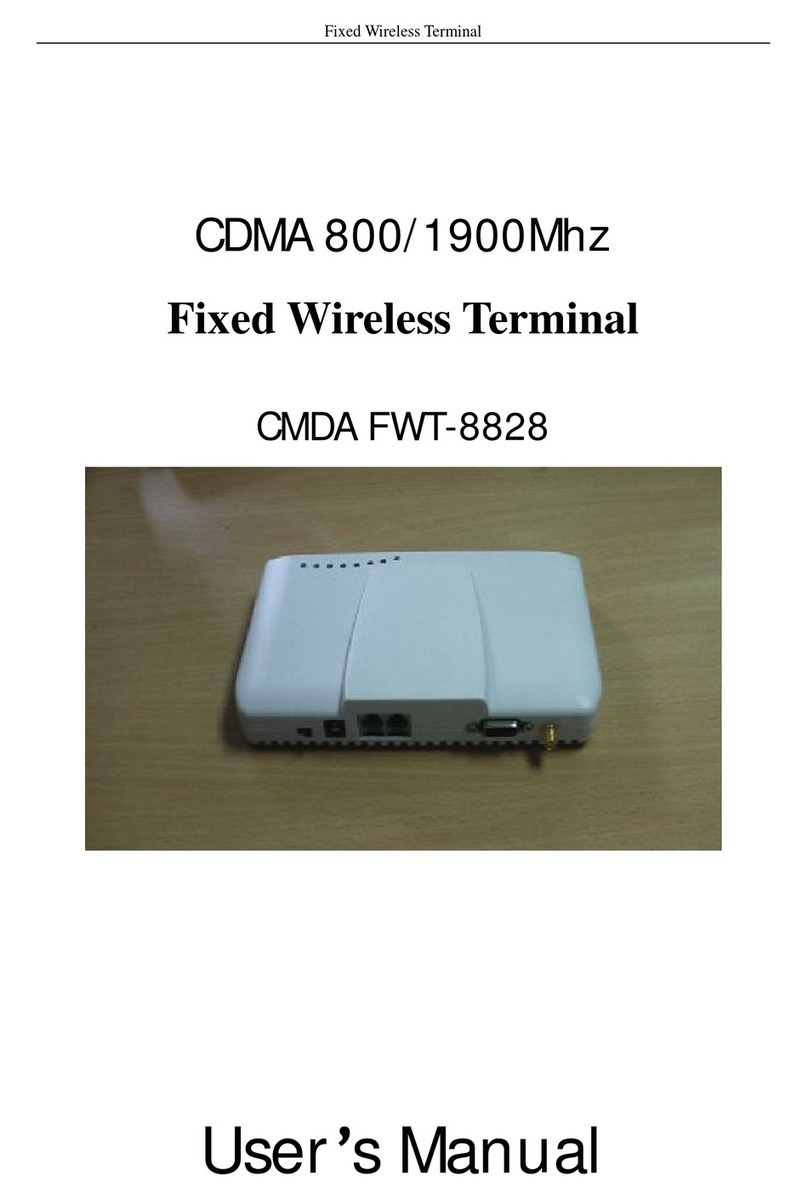
Linksz CMDA FWT-8828 user manual

Linksz

Linksz CMDA FWT-8828 user manual

Heisei Electronics Q-POS 815 user guide

Heisei Electronics

Heisei Electronics Q-POS 815 user guide

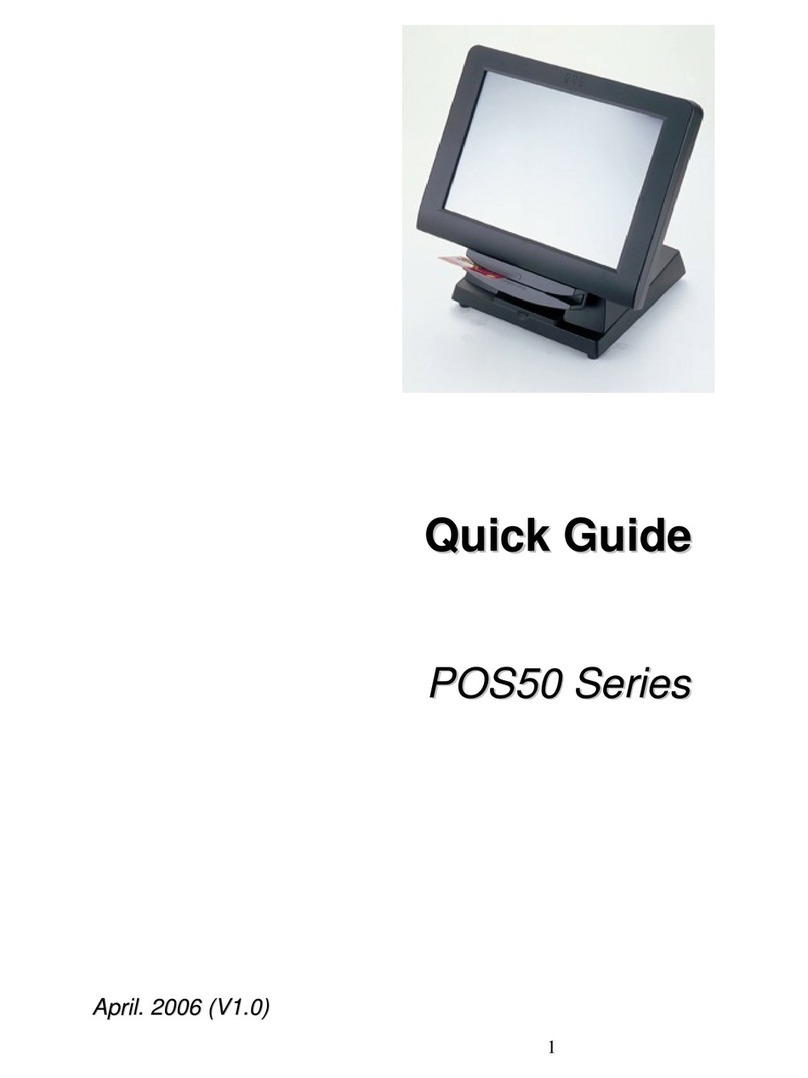
ANUBIS POS50 Series quick guide

ANUBIS

ANUBIS POS50 Series quick guide

Amano MTX-15 installation guide

Amano

Amano MTX-15 installation guide

FLOWBIRD CWT Compact Touch manual

FLOWBIRD

FLOWBIRD CWT Compact Touch manual

Demco SP7 installation guide

Demco

Demco SP7 installation guide

Lathem PC600 Series user guide

Lathem

Lathem PC600 Series user guide

Partner MF-2352 user manual

Partner

Partner MF-2352 user manual

NCR RealPOS 7460-2 supplementary guide

NCR

NCR RealPOS 7460-2 supplementary guide

Simrad MS50 Manual guide

Simrad

Simrad MS50 Manual guide

Unitech MR350 MKII Software guide

Unitech

Unitech MR350 MKII Software guide

Jungheinrich WMT 210 Service manual

Jungheinrich

Jungheinrich WMT 210 Service manual

Motorola MTP850 user guide

Motorola

Motorola MTP850 user guide

manuals.online logo
manuals.online logoBrands
  • About & Mission
  • Contact us
  • Privacy Policy
  • Terms and Conditions

Copyright 2025 Manuals.Online. All Rights Reserved.

Fiber Optic Terminal Box
MDU-216 Series
Features:
 Made of high impact plastic ABS.
 Outdoor IP66, rainfall resistant.
 Wall mounting and pole mounting application.
 Have 2 inlet ports,16 outlet ports .
Application:
Widely used in FTTH access network. Telecommunication Networks , CATV Networks, Data communications Networks,
Local Area Networks
Model Port/Capacity
PLC Splitter Size(WXDXH)mm G weight
ORNO-MDU-216-x1 3port, 16core 1*4,1*8,1*16 250.4x322.5x91.9 1.6Kg
ORNO-MDU-216-x2 1port, 16core 1*4,1*8,1*16 250.4x302x91.9 1.6Kg
ORNO-MDU-216-x3 2port, 16core 1*4,1*8,1*16 250.4x302x91.9 1.6Kg
ORNO-MDU-216_v2 2port, 16core 1*4,1*8,1*16 250.4x322.5x91.9 1.6Kg
ORNO-MDU-216-x4 2port, 16core 1*4,1*8,1*16 250.4x302x91.9 1.6Kg
ORNO-MDU-216-x5 2port, 16core 1*4,1*8,1*16 250.4x322.5x91.9 1.6Kg

Installation:
1. Insert small diameter cable
and fix it.
2. Connect small diameter cable with
splitter input cable by fusion splicing or
mechanical splicing.
3. Fix the 1x8 or 1x16 splitter as
below
4. Connect splitter ribbon fibers
with output pigtails that coated
loose tube as below
5. Fix the arranged output pigtails with
loose tube to tray.
6. Lead output pigtail to the other side
of the tray, and insert adaptor as
below
7. Pre-insert optical drop cables
to outlet holes in order, then seal
it by soft block.
8. Pre-installed field assembly connector
of drop cable, then insert connector to
optical adapter in order and tie it by cable
tie
9. Close the cover, the installation is
finished.
fiber termination box on the pole fiber termination box on the wall
Mechanical
splice
Splitter input cable 1x16 or 1x8 Splitter
Splitter Kit