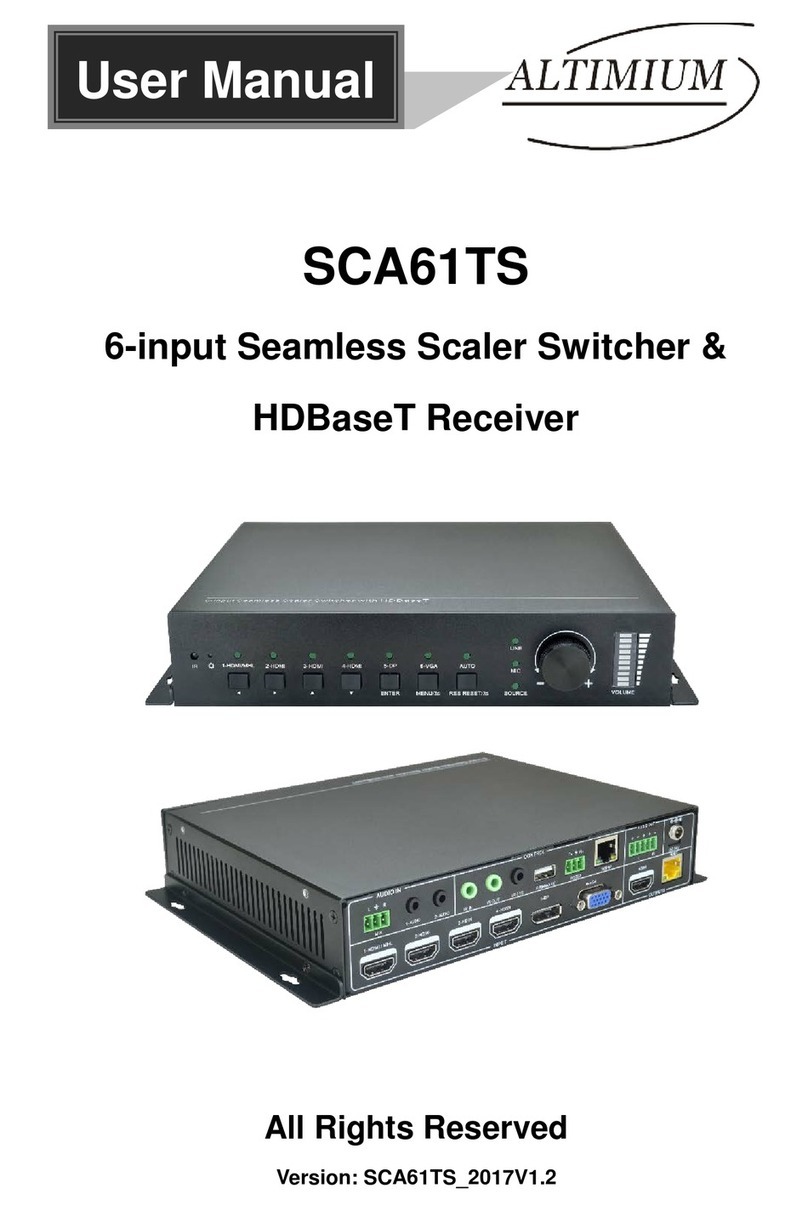
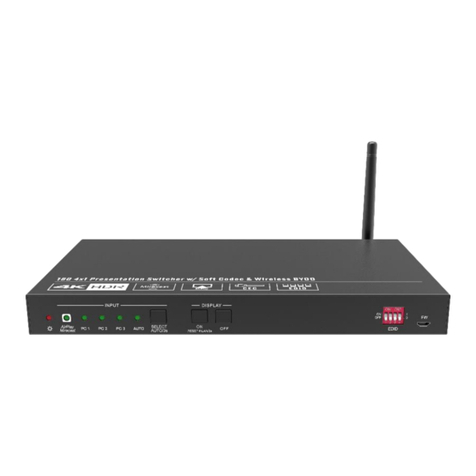
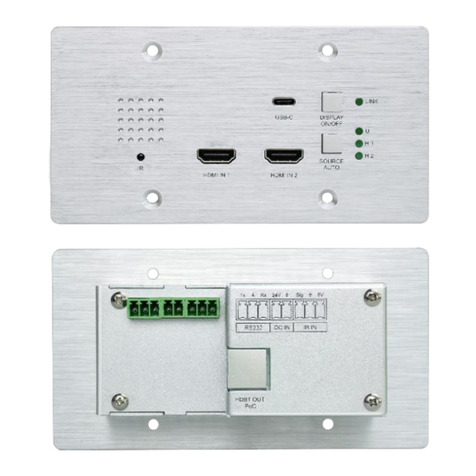
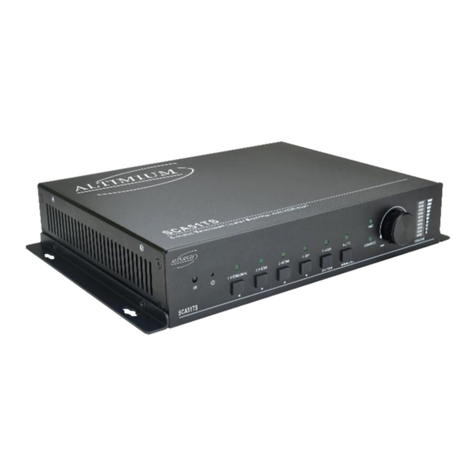
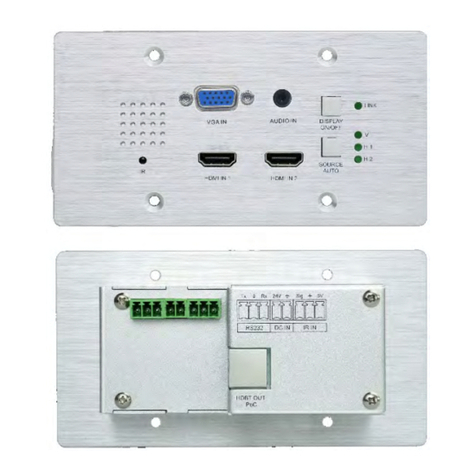
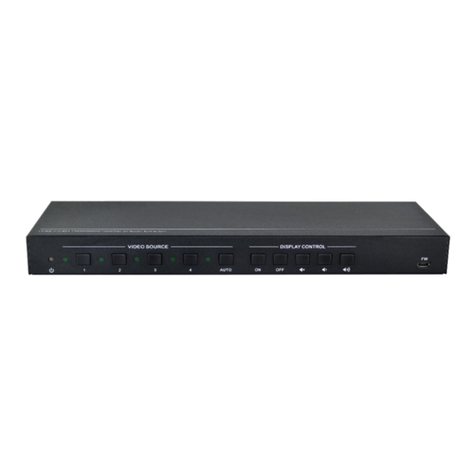
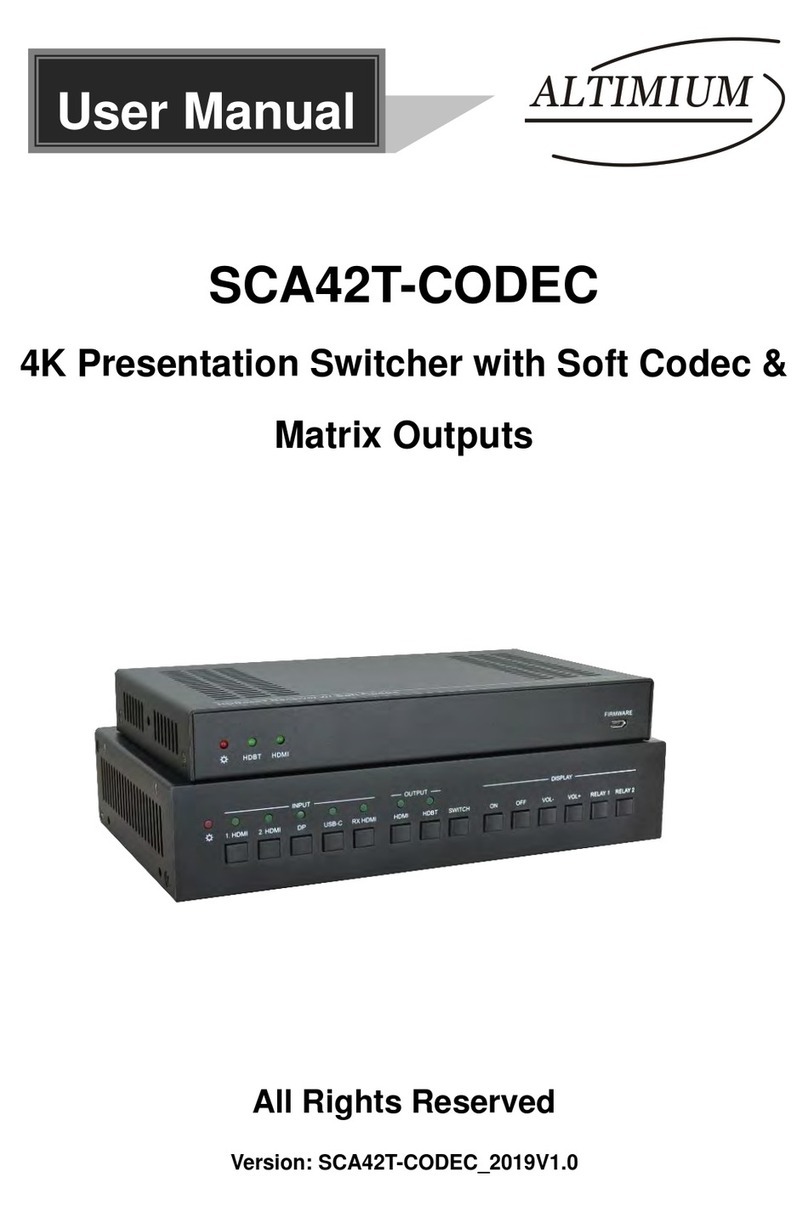
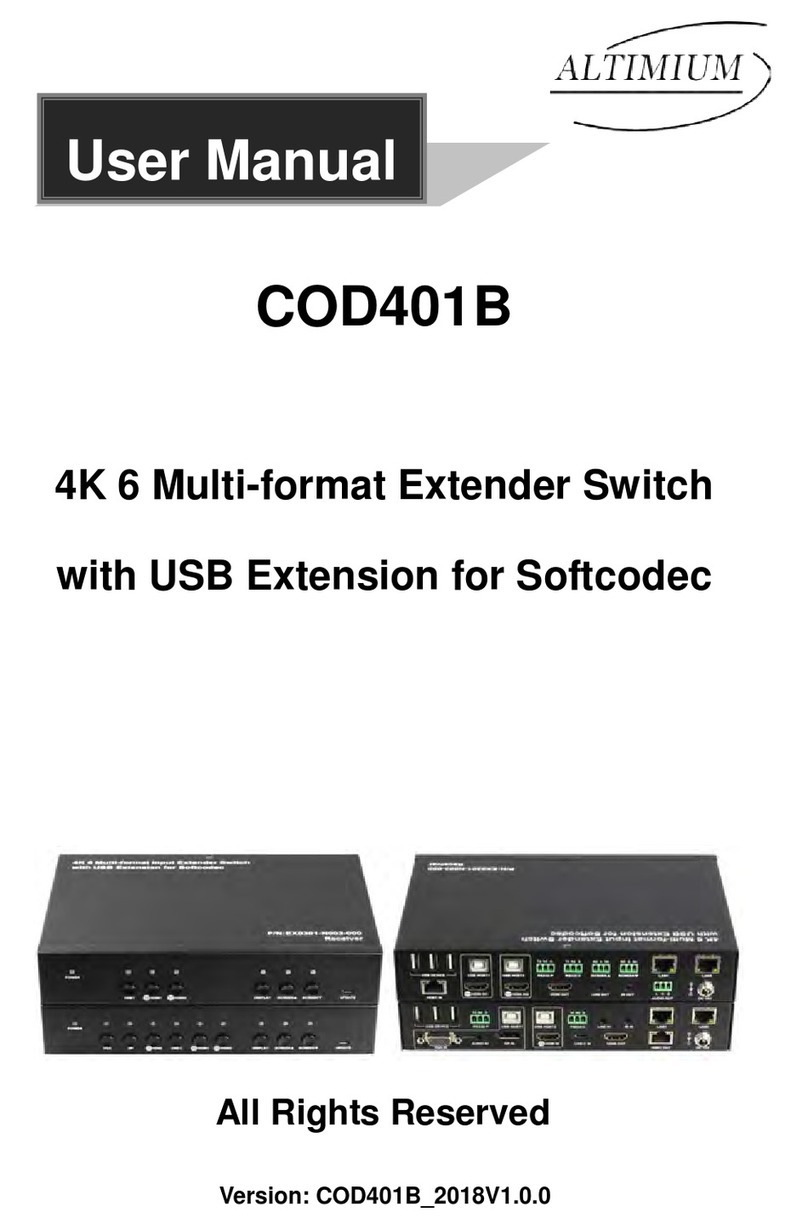
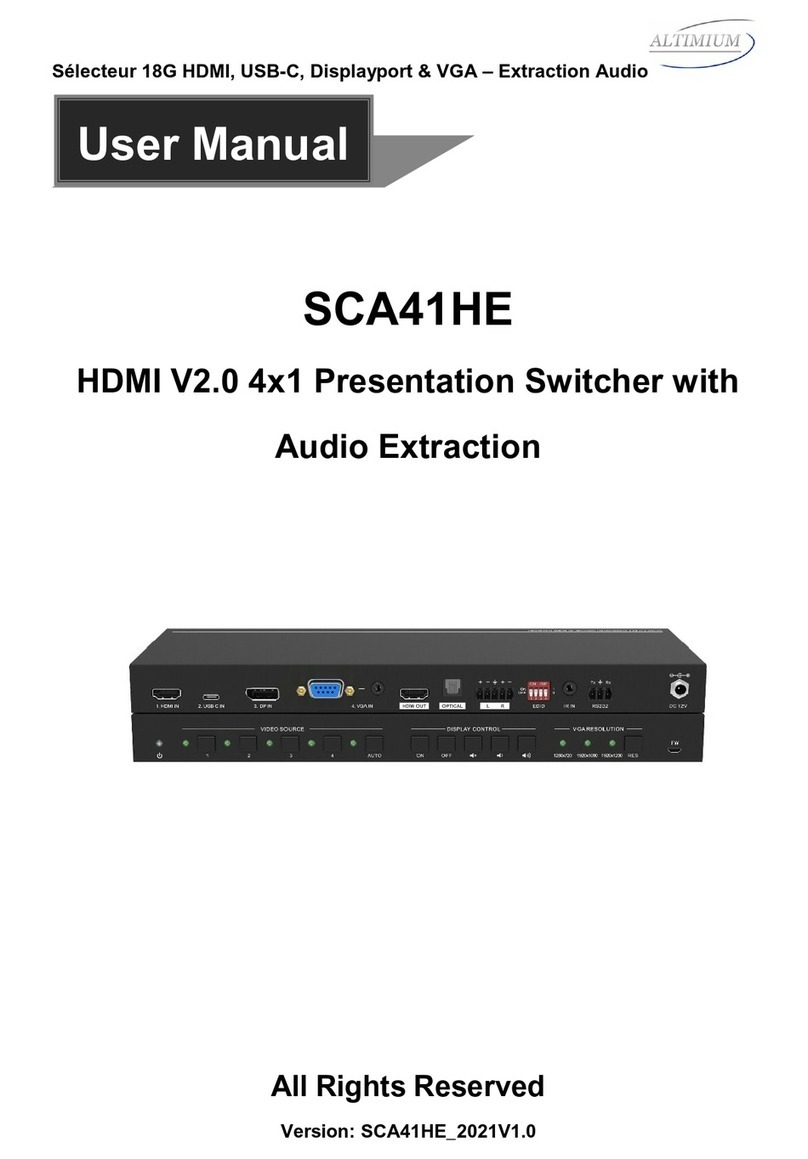
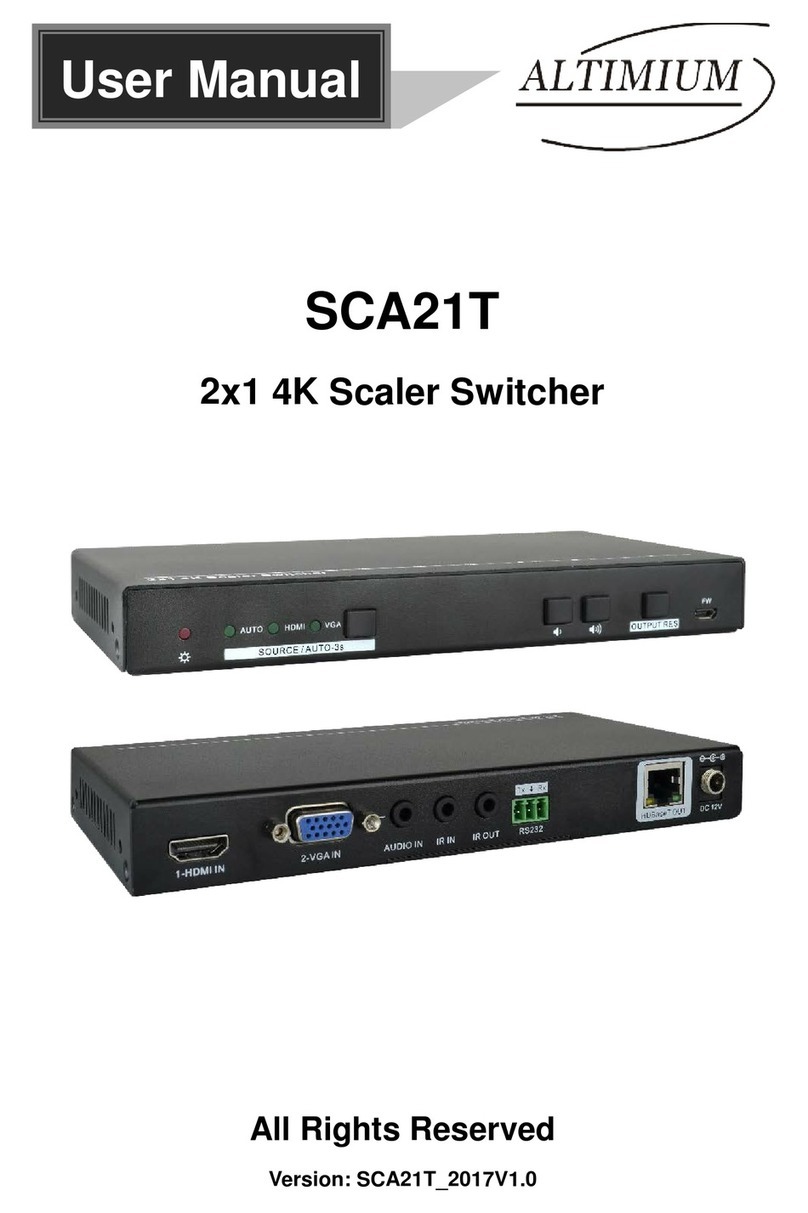
4K 4x1 Seamless Switcher with Multi-view
www.altimium.com
Table of Contents
1. Product Introduction....................................................................................................1
1.1 Features ............................................................................................................1
1.2 Package List ......................................................................................................2
2. Specification ...............................................................................................................3
3. Panel Description........................................................................................................5
3.1 Front Panel ........................................................................................................5
3.2 Rear Panel.........................................................................................................6
4. IR Remote...................................................................................................................7
5. System Connection.....................................................................................................8
5.1 Usage Precaution ..............................................................................................8
5.2 System Diagram ................................................................................................8
6. Front Panel Control.....................................................................................................9
6.1 Video-Switching.................................................................................................9
6.1.1 Windows in the four equal parts mode. ...................................................9
6.1.2 Windows in full screen mode...................................................................9
6.2 Inquire windows played .....................................................................................9
6.3 SELECT/FULL SCREEN button control...........................................................10
6.4 SWAP button control........................................................................................10
6.5 RESIZE button control .....................................................................................10
6.6 MULTI-VIEW button control .............................................................................10
7. GUI Control...............................................................................................................11
7.1 Multiview Tab ...................................................................................................12
7.2 Audio Tab.........................................................................................................15
7.3 Resolution Tab .................................................................................................16
7.4 RS232 Tab.......................................................................................................17
7.5 CEC Tab ..........................................................................................................18
7.6 EDID Tab .........................................................................................................20
7.7 Network Tab.....................................................................................................22
7.8 Ta g s Ta b ..........................................................................................................23
7.9 Security Tab .....................................................................................................23